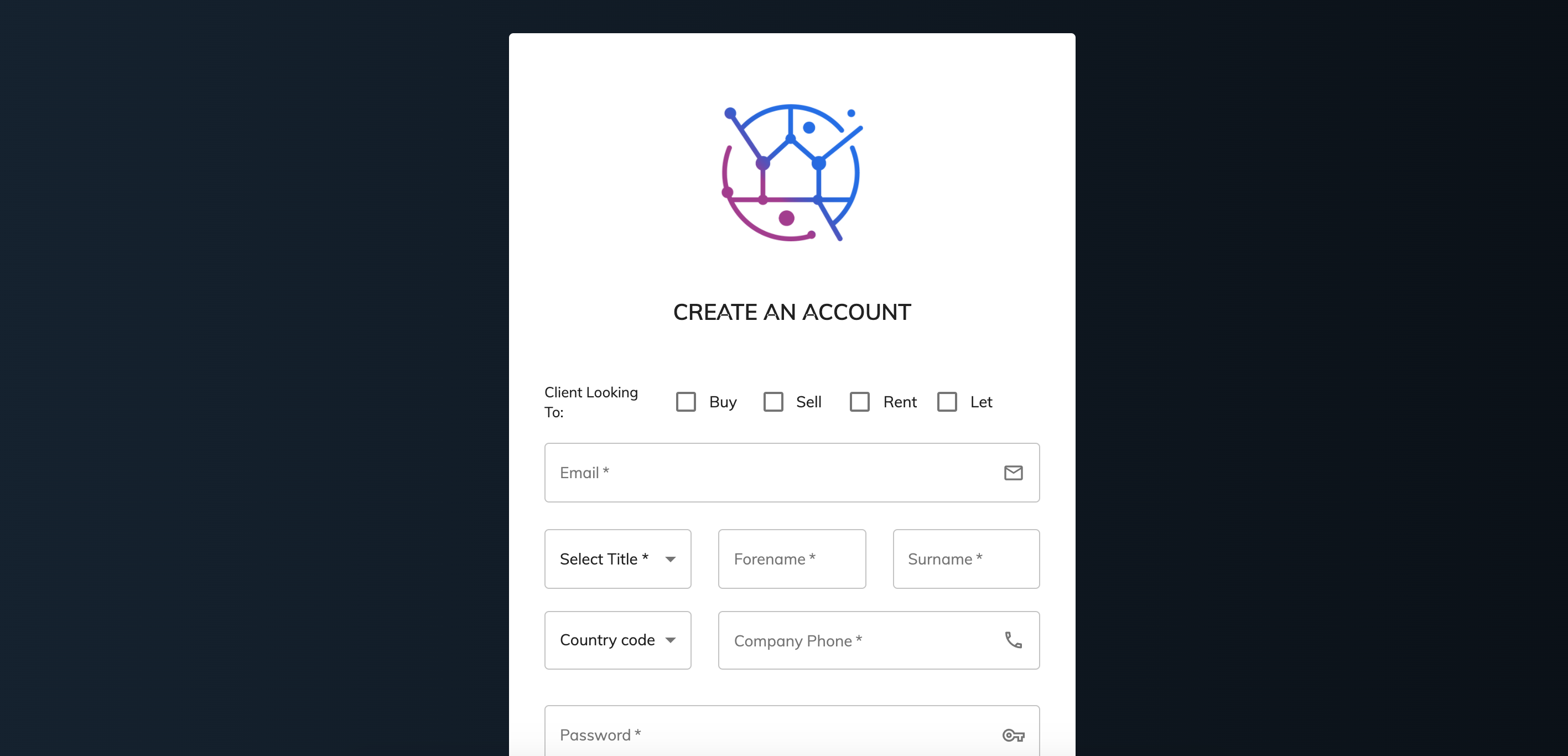
The client login or client portal is ready to go whenever you would like to start using it.
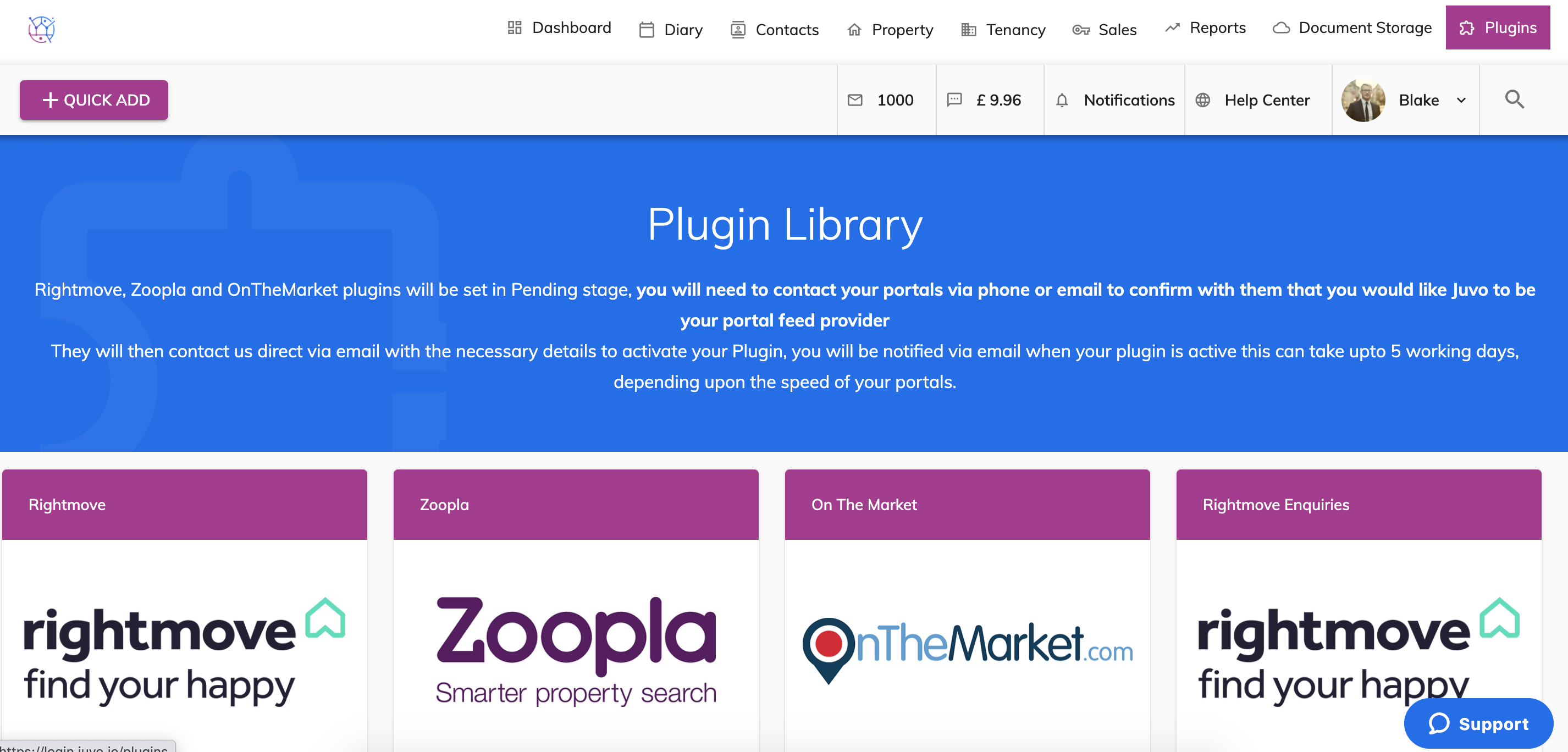
1) Go to the plugins section.
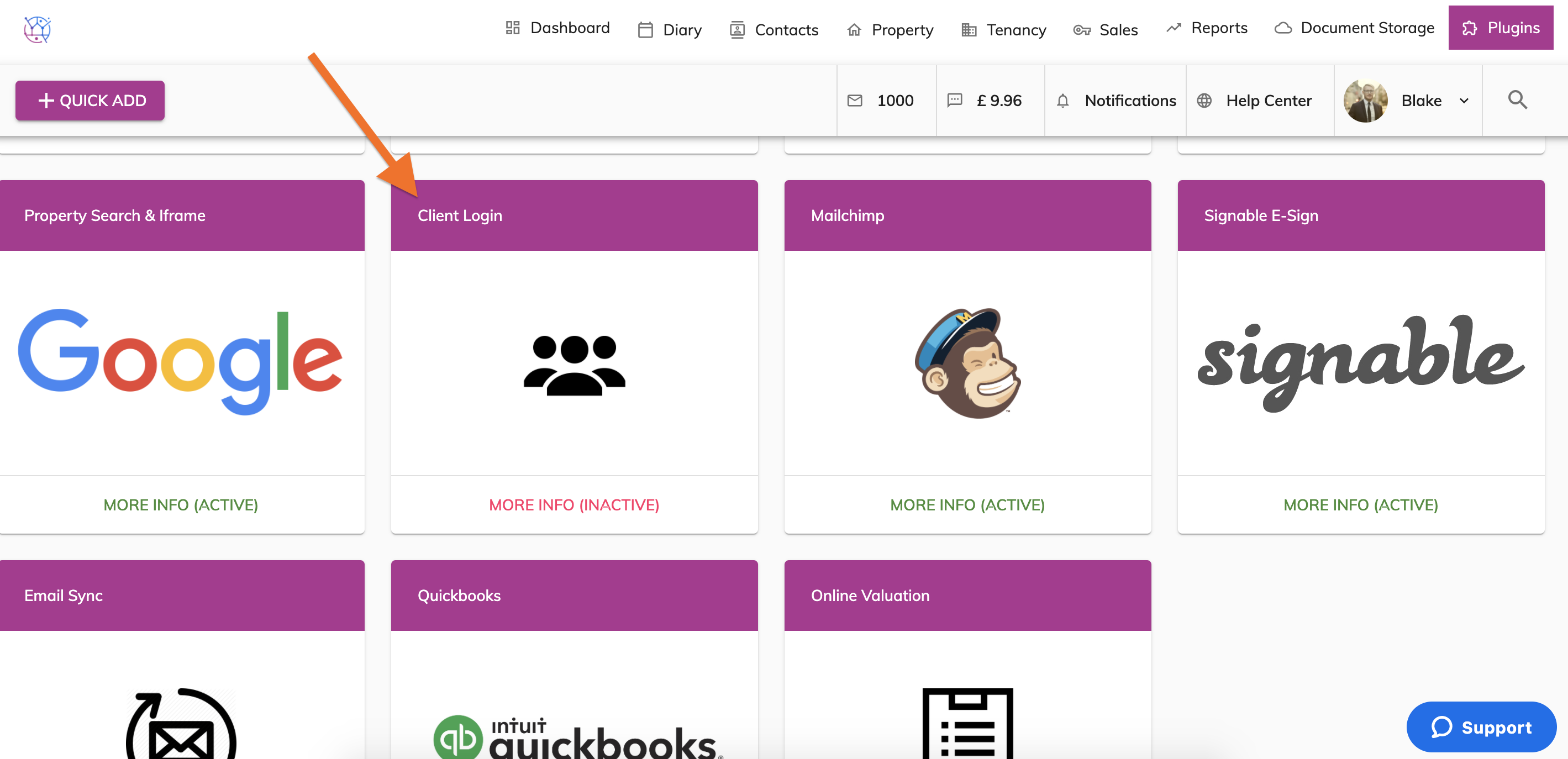
2) Locate the Client Login plugin
3) Click on the More Info (Inactive) button.
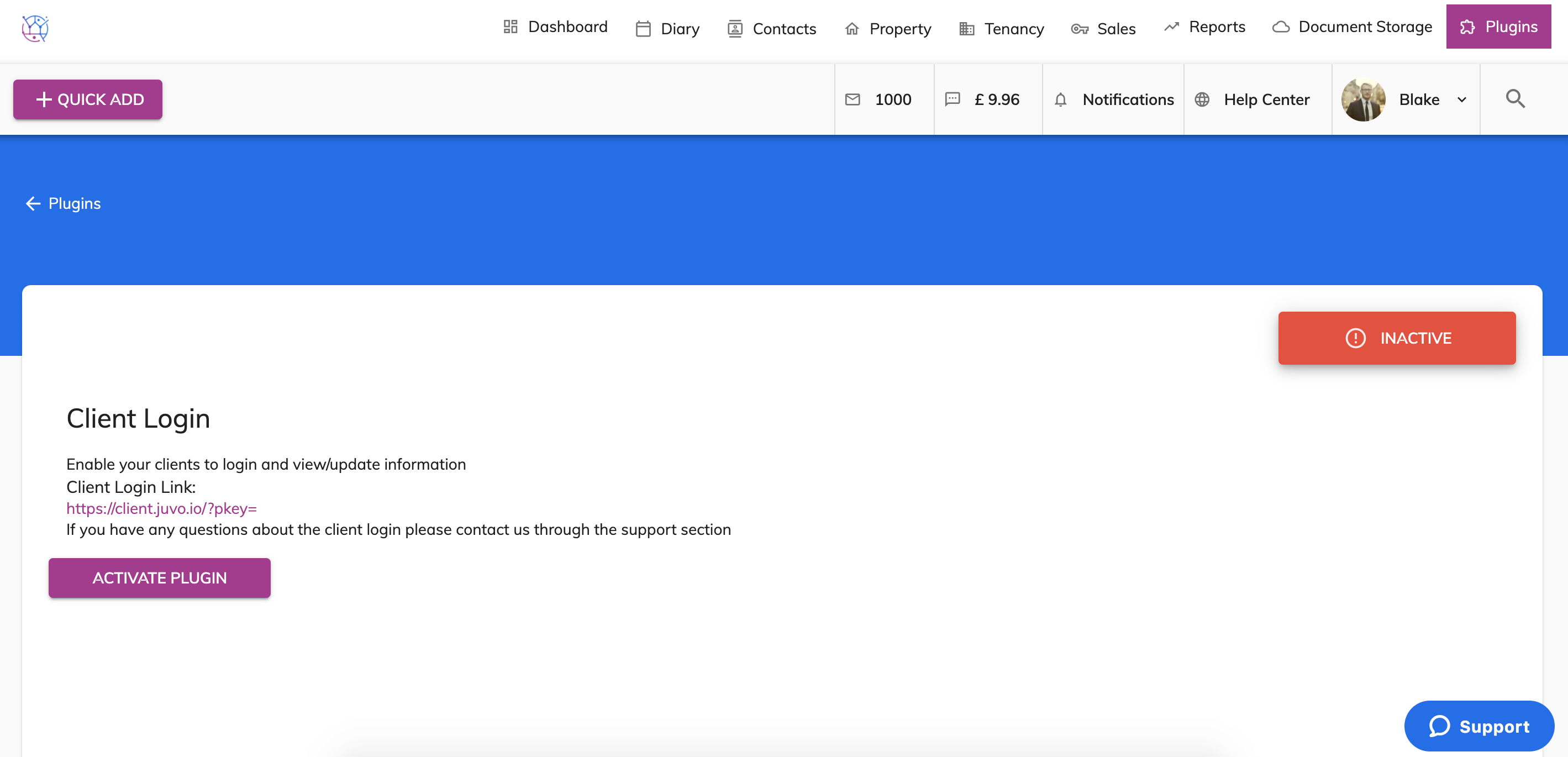
4) Click on the Activate Plugin button.
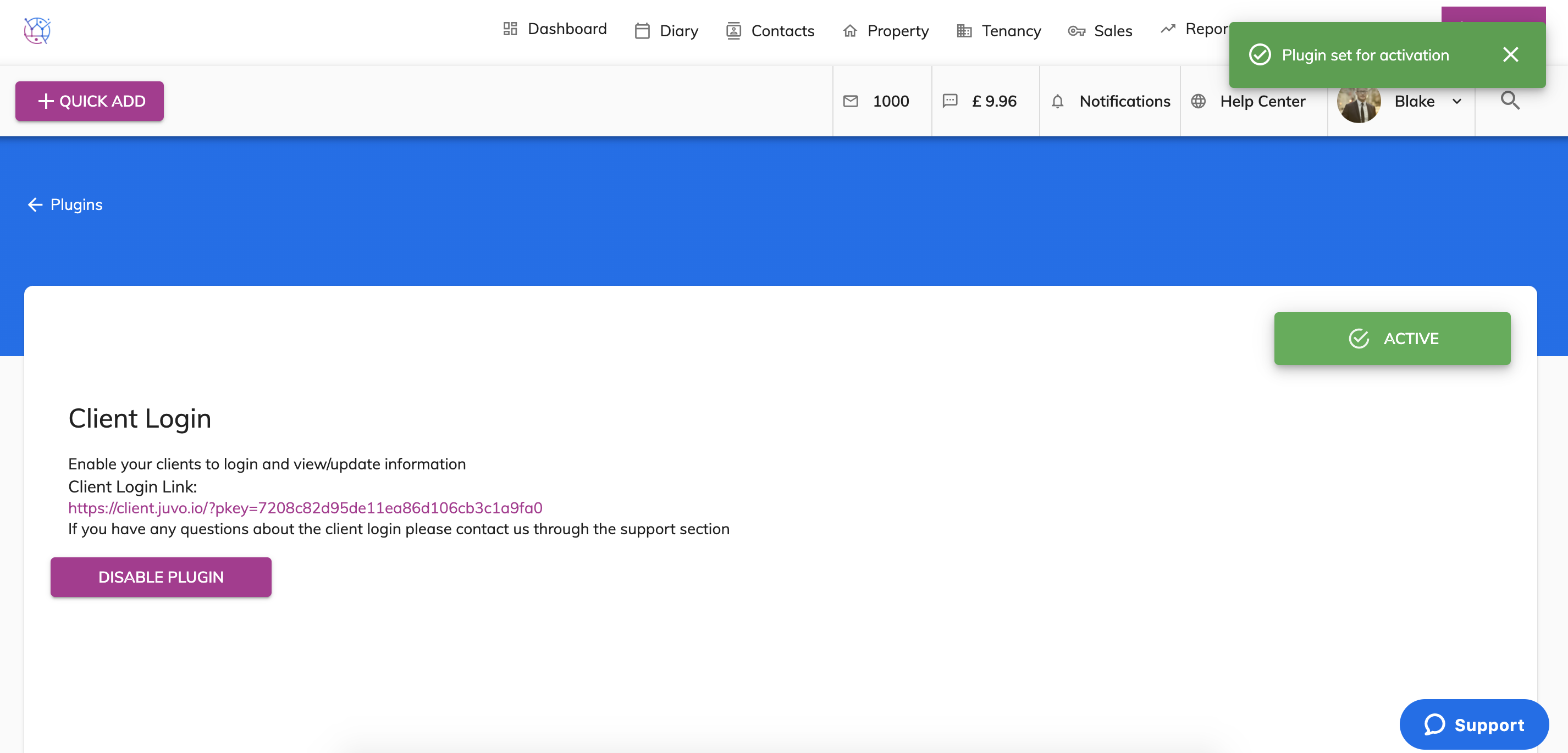
5) Your client login is now ready to be used.
Your link will then be showing, you can either add this link to your website or will be sent in the email that is sent to your clients.
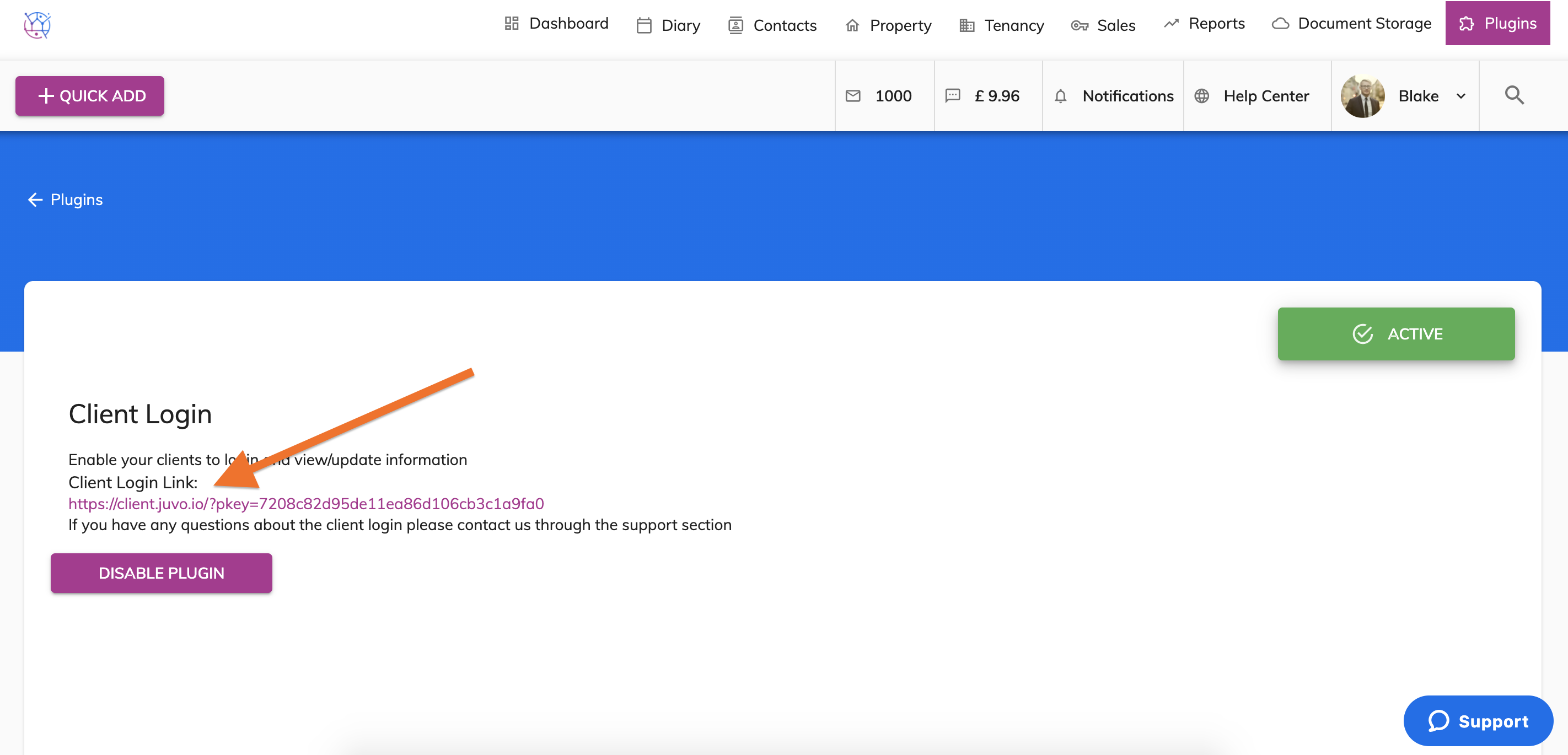
5)) When clicking the link you will arrive at the Client login page. This will show the logo that has been uploaded within the System Settings section of your Juvo account.
The client can use their login details they would have received via email when you added them into Juvo. If your client has not received the email or has forgotten their password. They can use the 'Forgot Password' button at the bottom of the Sign in box.
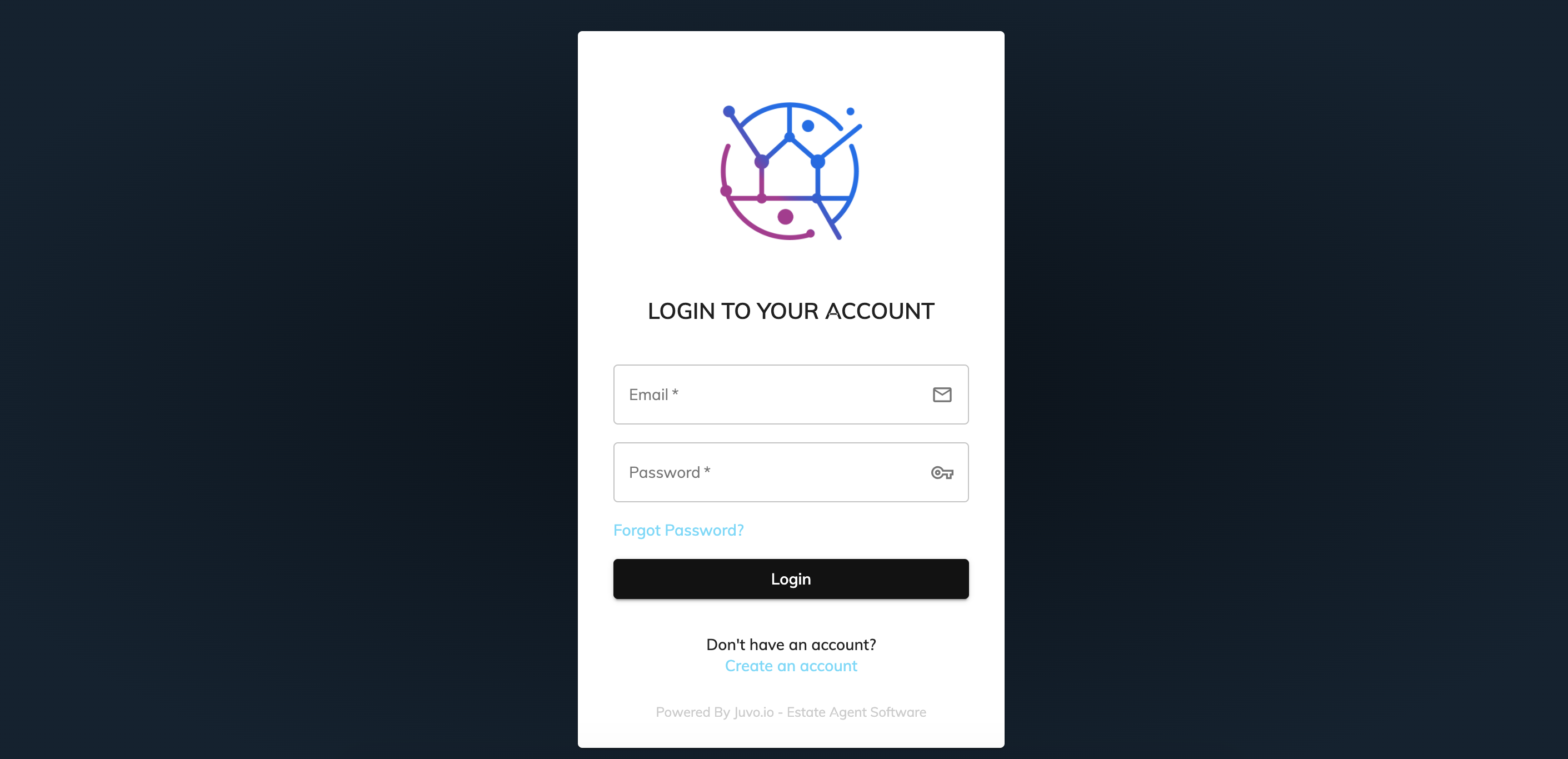
6) If the client is not yet registered in your Juvo account, they can register their details with you. They can do this by clicking on the 'Don't have account? Create an account' button at the bottom of the login screen.