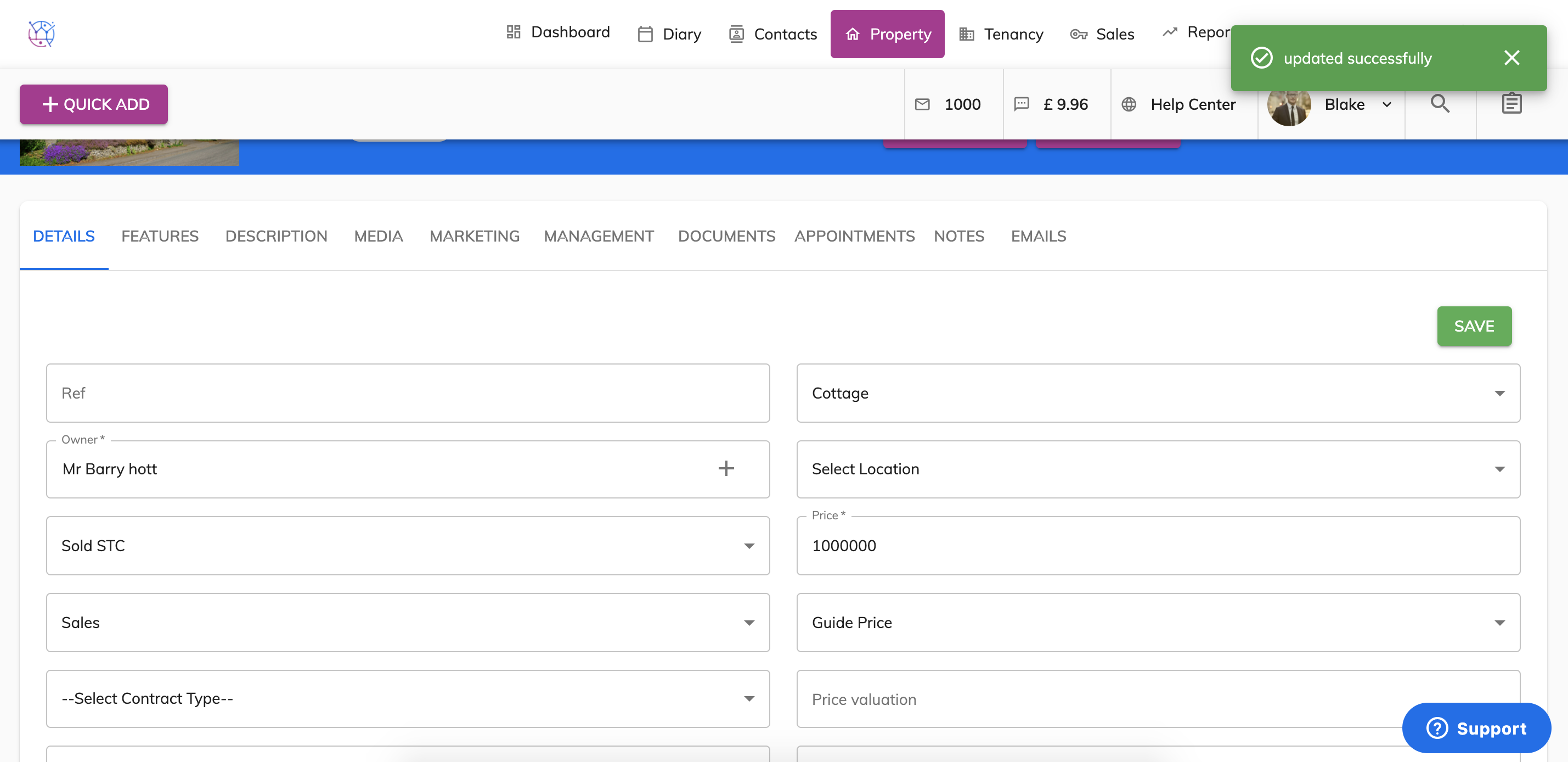
1) Click on the property tab.
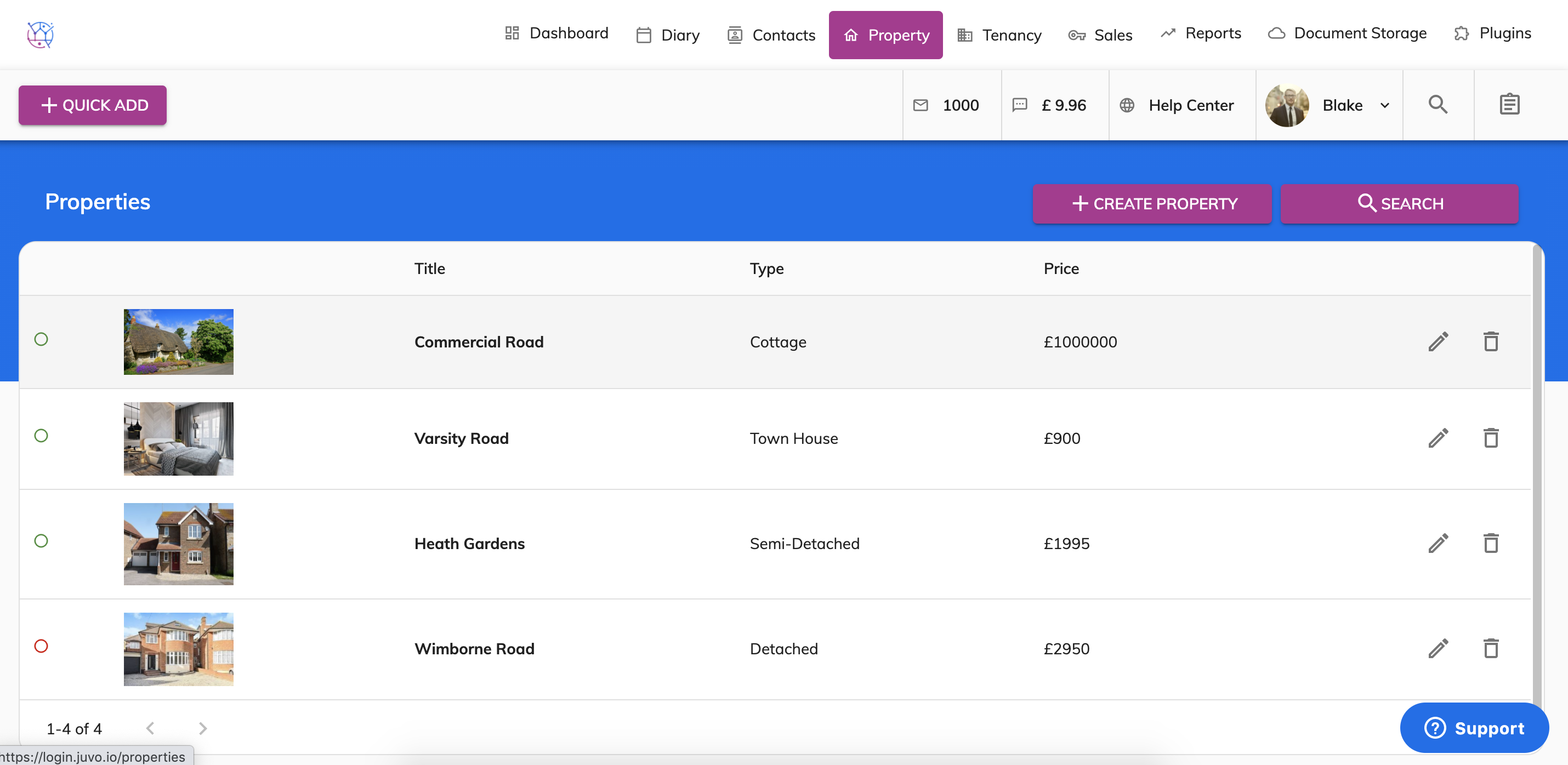
2) Click on the pencil icon to edit the property you want to modify the Availability of.
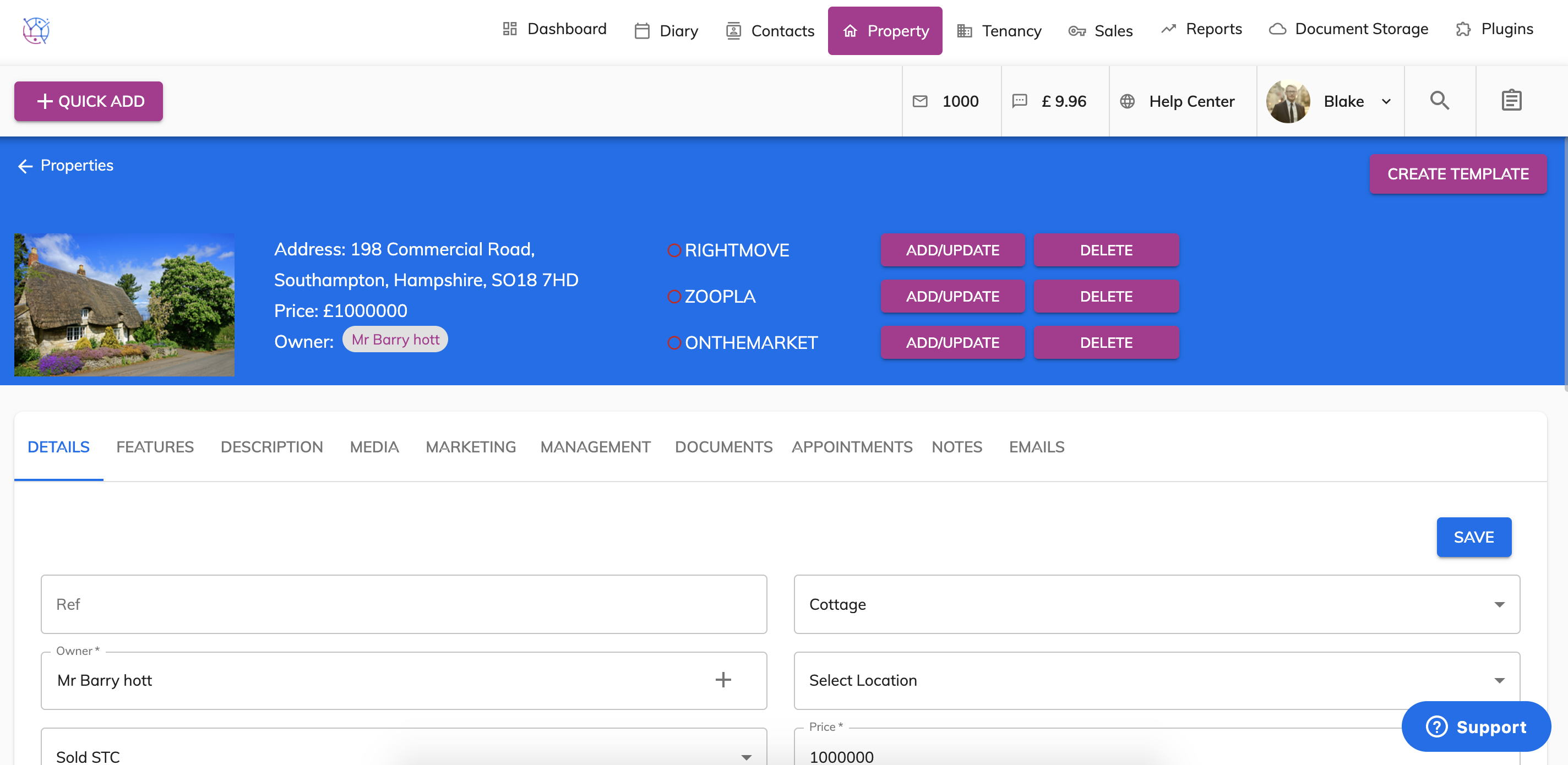
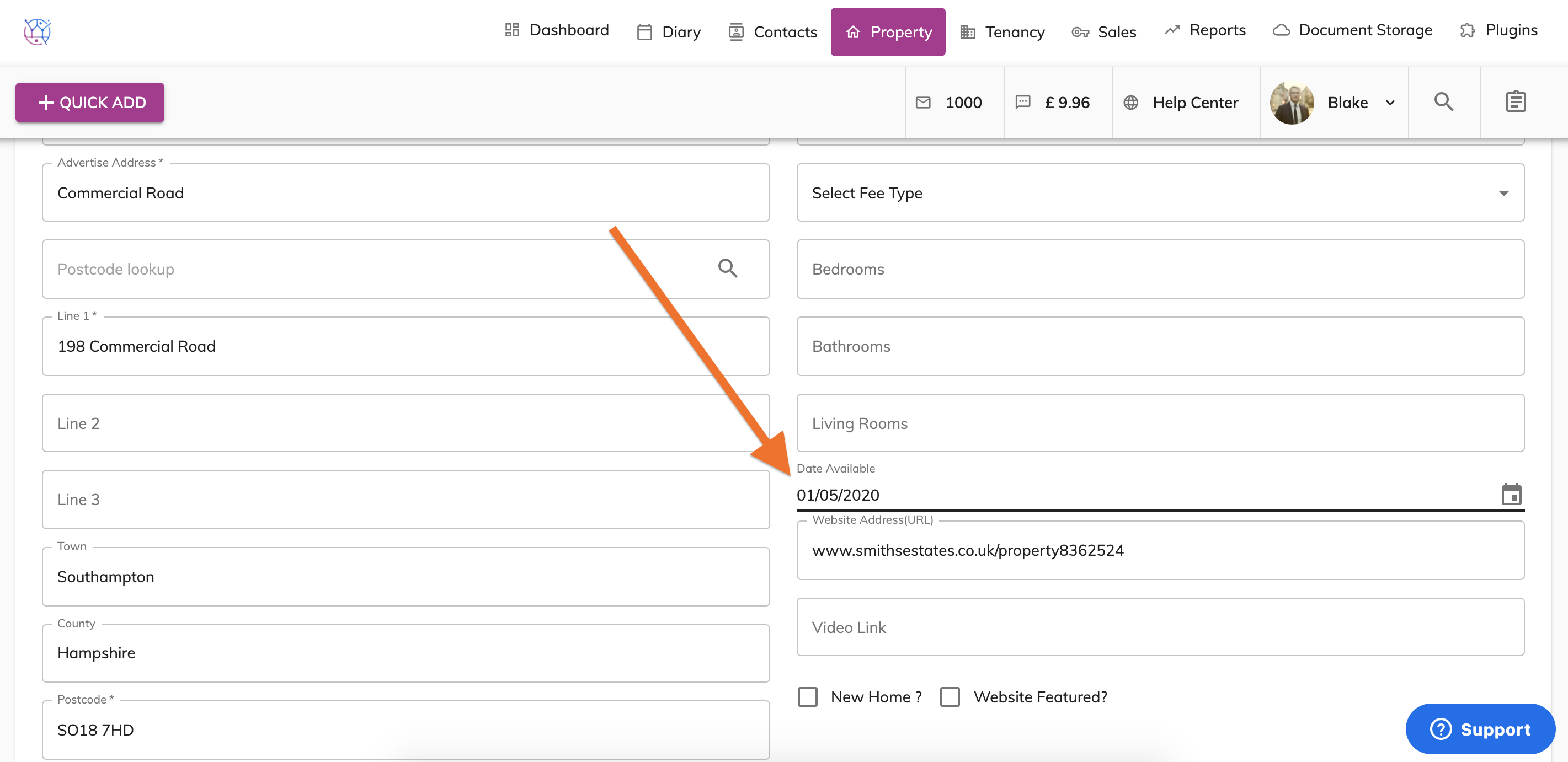
3) Scroll down to the Date Available field.
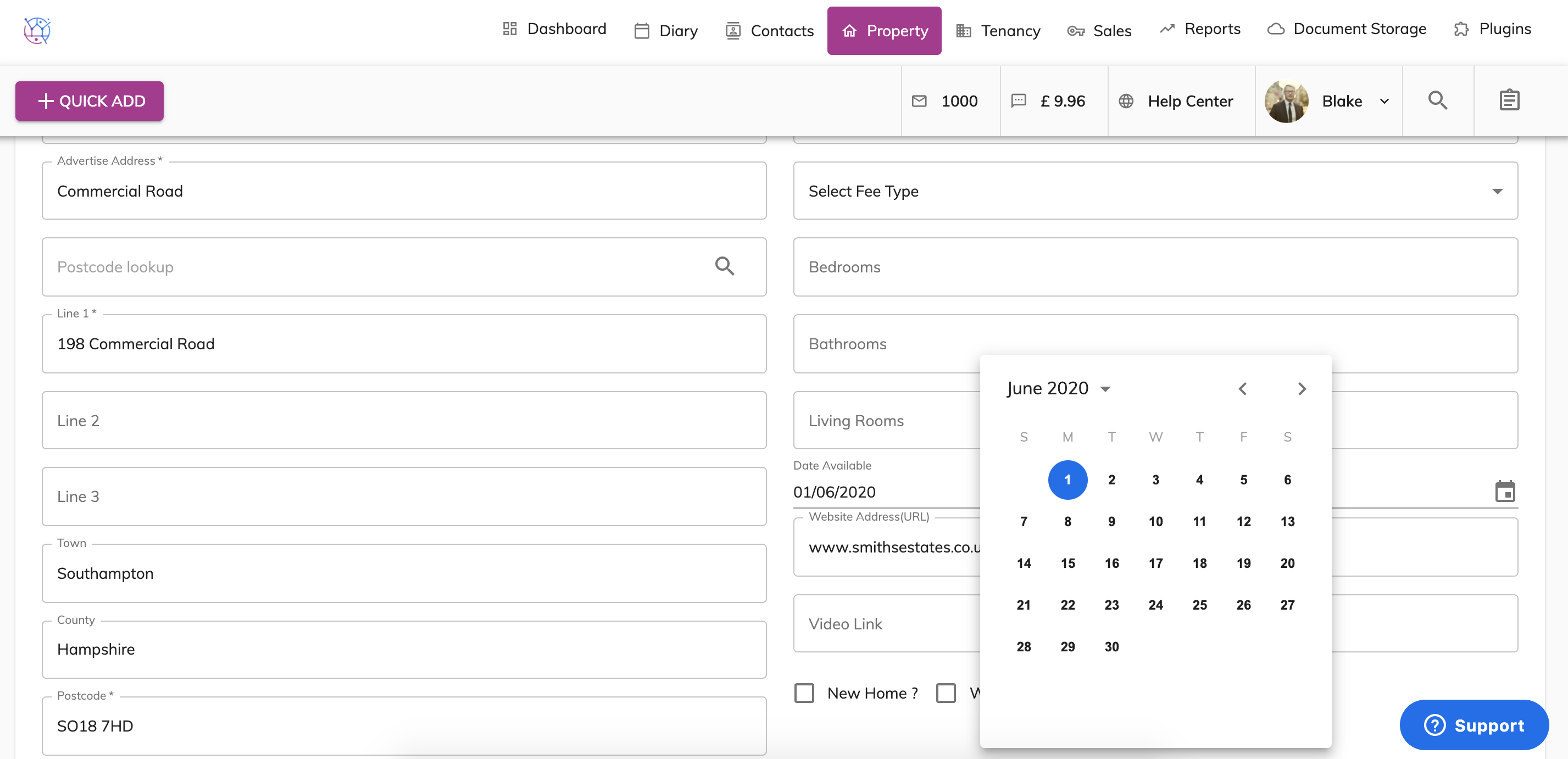
4) Choose the new date.
5) Press Save.

1) Click on the property tab.
2) Click on the pencil icon to edit the property you want to modify the Availability of.
3) Scroll down to the Date Available field.
4) Choose the new date.
5) Press Save.