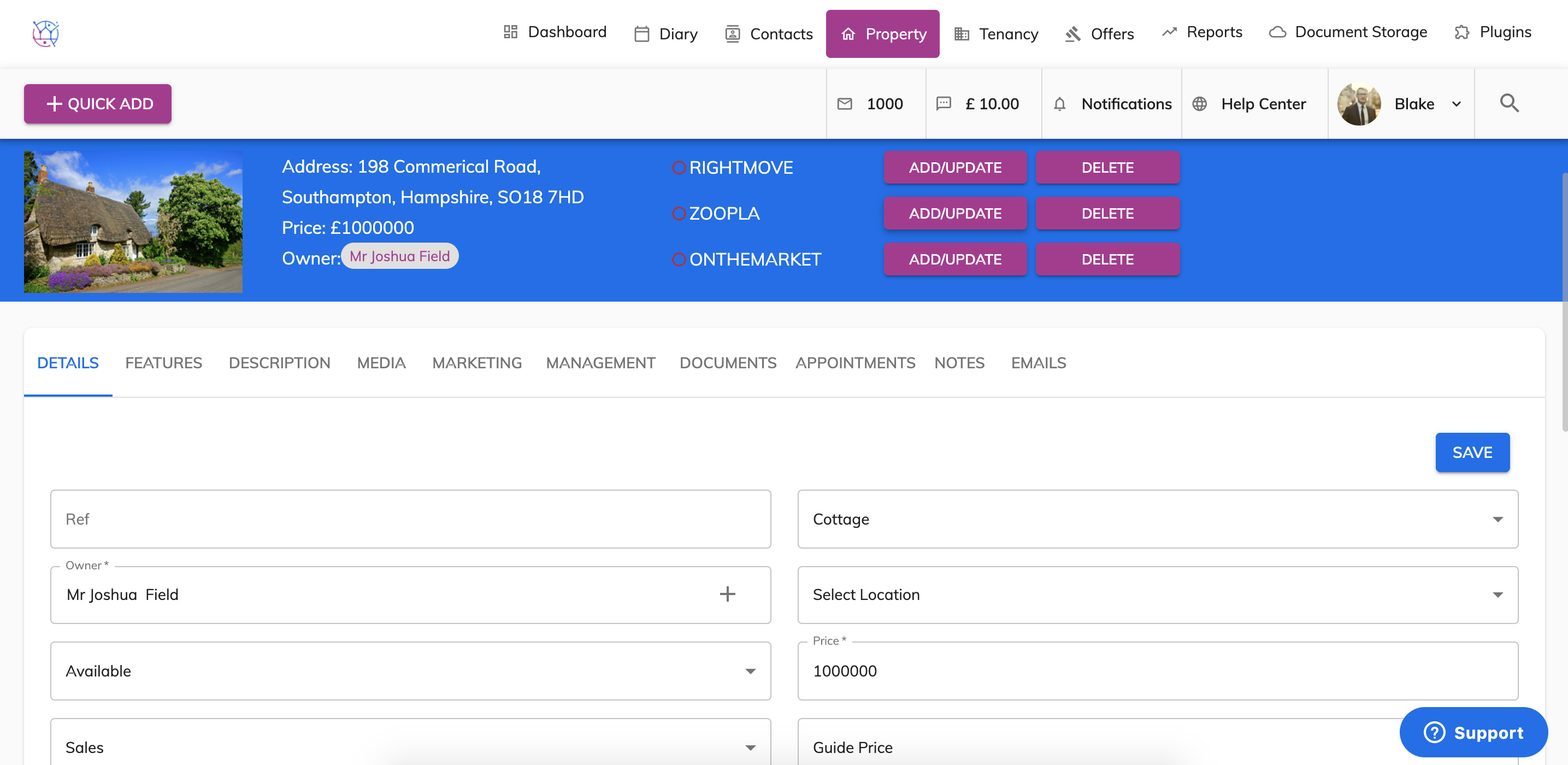
To remove my property from the realtime portals - Rightmove, Zoopla, On the Market, follow the steps below:
1) Click on the property tab.
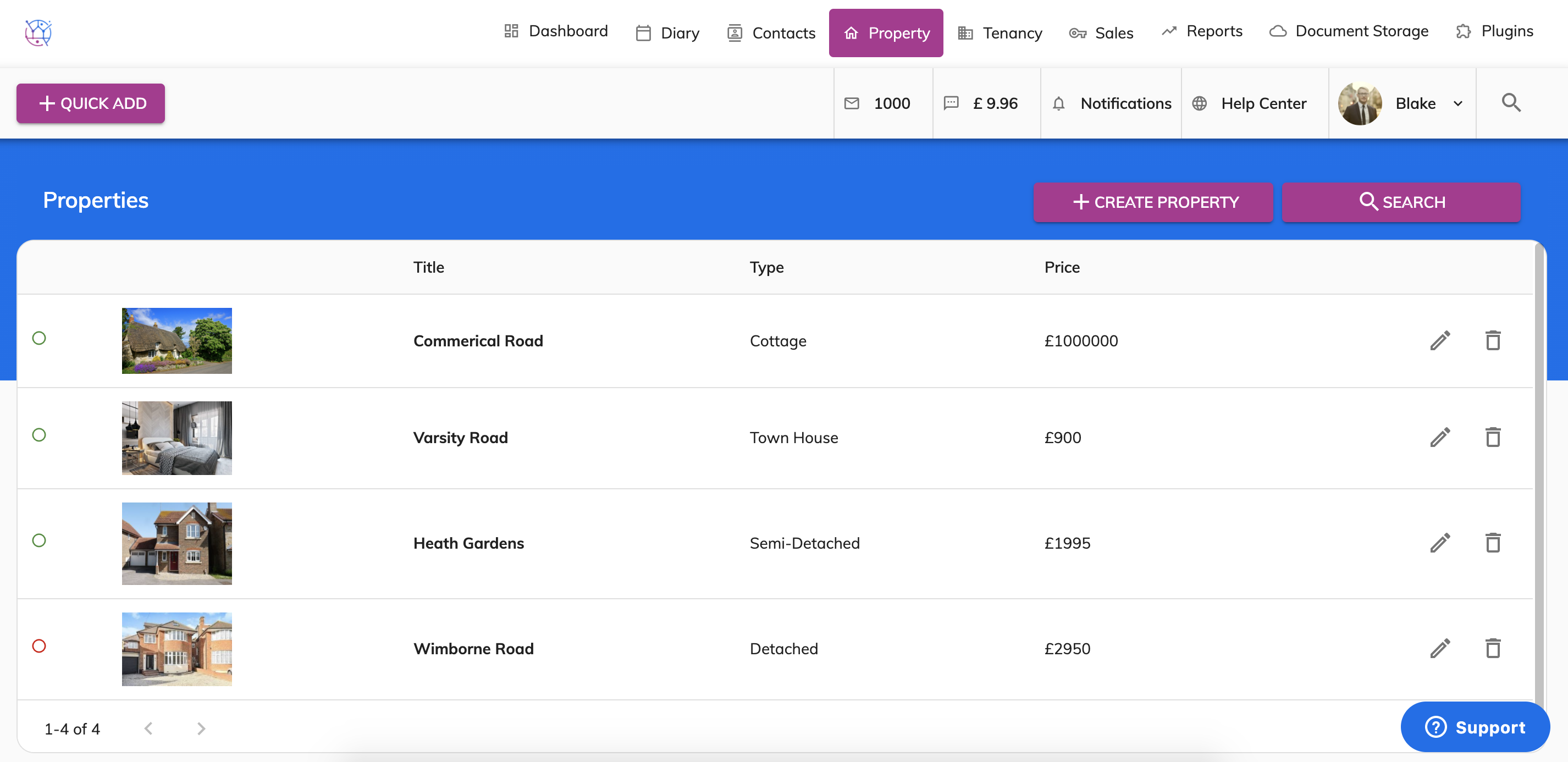
2) Click on the pencil icon to edit the property.
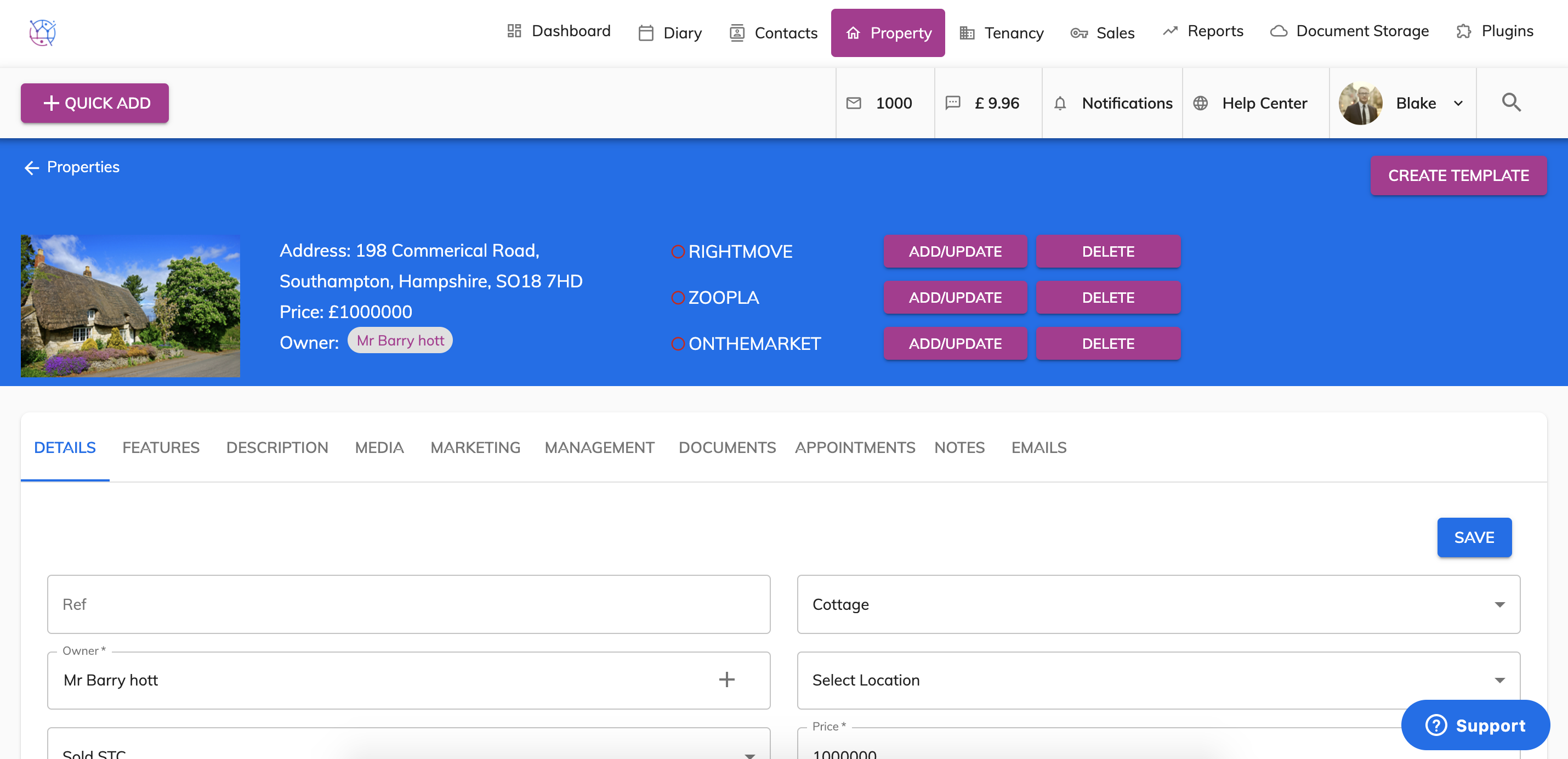
3) Locate the 'Status' field which is on the left hand column third row down.
Then Change the property status to any of the following:
Let Agreed (Off Market)
Sold (Off Market)
Valuation
Withdrawn

4) Press save on the property. Then press the Delete button next to the relevant realtime portal. Please not it make take the portal up to 30 minutes to show the change.