To send out property marketing emails or mailing lists, follow the steps below:
1) Click the Property tab, using the search bar at the top of the property listing. Search for the relevant property.
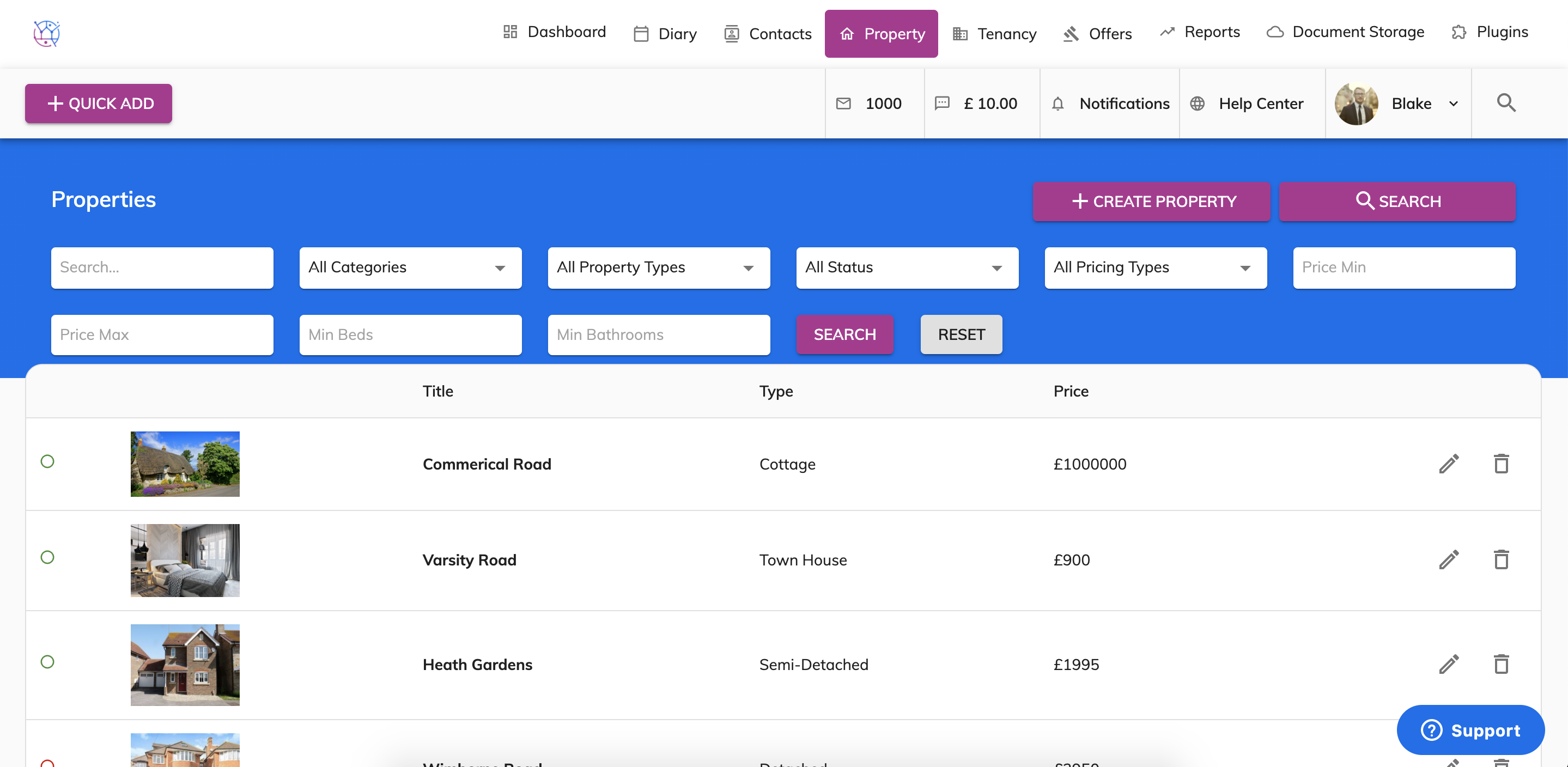
2) Press the pencil icon to edit the property.
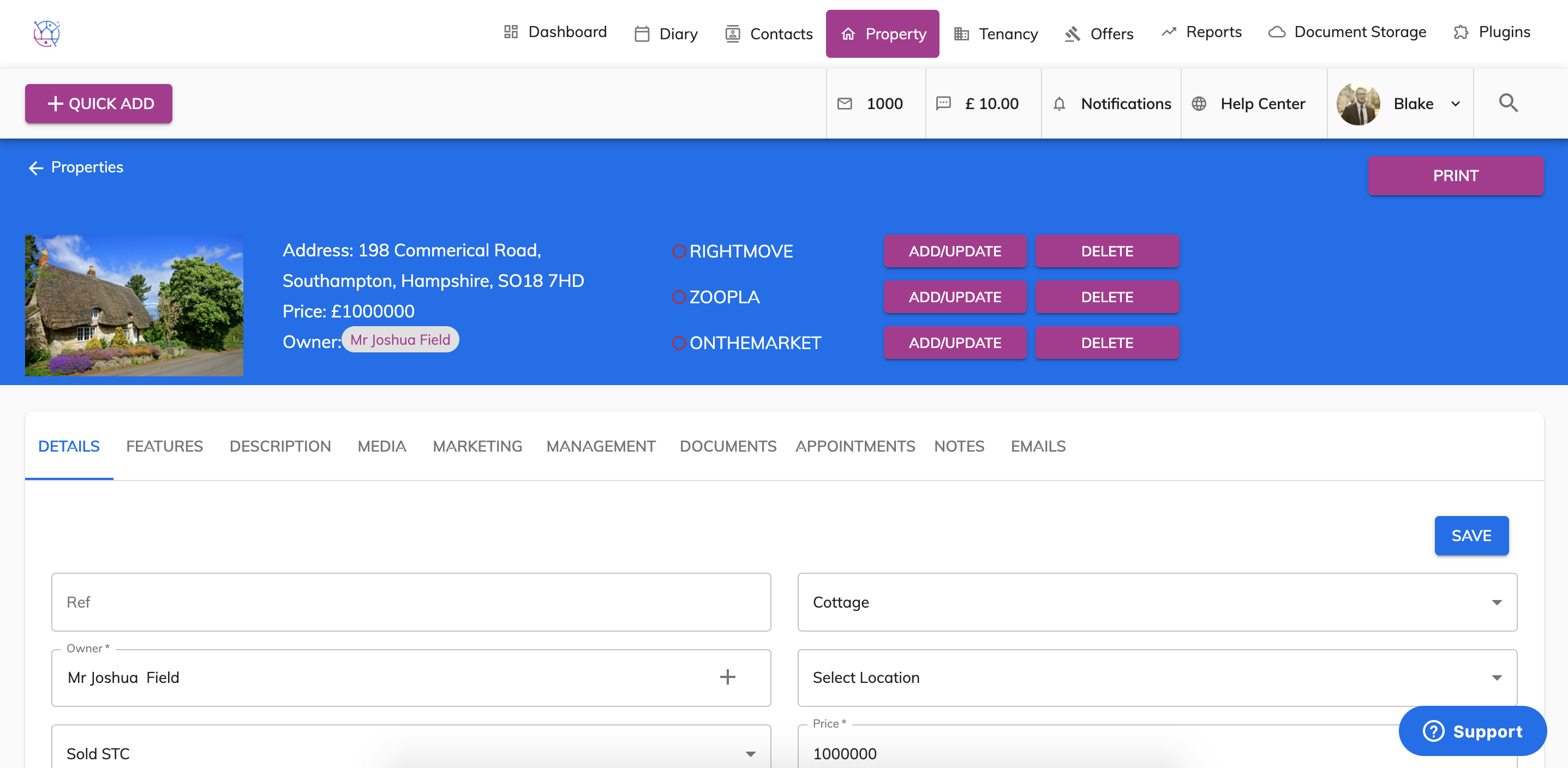
3) Click on to the marketing tab from the menu.
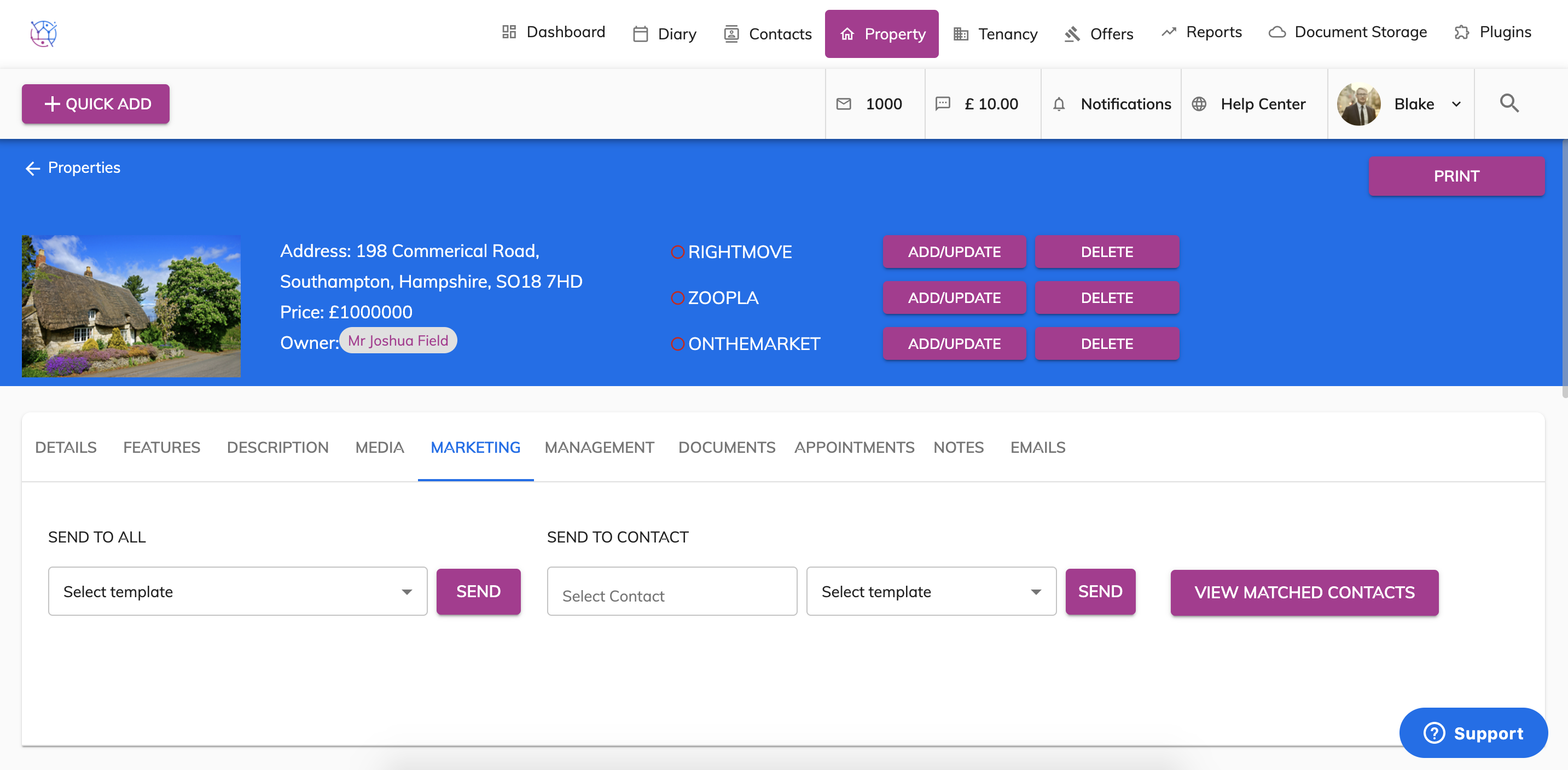
4) Click on the 'View Matched Contacts' button to view all the applicants that are suitable for this property based on their property criteria - including property type, price range, bedrooms, bathrooms and locations. You can then call these applicants.
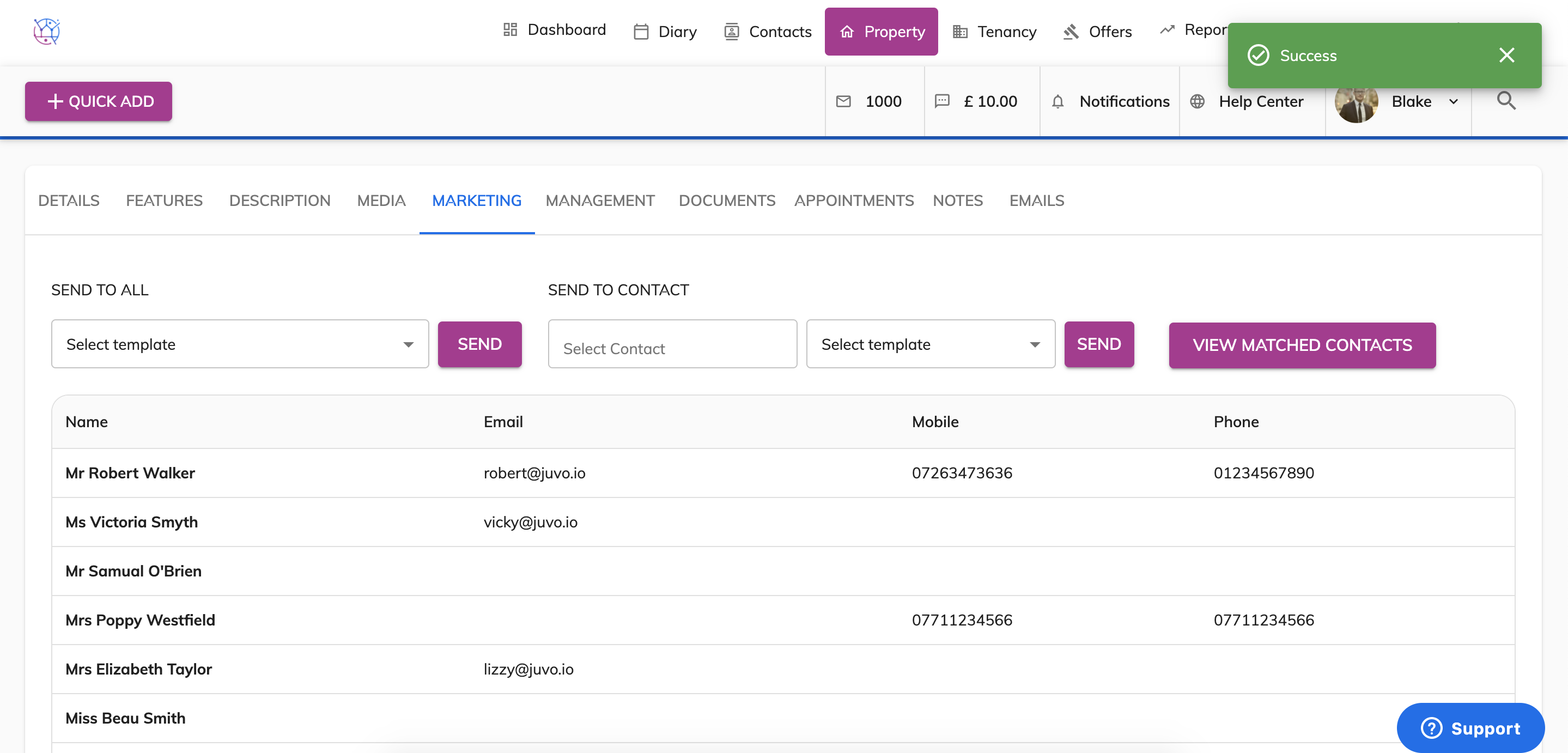
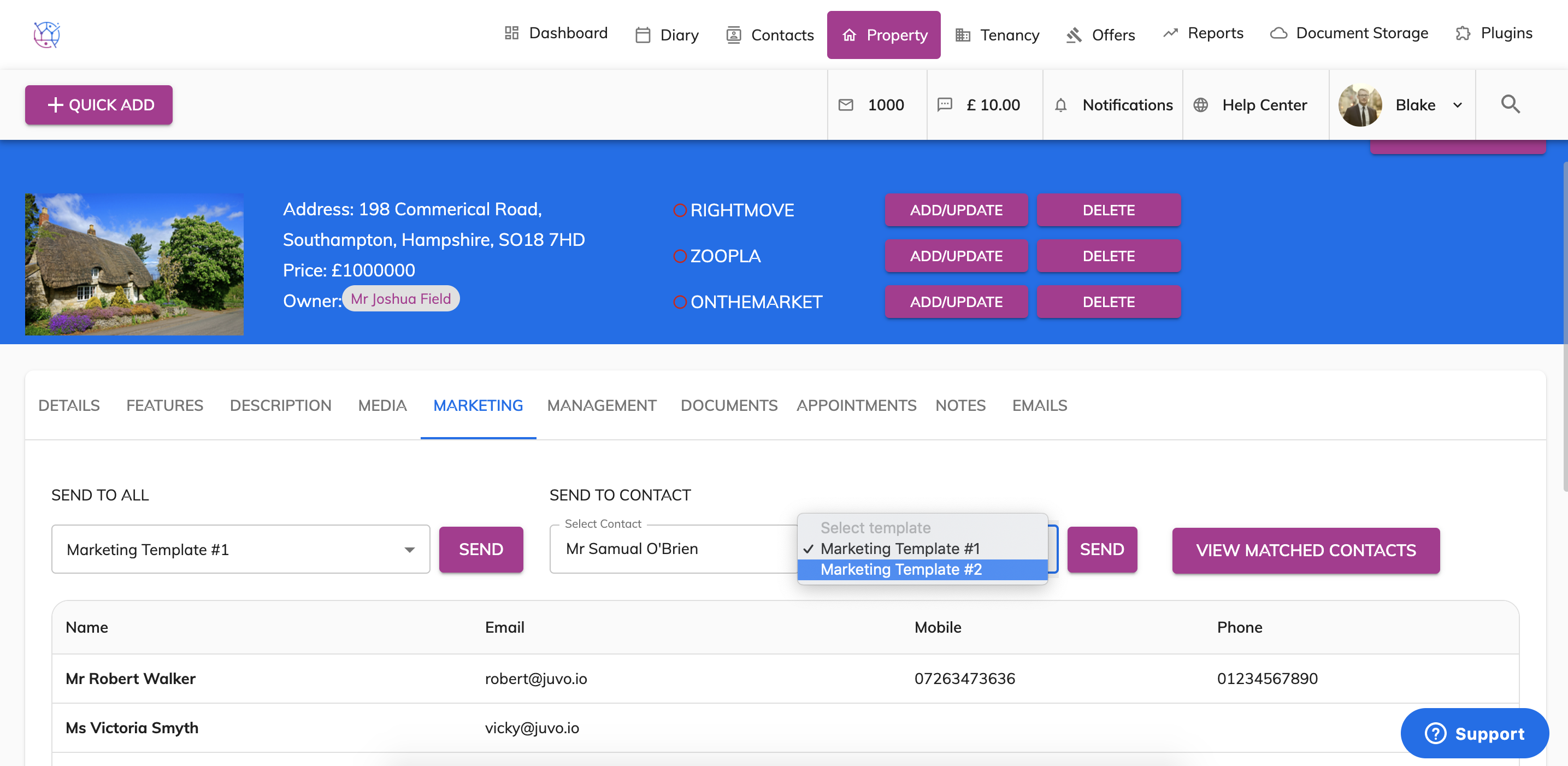
5) If you would prefer to send an a marketing email to all matched applicants to this property. Under the send to all section, select the email template 1 or 2. Then press send. This will send a marketing email out with your logo, company information and property details. The client will also be able to click a link in the email which will take them to your website or portals - depending the url link you have added on the property details page.
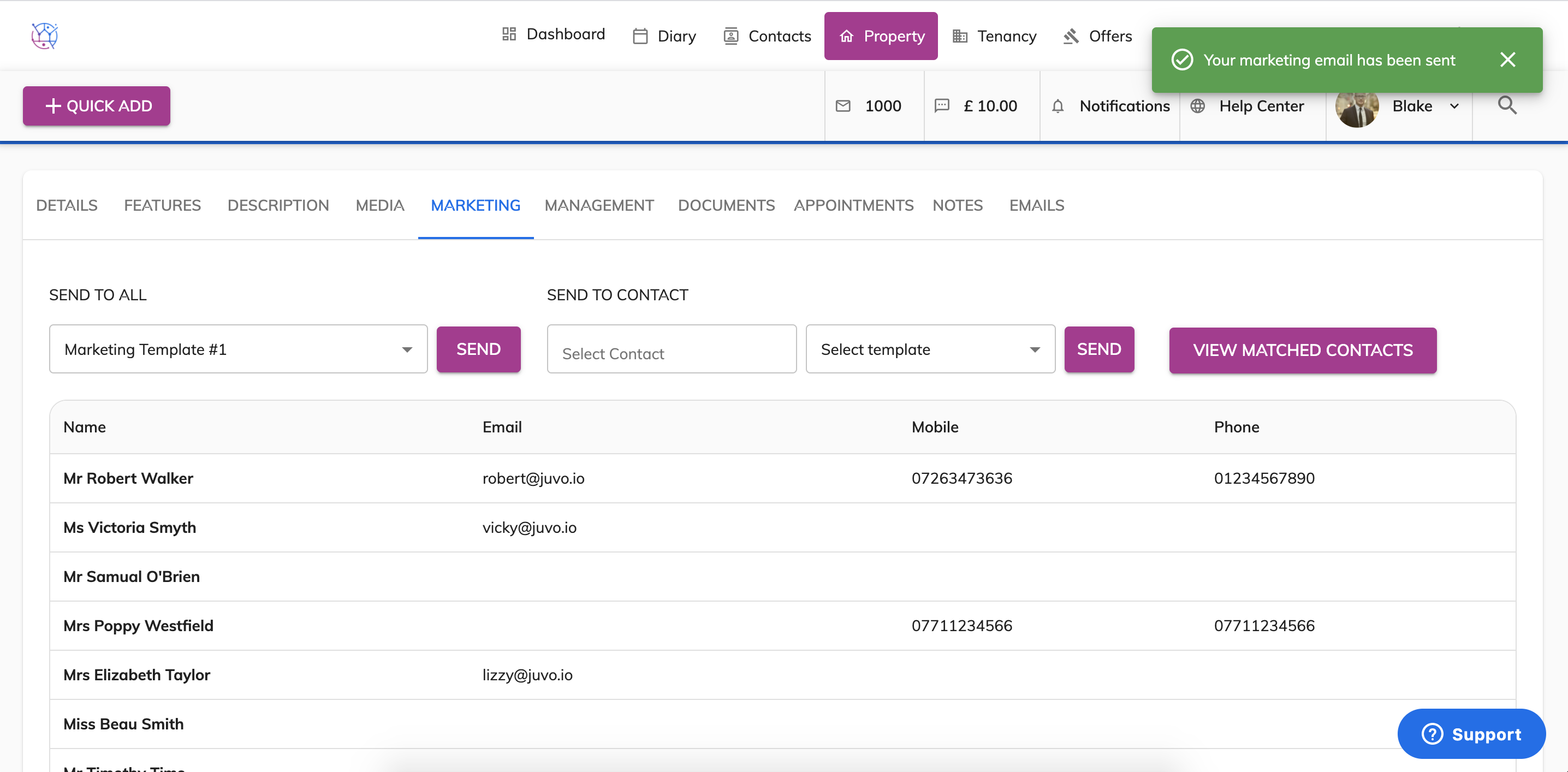
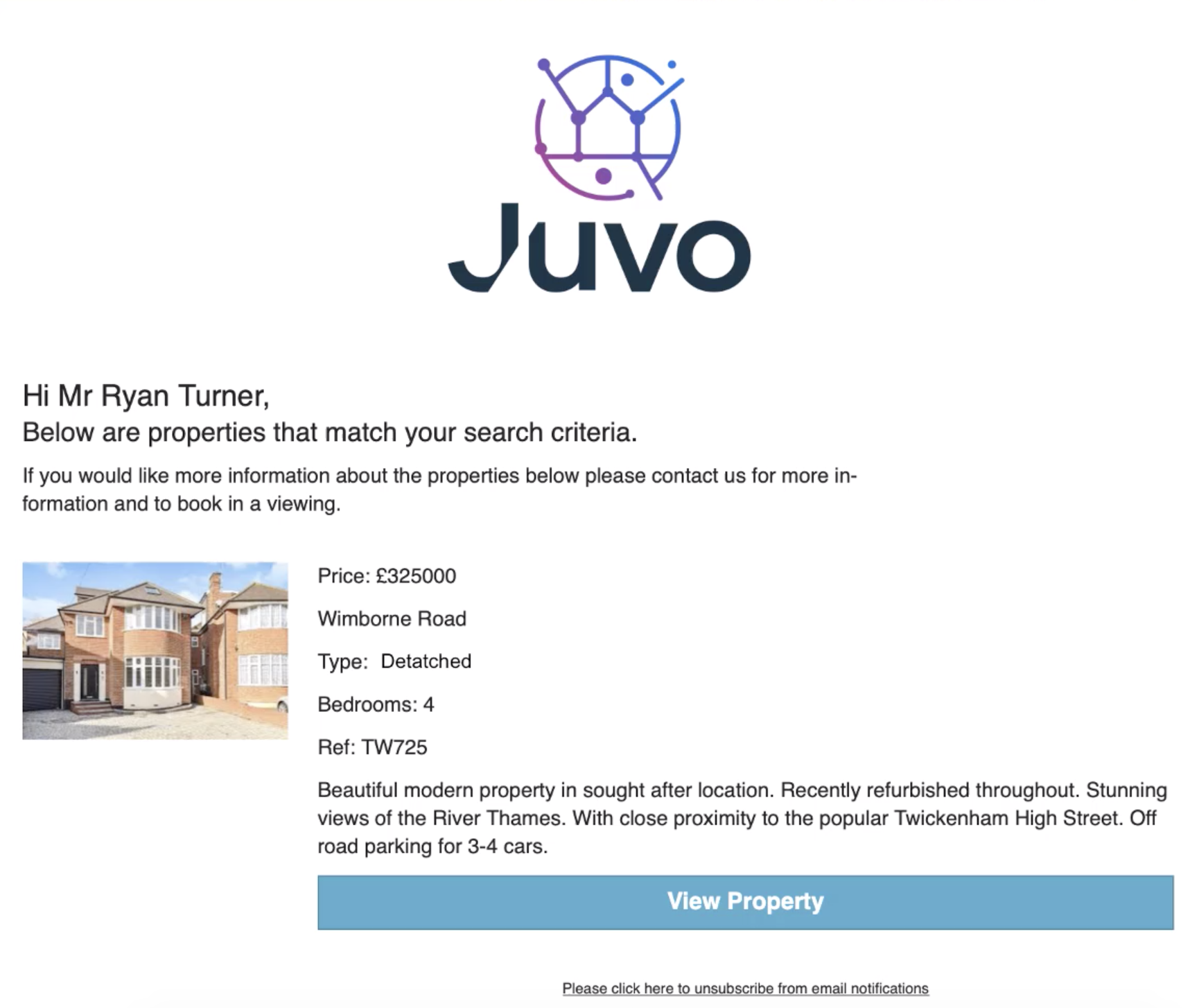
6) If you would like to send the property marketing email to just one contact. Underneath the 'Send Direct To Contact' box, type in the name of the applicant and select from drop down. Next select marketing template 1 or 2 and then press send.