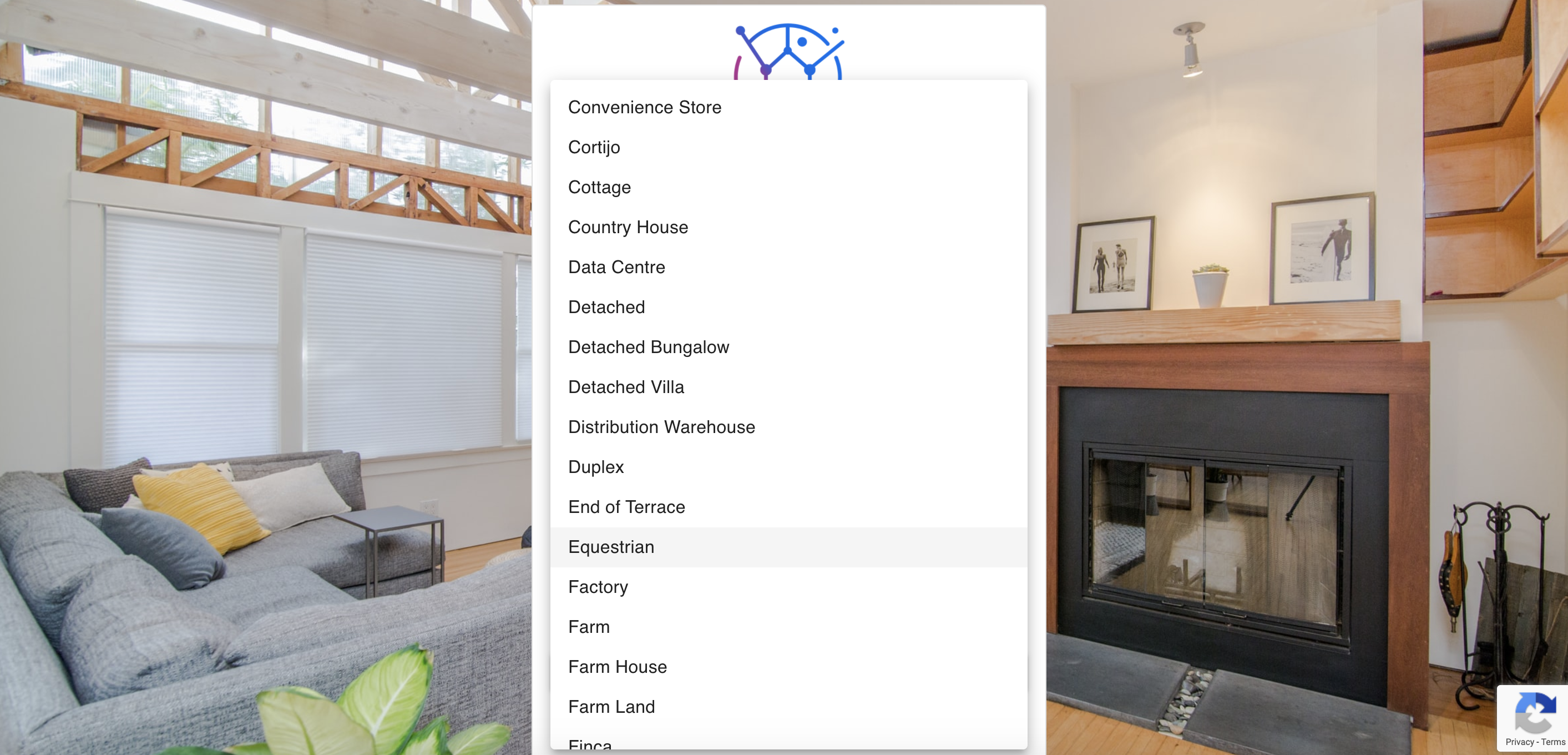
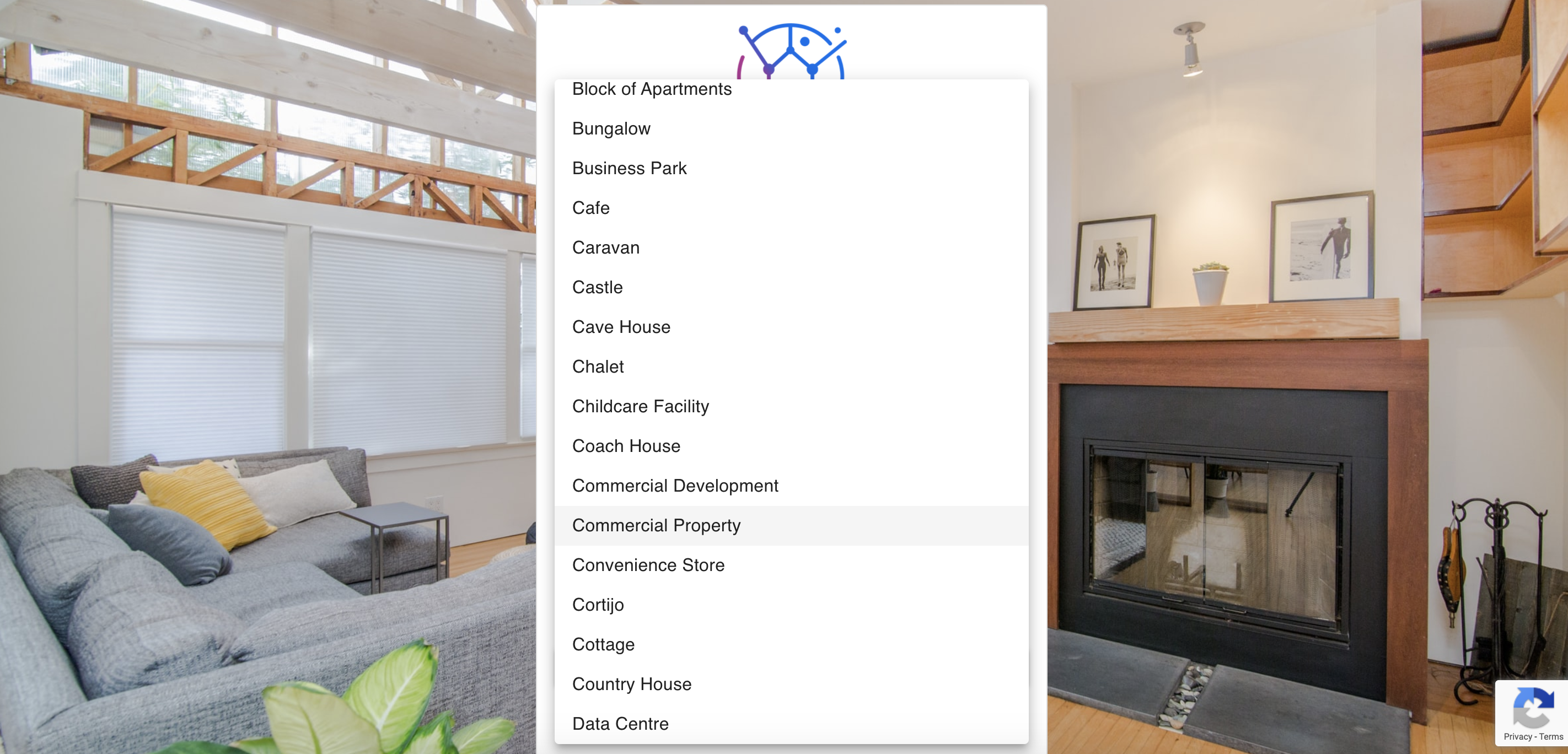
The amount of property types shown in the dropdown is linked with the ones selected in your Juvo account.
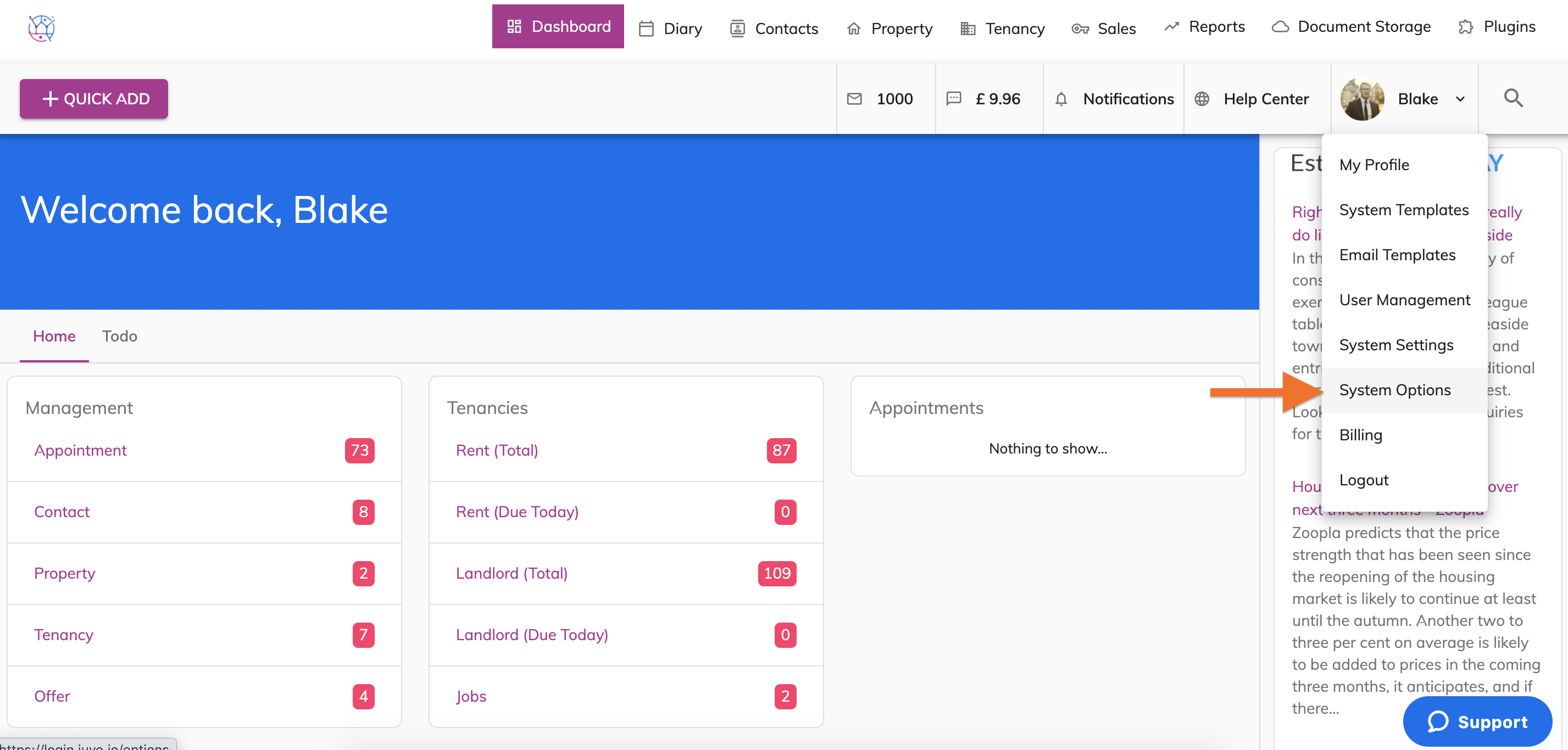
1) Go into Admin, by clicking on the User icon & name. Select System Options from the dropdown.
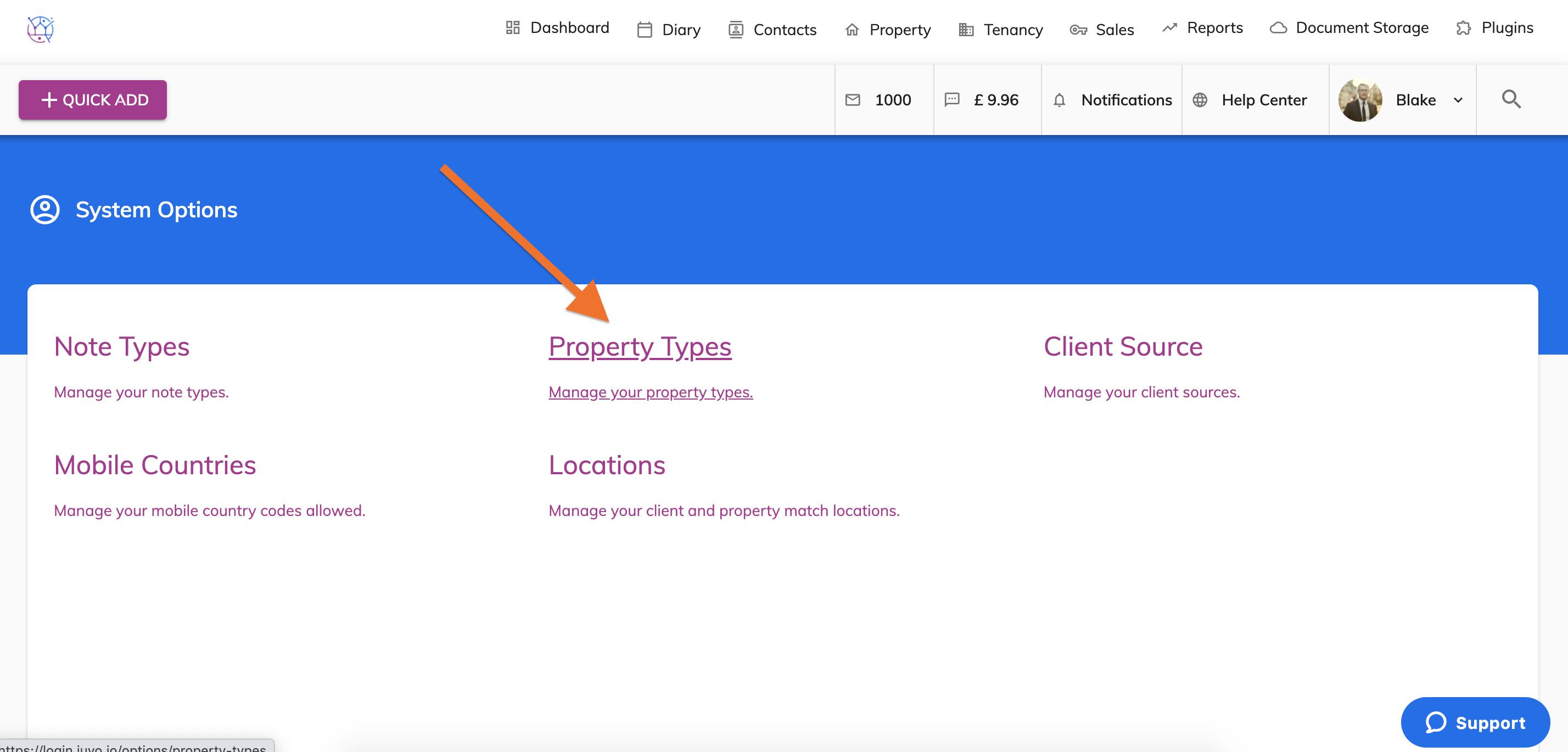
2) Click on Property Types
3) Untick the property types you would like to be hidden & press Save.
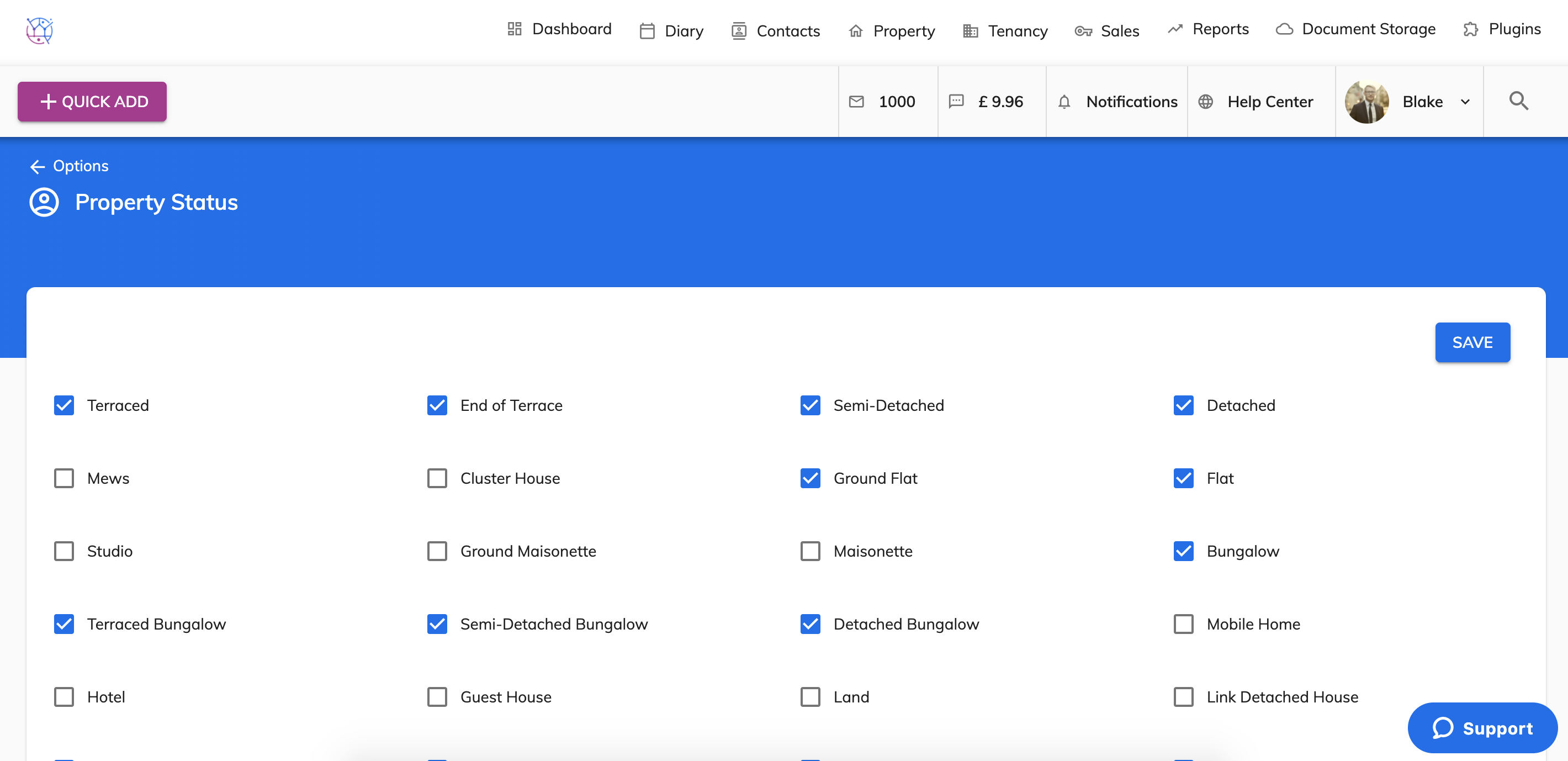
4) This will now be updated within the property types in Juvo and as the option on the Valuation tool.