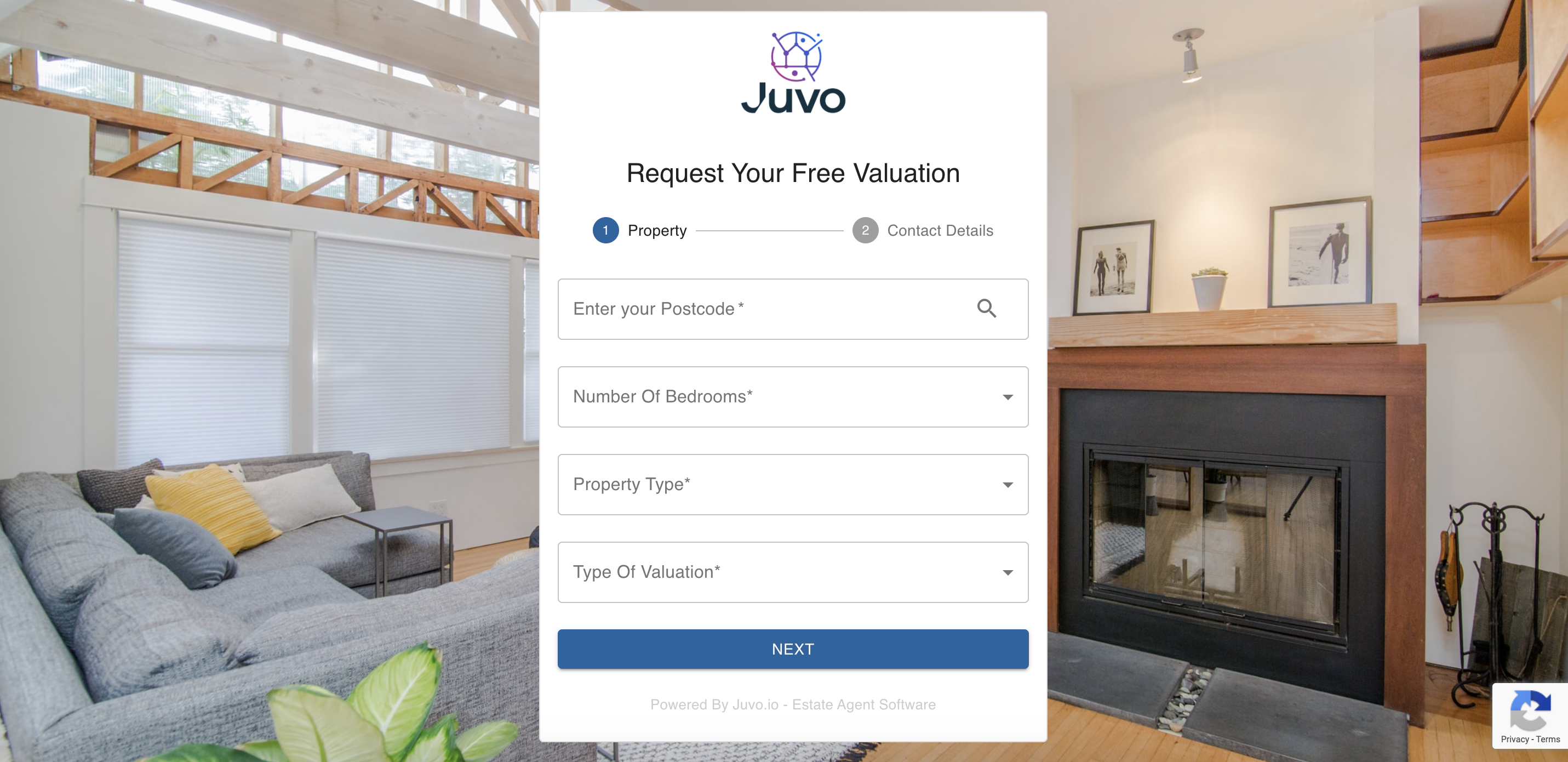
The logo shown on the valuation tool, is the one uploaded within the Admin section of your Juvo account.
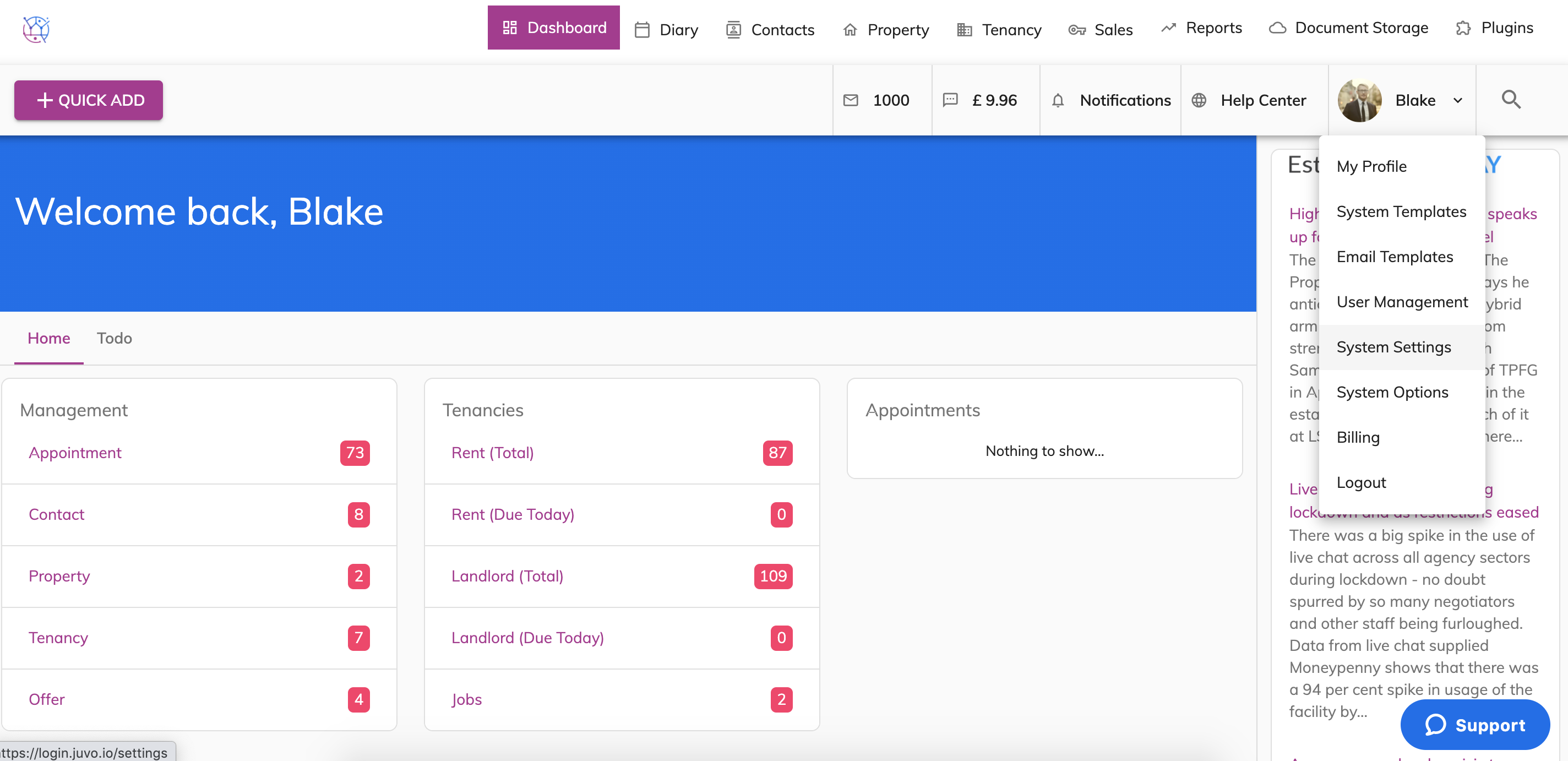
1) Go to Admin by clicking on your user icon and name. Then select System Settings from the dropdown.
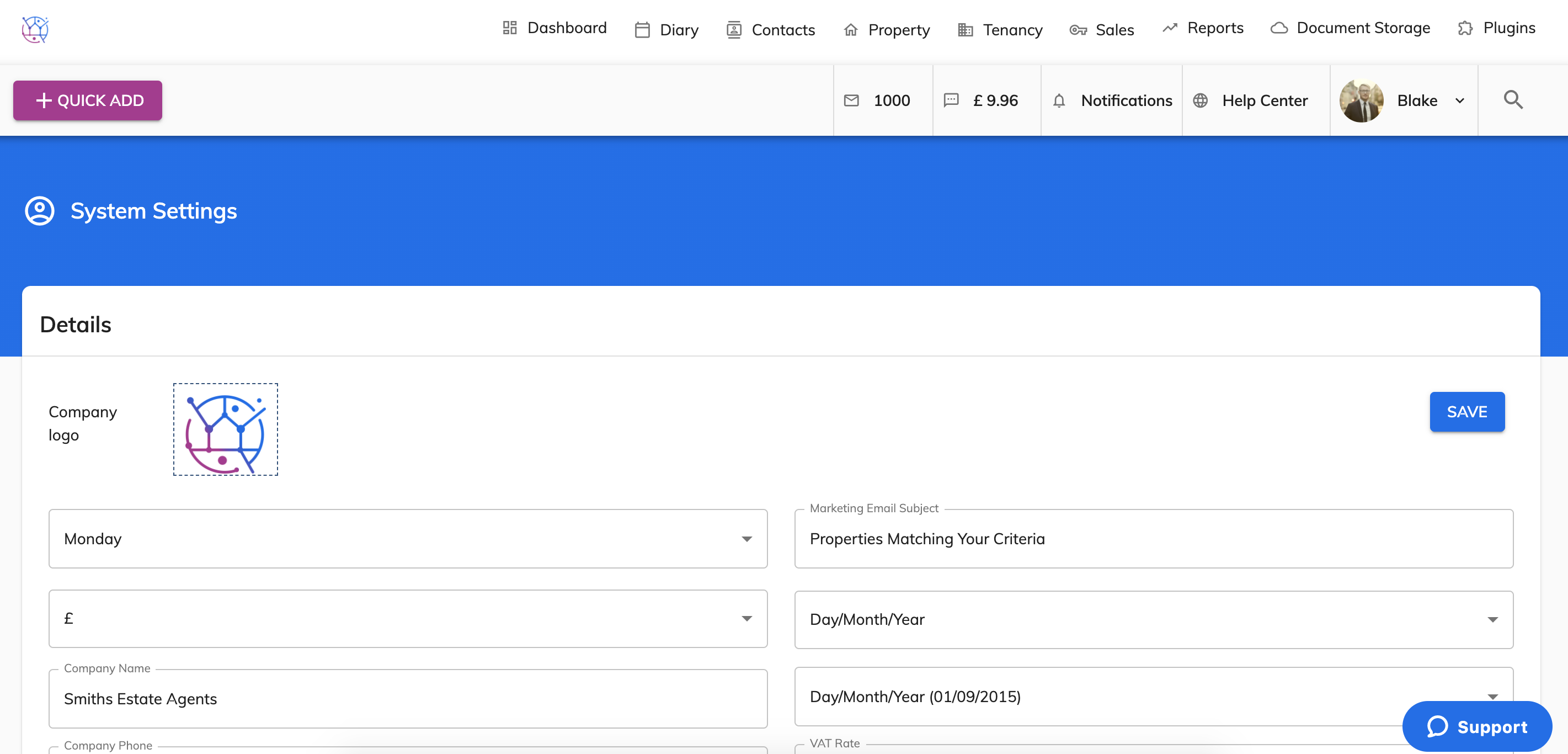
2) On the top left hand column you can see the logo icon. If you have already uploaded your logo you can view it here and this is what will show on the Valuation Tool.
3) To upload your logo or update the logo, click in the centre of your existing logo or cloud icon.
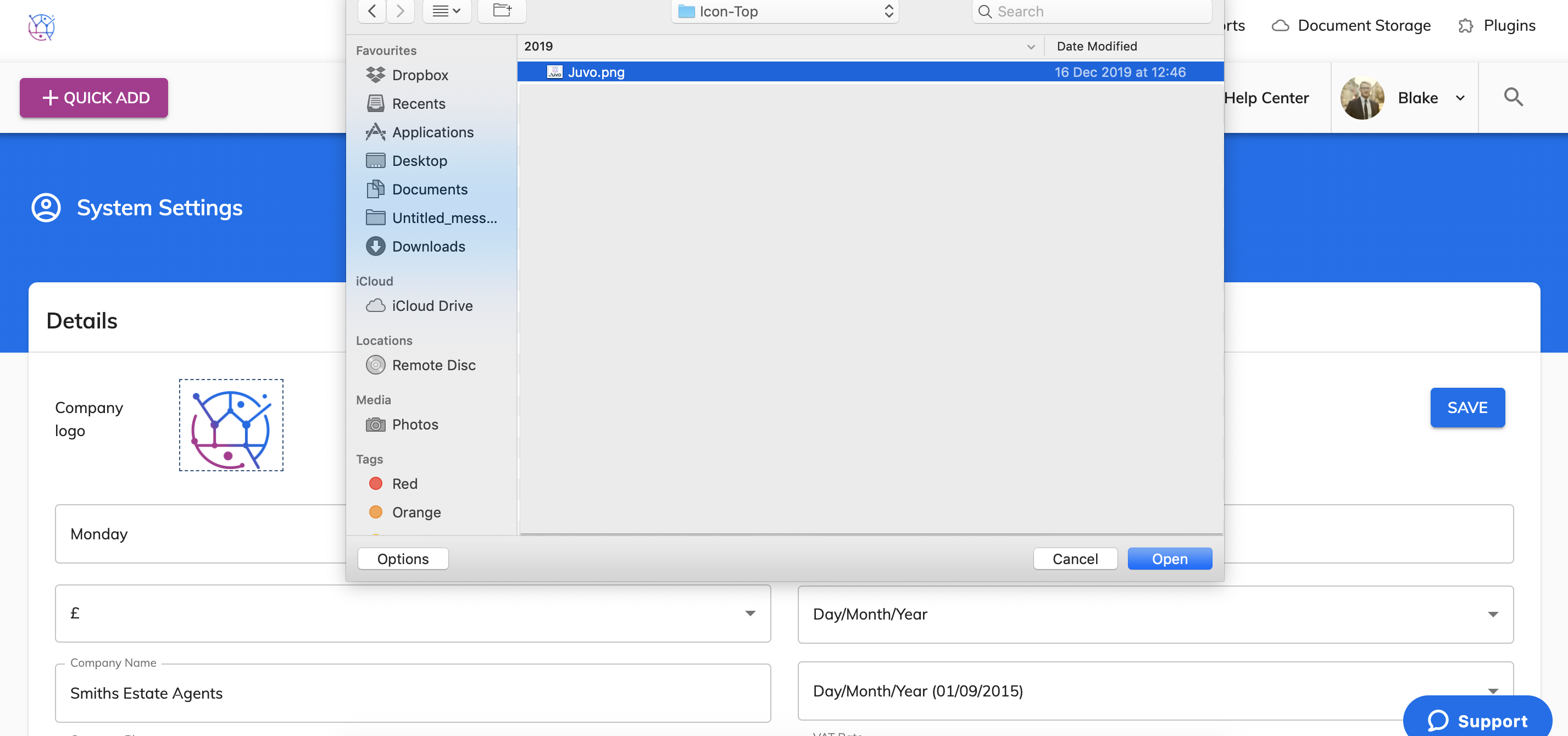
4) Select the logo in a png or jpg format and press Open. This will then upload the logo into your Juvo account.
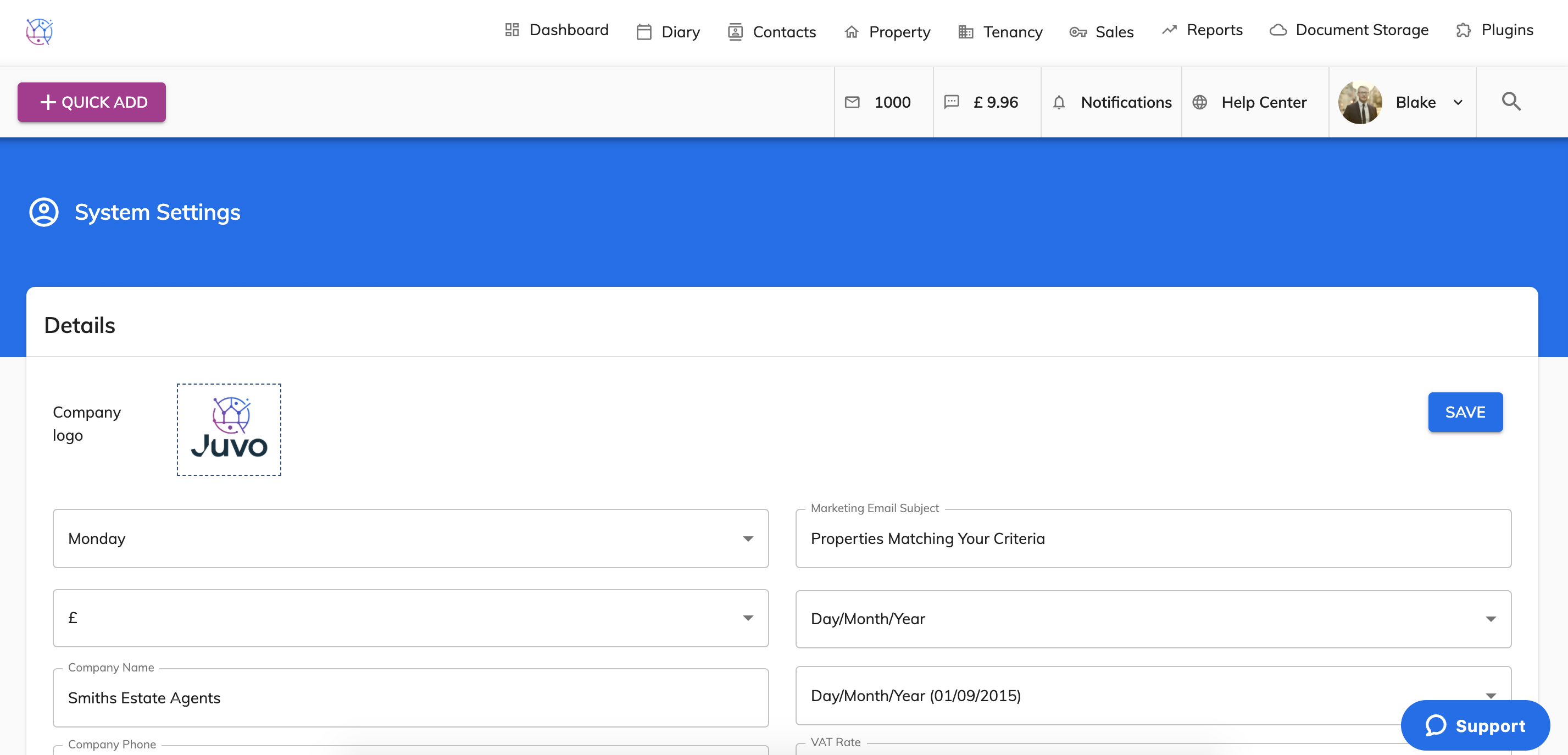
5) Press Save.
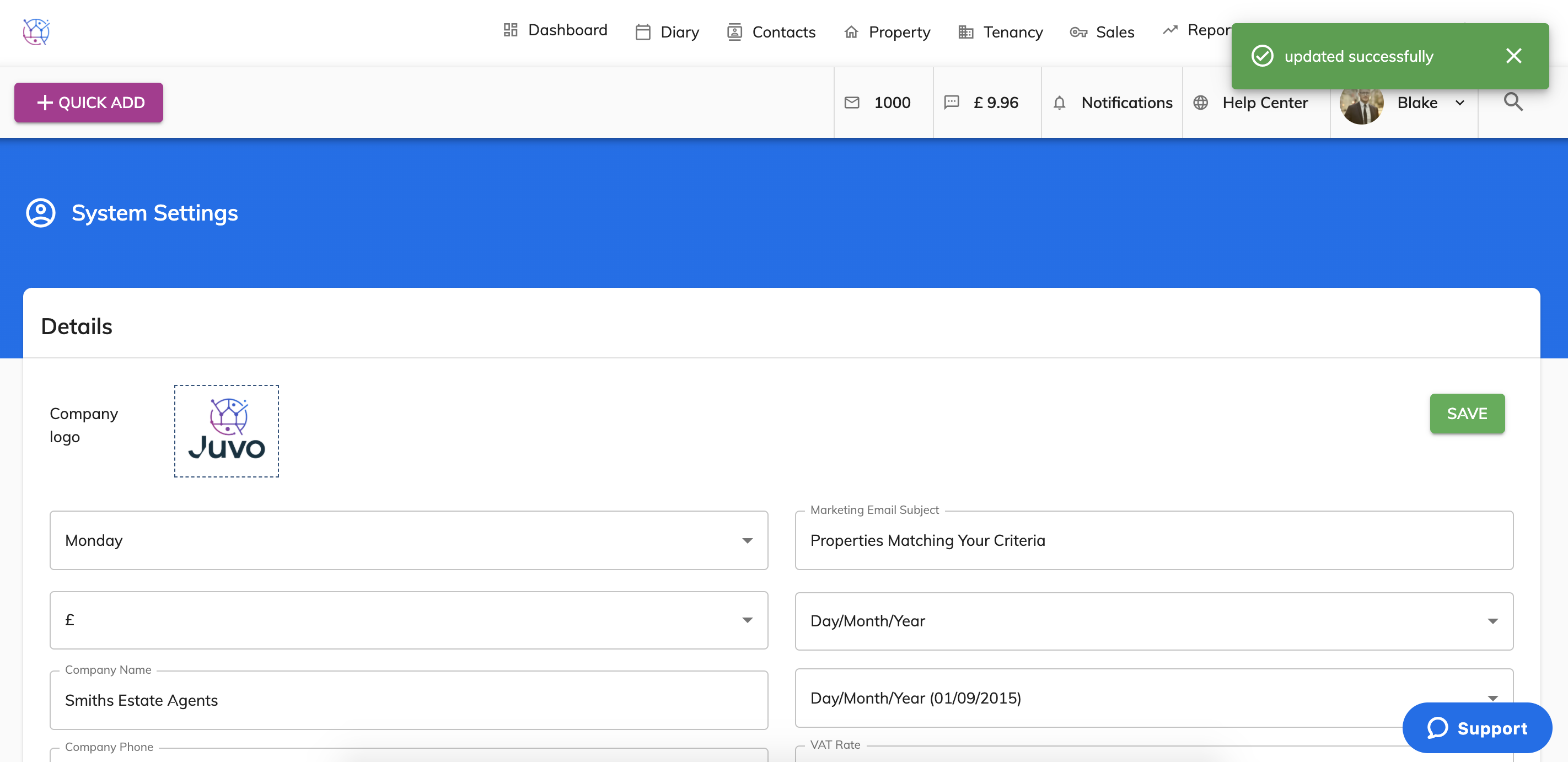
6) The logo on the Valuation Tool will now also be updated.