
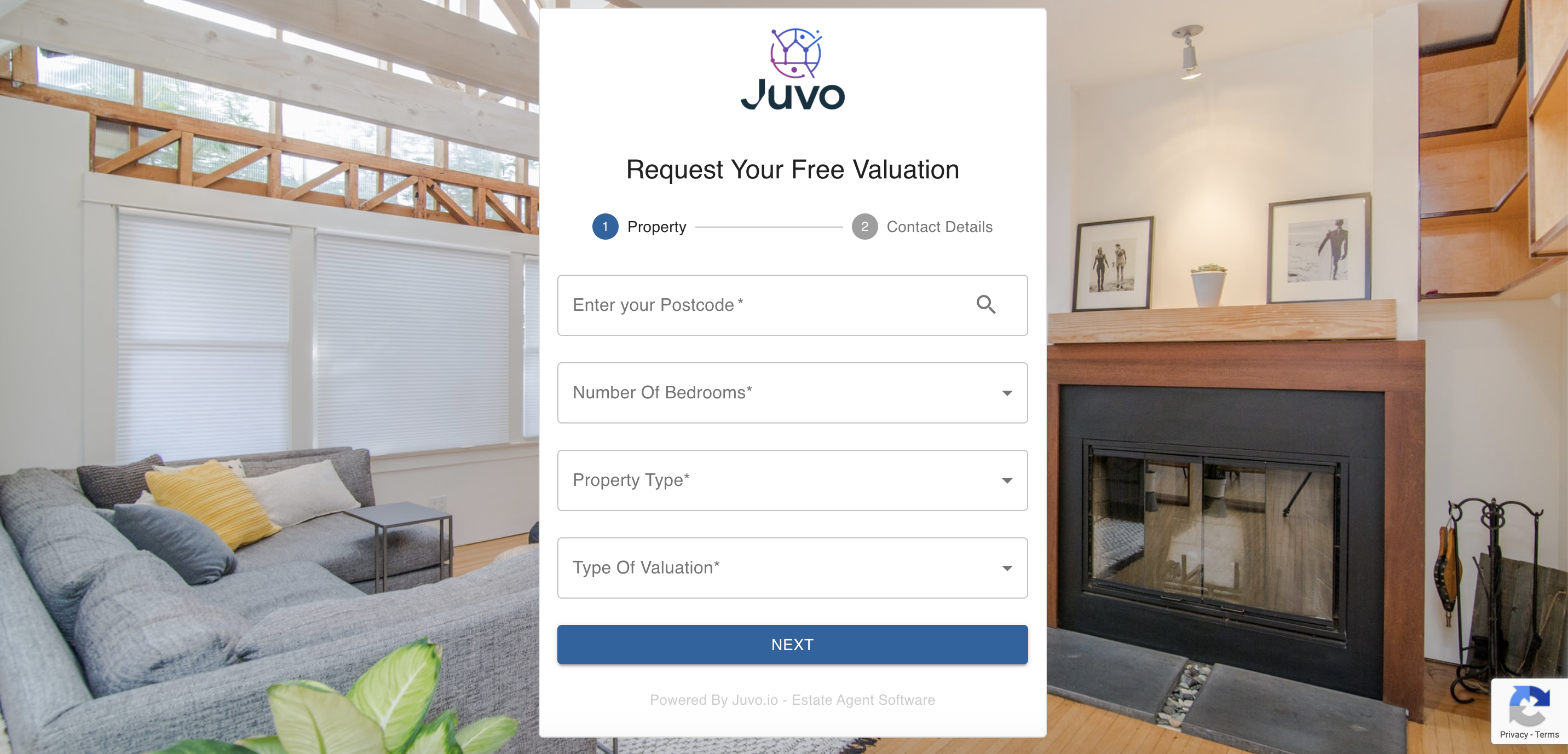
Once a potential client has completed the form on your Online Valuation tool, an email will automatically sent to the Admin email on your account. If you want to update this email address please follow the steps below:
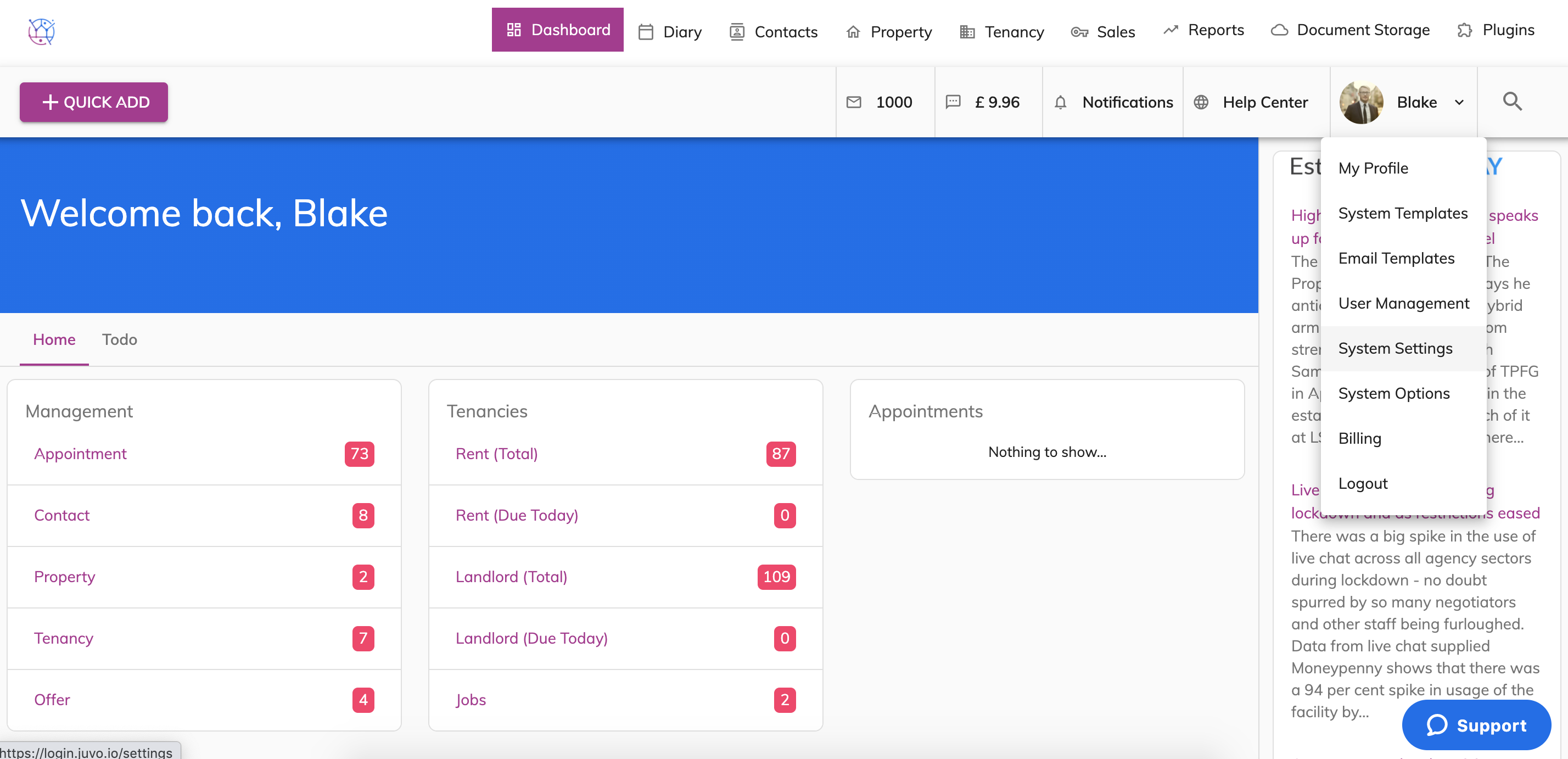
1) Go to Admin, by clicking on the User name & Icon. Select System settings from the dropdown.
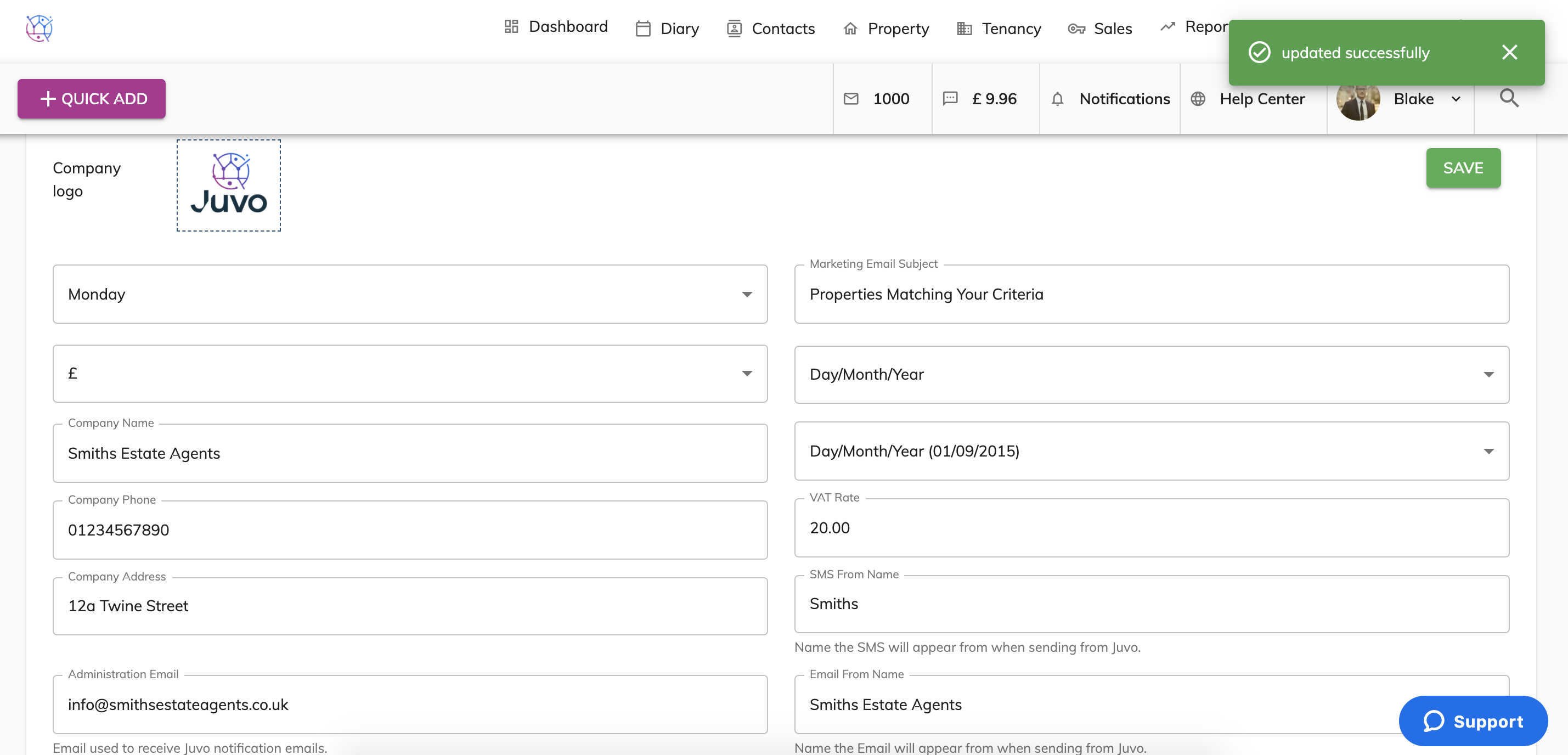
2) Scroll down the page to locate the field 'Administration Email'.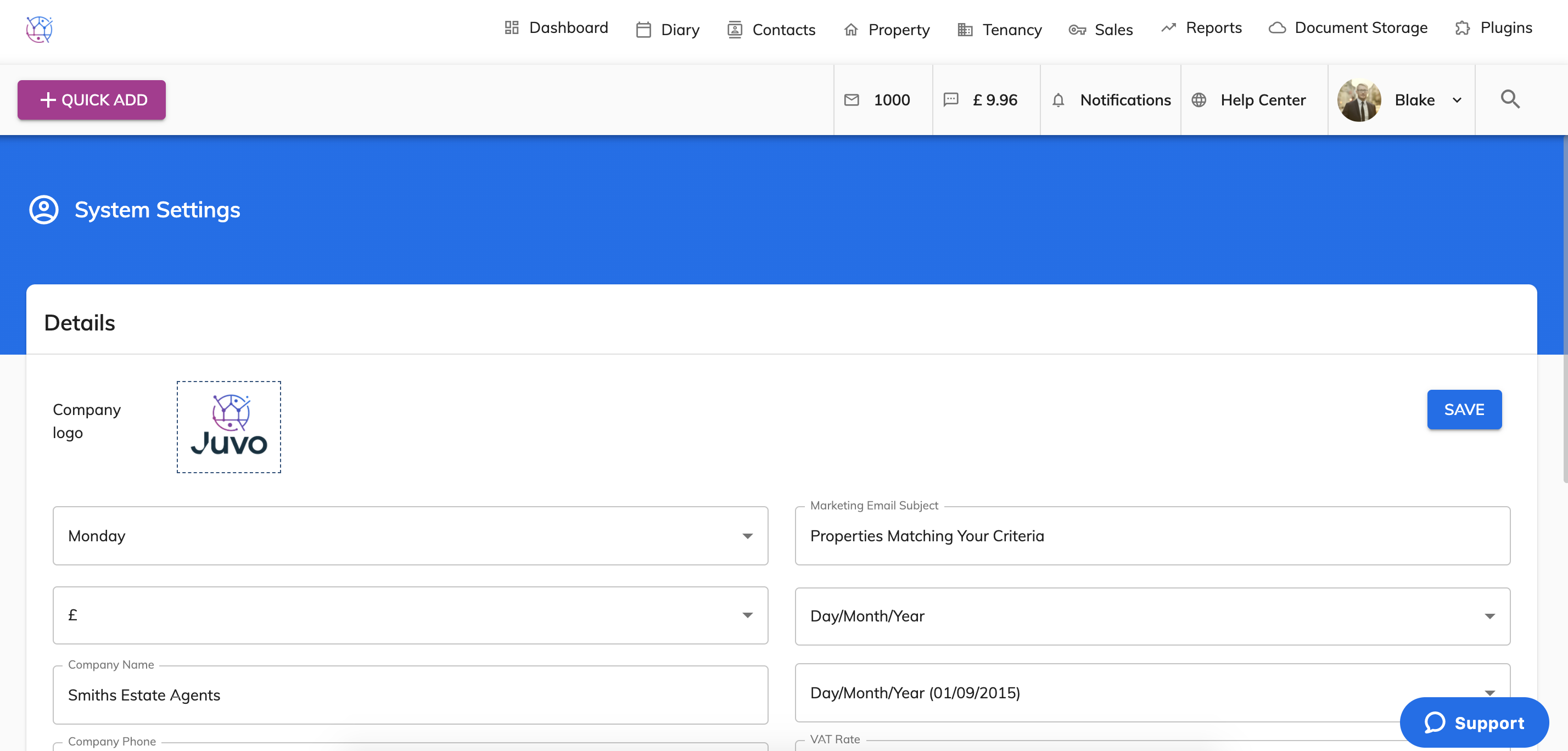
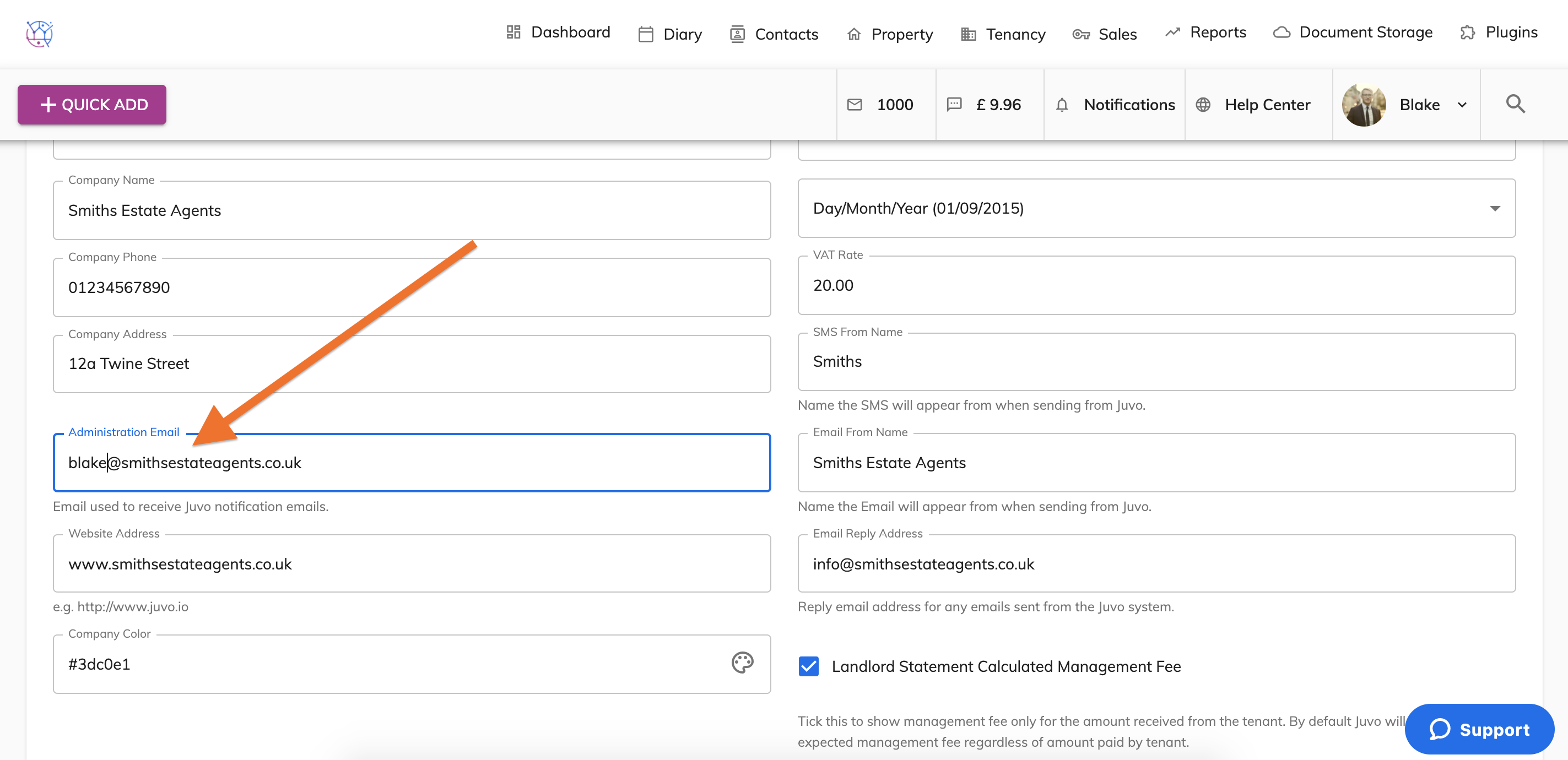
3) Update the email address and press save.
Any new valuation requests will now be sent to this updated this email address.