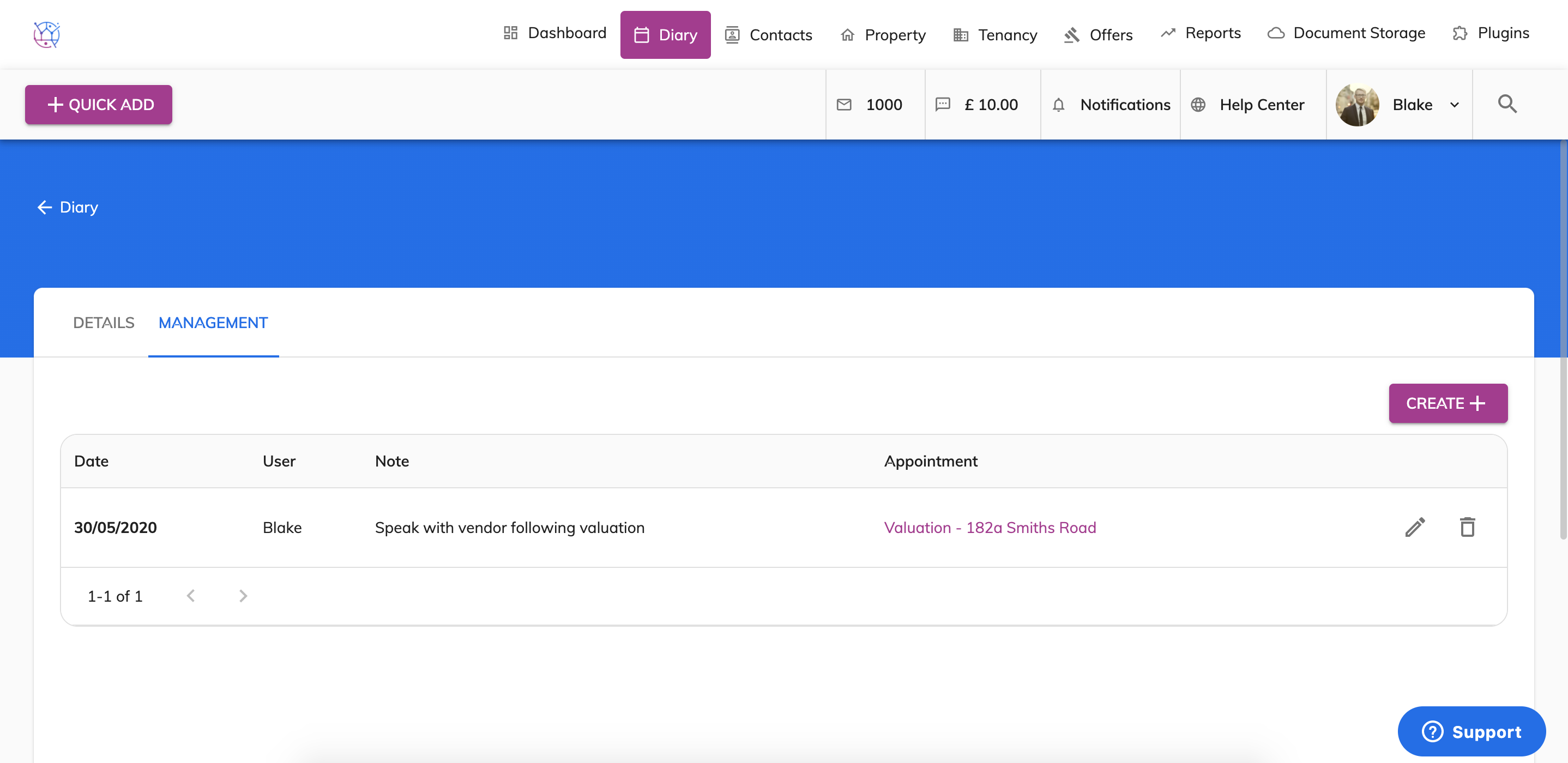
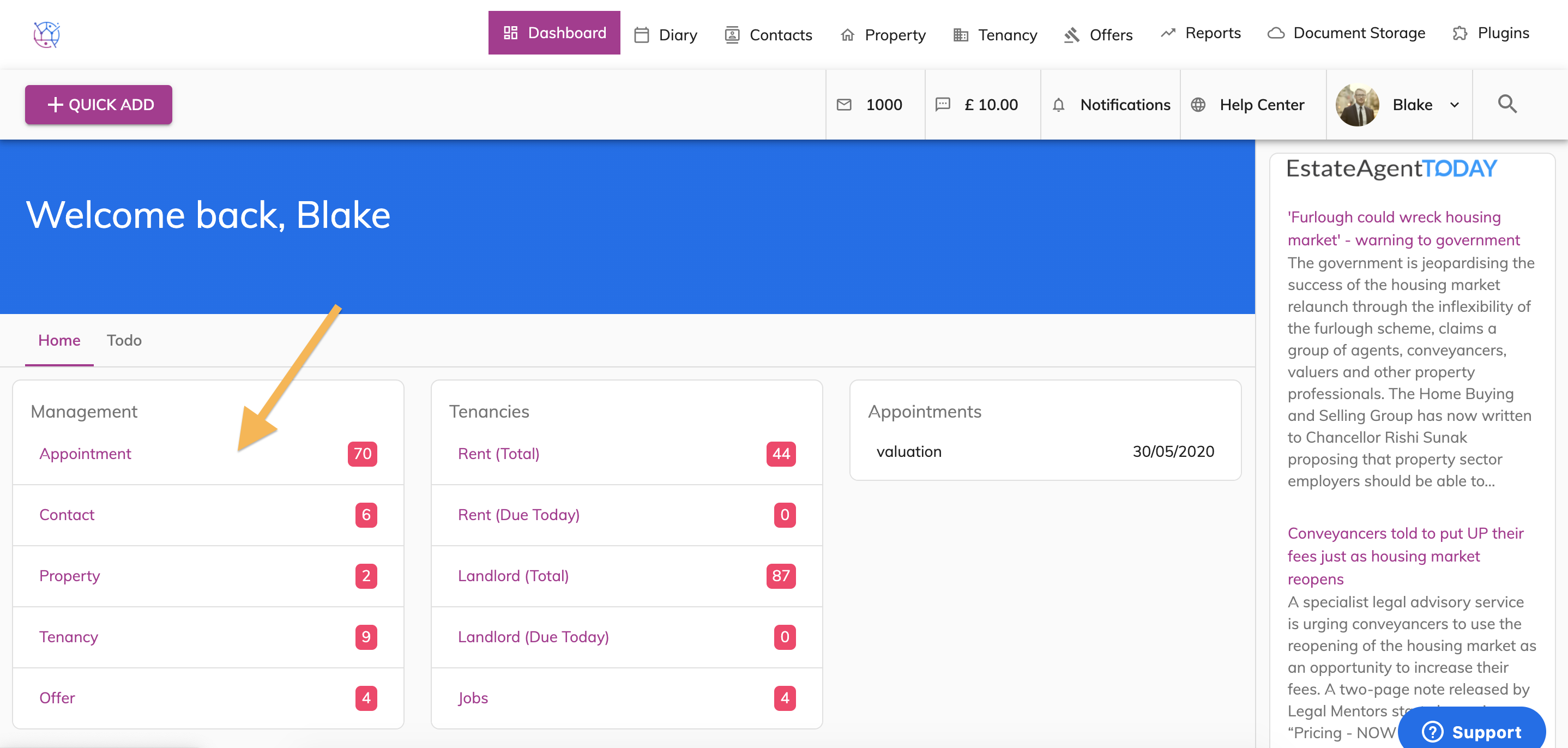
You can add a reminder to chase up on any feedback from viewing or valuation appointments within the diary.
1) Click on the Diary tab.
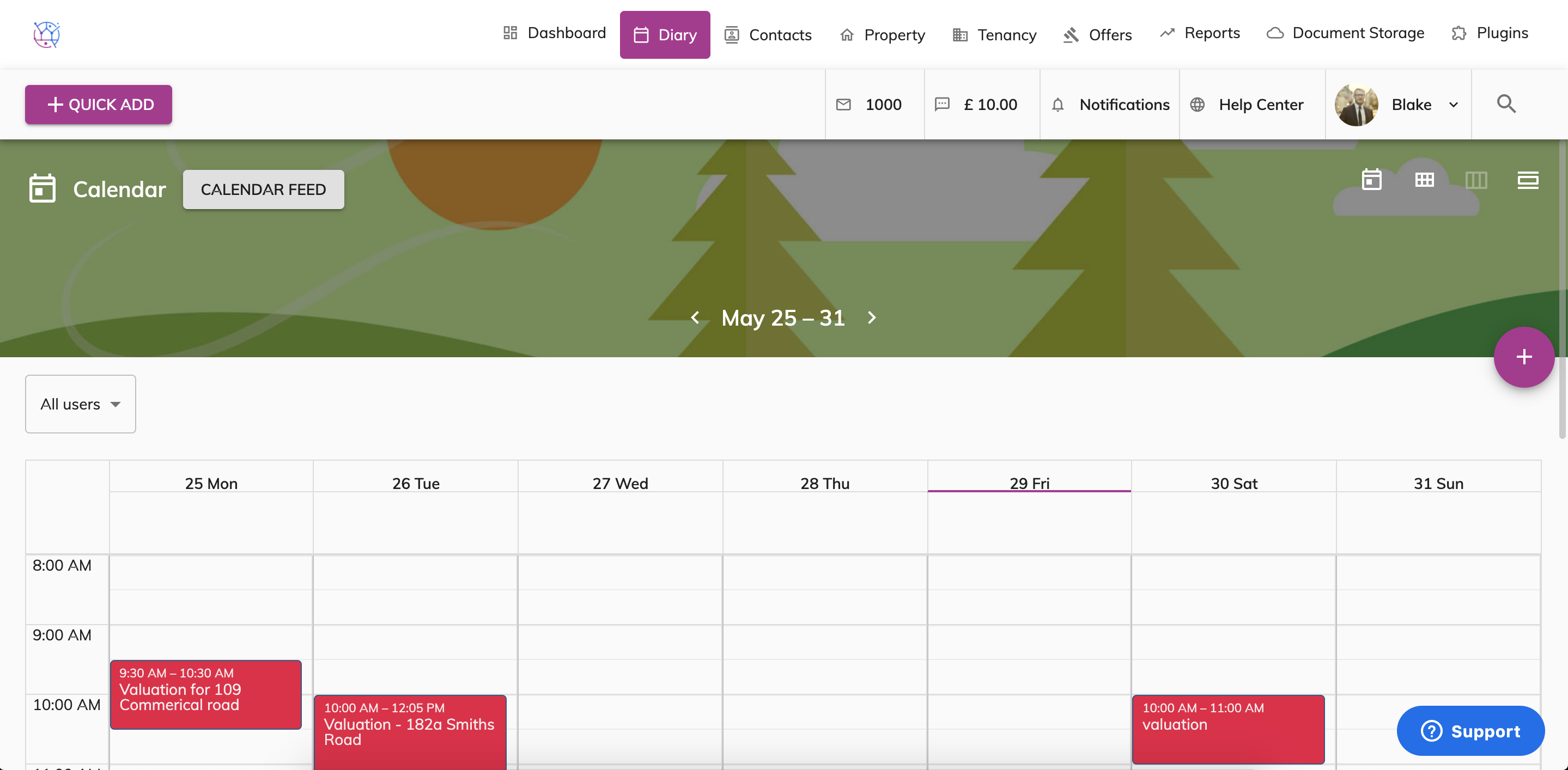
2) Double click on the Appointment.
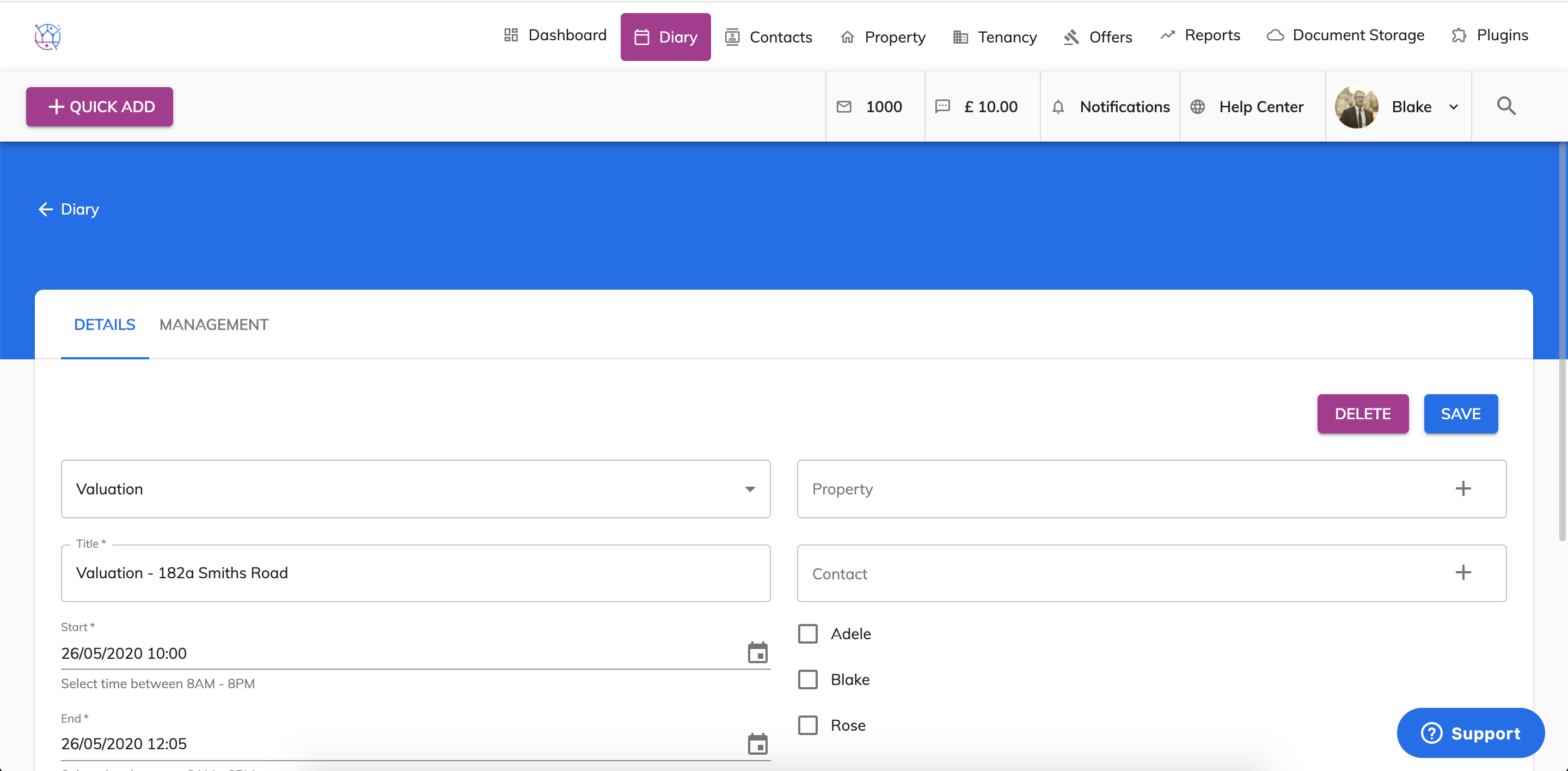
3) Click on the Management tab from the menu.
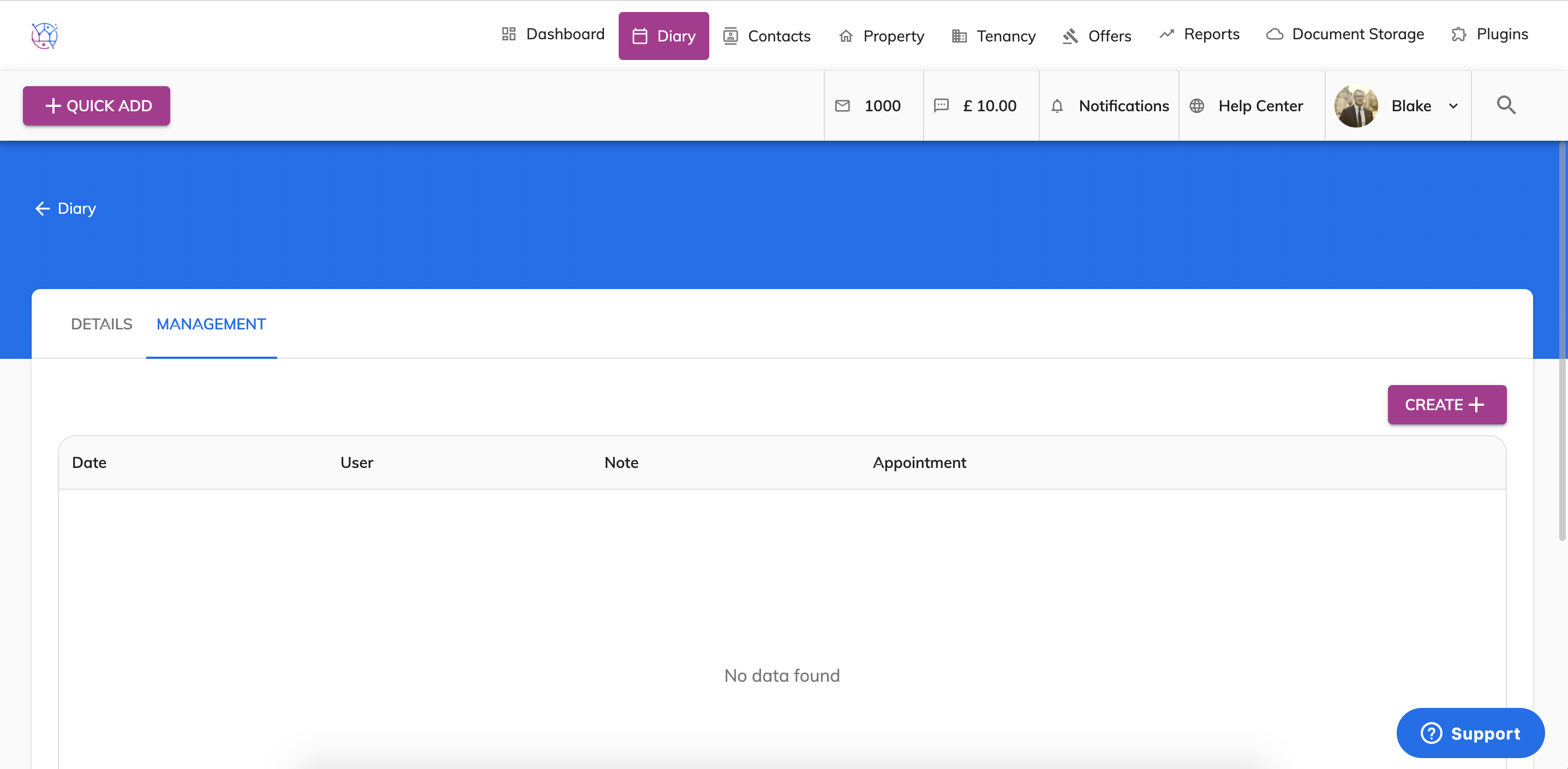
4) Press the Create button.
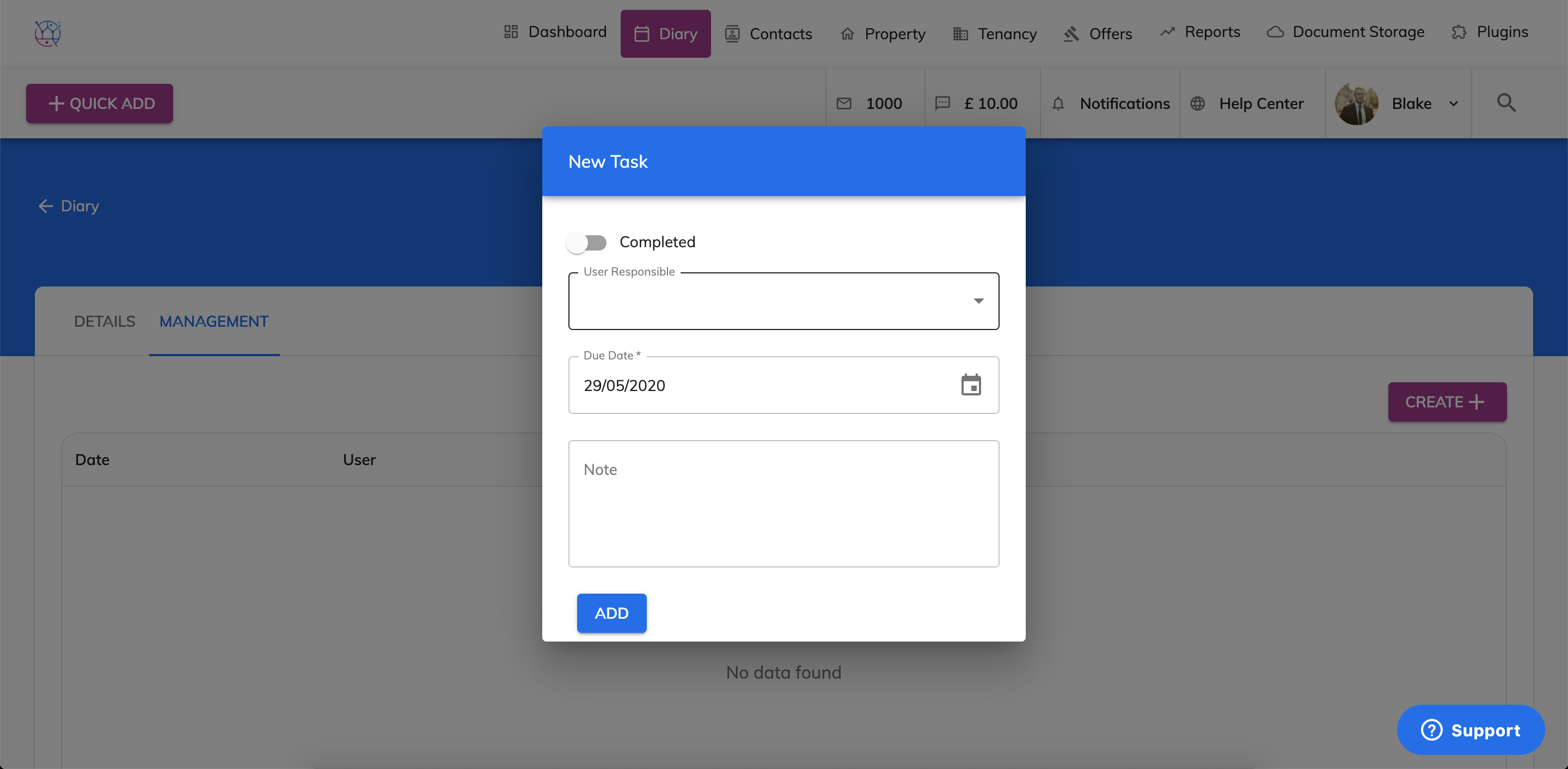
5) Select the user the management task is for.
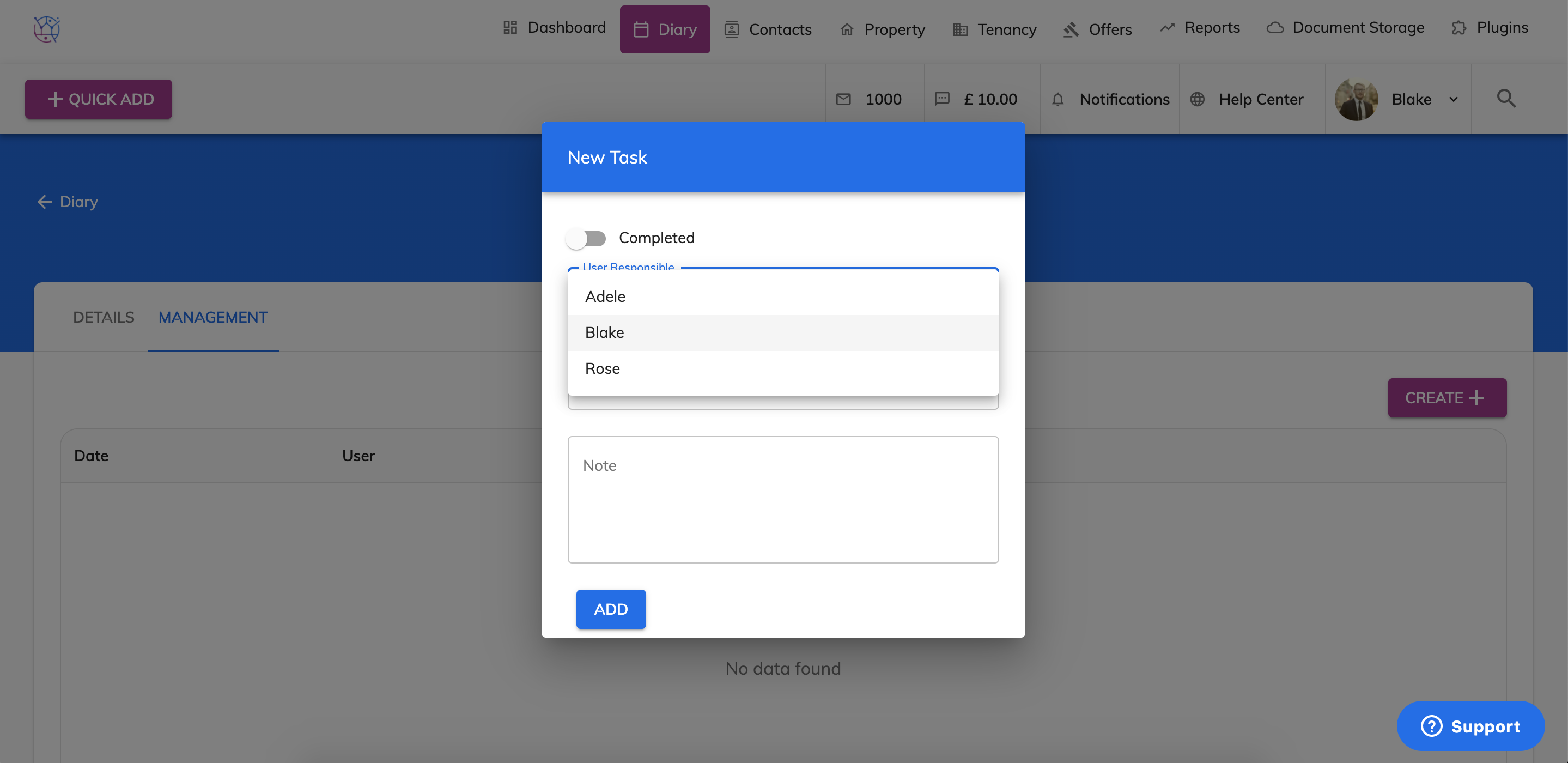
6) Choose the Due date from the pop out calendar, this is the date you would like to be reminded on.
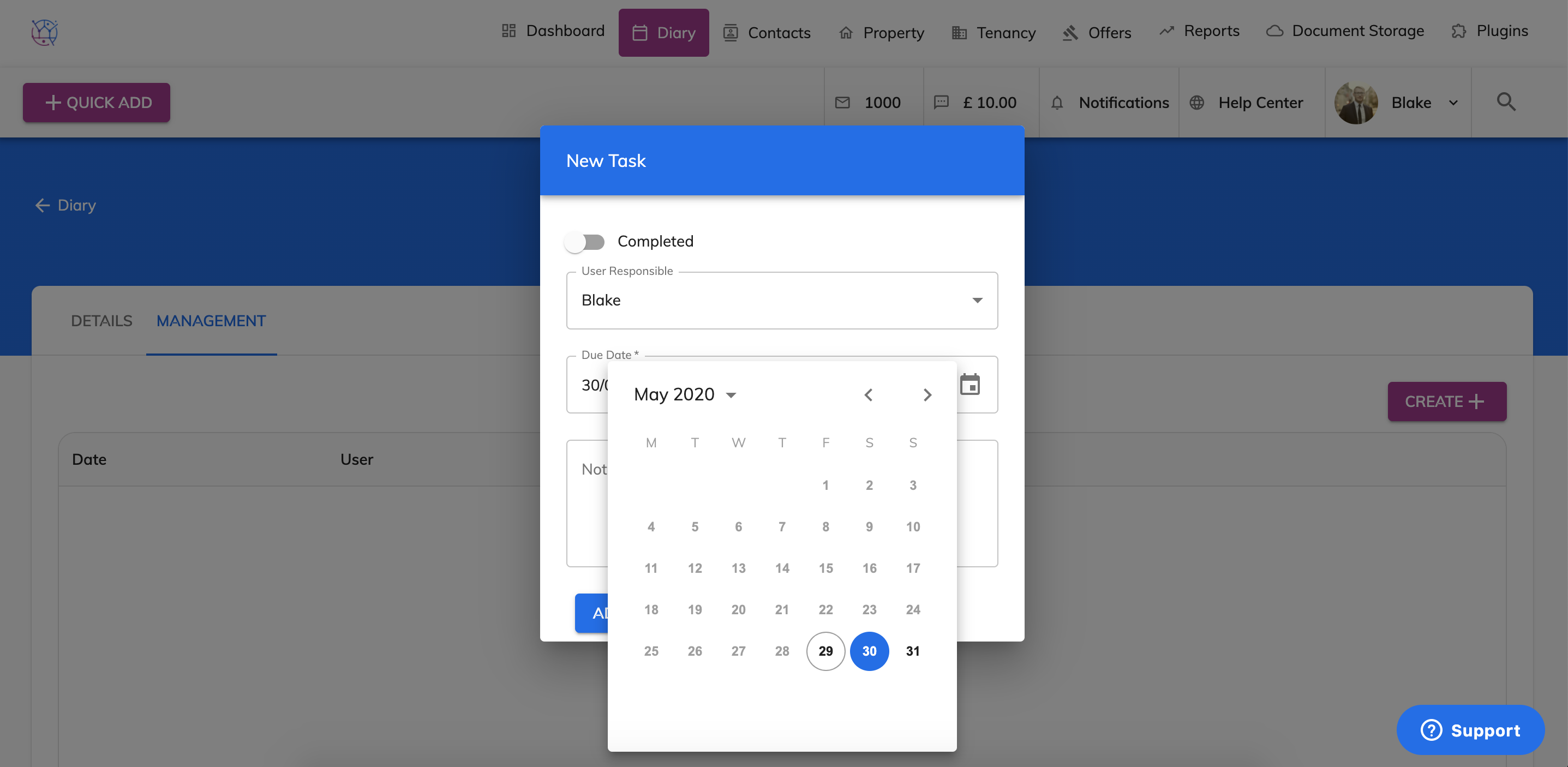
7) Add any additional notes to help you when you speak to the client again.
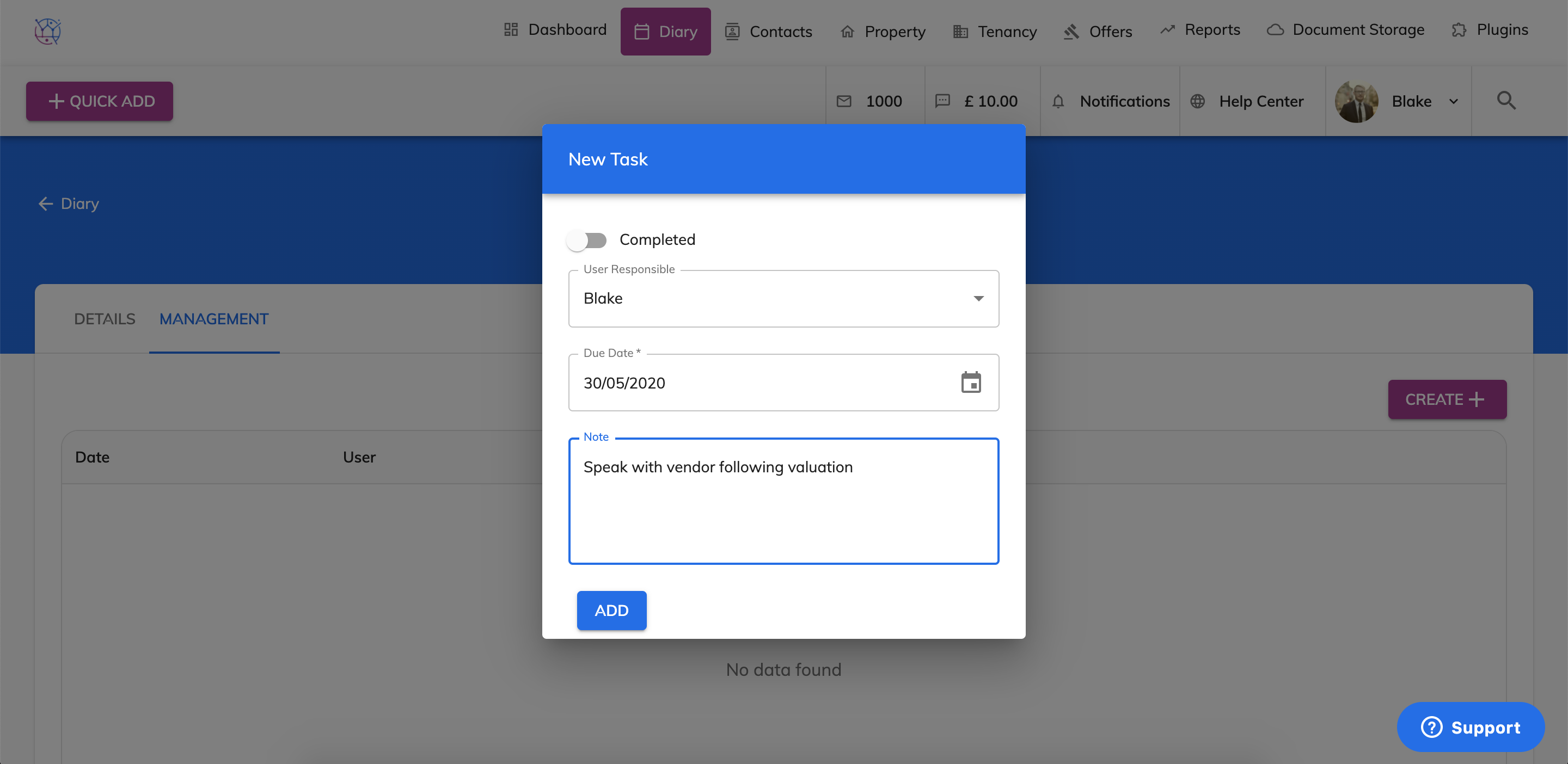
8) Press Add. When the due date arrives the reminder will automatically appear on the dashboard and on the Management section in the diary.