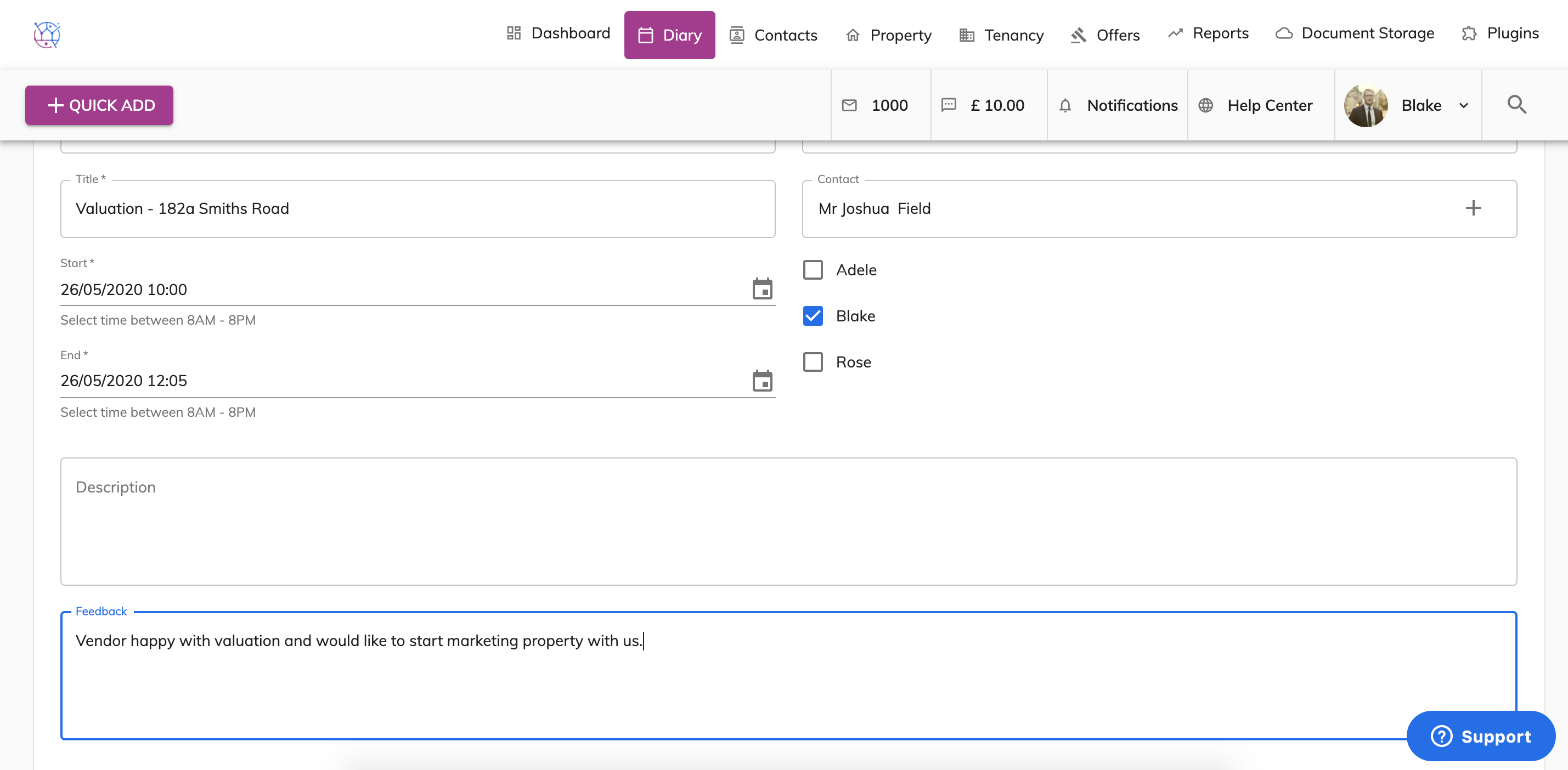
To add feedback on a viewing or valuation appointment on the diary, follow the instructions below:
1) Click on the Diary tab.
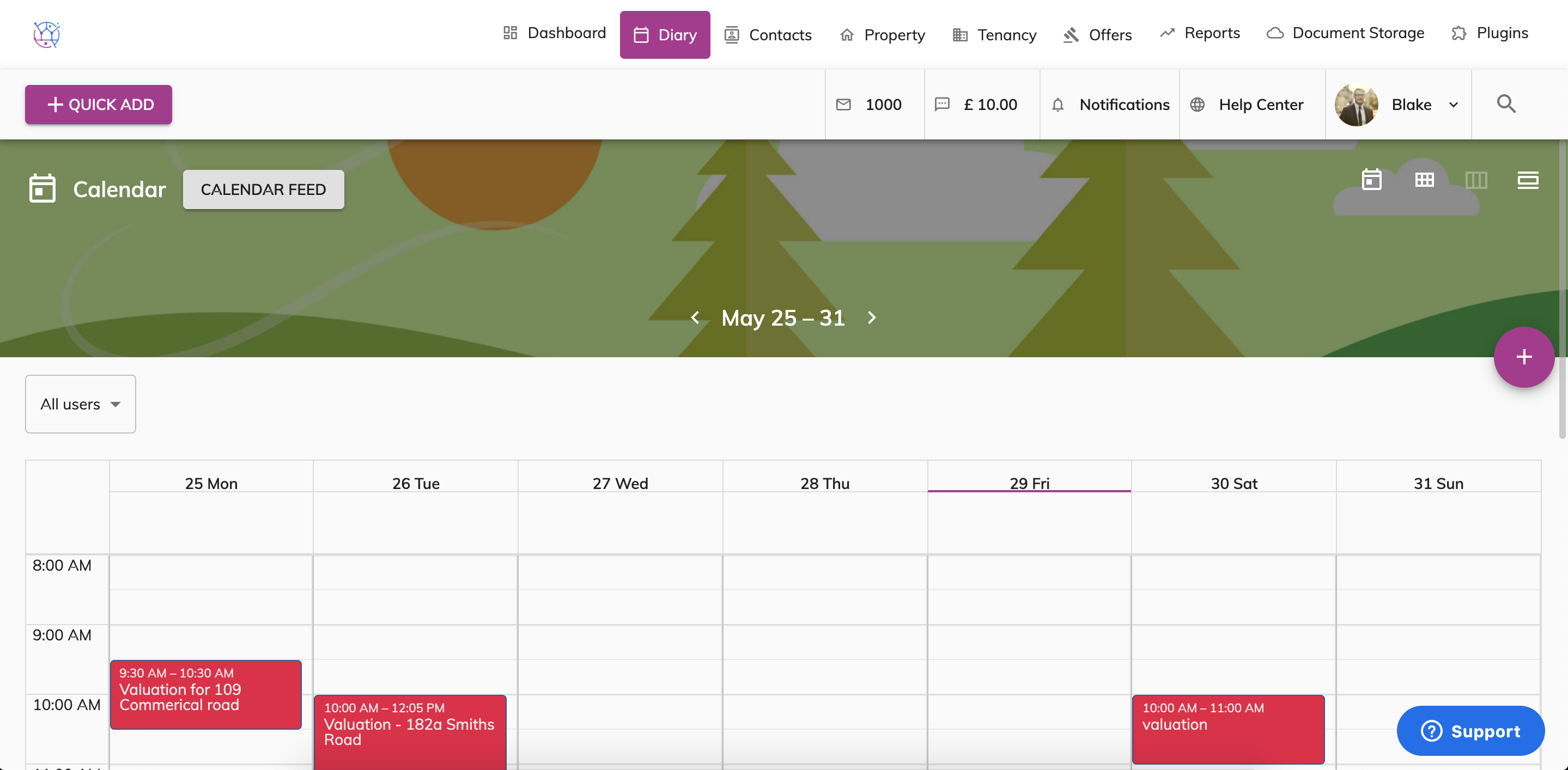
2) Double click on the appointment you would like to add feedback to.
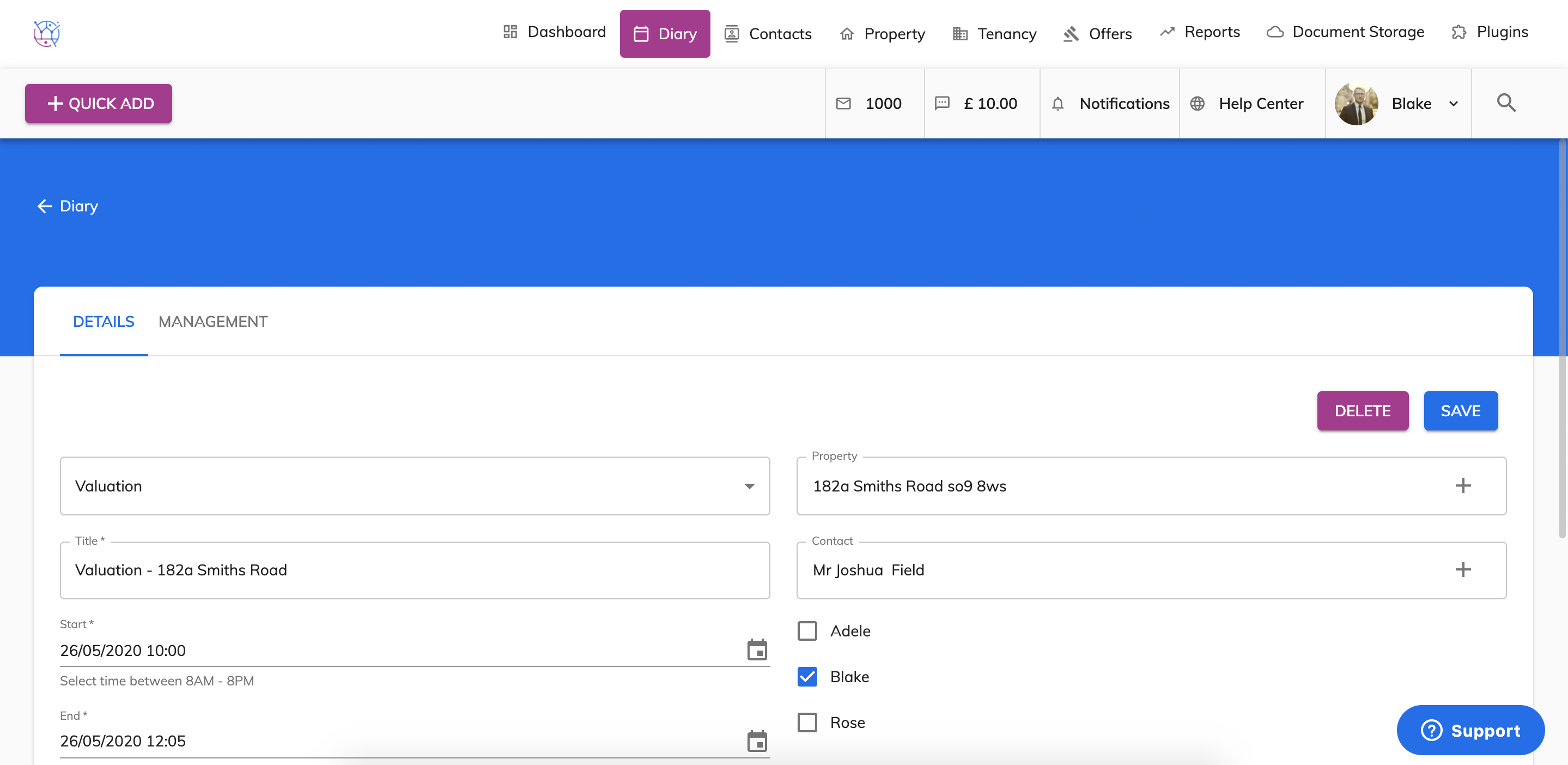
3) Scroll down on the details page to the Feedback box. Enter the feedback provided by client and press Save.