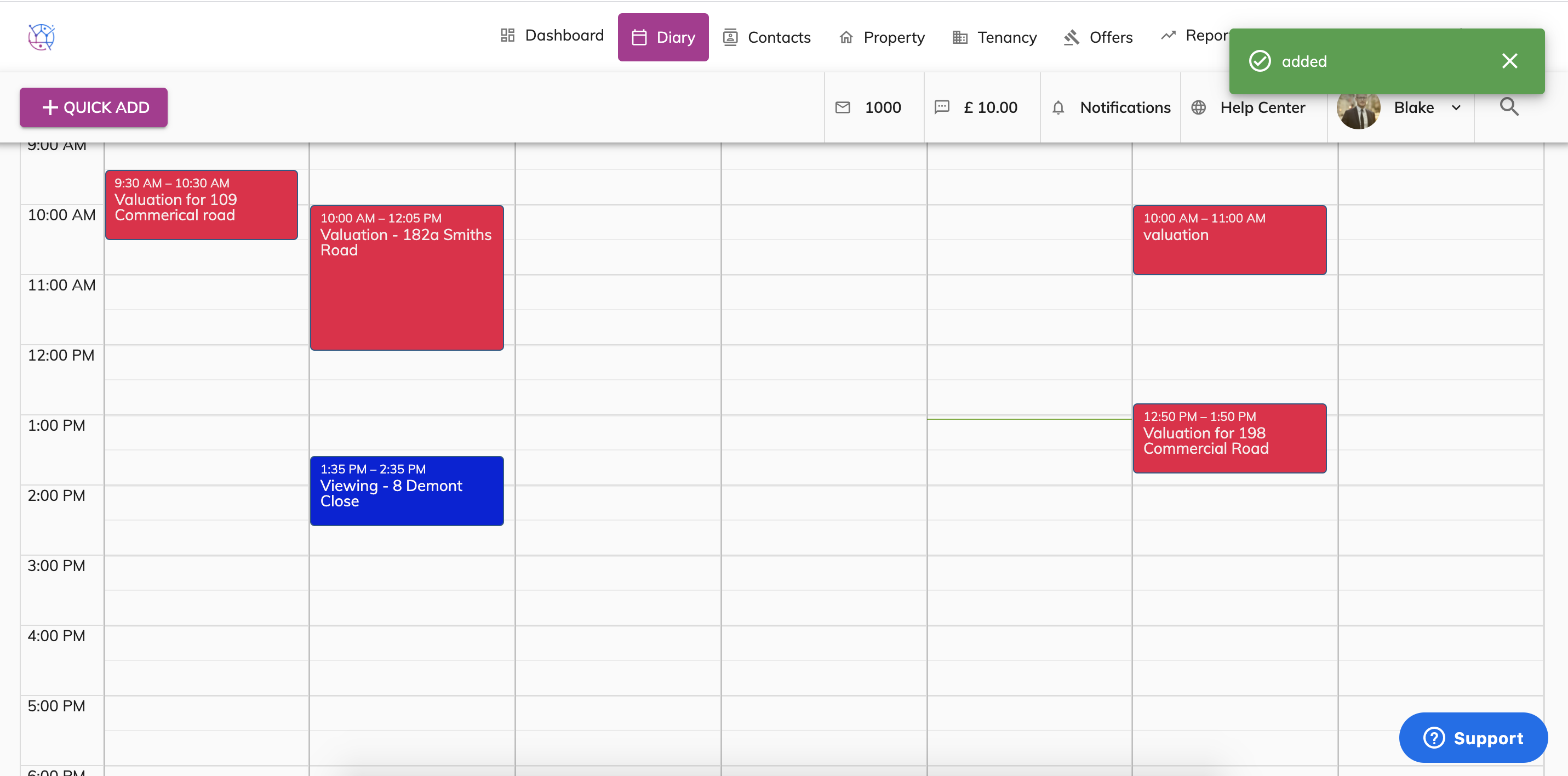
To add a viewing or valuation appointment into the diary, follow the instructions below:
1) Click on the Diary tab.
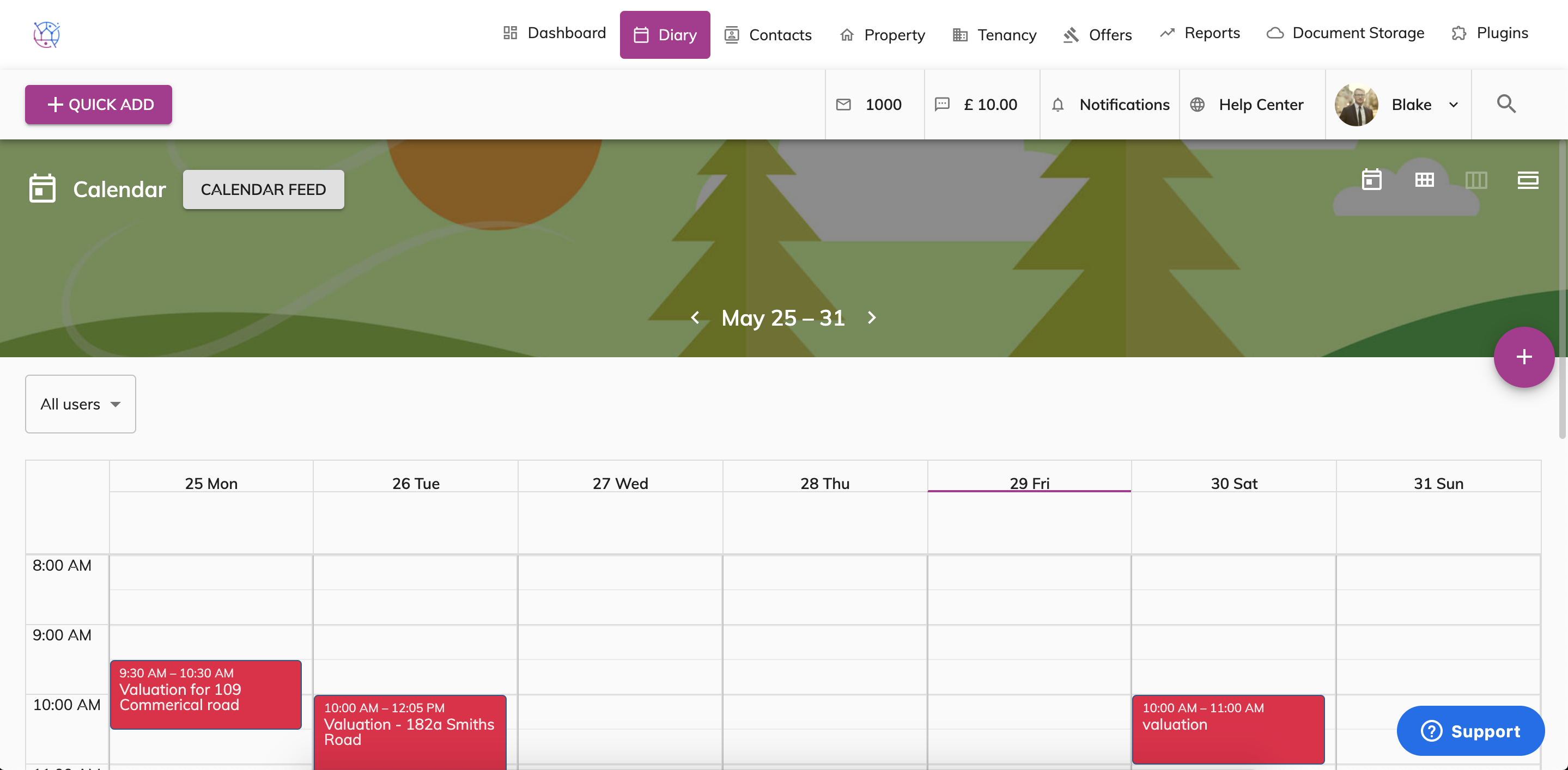
2) Click on the Plus button.
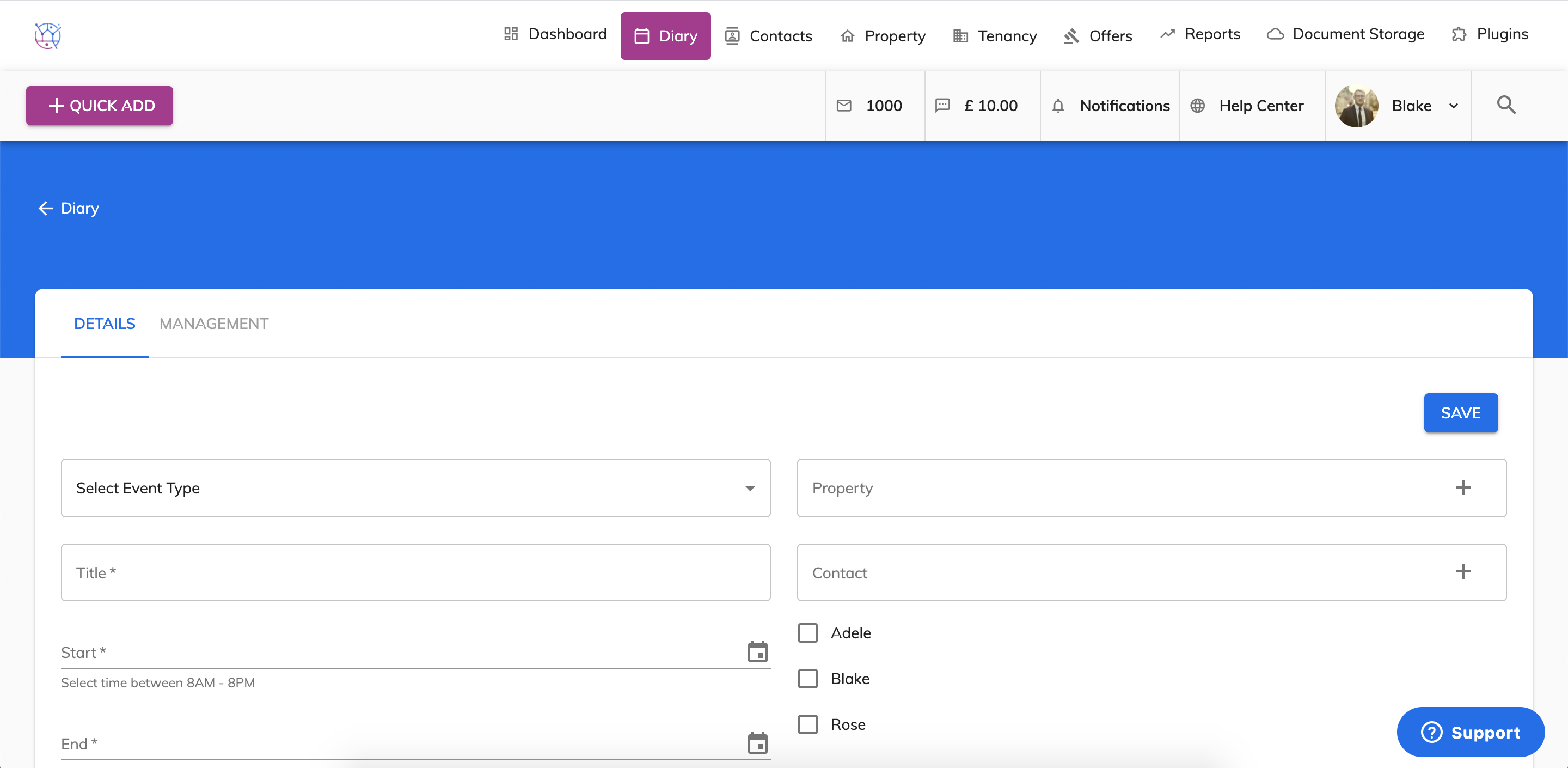
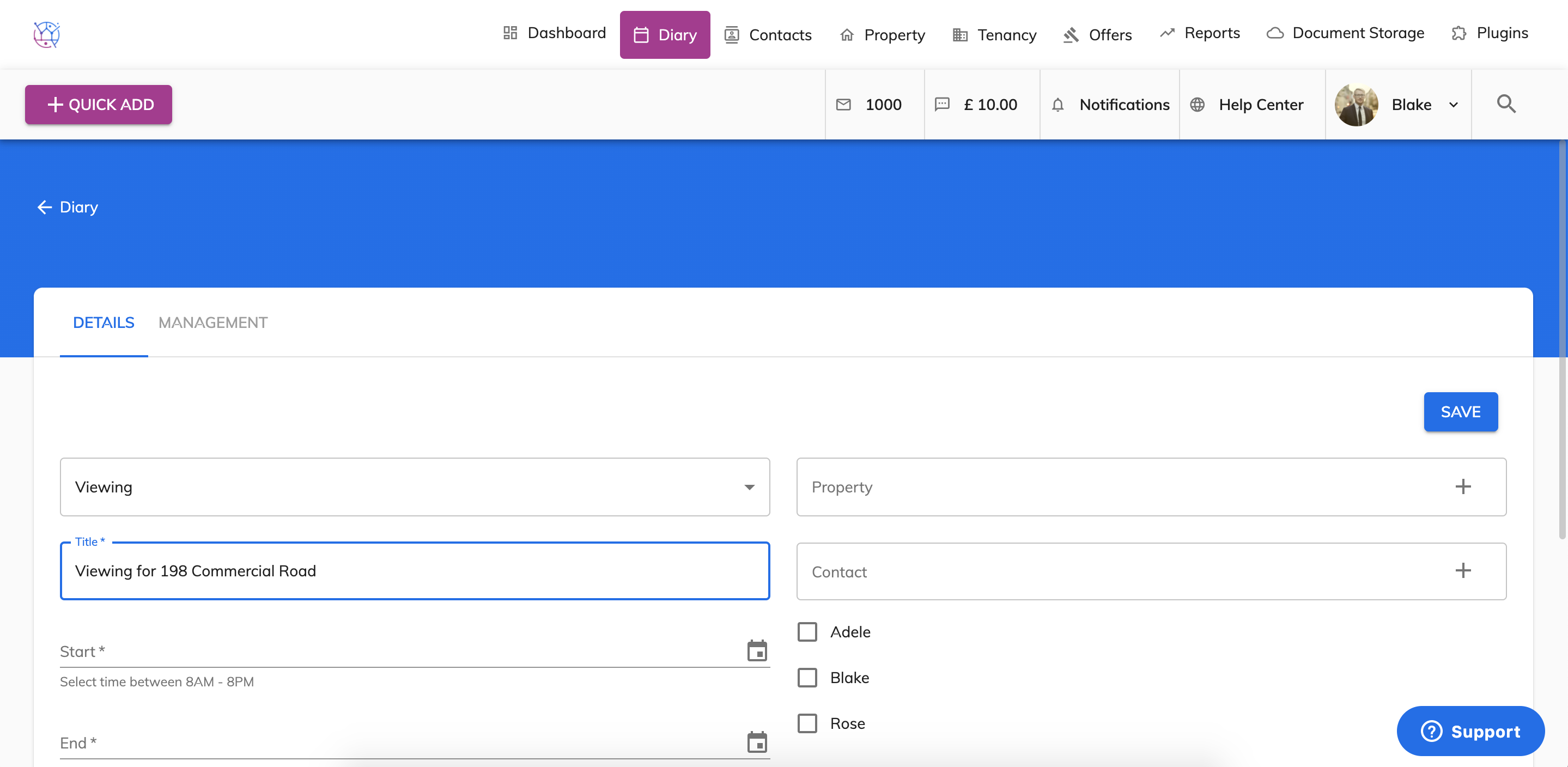
3) Select the appointment type from the dropdown.
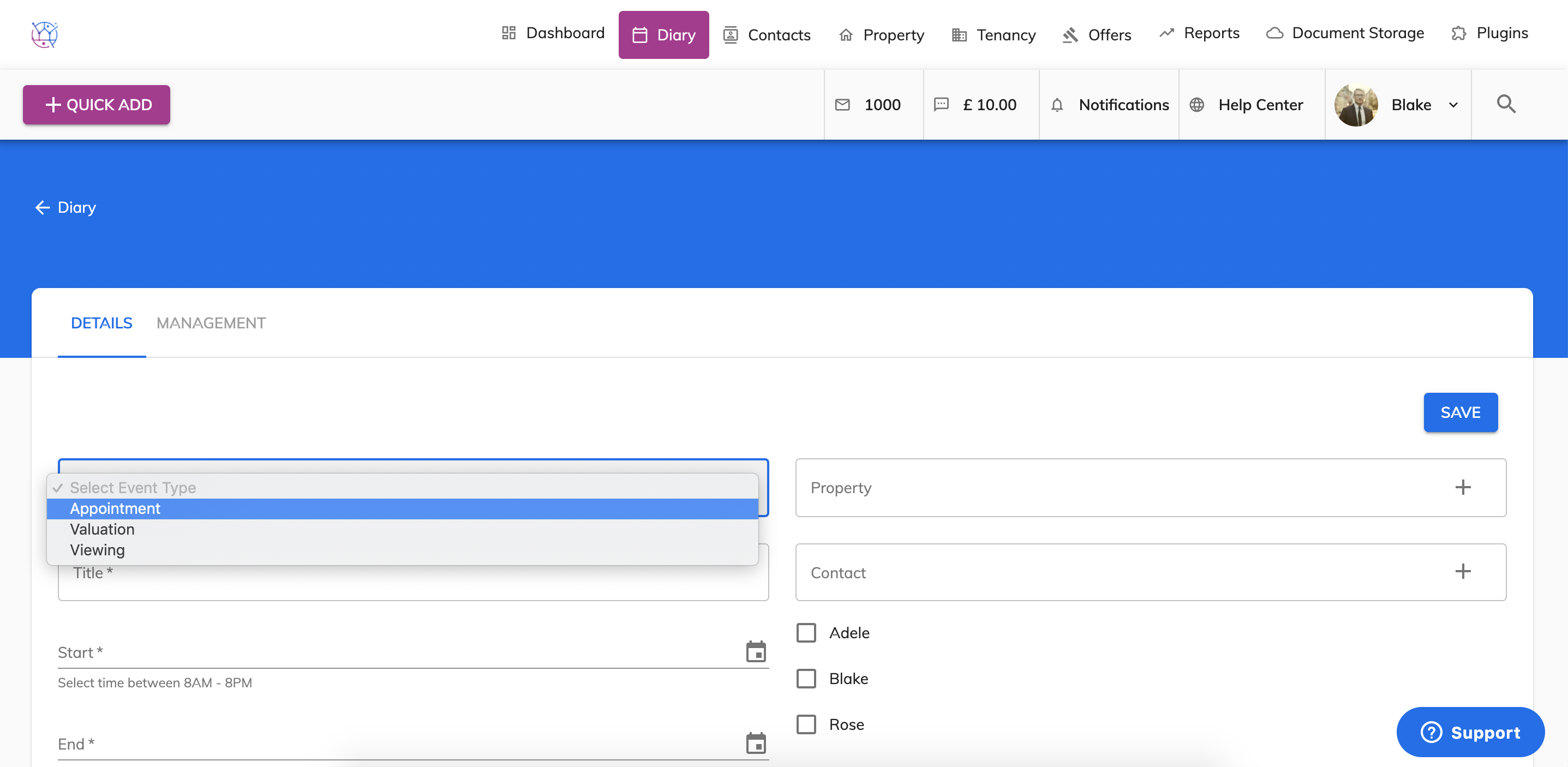
4) Choose the title of the appointment.
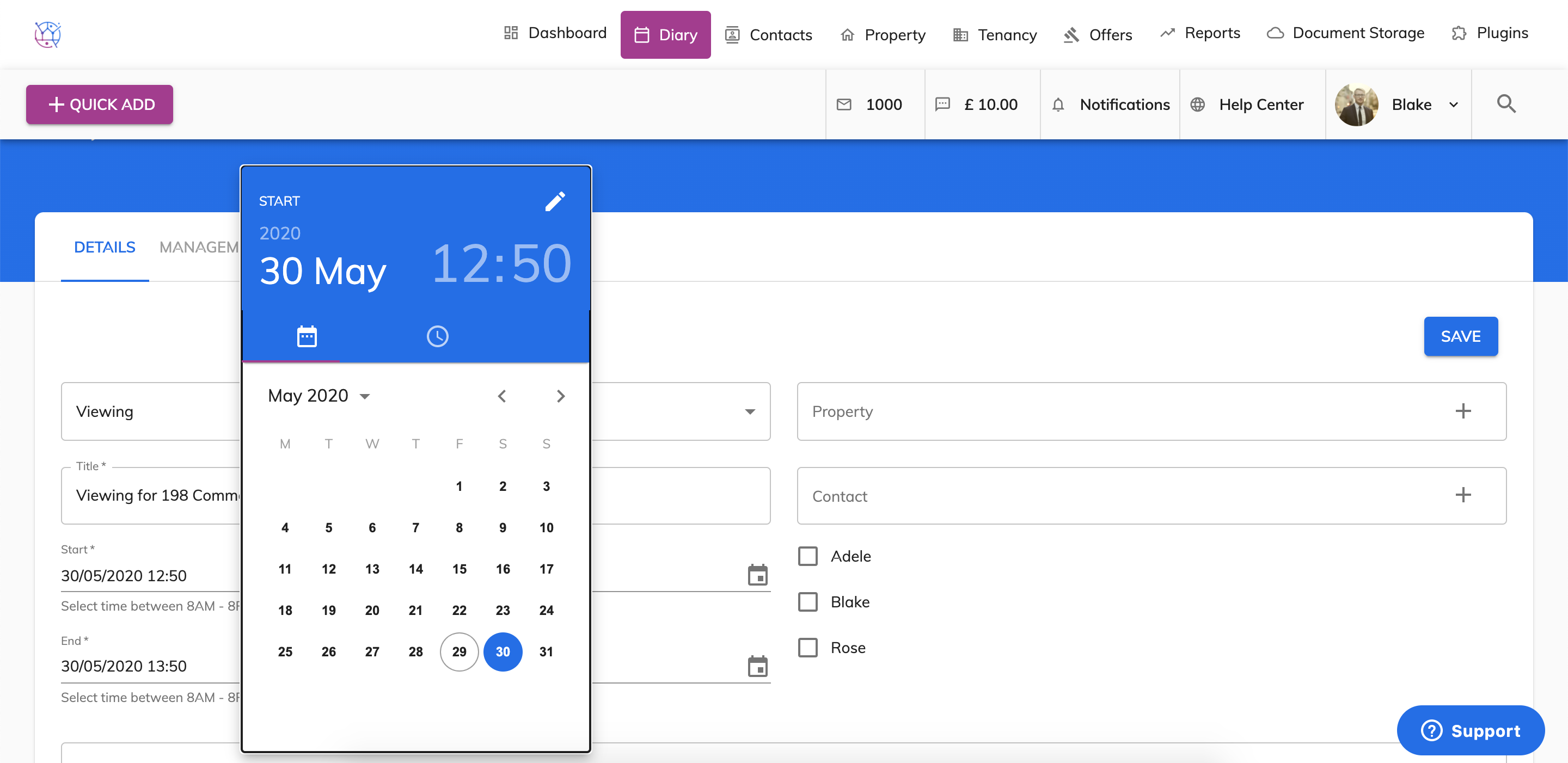
5) Choose the start date and time time, by clicking on the date and time on the pop out calendar.
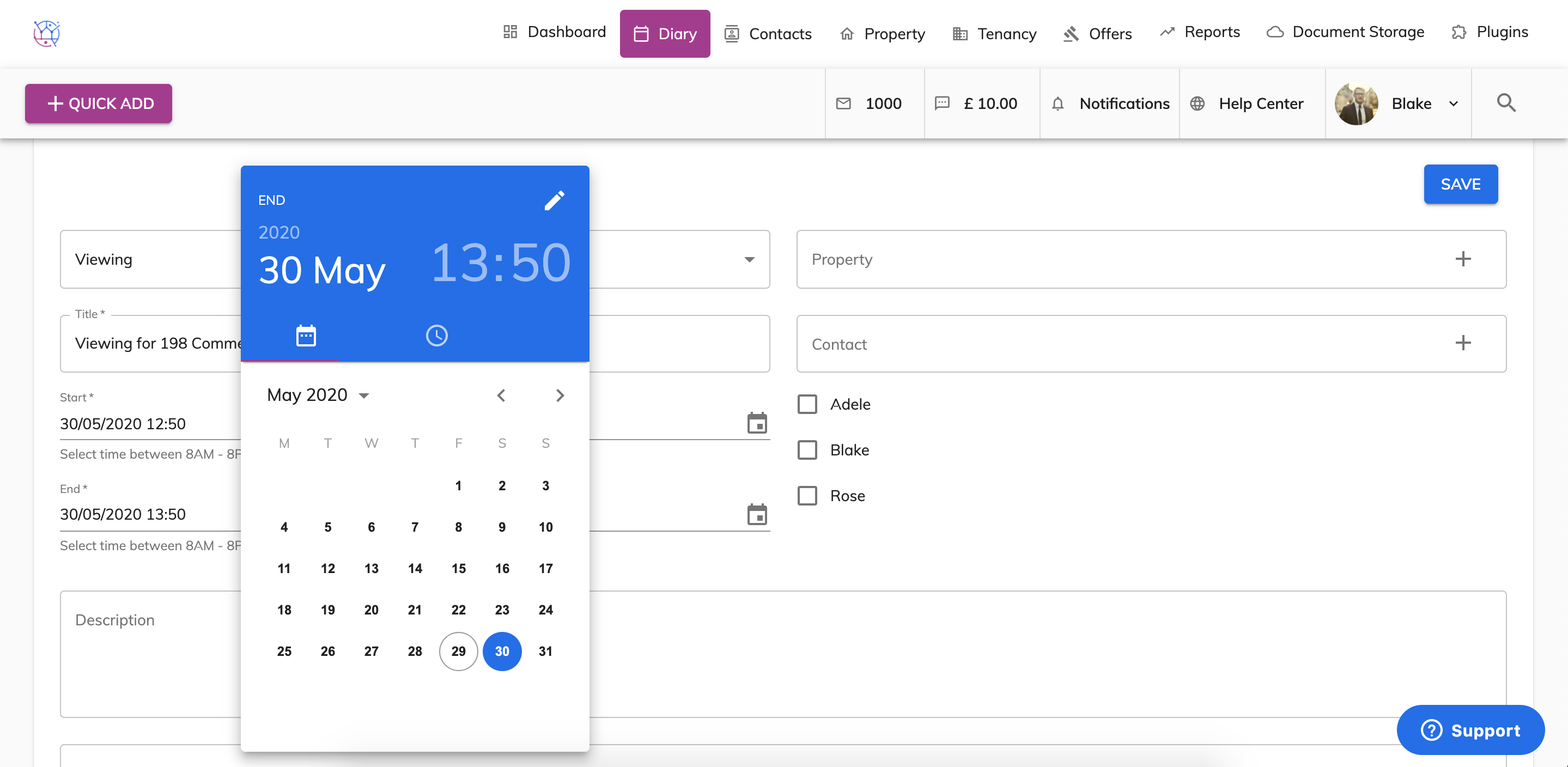
6) Select the end date and time from the pop out calendar.
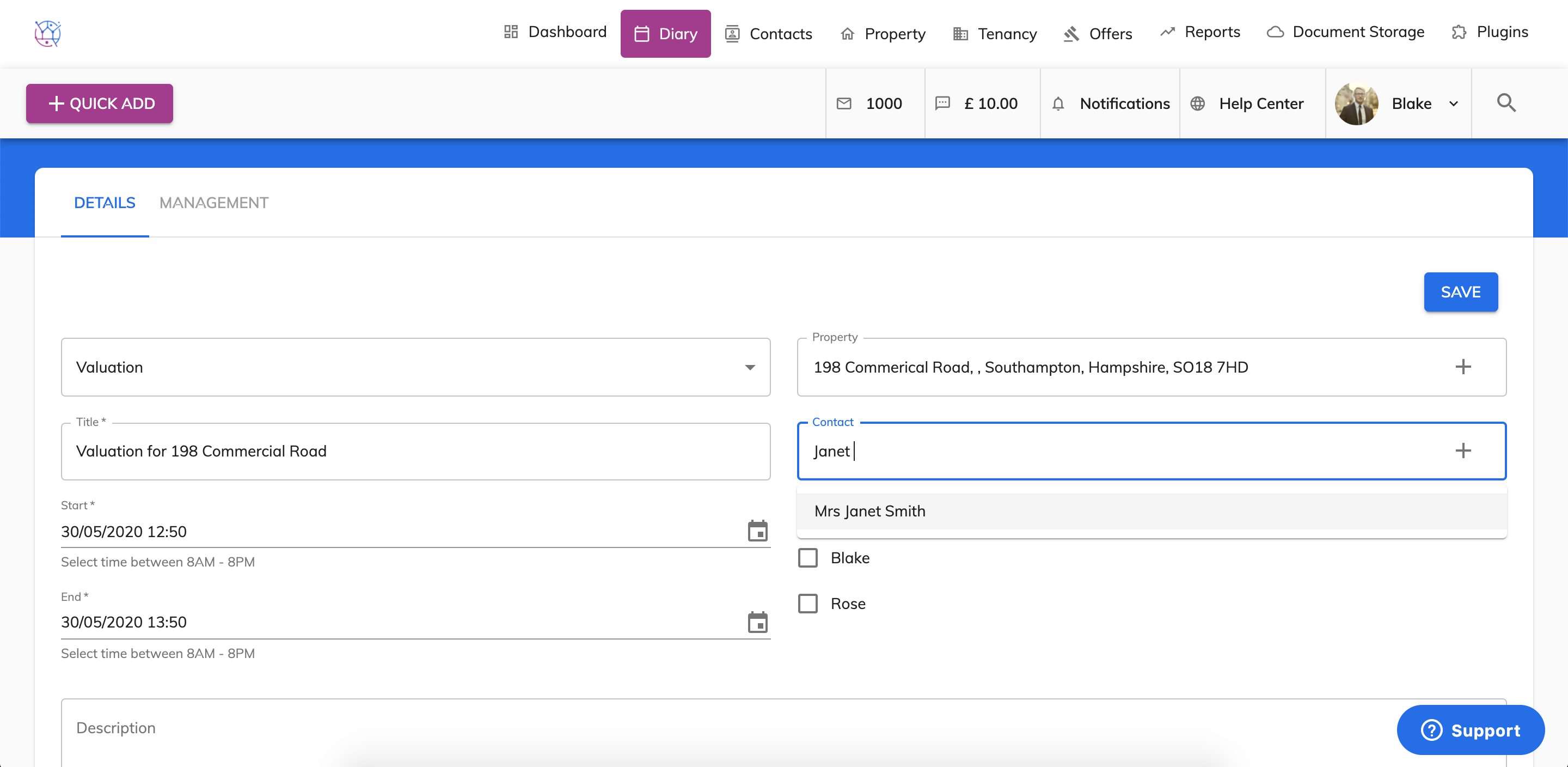
7) Start typing in the name of the contact linked to the appointment and the select from the dropdown. For the a viewing this will be the potential tenant/buyer and for a valuation this will be the vendor/landlord.
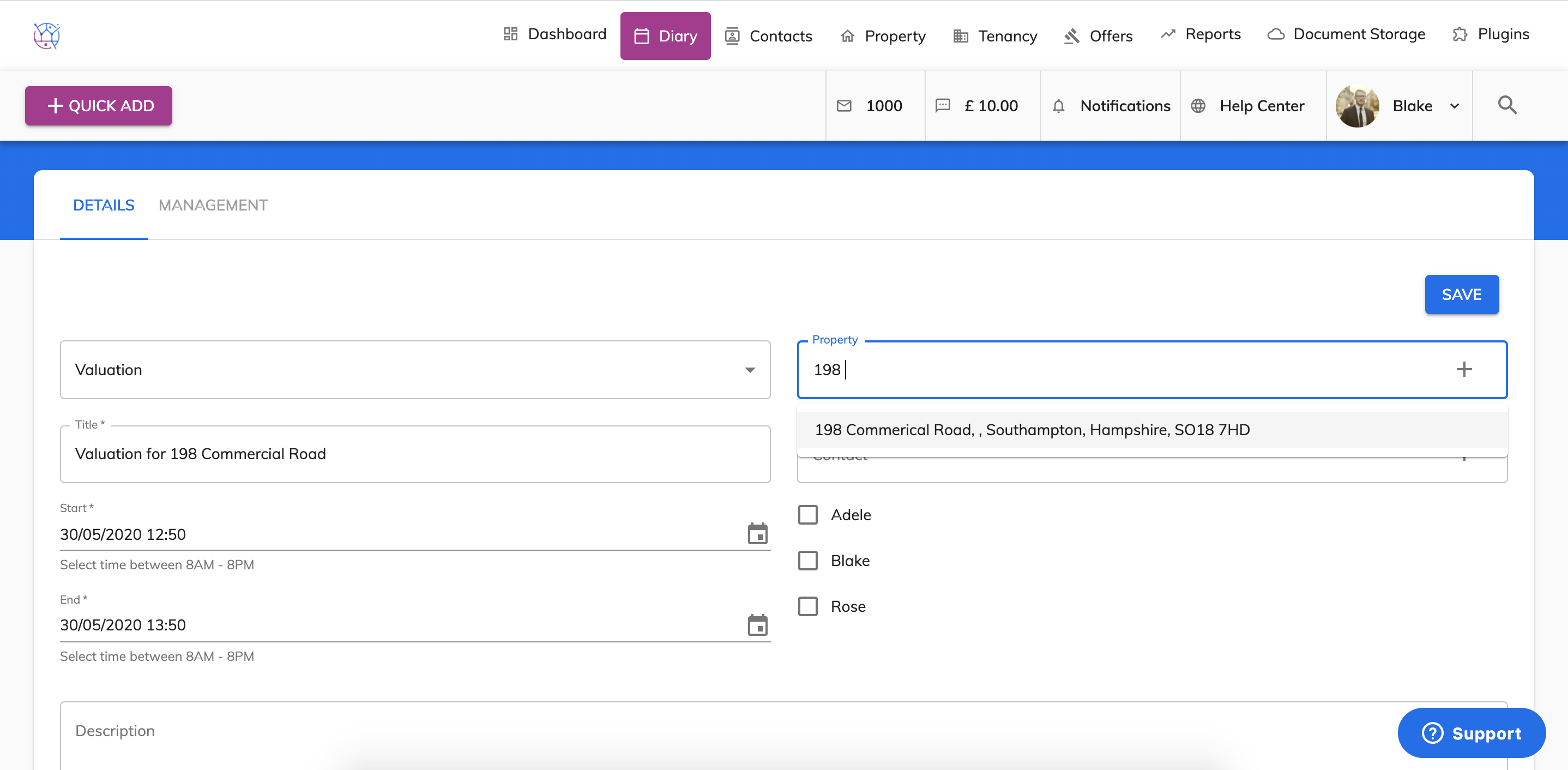
8) Select the property by typing in the name of the property and selecting from dropdown.
9) Tick the box next to the name of the Juvo user the appointment is for.
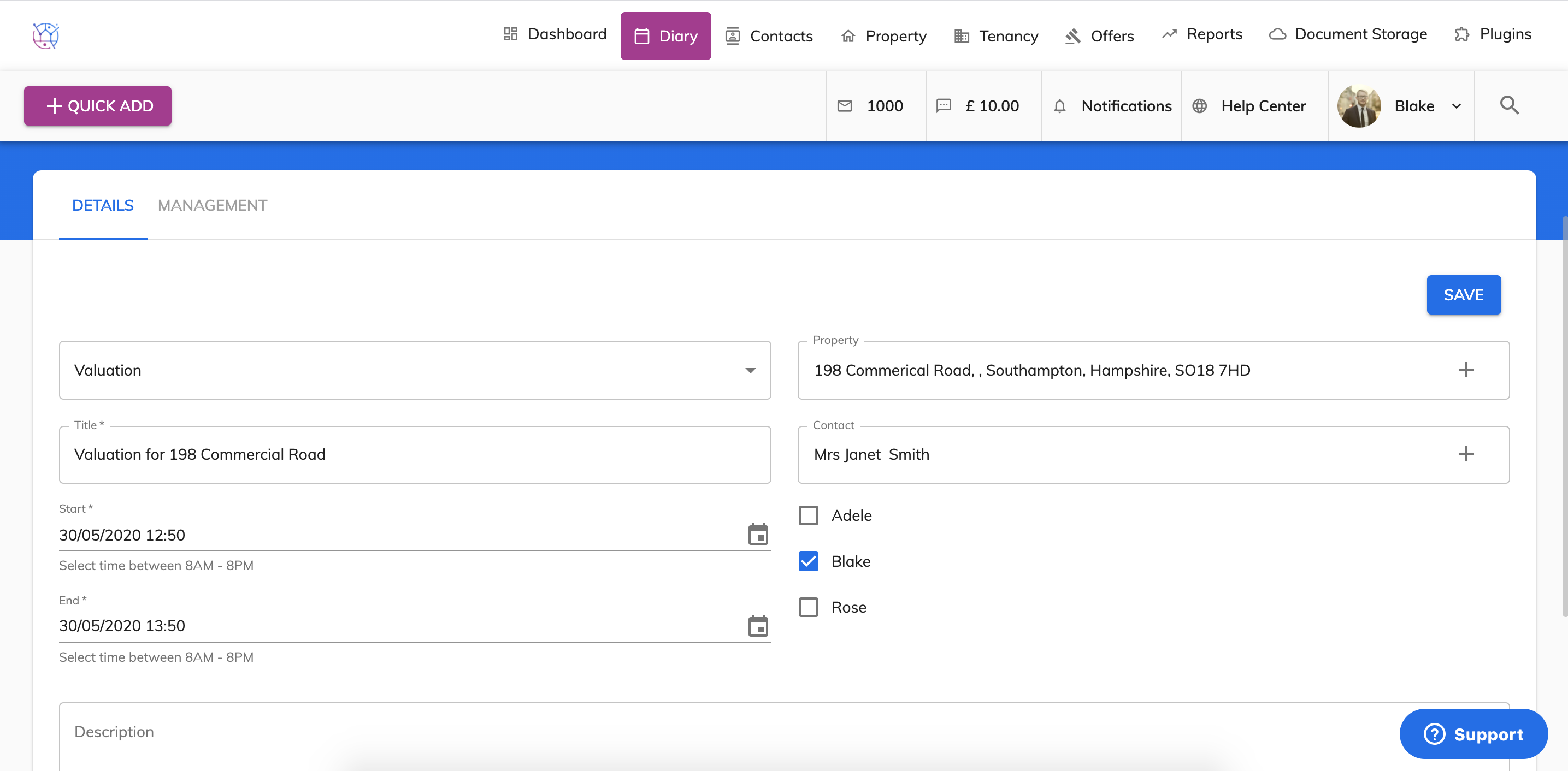
10) Add any additional notes into the description field. When ready to add the appointment to the calendar, press the Save button. The appointment will now be added to the diary.