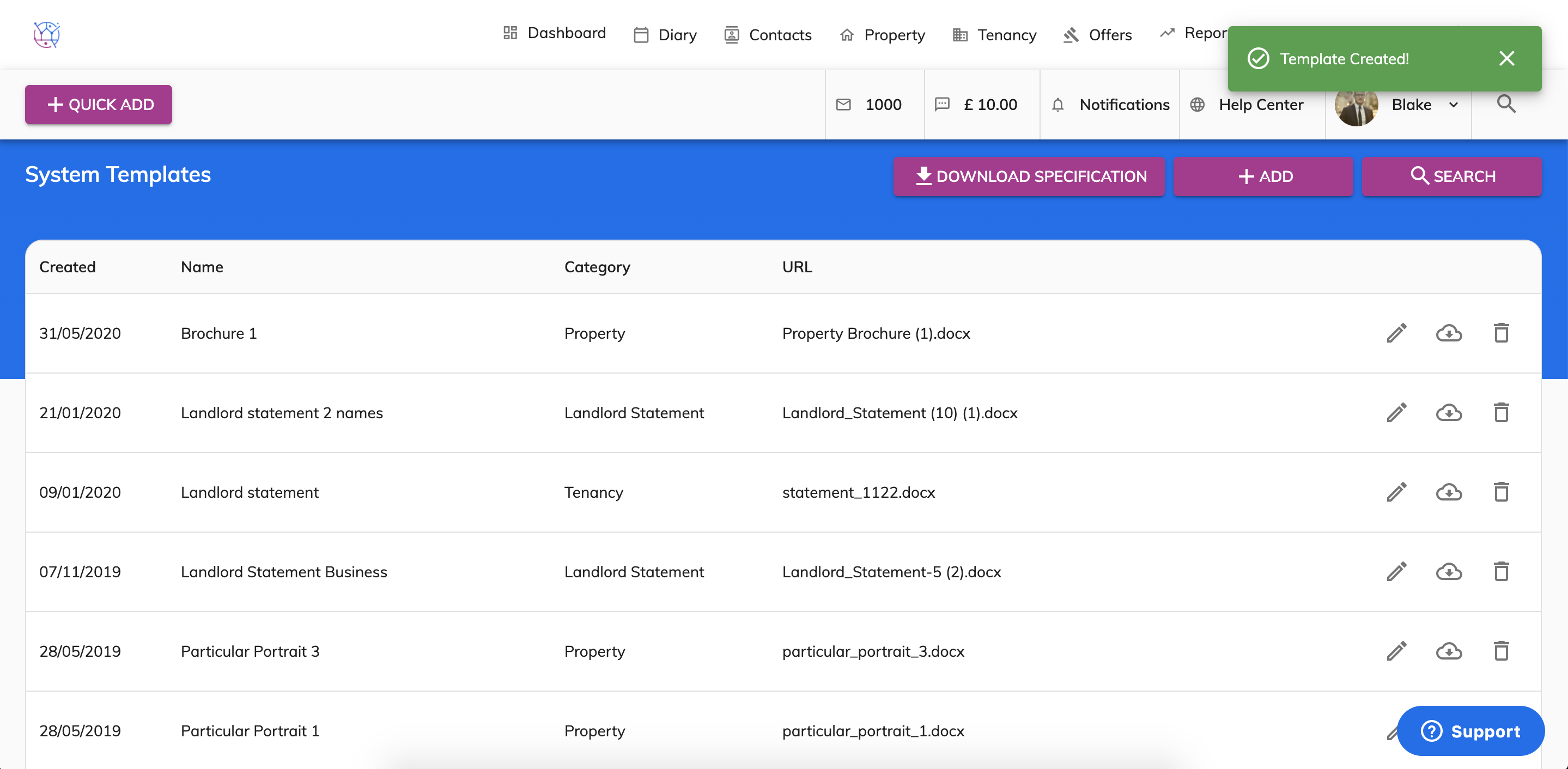
Although Juvo already has a huge range of standard templates ready to use, we understand that you want to add your own or customise our standard templates. Create your own templates using this article https://juvo.zendesk.com/knowledge/articles/360038259912/en-us?brand_id=360000744751.
Before using this article please make sure you have formatted your letter, window card or brochures using the link above.
To add your templates to Juvo, including window cards, brochures or letters, follow the steps below.
1) Click on your profile image and select System Templates from the dropdown.

2) Press the Add button.

3) Add the name of the template.
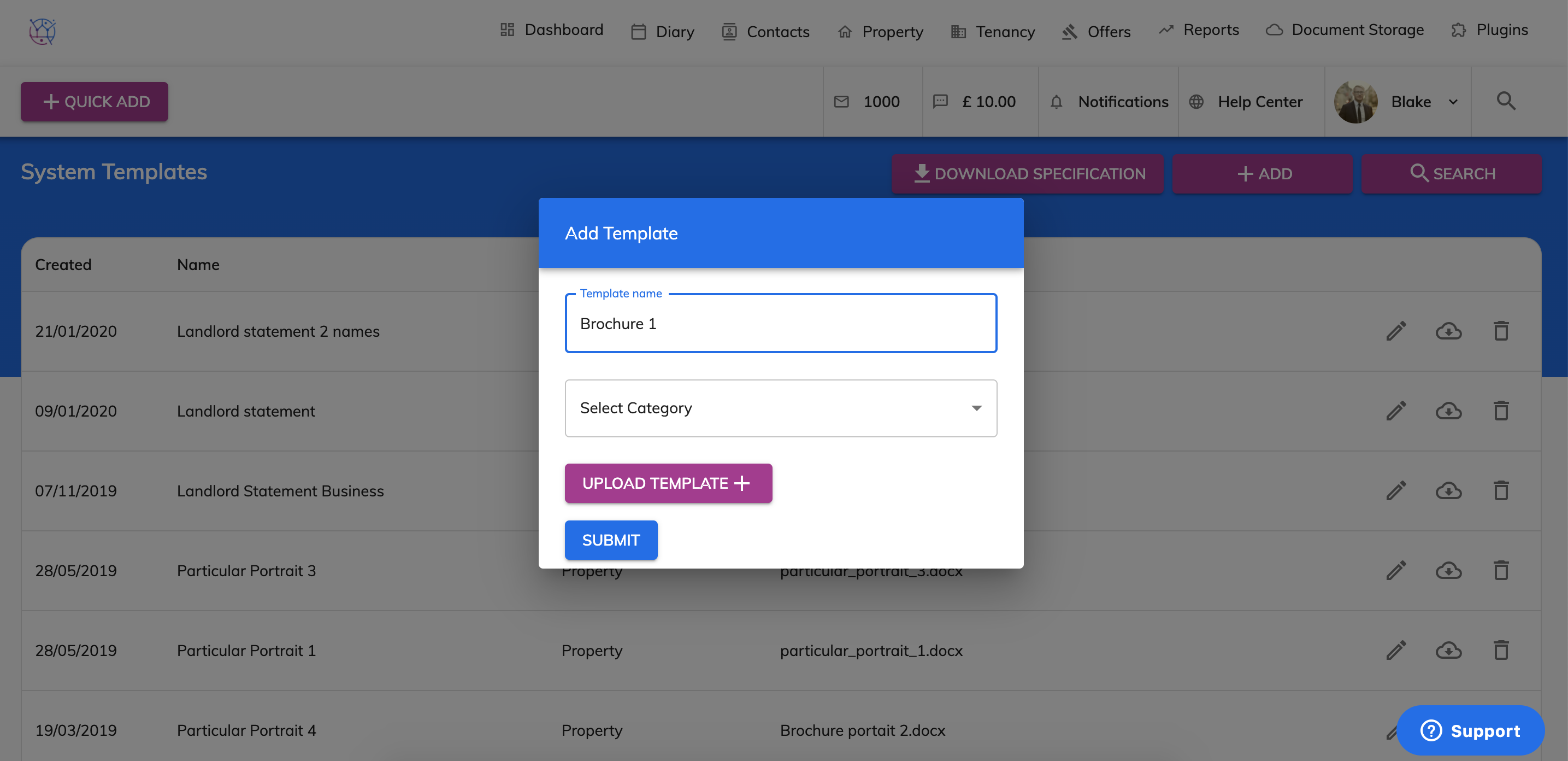
4) Select the category for where the template will be uploaded to. For example if it is a particular or brochure this would be in the Property section/ landlord statement in the Landlord Statement section.

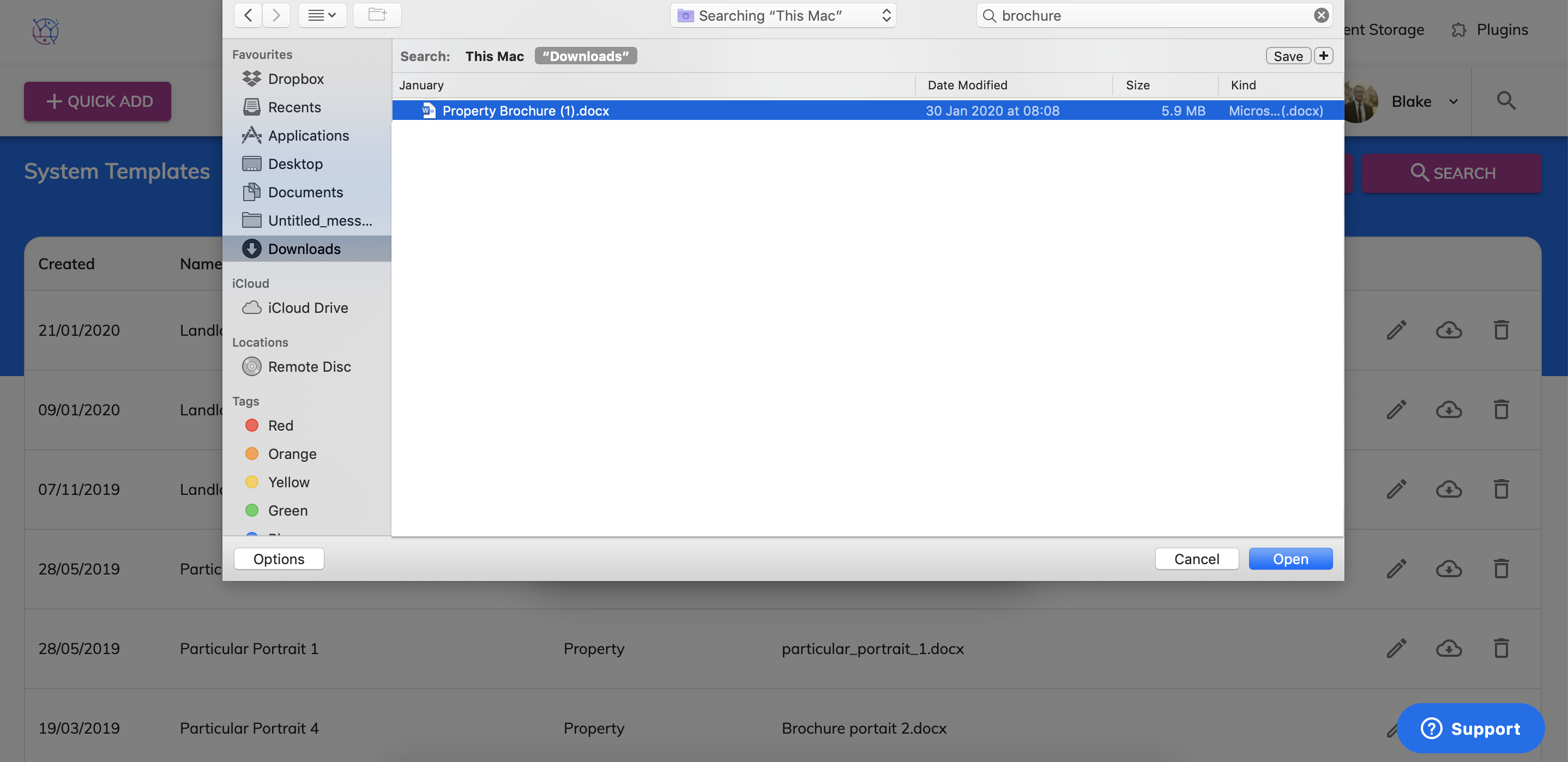
5) Attach the file from your computer (please note this must be in a word document format) and press open.
6) Press Submit.

This template will now be added. You can use this template by selecting the name of the template from the relevant area and clicking PDF/ Doc.