
Although Juvo already has a huge range of standard templates ready to use, we understand that you want to add your own or customise our standard templates.
Create your own templates using this article & our template specification.
Alternatively you can arrange for a freelancer to format them on your behalf by using a freelancer website such as https://www.upwork.com or https://www.peopleperhour.com/
To create a Juvo template including letters, window cards or brochures, follow the steps below:
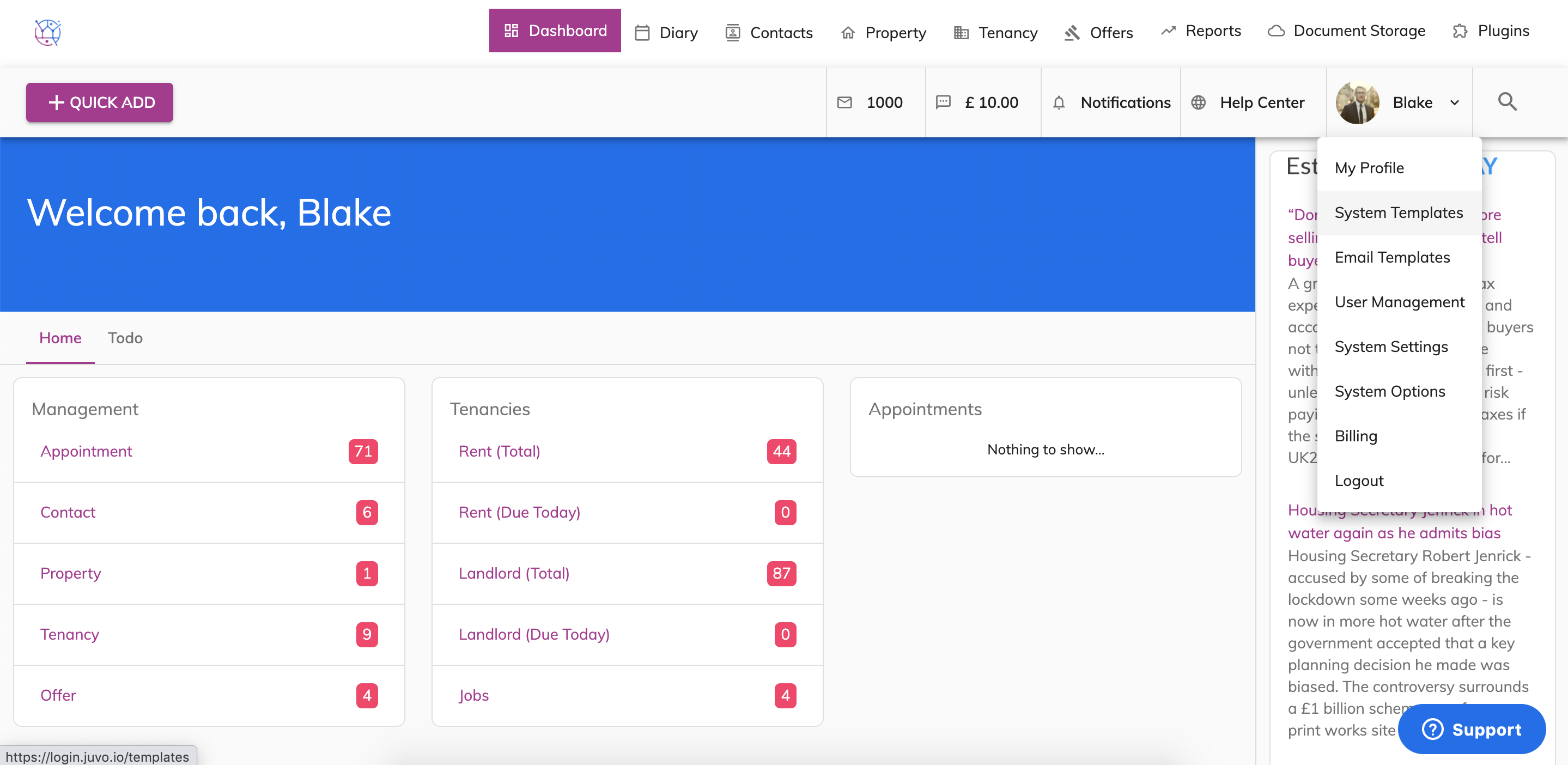
1) Use the Template specification to copy a tag into your template for Juvo to pull through the relevant information. This can be found in the System Templates in the admin section.
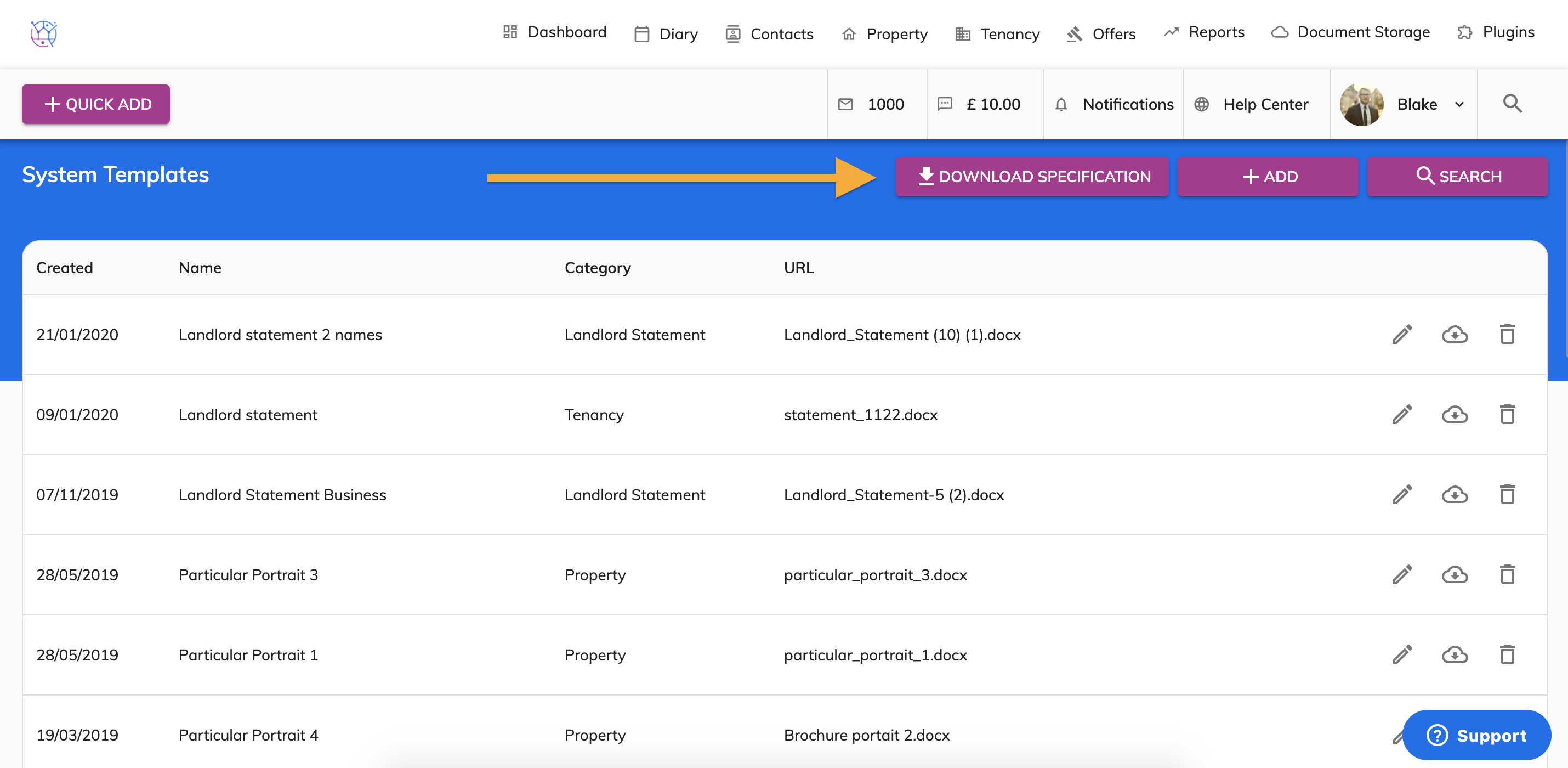
2) Download the Template Specification.
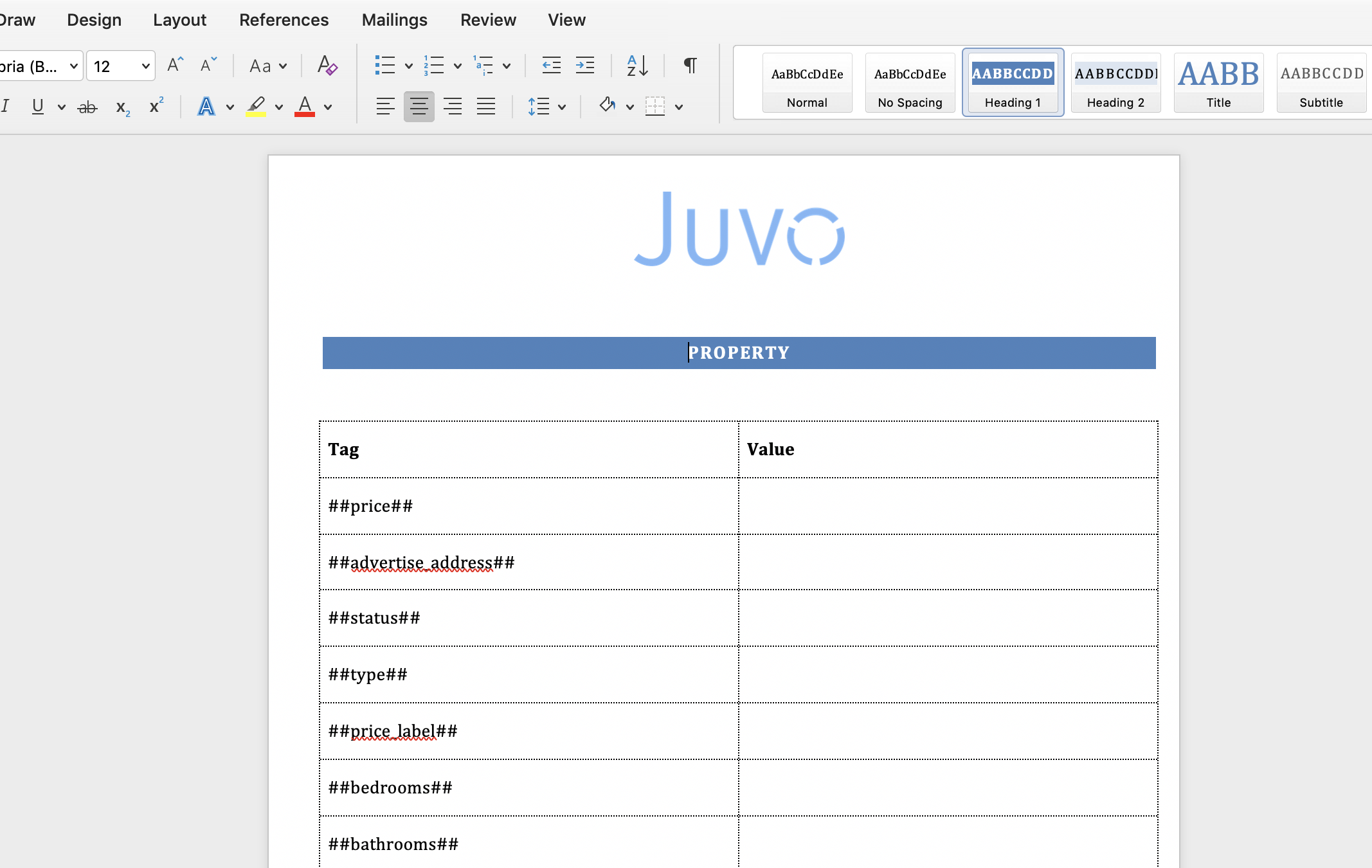
3) Once downloaded, open the Juvo specification using Microsoft Word.
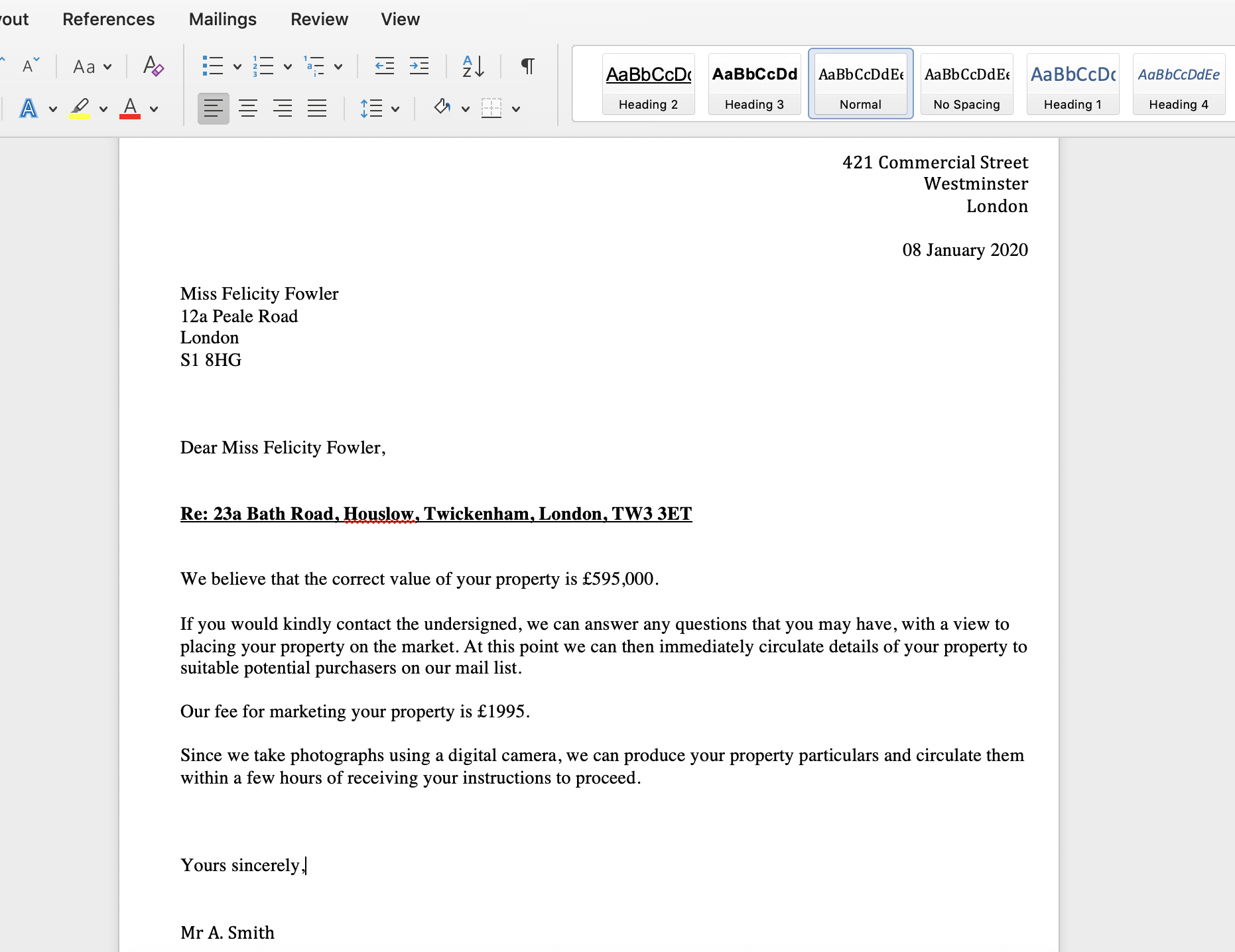
4) Open your proposed template in a Word format on your computer.
5) Use the Template Specification you already have open to add tags into the proposed template. For example for Juvo to pull through the property price, the tag to be used is £##price##.
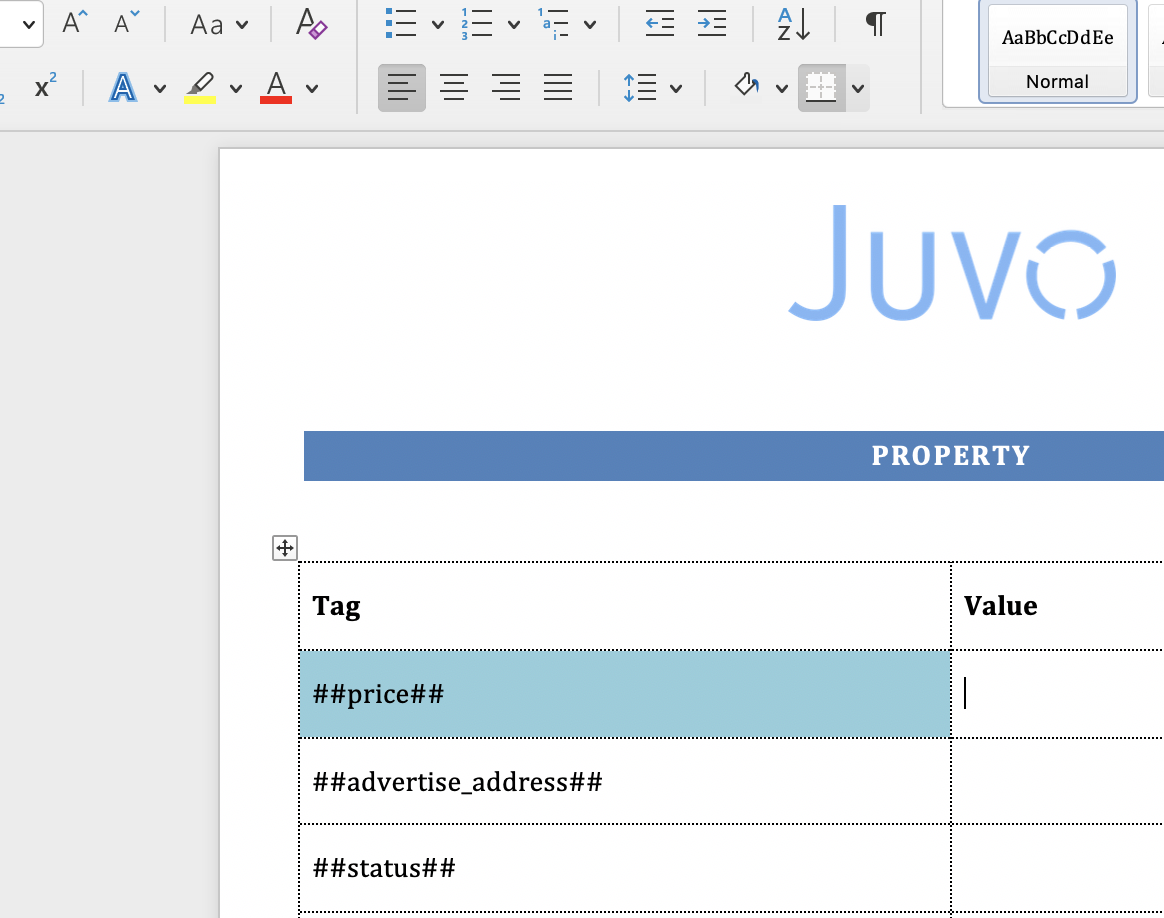
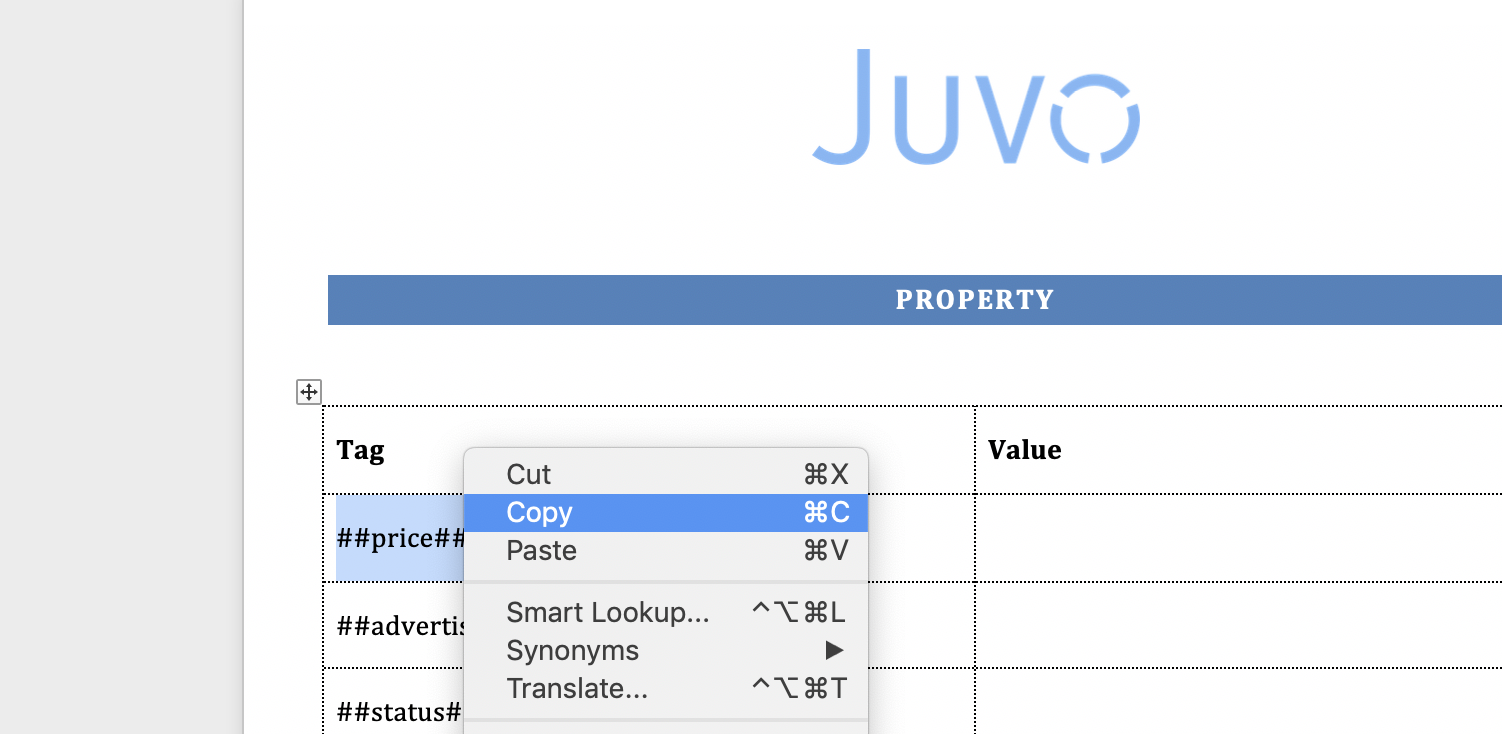
6) Highlight the Juvo tag in the Juvo Template Specification and press copy.
7) Open the proposed Juvo template use the cursor to locate where you would like the tag to be added to.
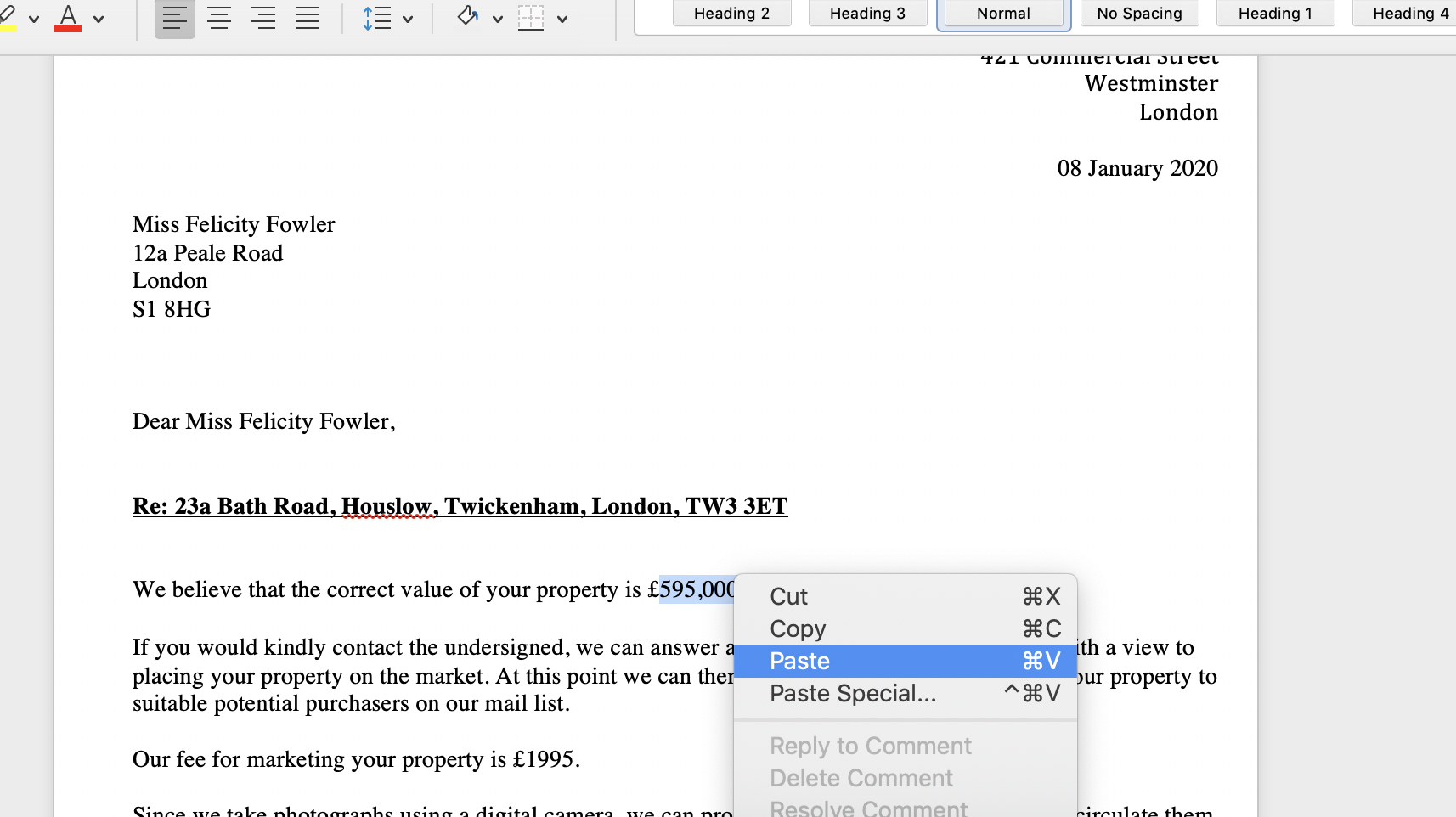
8) Right click and press paste.
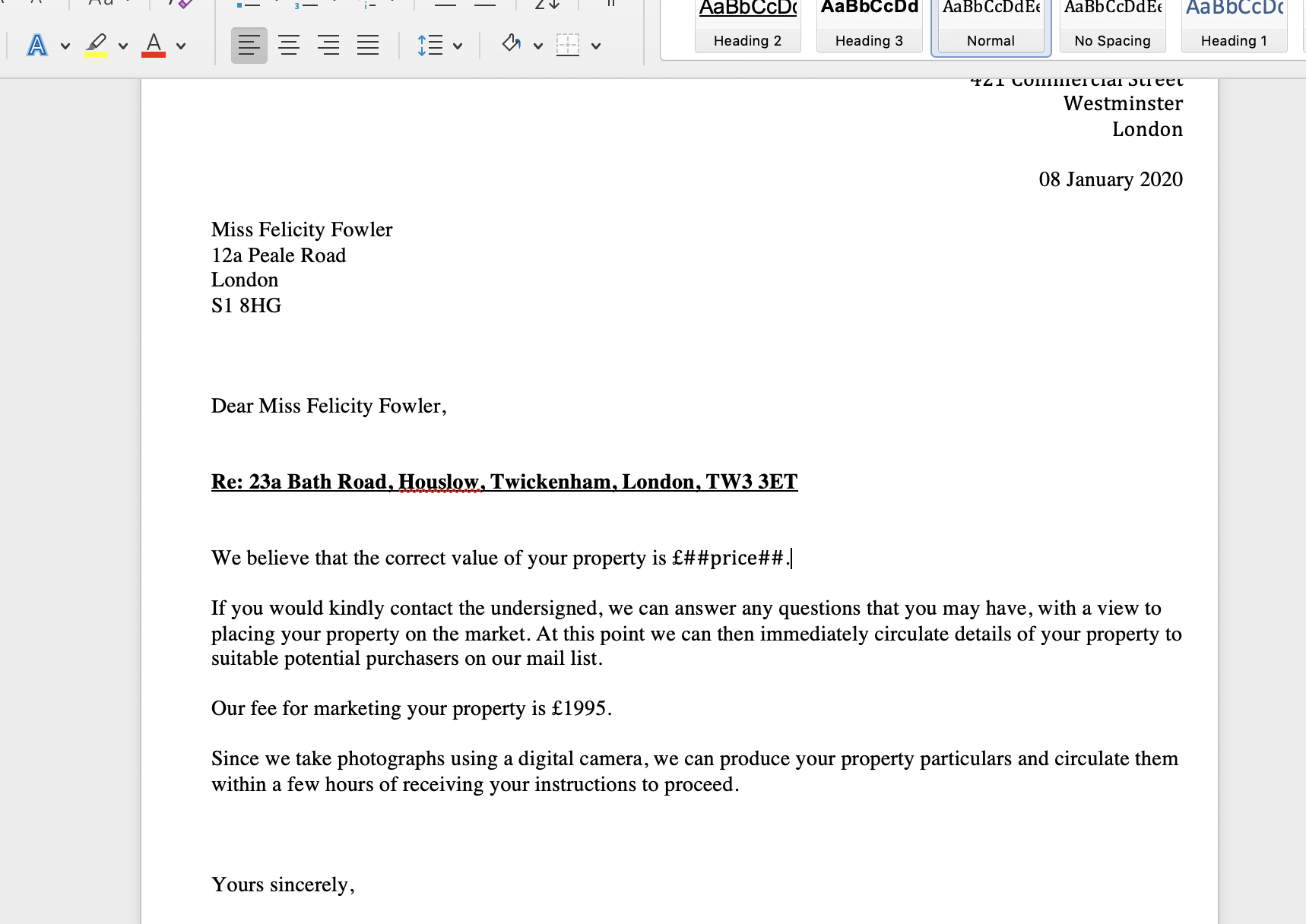
Once the tags have been added to the proposed template, save the changes and upload the proposed template into Juvo. See the 'Add templates to Juvo' help guide.