
Within your Juvo account, you will already find templates with Signable tags added to them including; Signable Sales Instruction, Signable Lettings Instruction and Signable Tenancy Agreement templates.
You can customise your own templates by using the Juvo template tags and the Signable template tags in one document.
Add these signable tags to your Juvo templates Tags to create the following Signable fields:
-
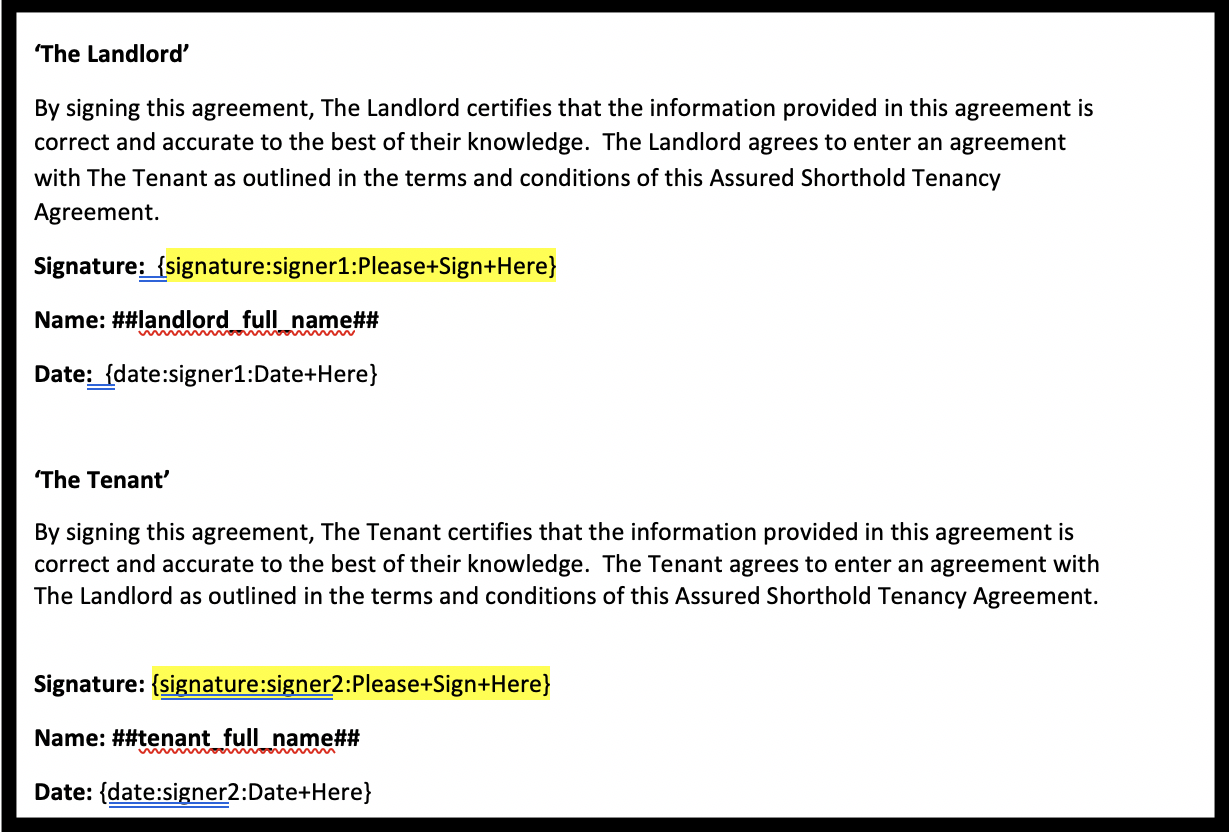
Signature
{signature:signer1:Please+Sign+Here}
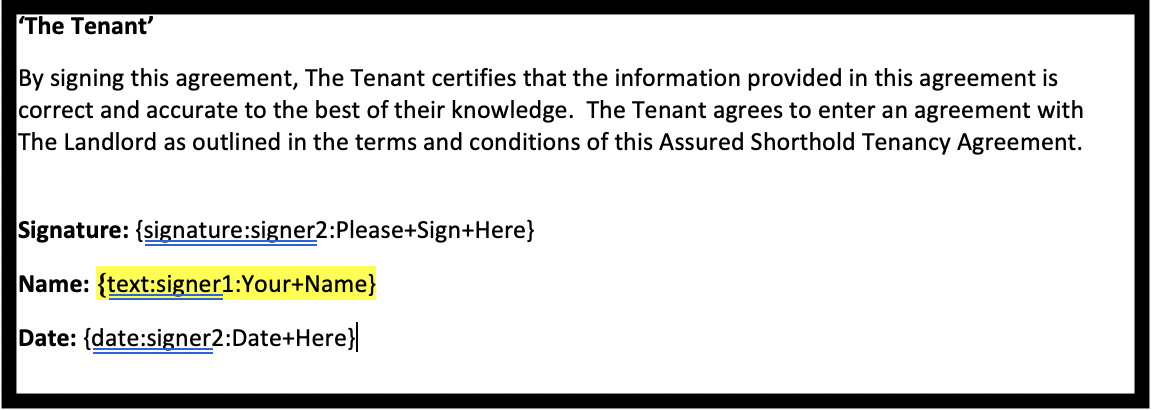
- Text
{text:signer1:Your+Name}
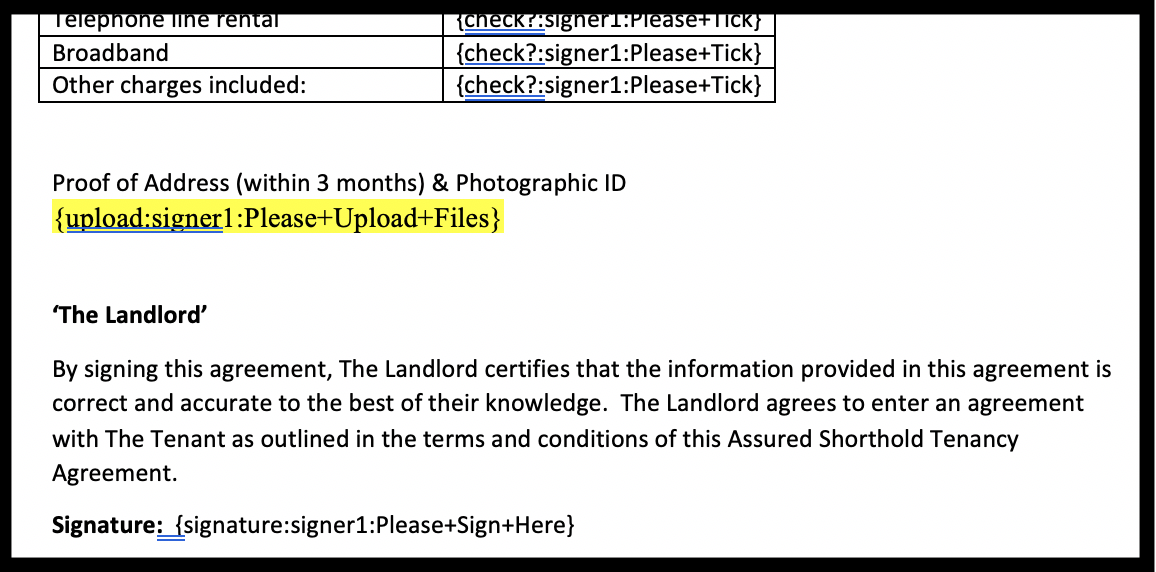
- File upload
{upload:signer1:Please+Upload+Files}
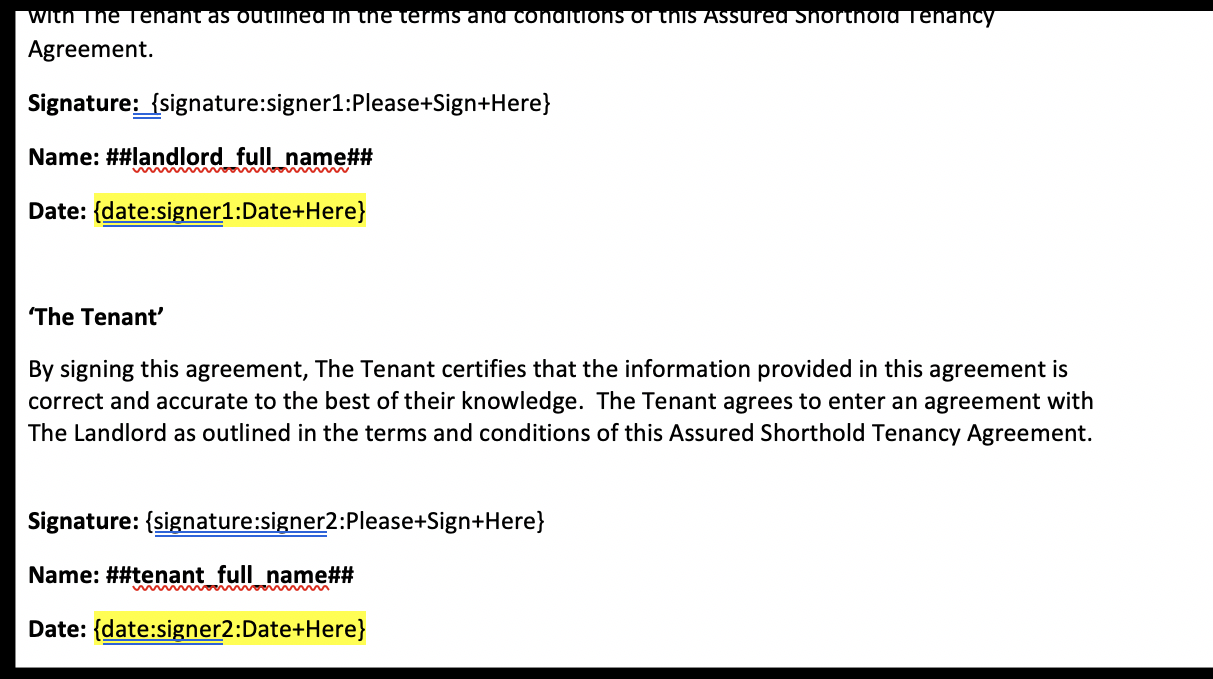
- Date
{date:signer1:Date+Here}
- Checkbox fields
{check:signer1:Please+Tick}
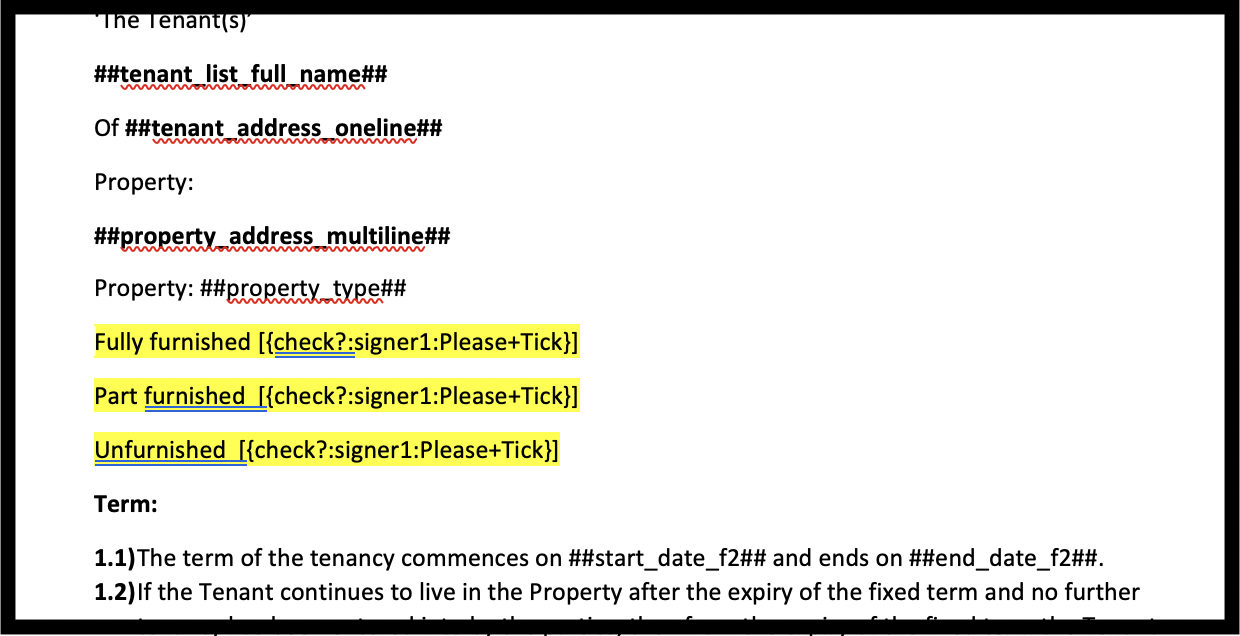
The Signable tags above, if placed on a document will automatically create a signature field with the name ‘Please Sign Here’, a text field with the name ‘Your Name’, a date field with the name ‘Date Here’ and a checkbox with the name ‘Please Tick’. All will be assigned to the first party (signer1).
Change the number at the end of the 'signer' to include multiple signers in your templates.
Not able to find a signable tag you are looking for? Contact the friendly team at Signable on: 08006126263