
To activate Signable within your Juvo account, follow the steps below:
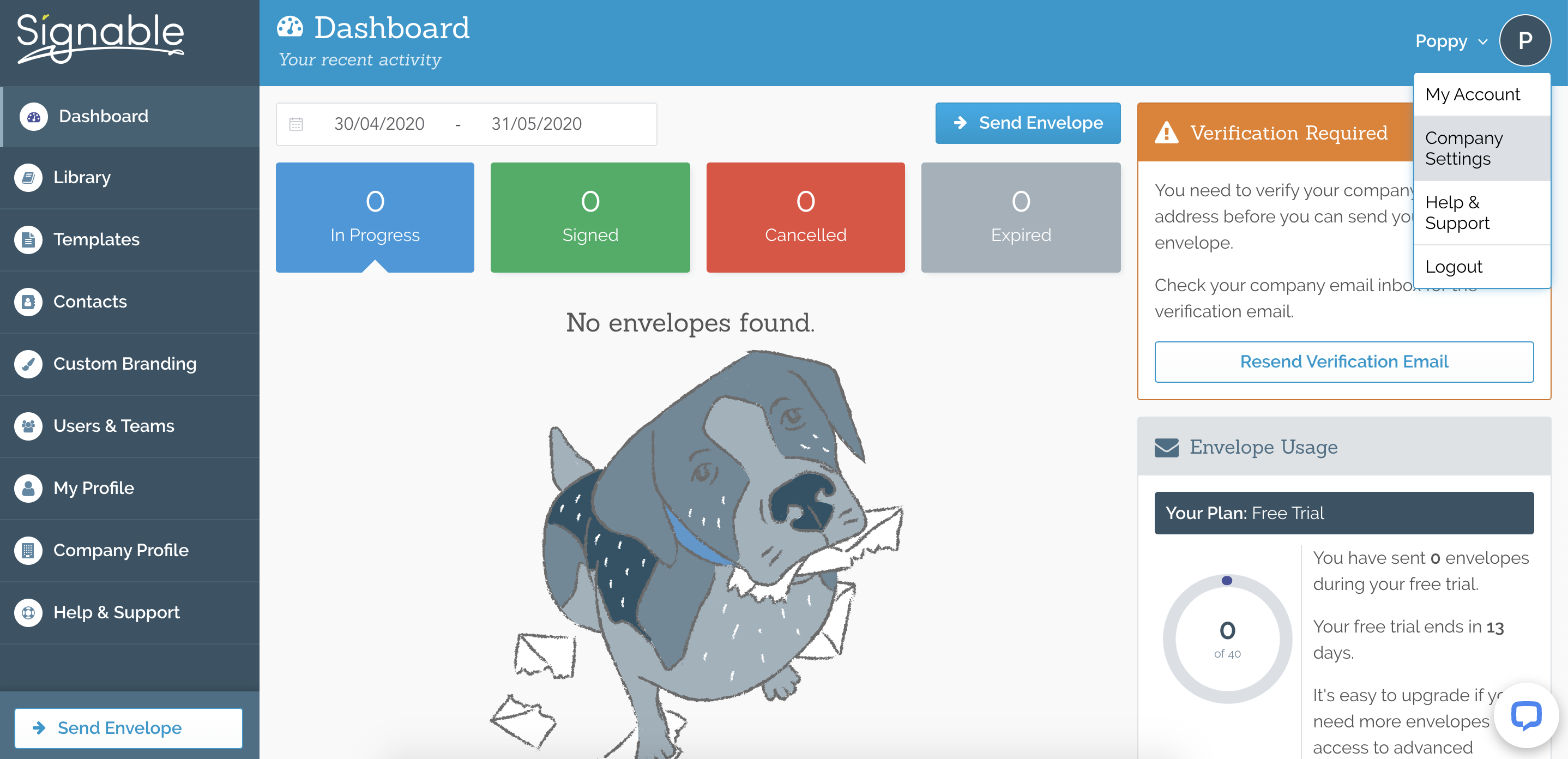
1) Within your Signable account go to Admin by clicking on your name in the top right hand corner and selecting Company Settings from the dropdown.
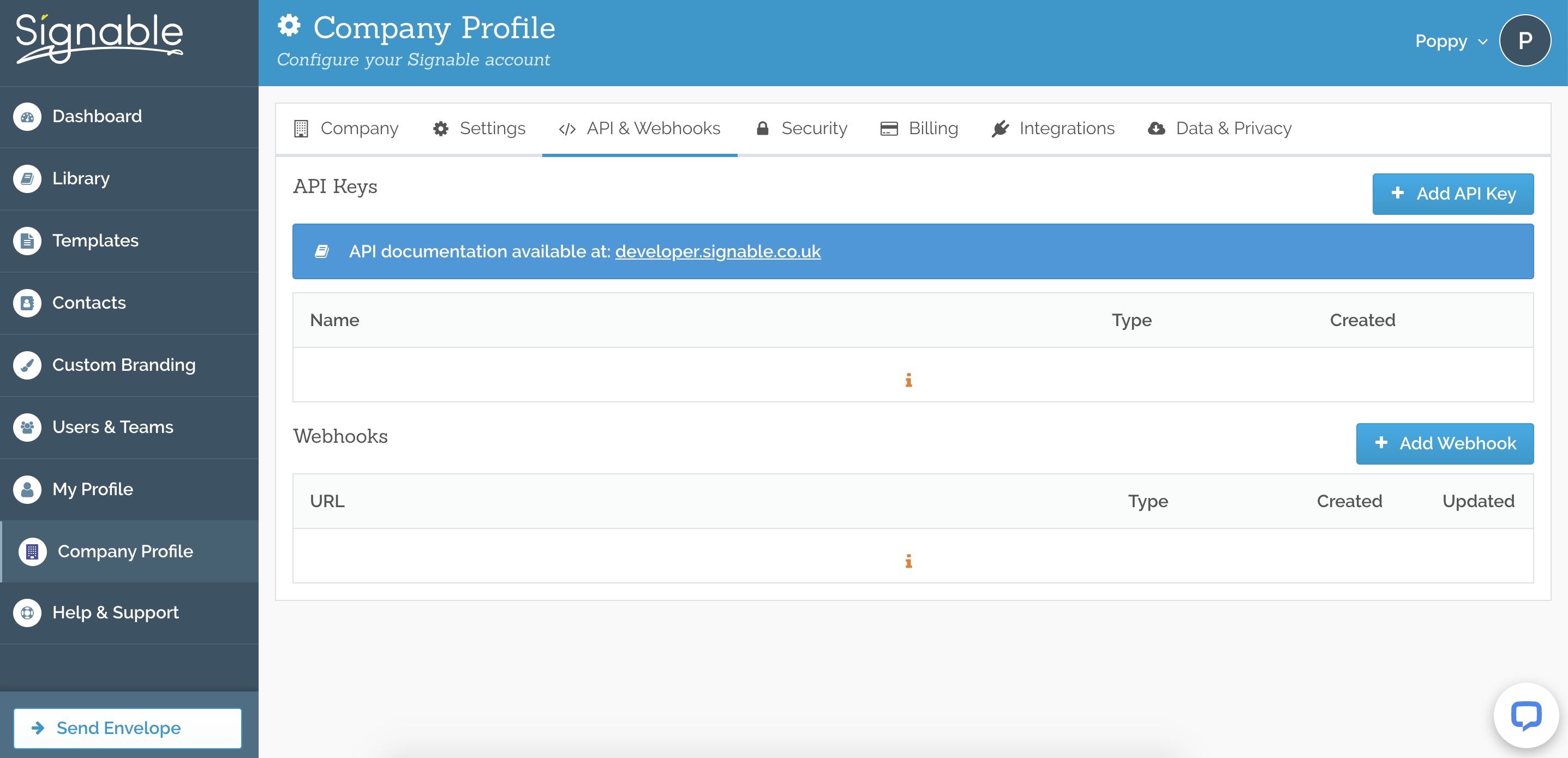
2) Select API & Webhooks.
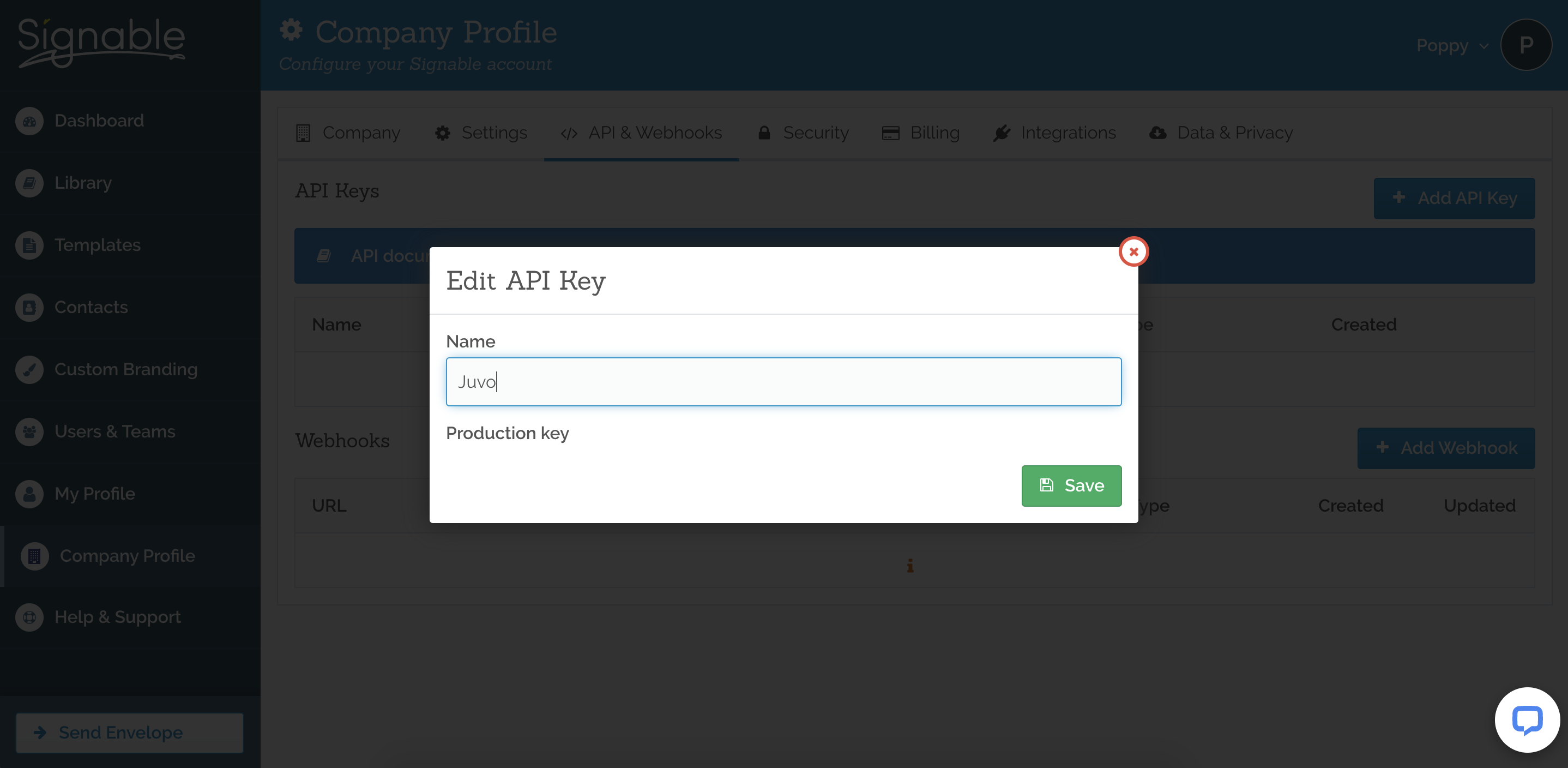
3) Press the Add API Key > Enter the Name – ‘Juvo’ and press Save.
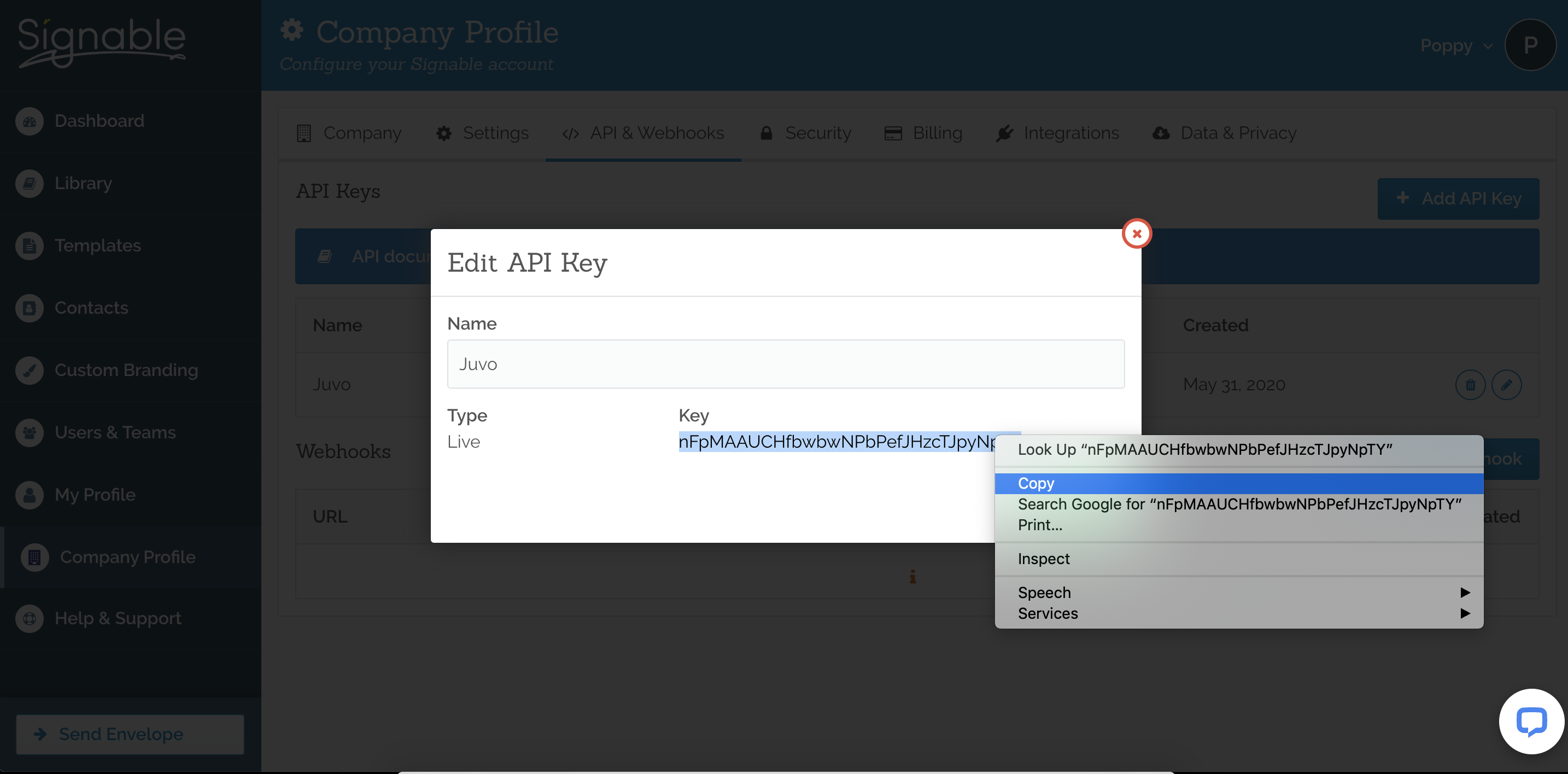
4) Press the show api key button and copy api key to clipboard.
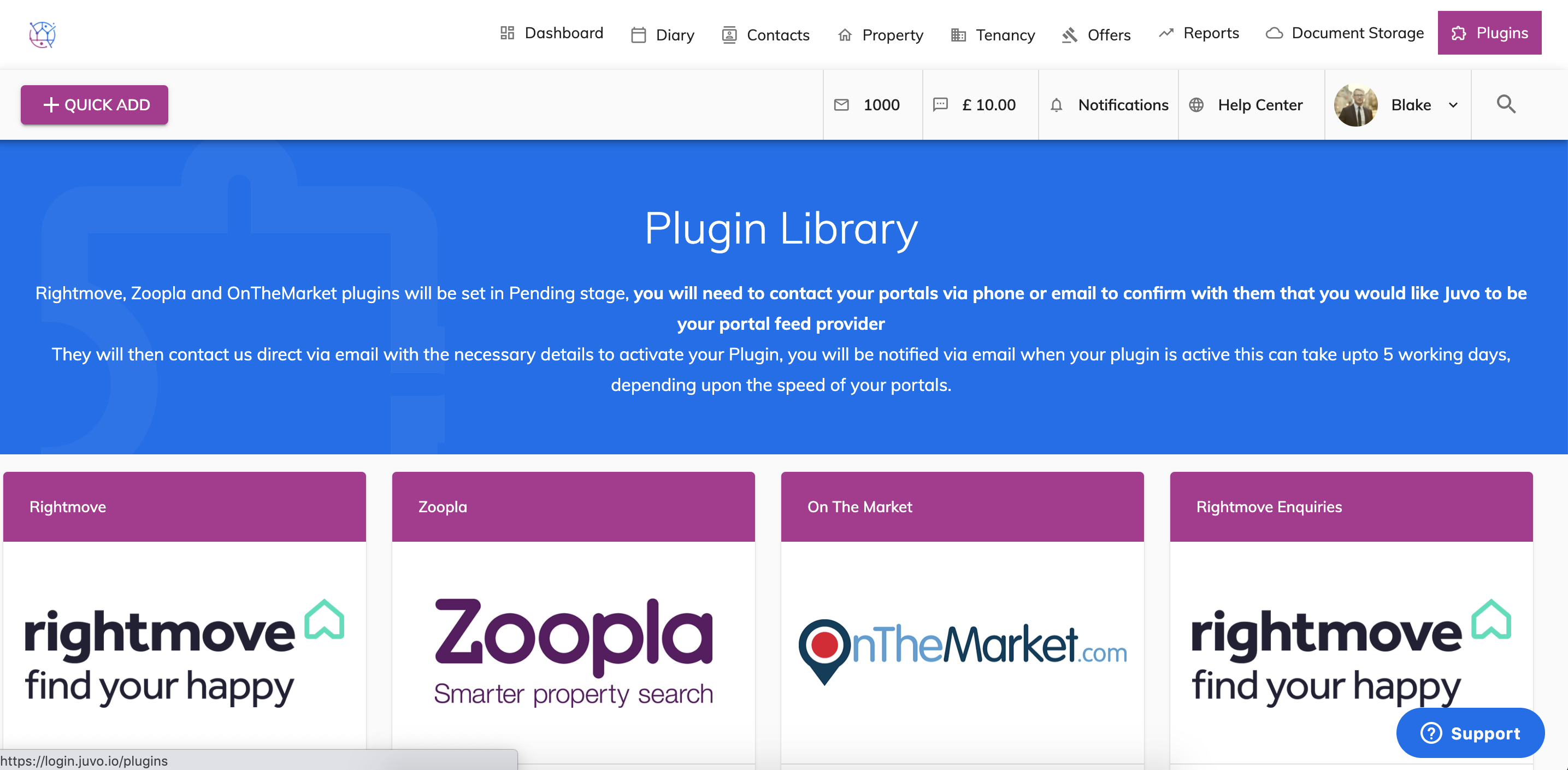
5) Within your Juvo account go into your Plugins area.
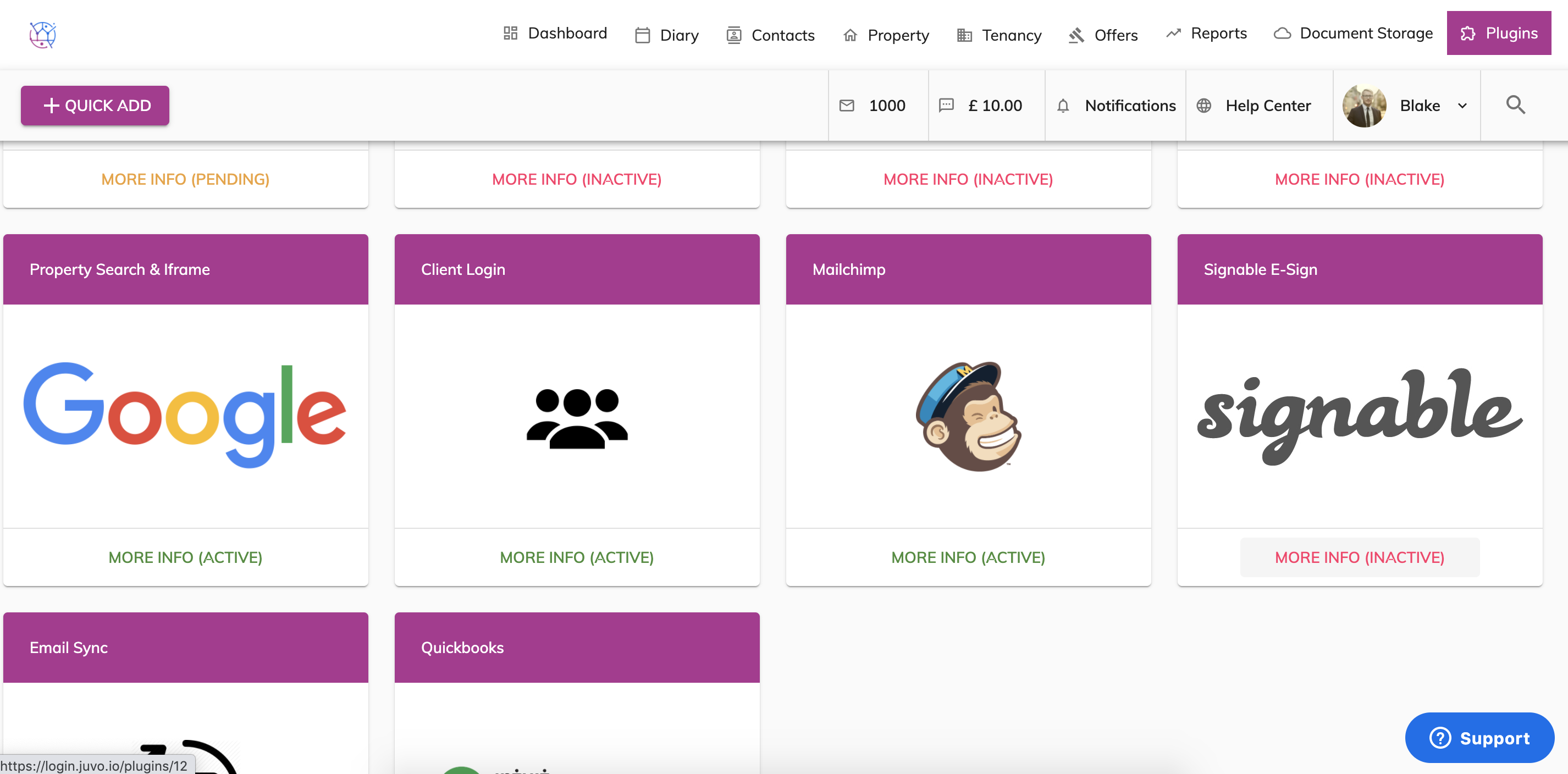
6) Press the more info button on the Signable Plugin.
7) Paste the API key into the API key box and press Save. Click the Activate Plugin.
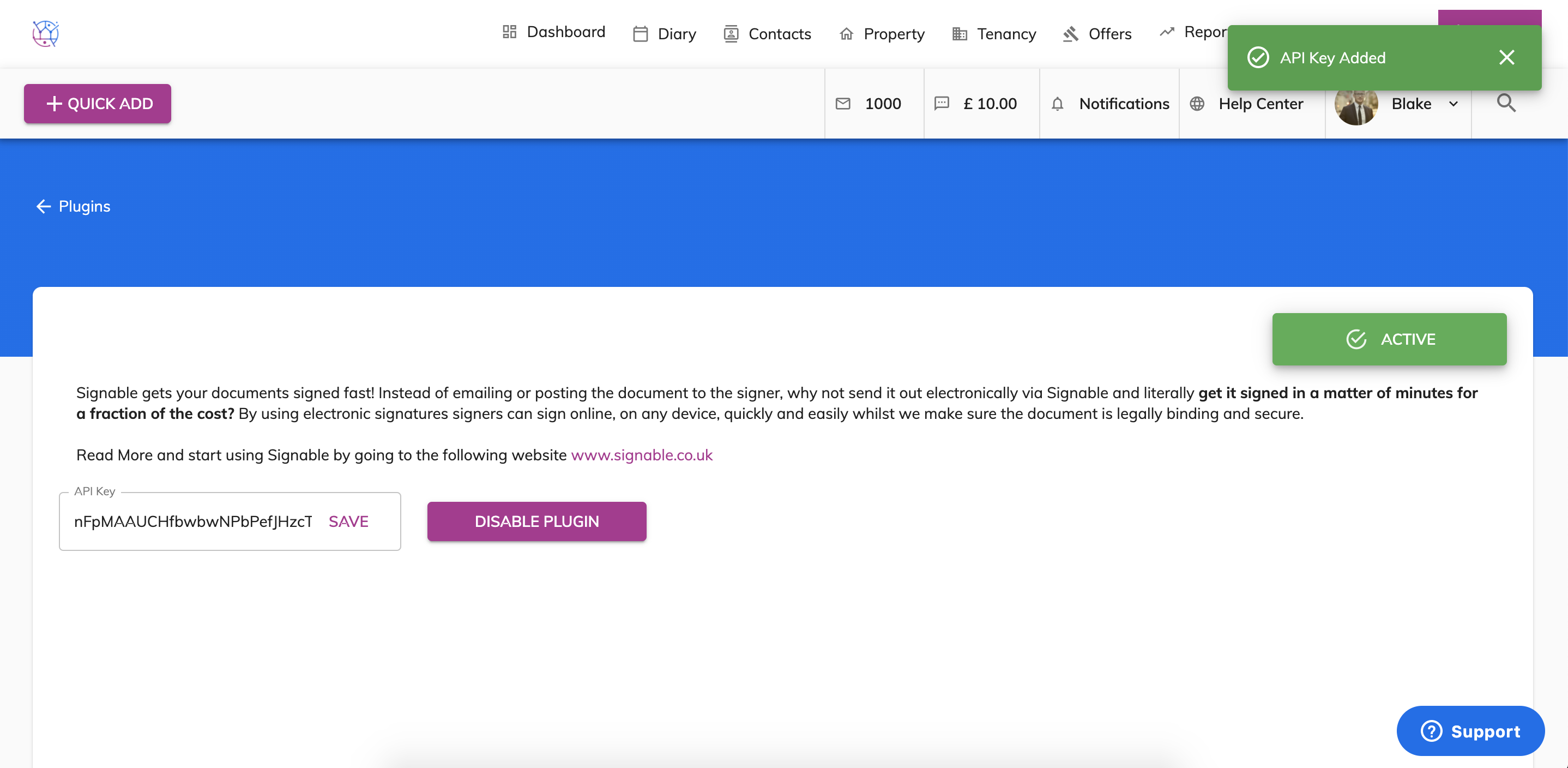
Your Signable plugin is now ready to start using.