
When creating an email template you can add Juvo tags to tell your Juvo account to automatically populate the required information.
Making emails personalised for your client and your agency. As well as saving lots of admin time.
Use the following tags to pull through the contacts information automatically:
##contact_name## will pull through the name of the contact.
##user_signature## will pull through the signature of the user sending the email.
As well as any other tags that can be found in the Juvo Template Specification document.
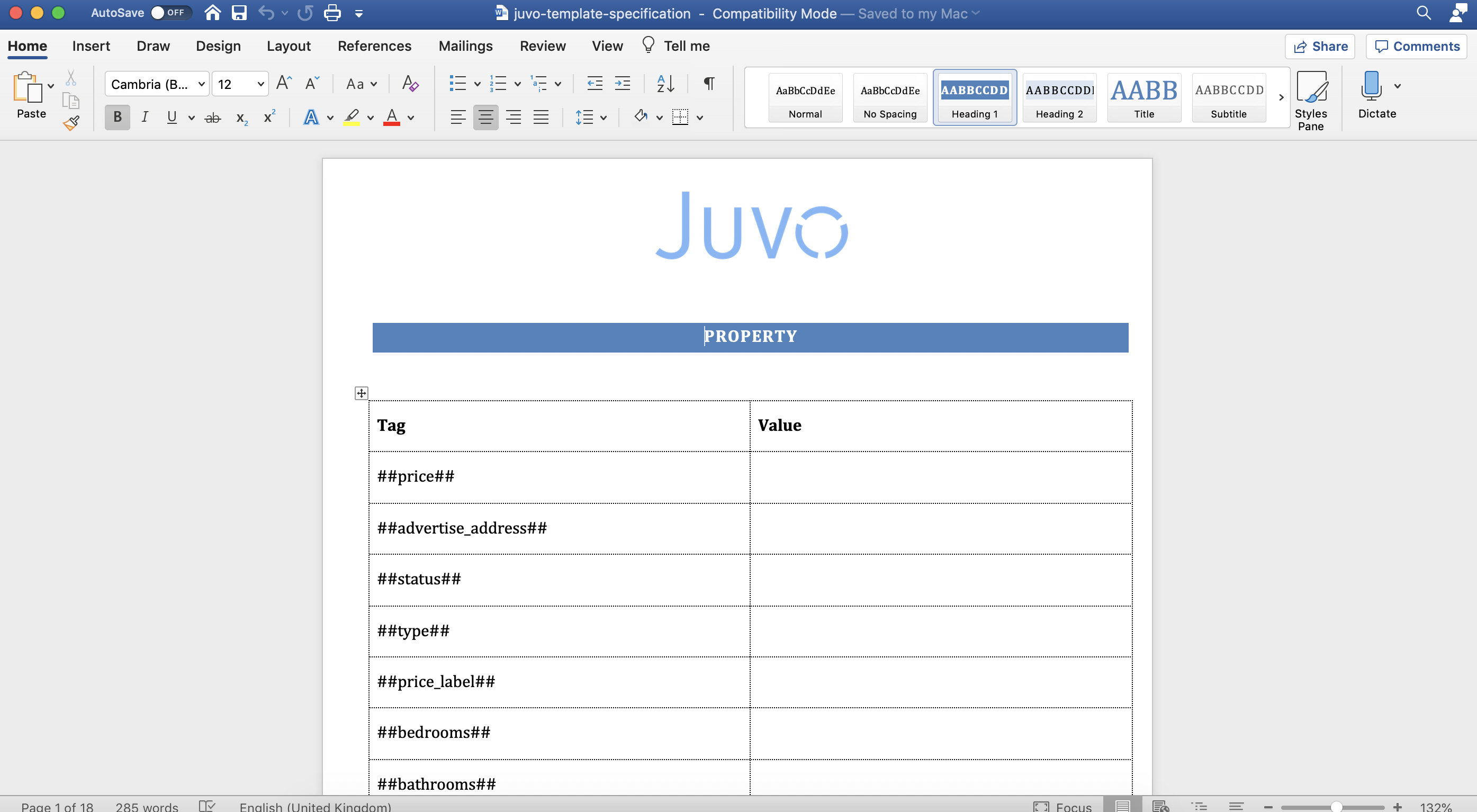
This document can be downloaded from the Email Template and System Templates sections from within the Admin section.
In the document look for the category of where the email template will be used. For example Tenancy - this will then list all the tags you can use for emails that will be generated from the Tenancy section.
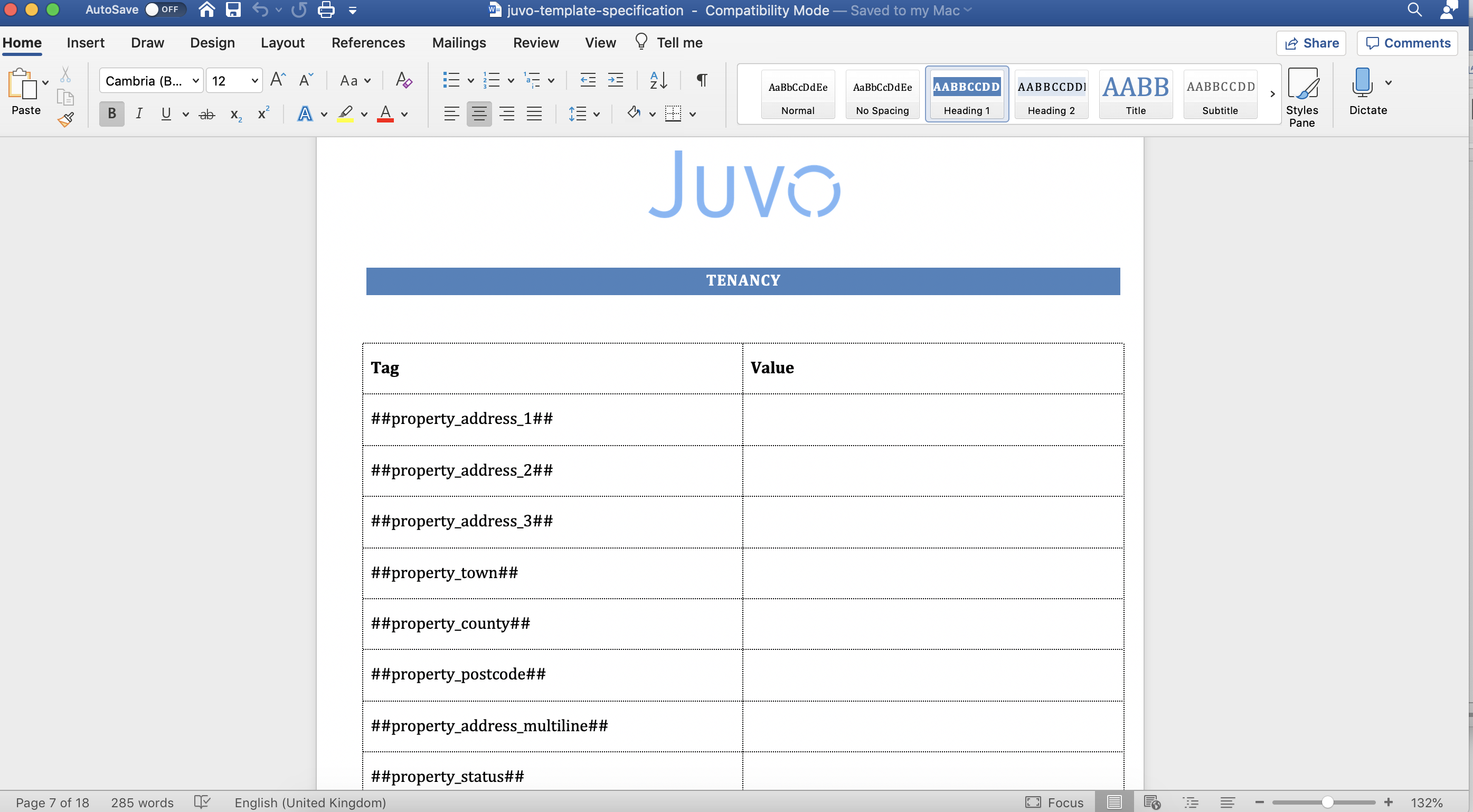
Anywhere you add one of these tags into the email template, will automatically pre populate the information.