Firstly make sure that the Client Login/Portal plugin is active. This can be done by going to the Plugins section and locating the Client Login plugin.
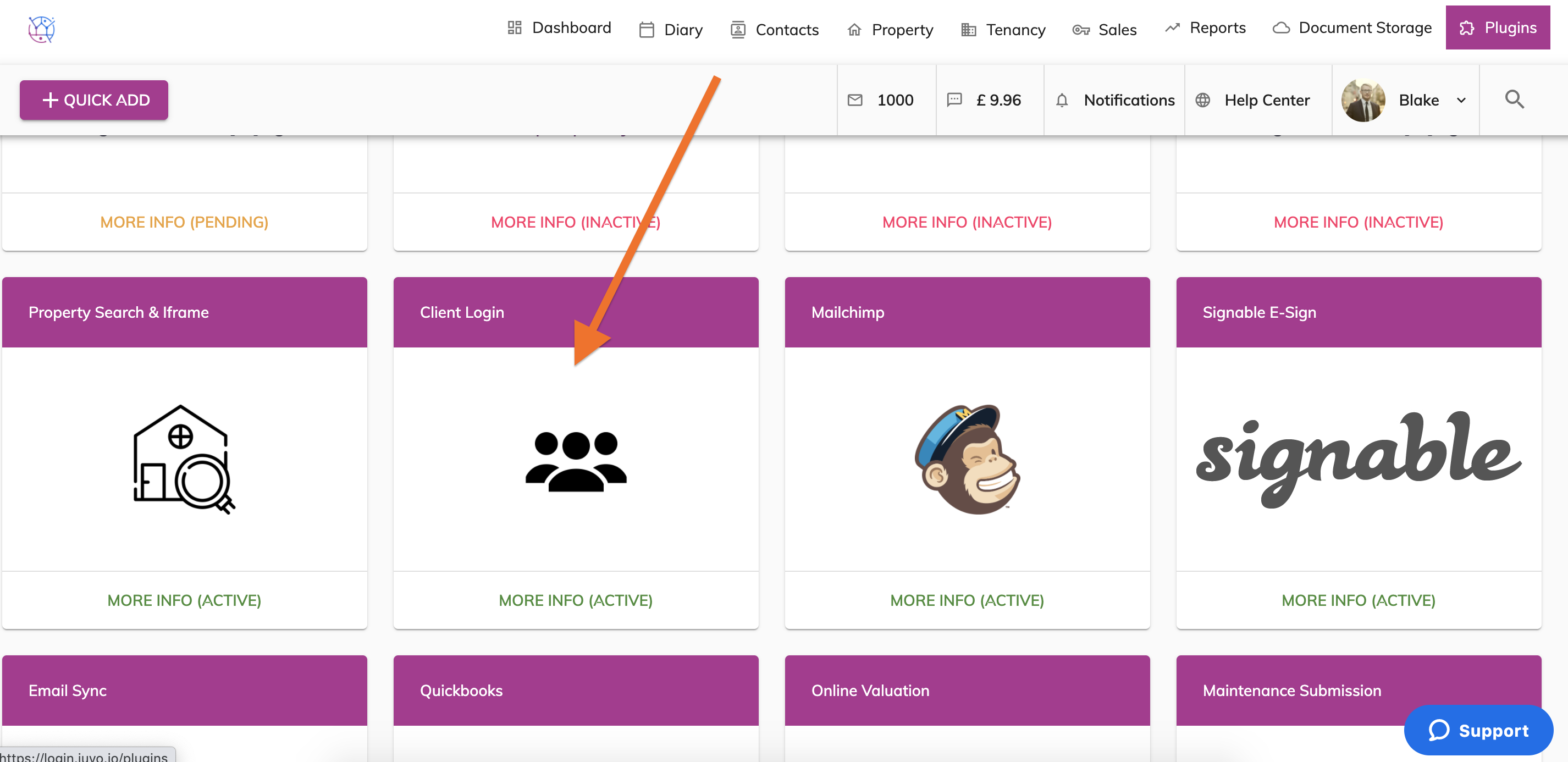
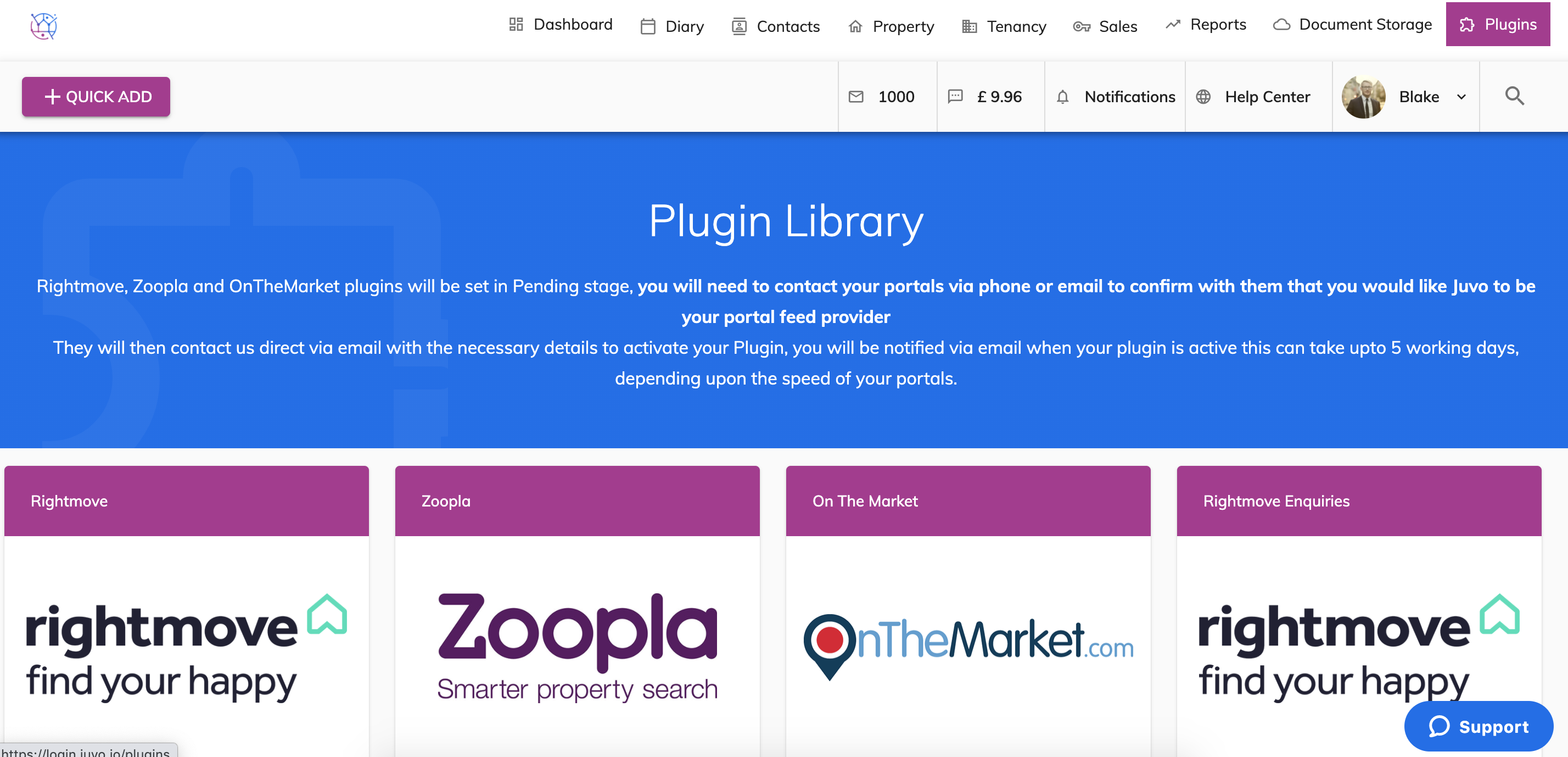
If this plugin is showing as Inactive please activate this plugin using this guide before continuing https://juvo.zendesk.com/hc/en-us/articles/360036096031-How-do-I-activate-the-client-portal-
1) Go to the Plugins section.
2) Locate the Maintenance Submission Plugin.
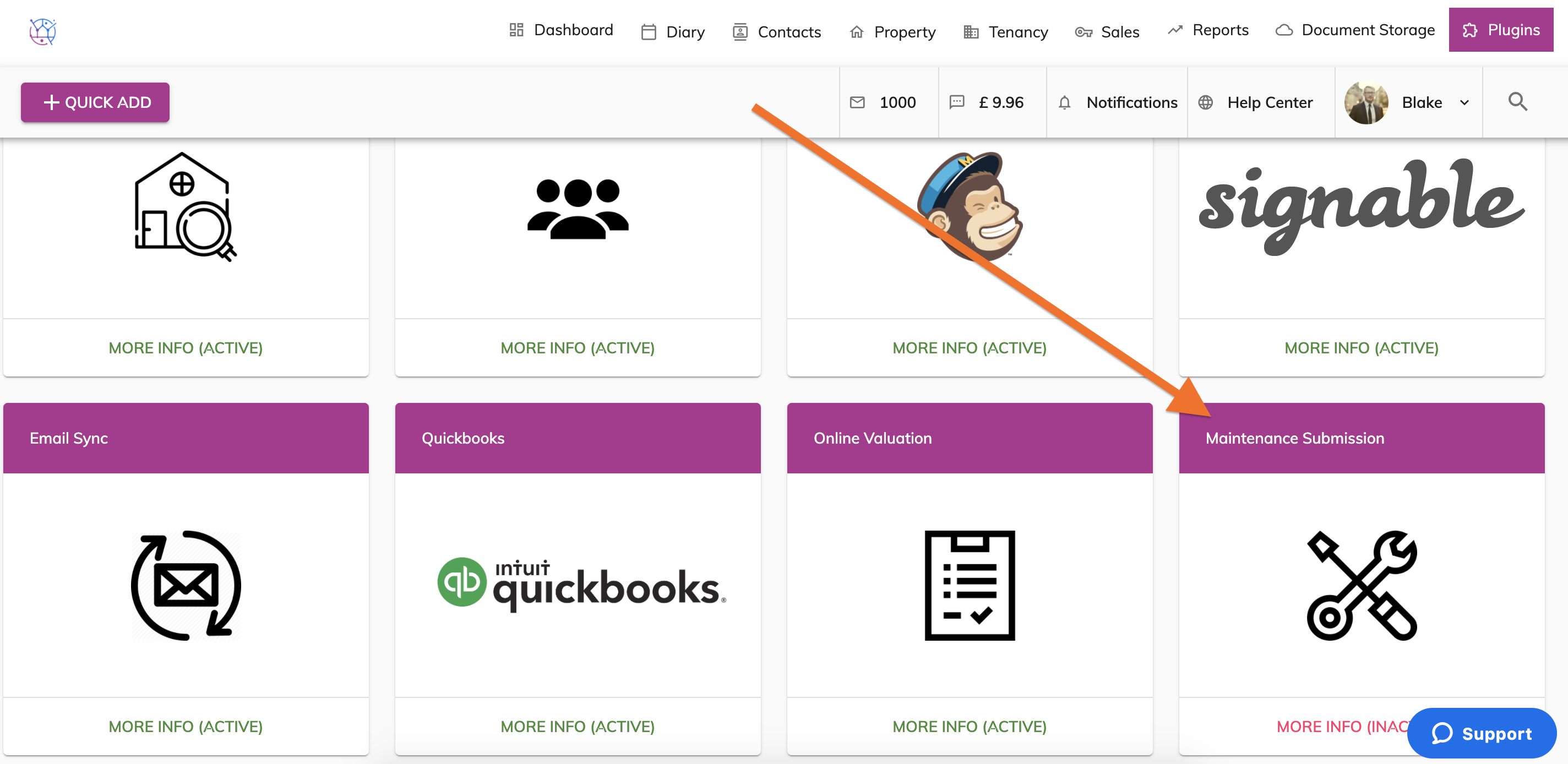
3) Press the More Info button for this plugin.
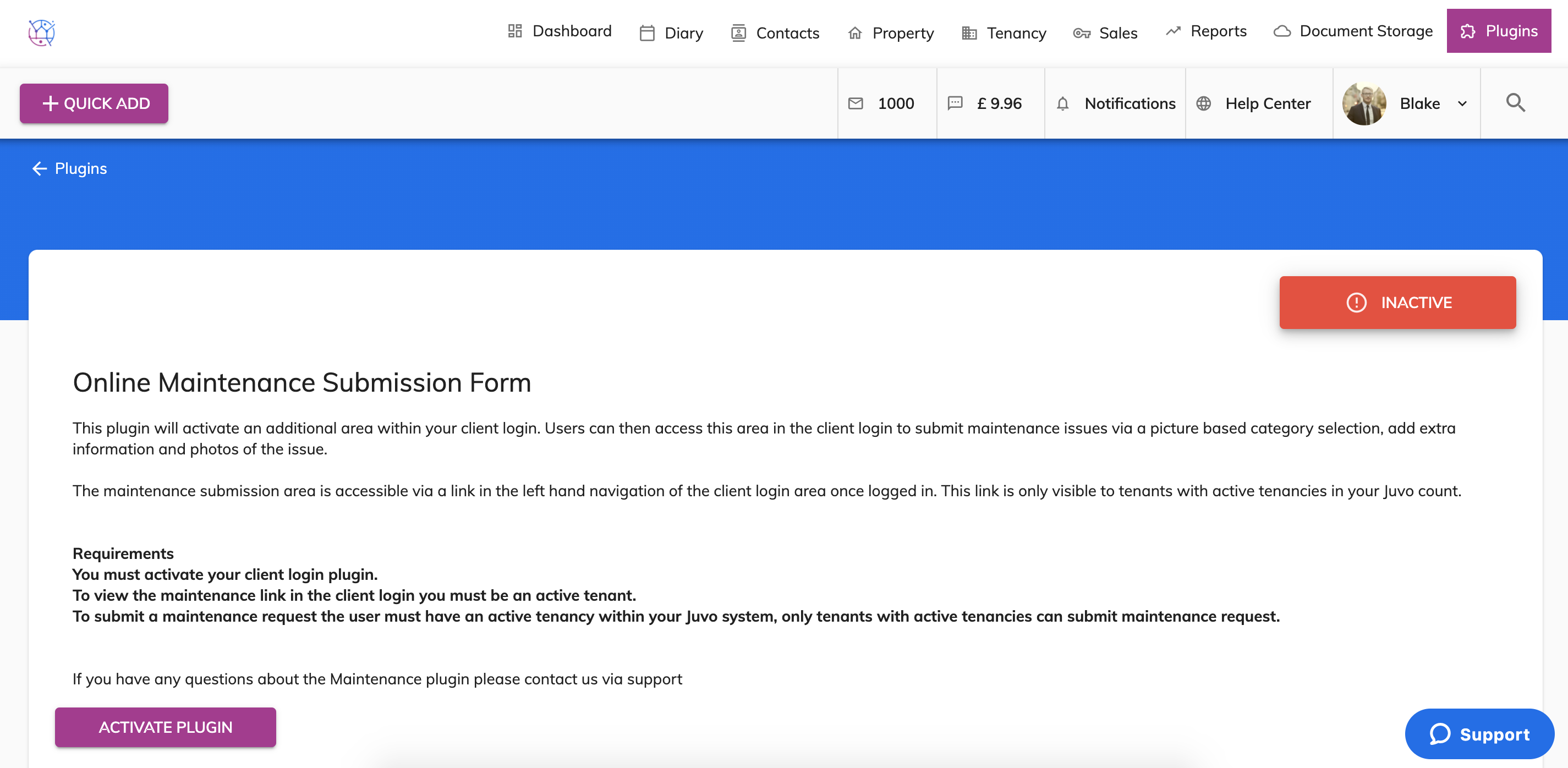
4) Read through the information provided for this plugin. Then press the Activate Plugin button.
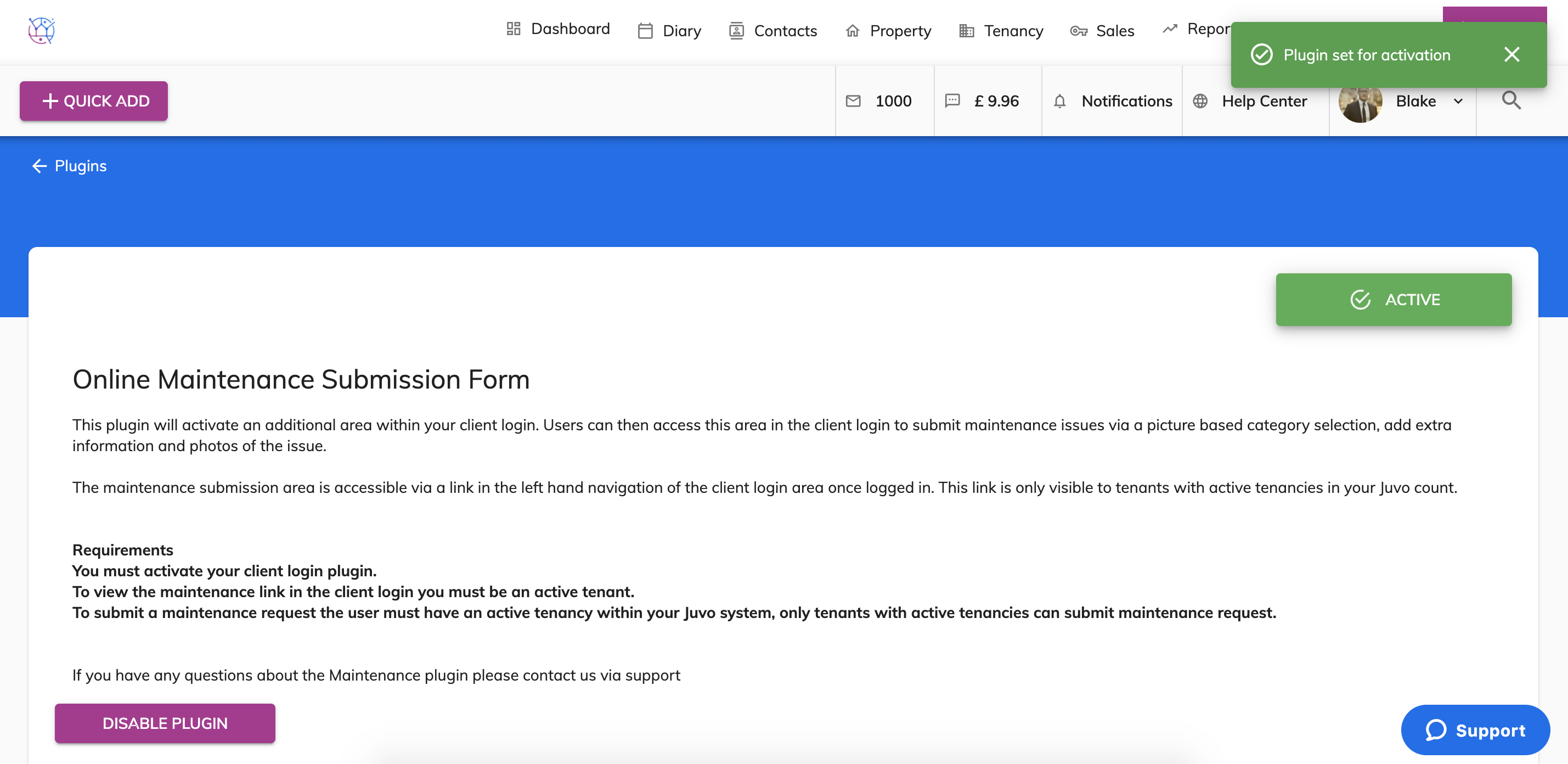
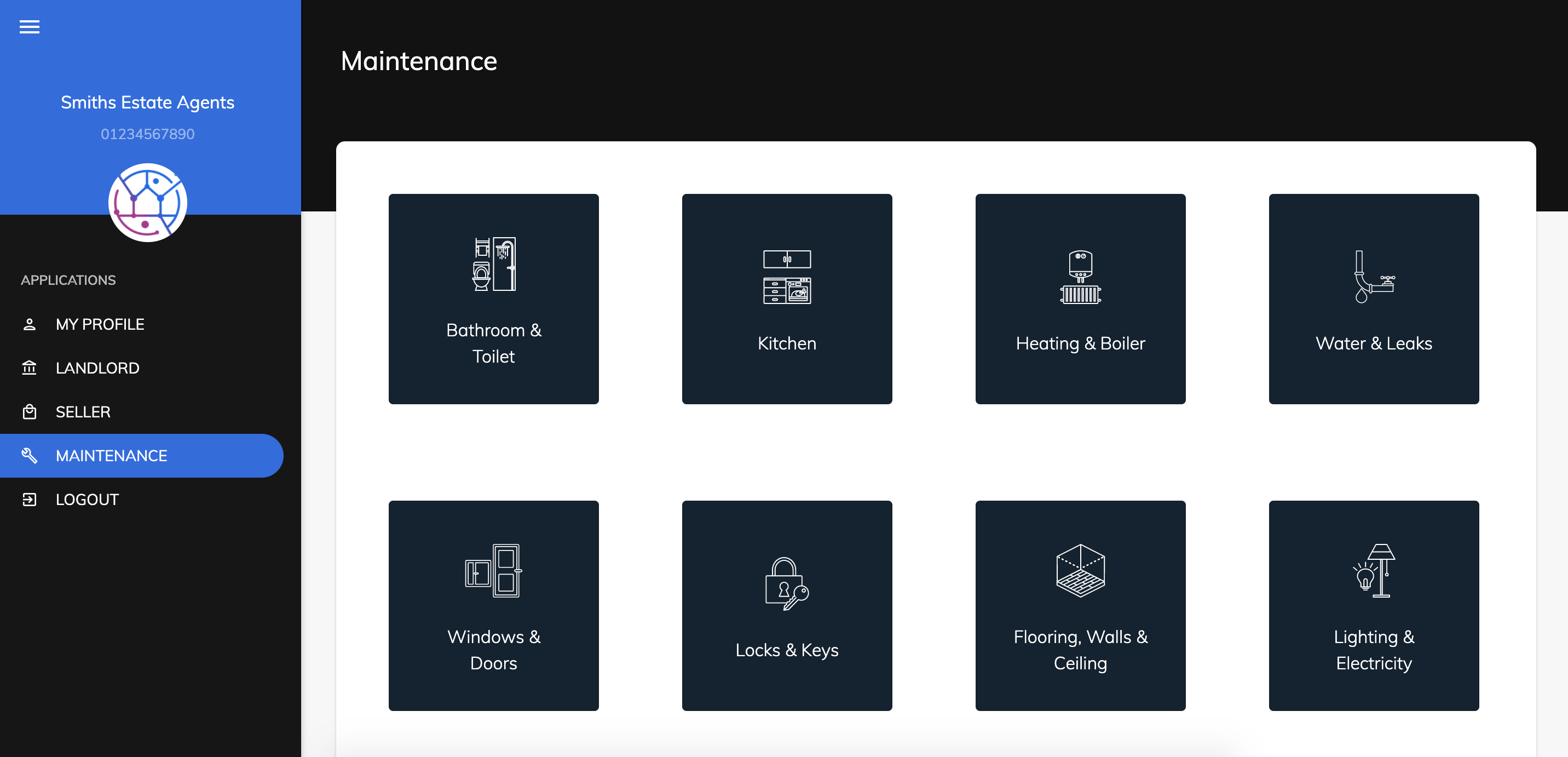
5) This now means that when your tenants login to the Client login/portal they will have the option to select the Maintenance tab and submit any issues & upload images.