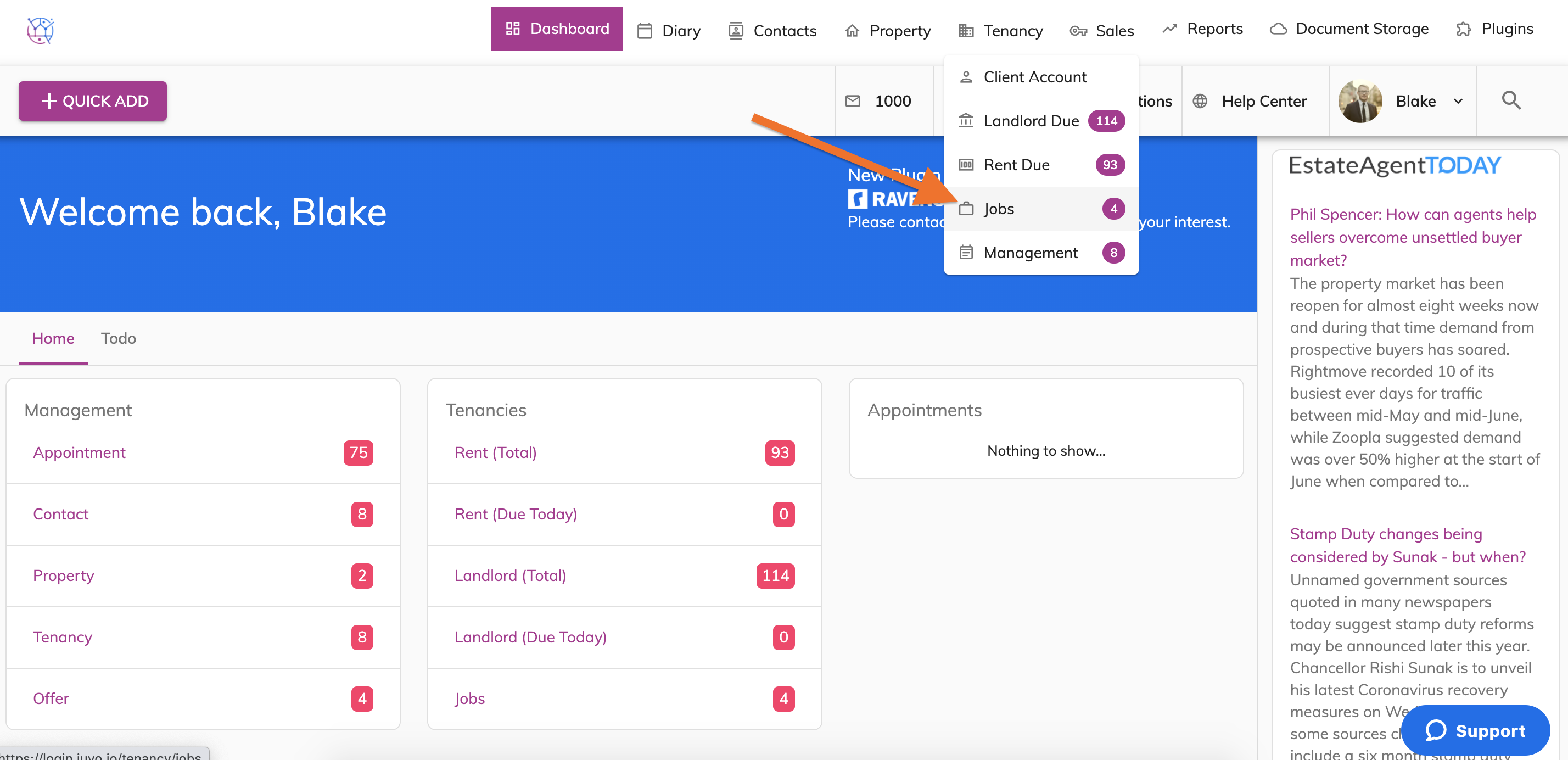
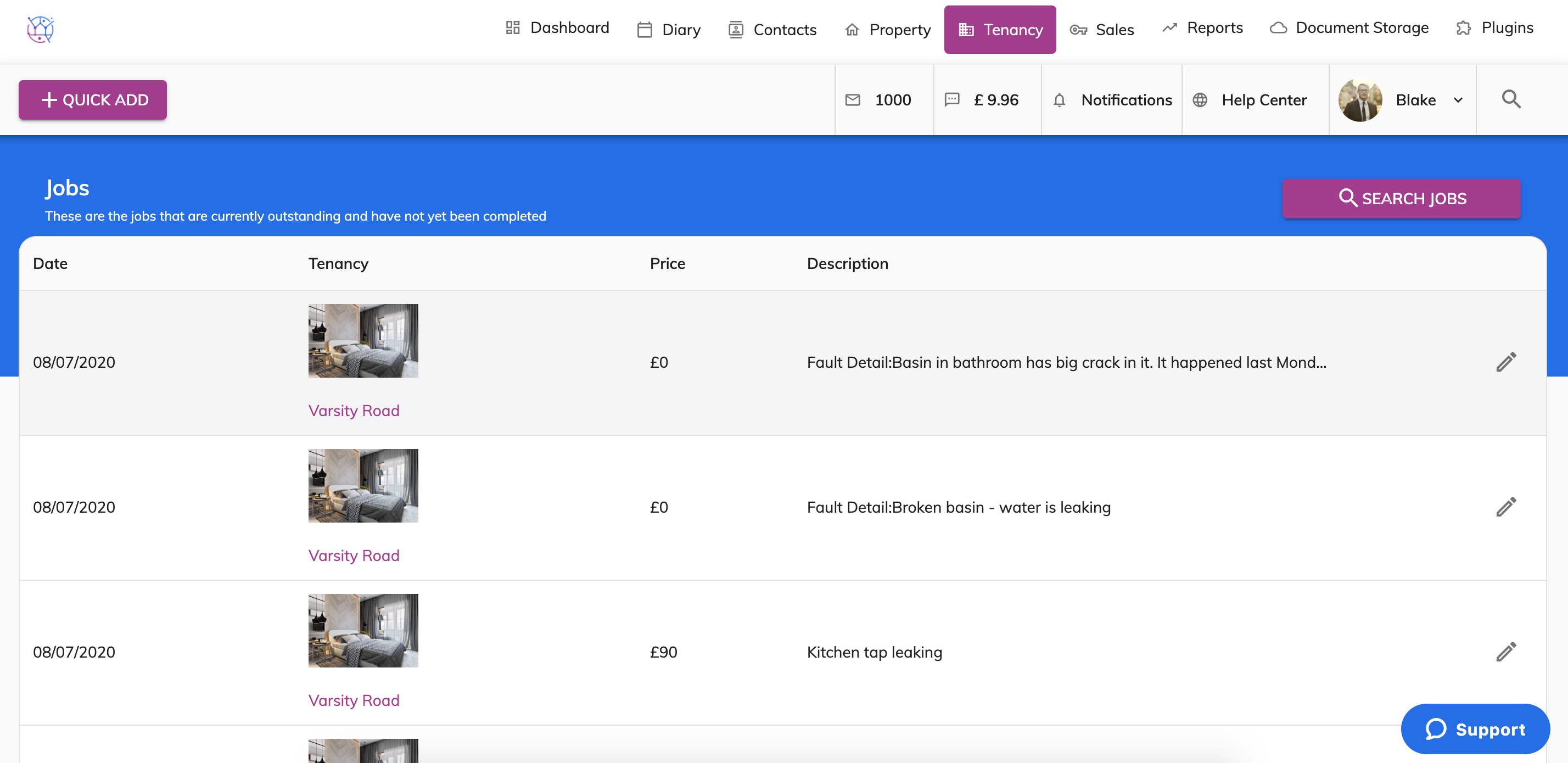
The Maintenance submission tool - means that your tenants can login to their own client portal and log a maintenance issue on the property they are renting.
Tenants can choose the area of the issue, include a description and upload images.
1) The tenant will login to the client login/portal using their login credentials.
2) Once your tenant is logged in to the client login/portal they can select the Maintenance tab on the left hand side menu.
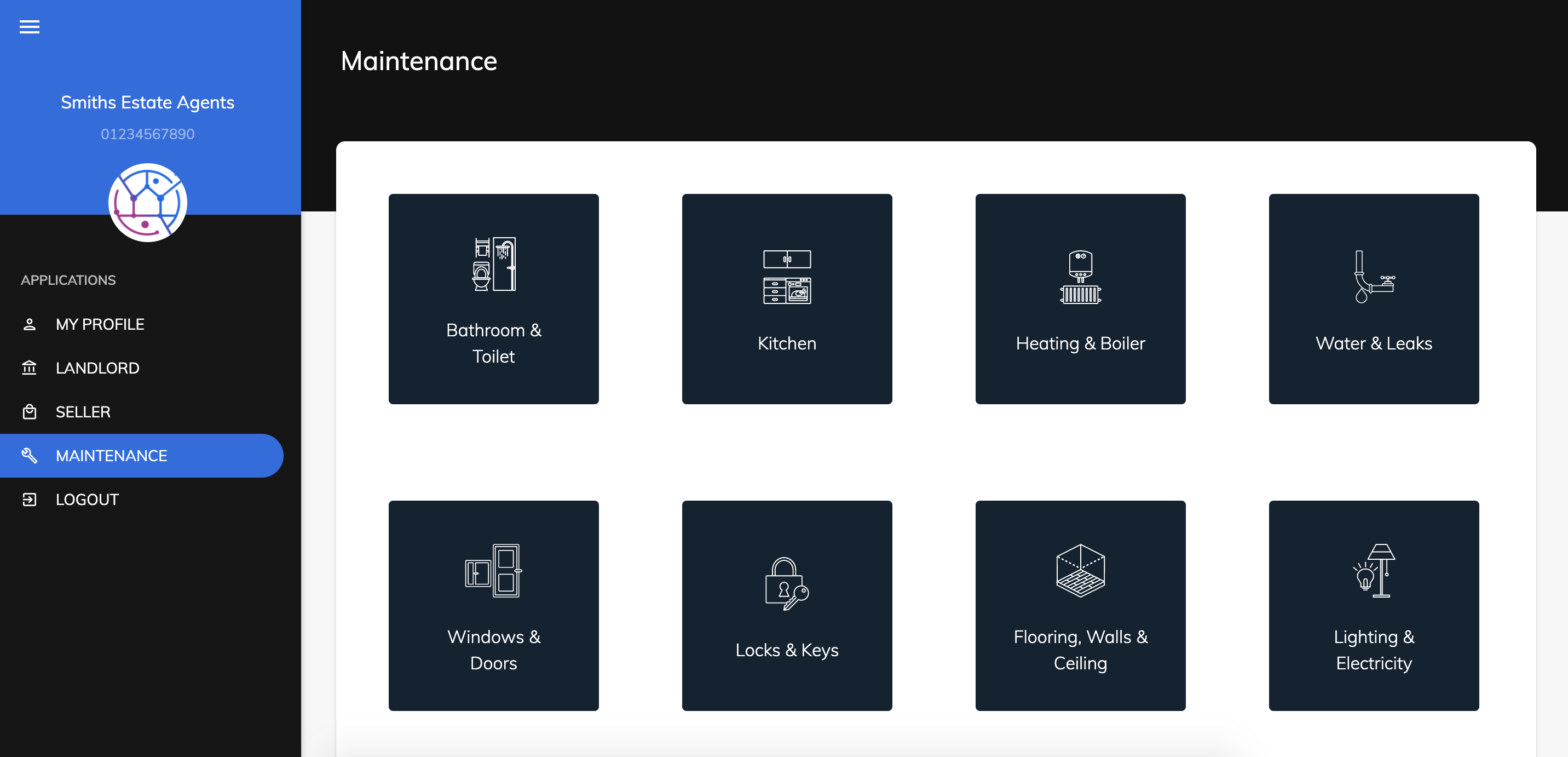
3) They select the Category of the issue they would like to report. This will then give the tenant sub categories for the specific area of the issue.
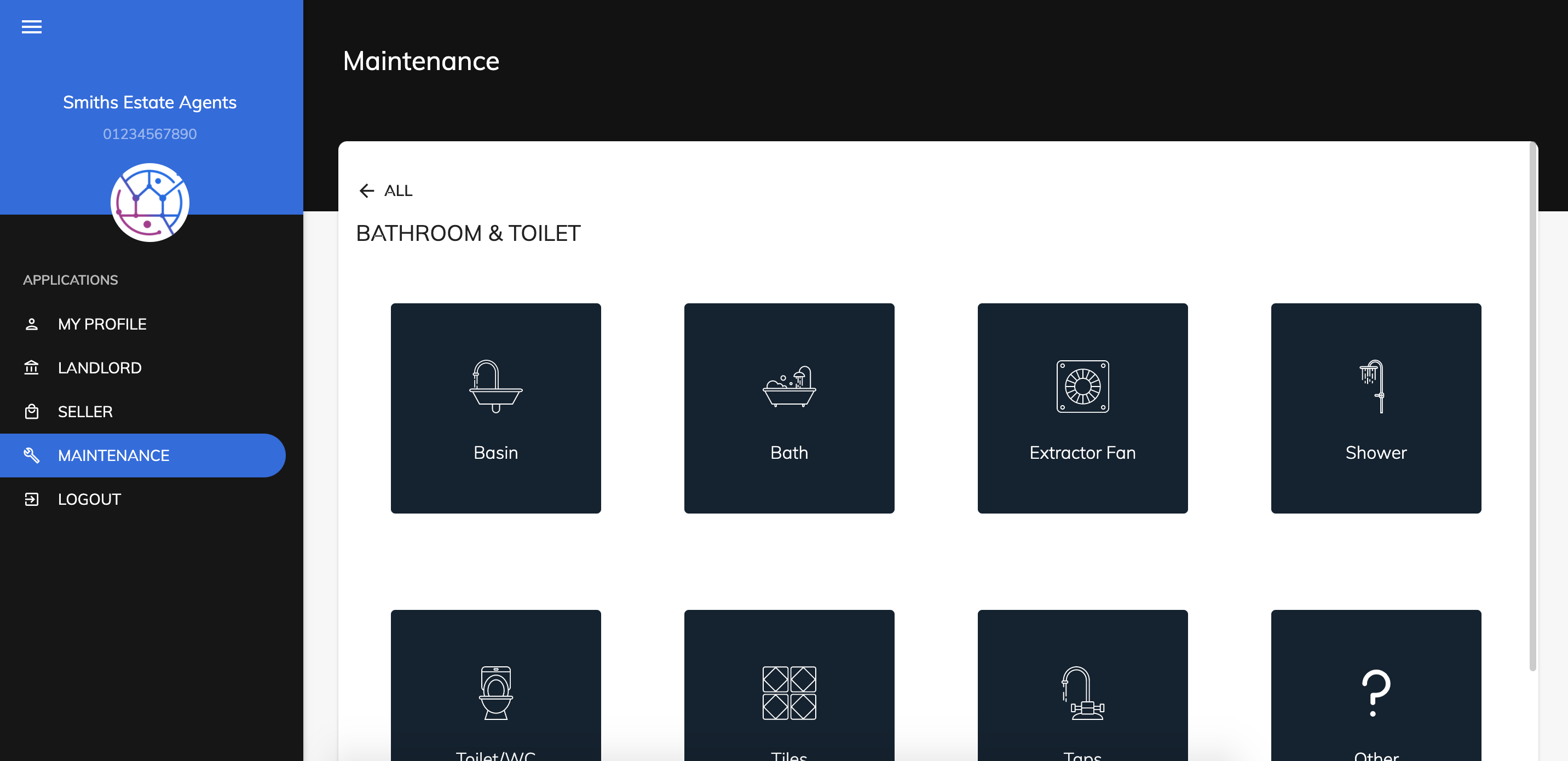
4) The tenant will select the category that is most relevant.
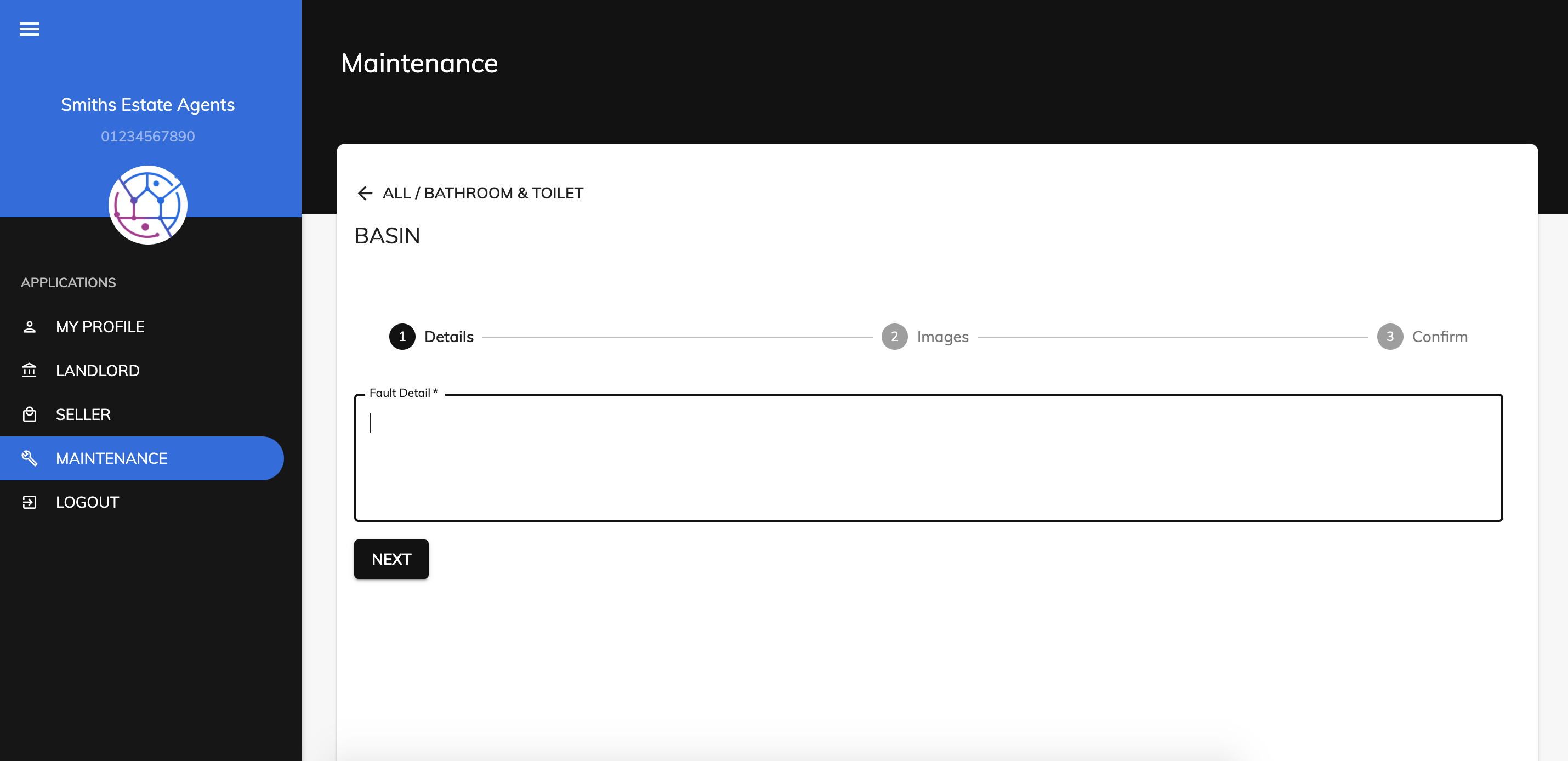
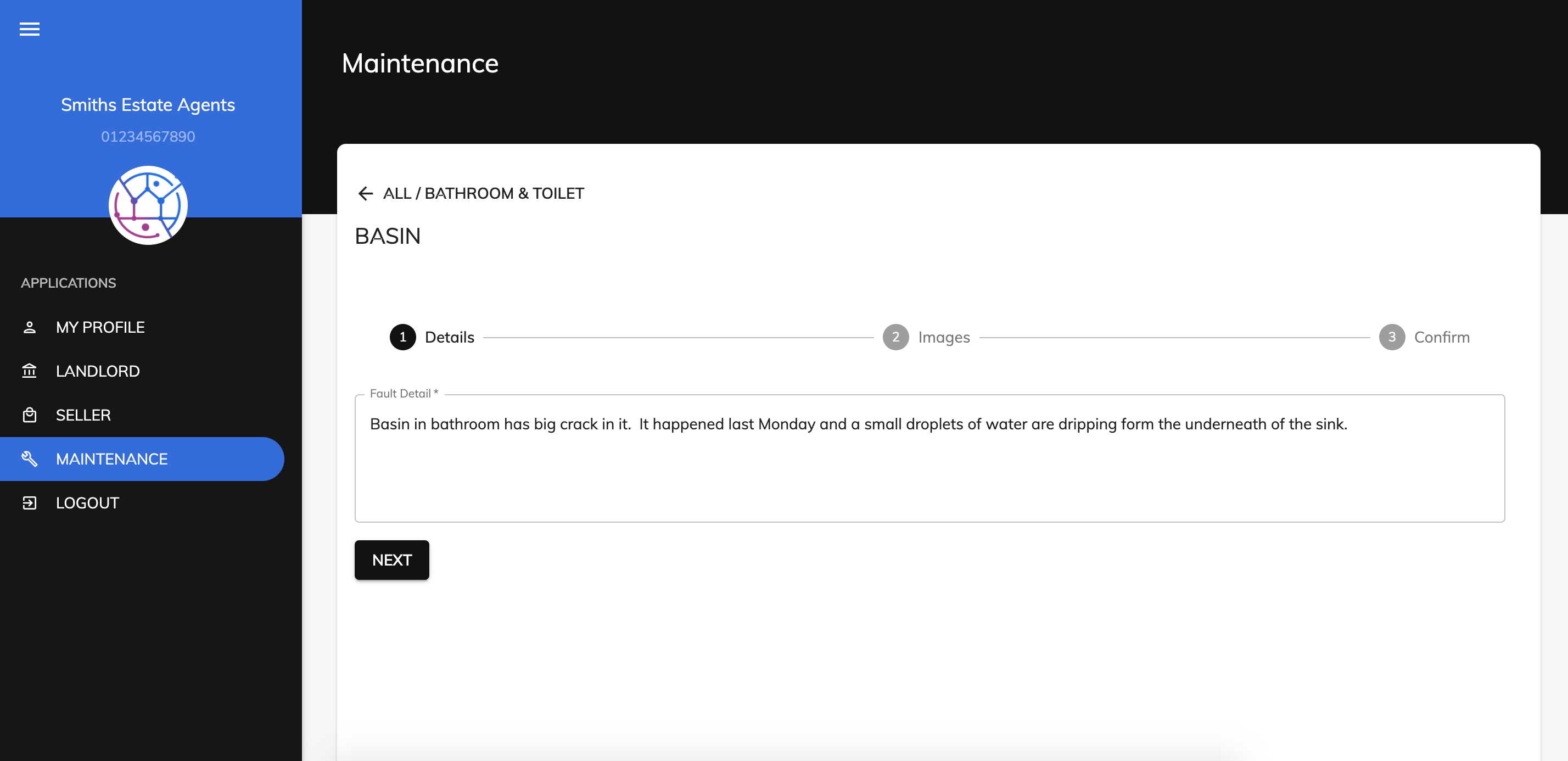
5) The tenant can now add in a description of the issue and then press Next.
6) The tenant can also upload images of the issue. Select the file from their computer & press Open.
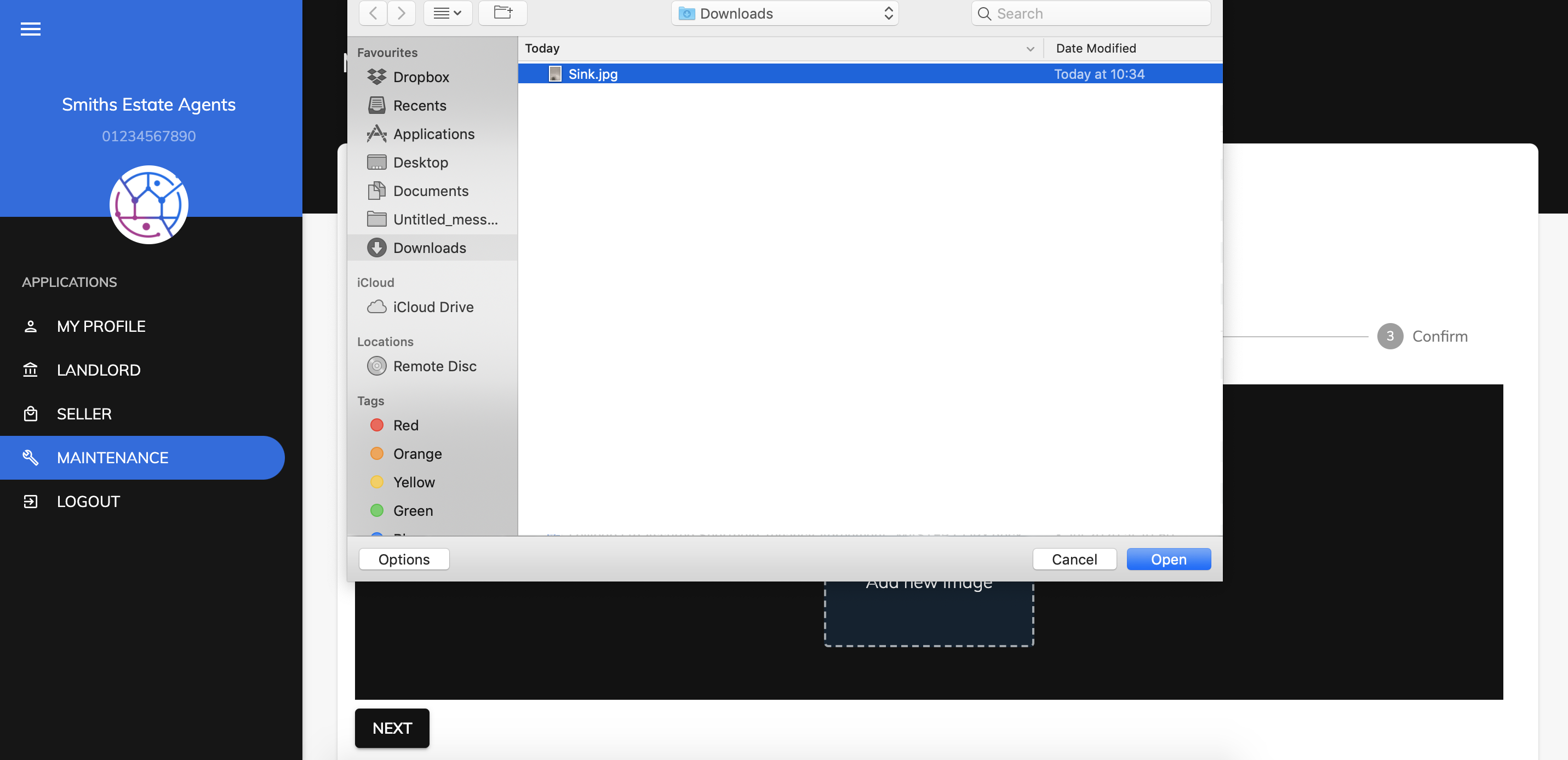
Once all images are uploaded they can press the Next button.
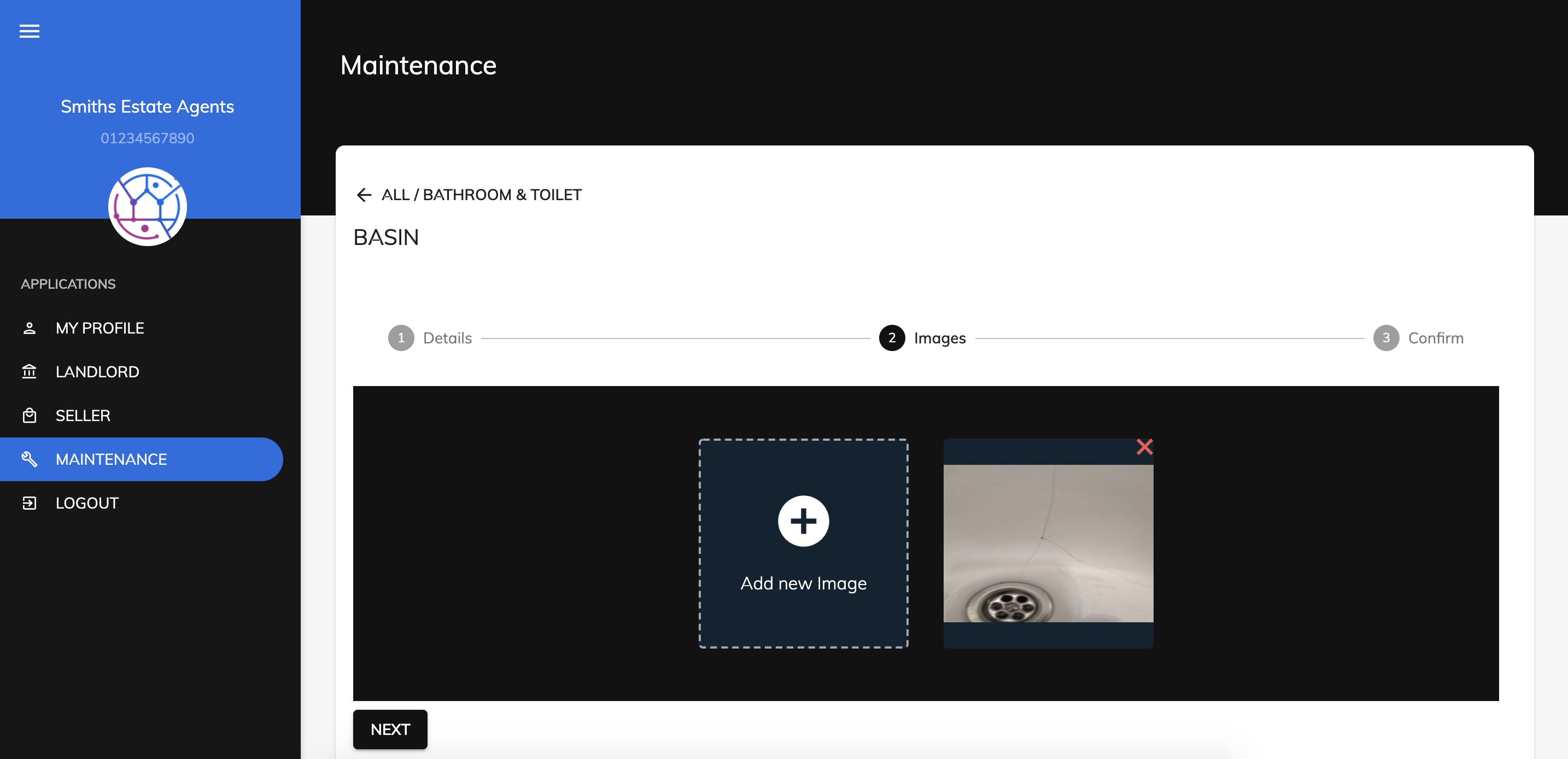
7) The tenant will now be able to see an overview of the issue & images and once happy can press the Confirm & Submit button.
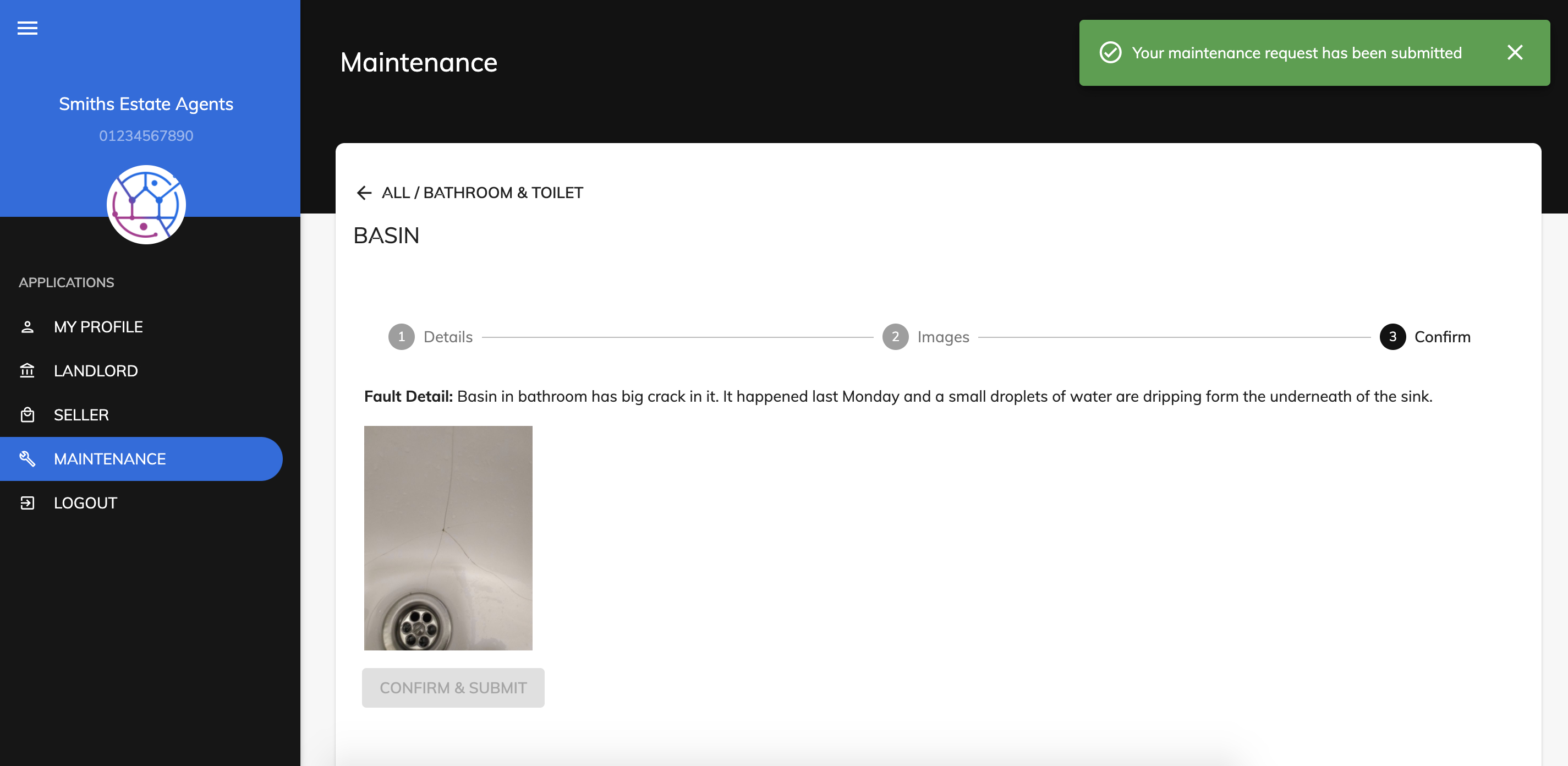
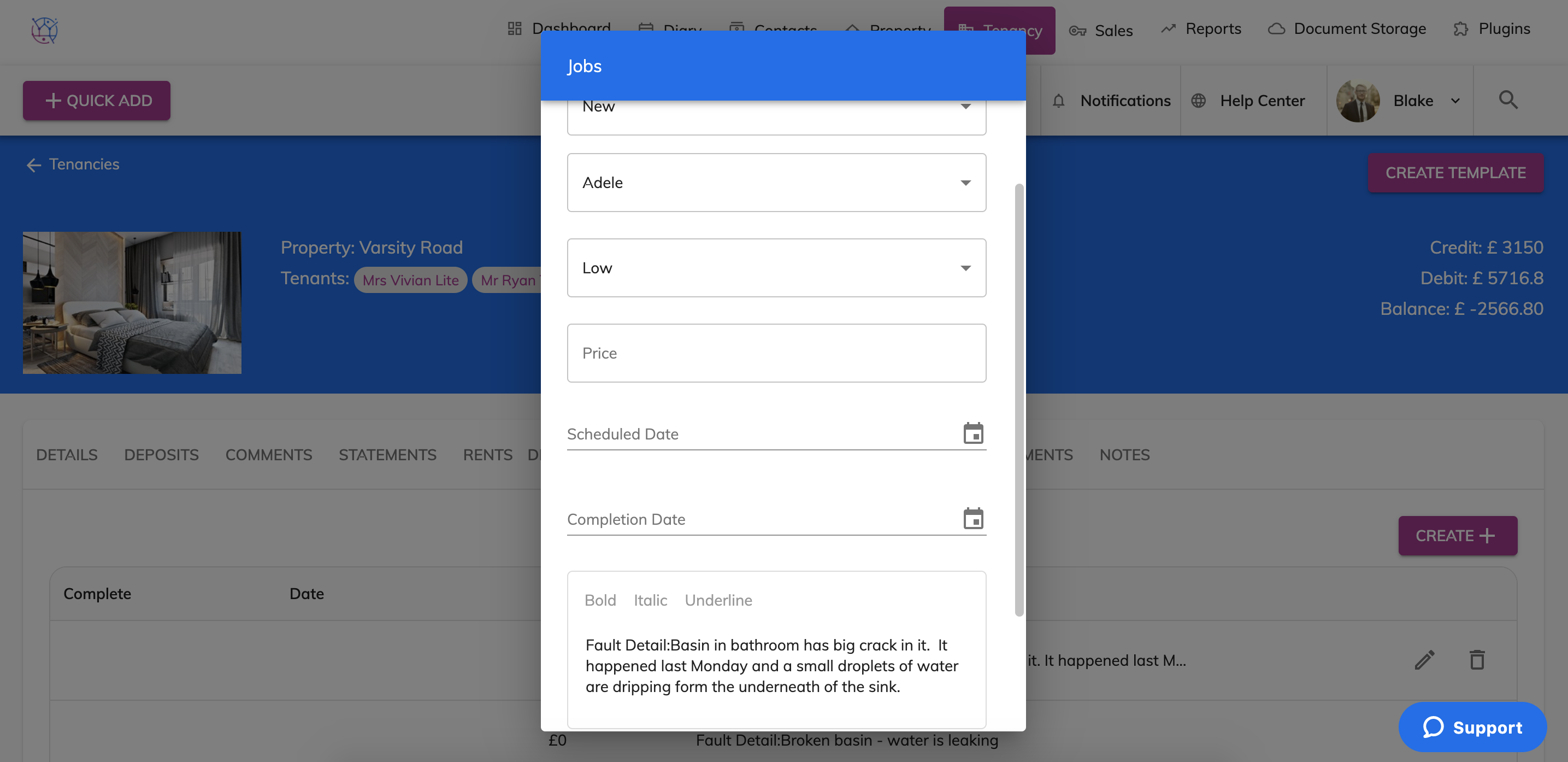
8) This issue will then automatically be added into your Juvo account into the Jobs tab for all outstanding jobs and on the individual tenancy in the Jobs section.