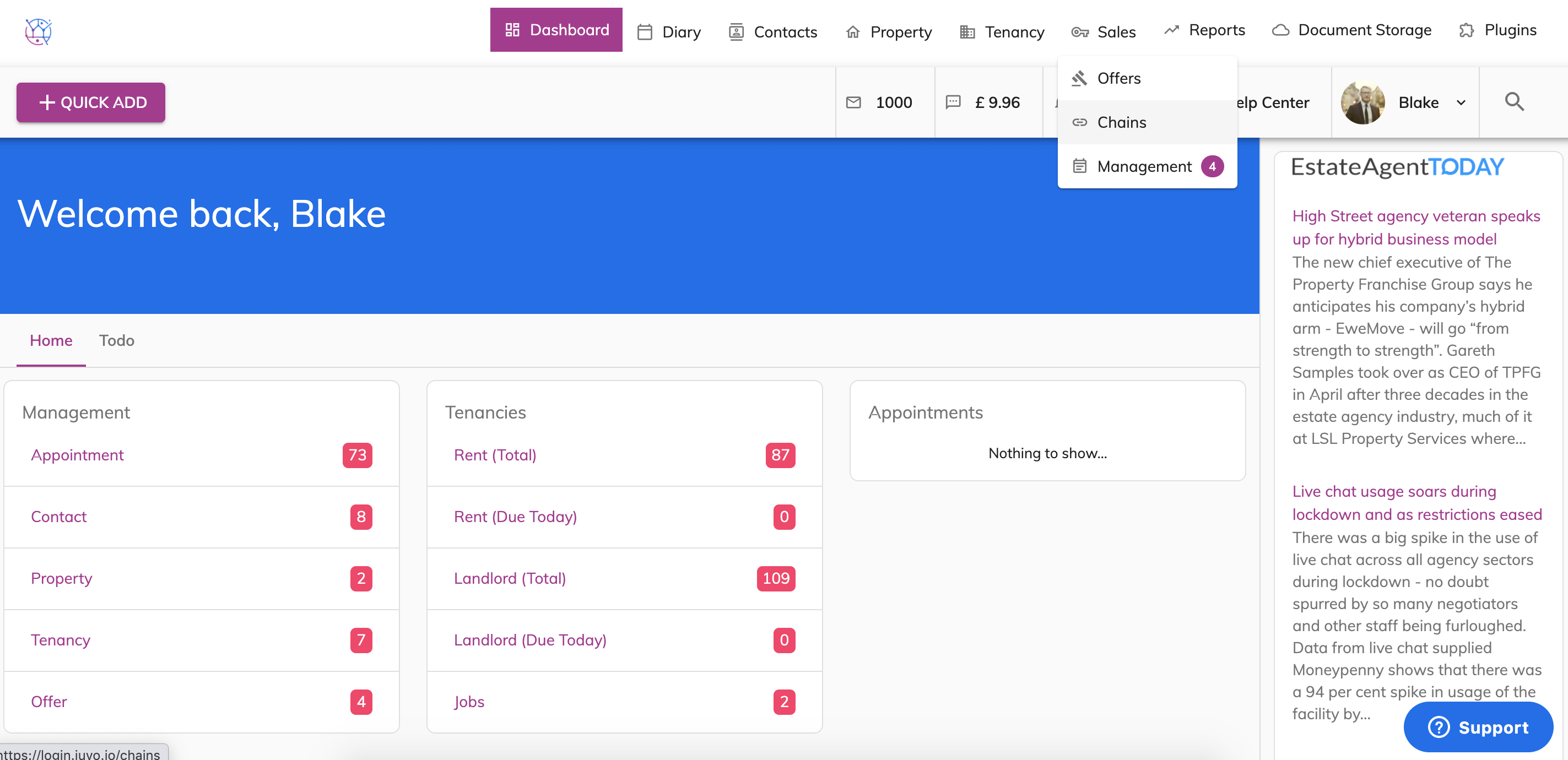
1) Go to Sales and select Chains from the dropdown.
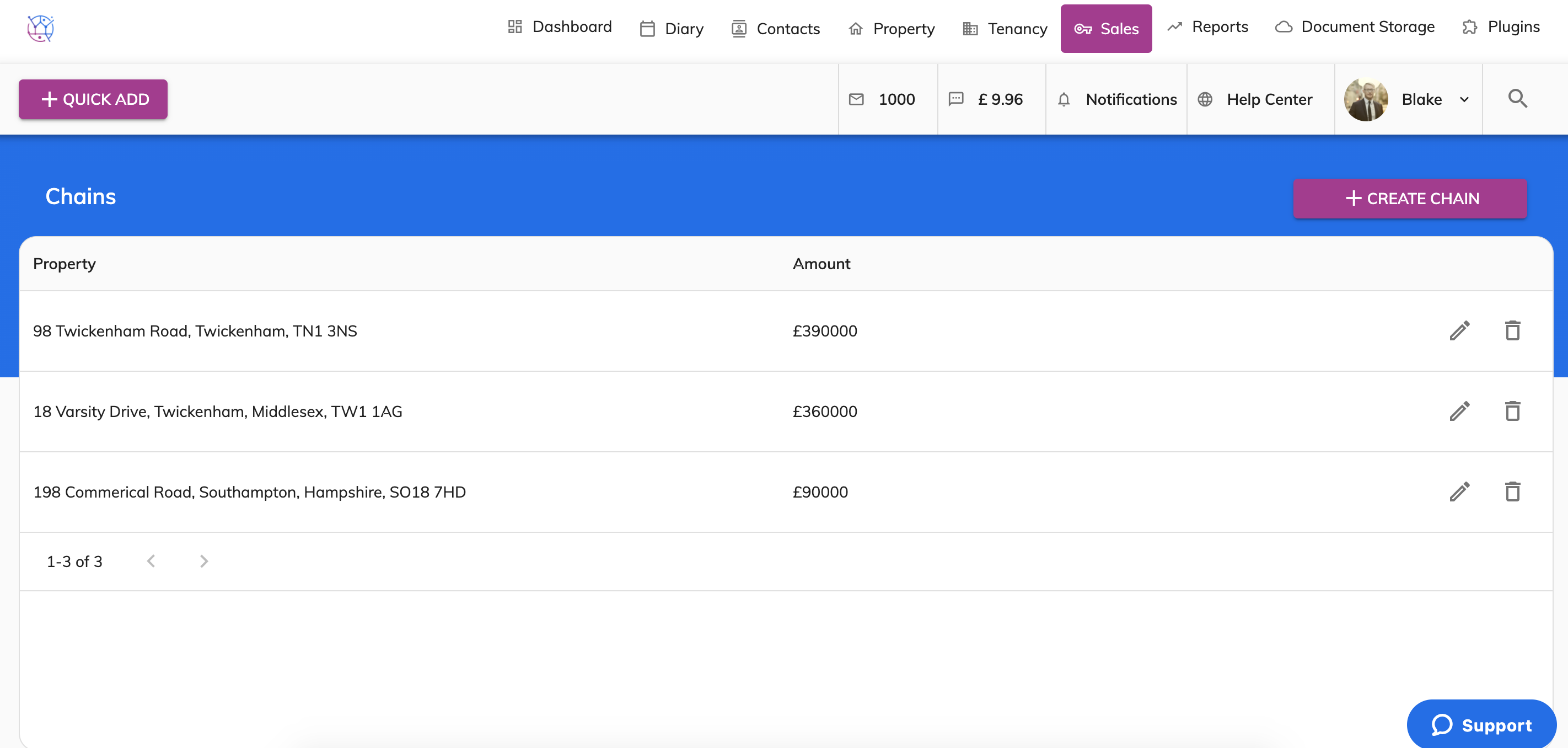
2) Edit the Chain for the property using the pencil icon.
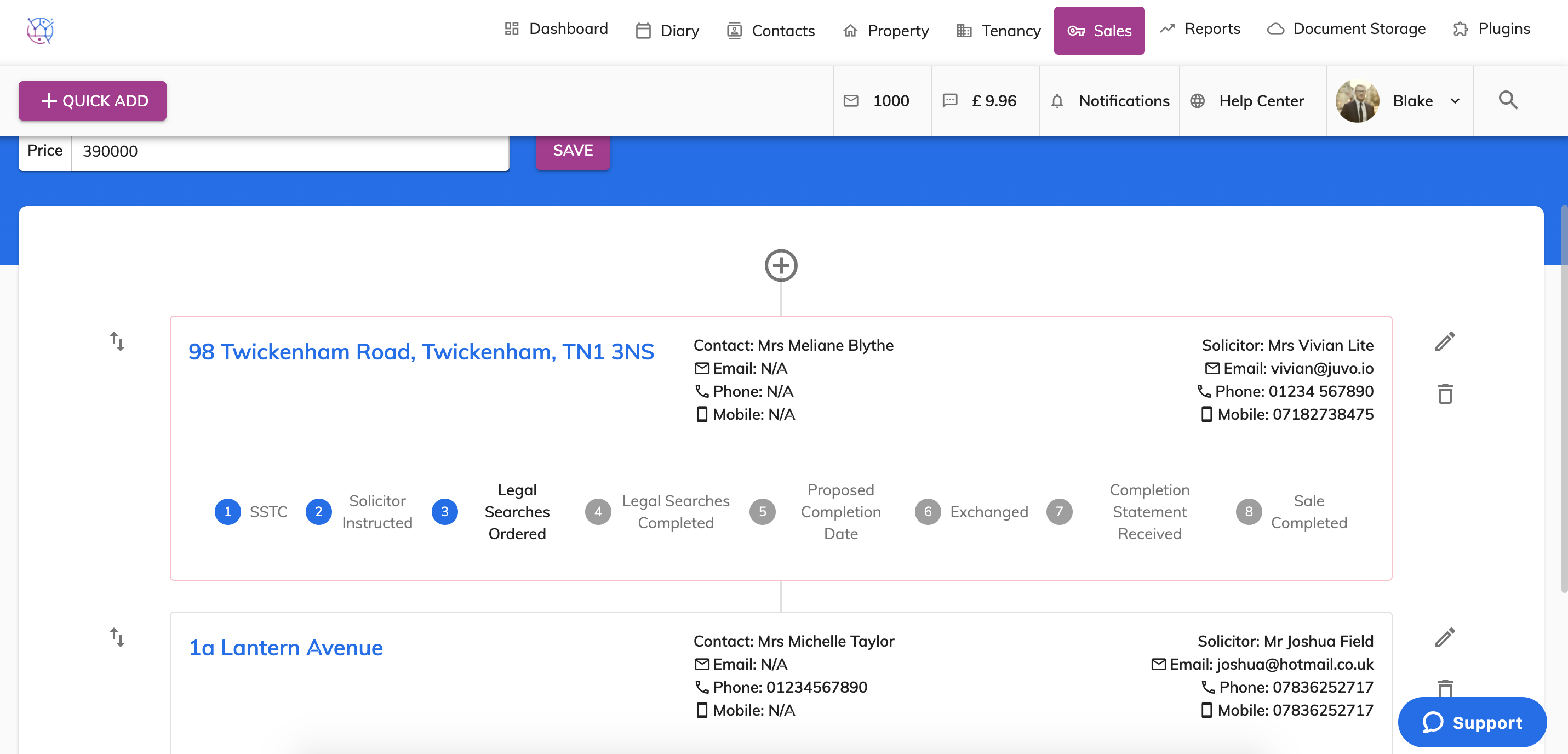
3) Underneath the property details you can see the Sales process from SSTC right through to Sale Completed. When the stage is gray, it means it is yet to be completed. If the stage is blue it means it has been completed.
This makes it very easy to keep track of every stage of the sales progression of every property in the chain.
4) Once a stage has been completed, simply click on the stage and it will turn blue.