
To activate your third party property portals including websites you would like to send your properties to, please follow the instructions below:
1) Click on the plugins section
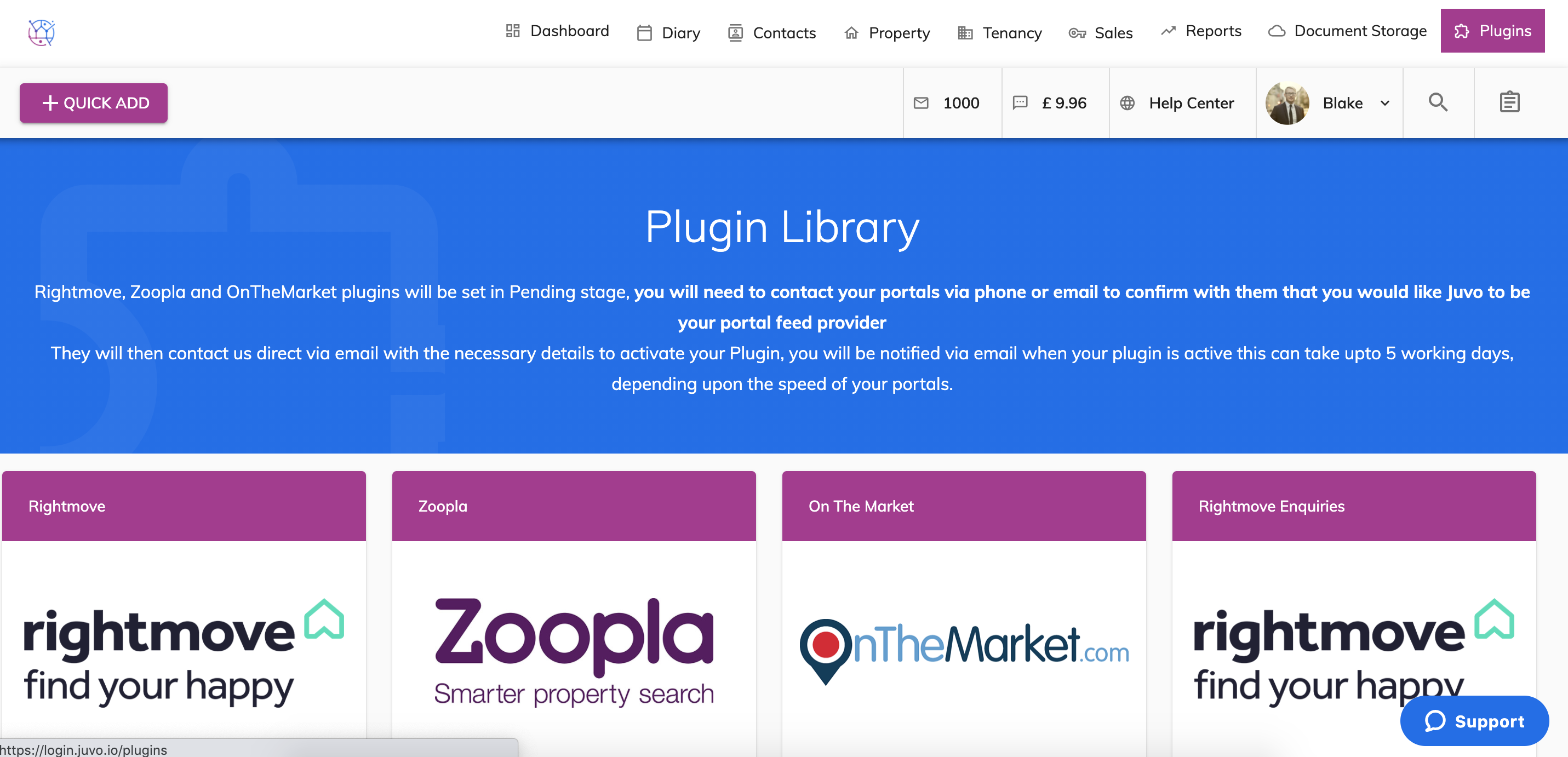
2) Locate the Property Search & Iframe plugin.
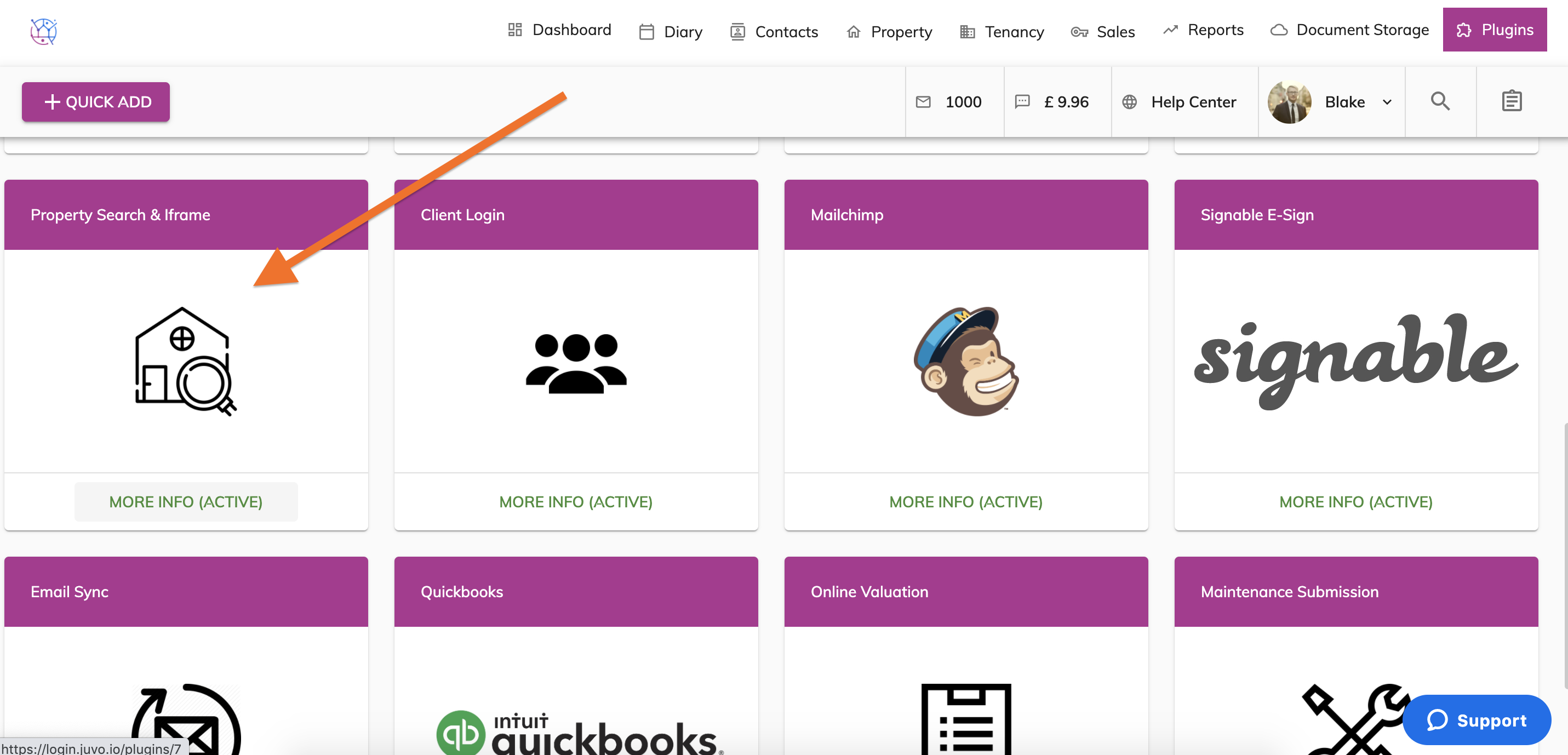
3) Click on the More Info button.
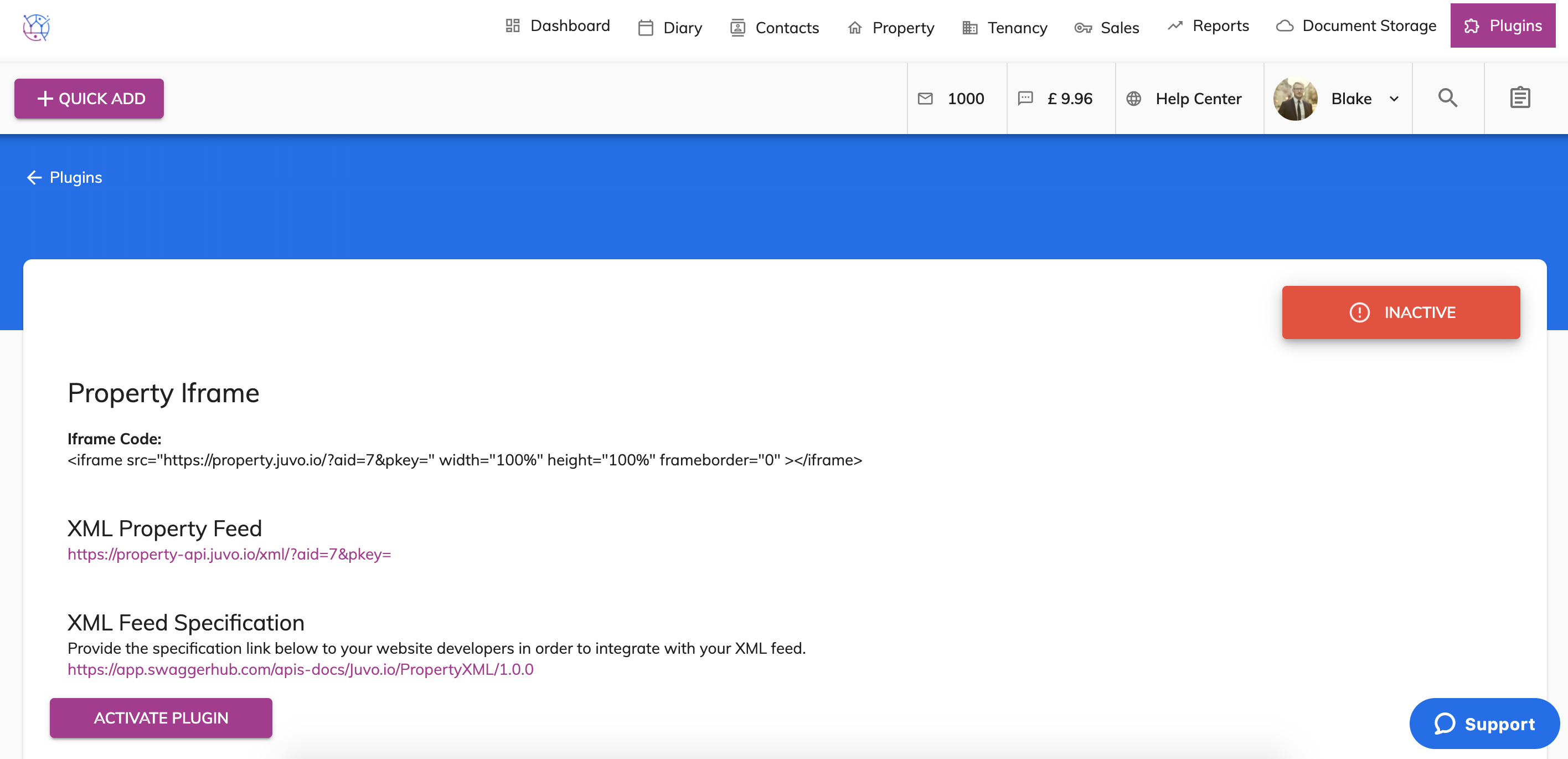
4) If the plugin is showing as inactive, press the Activate Plugin button.
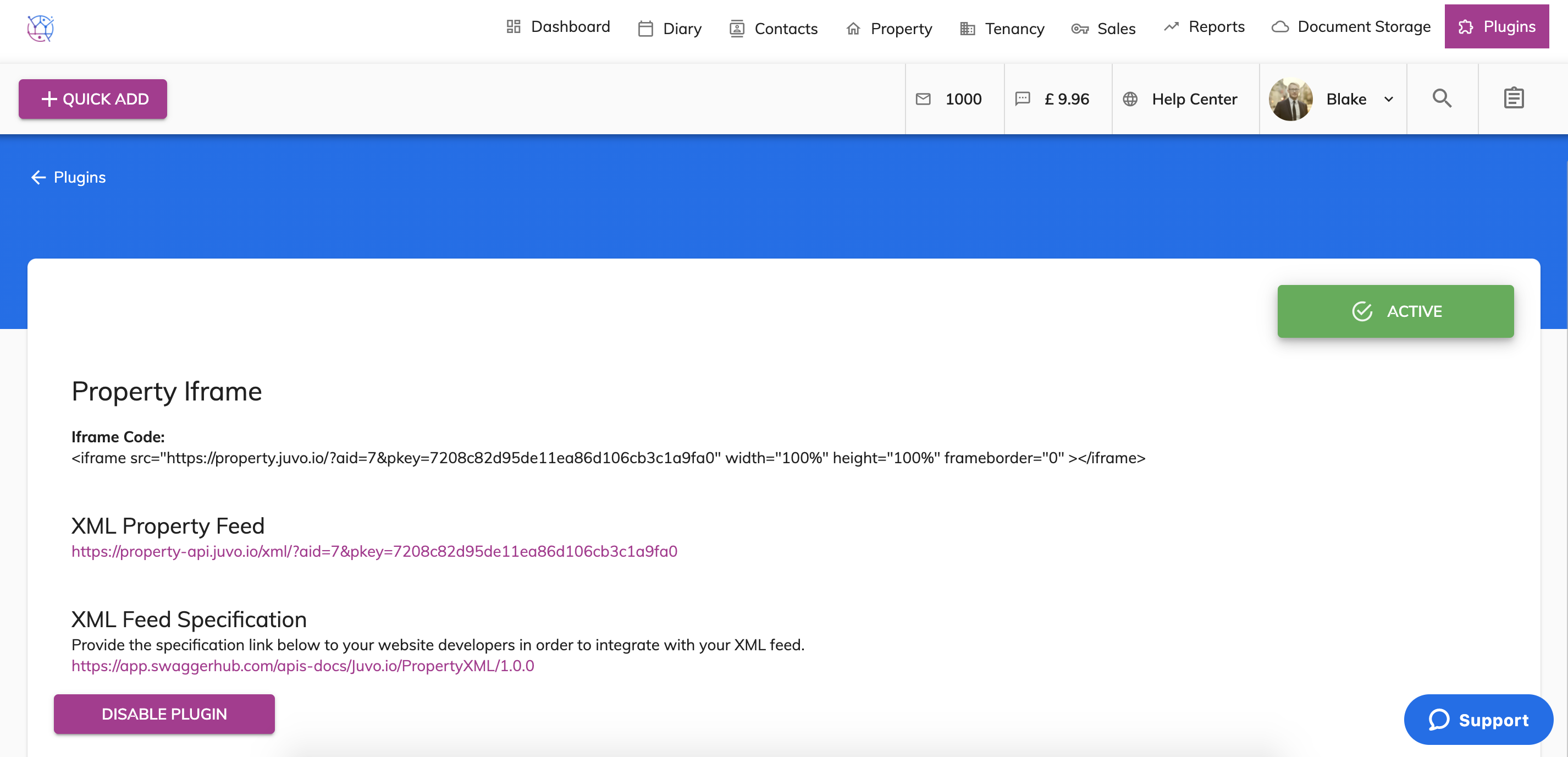
5) Highlight & Copy the XML property Feed & XML Feed Specification text.
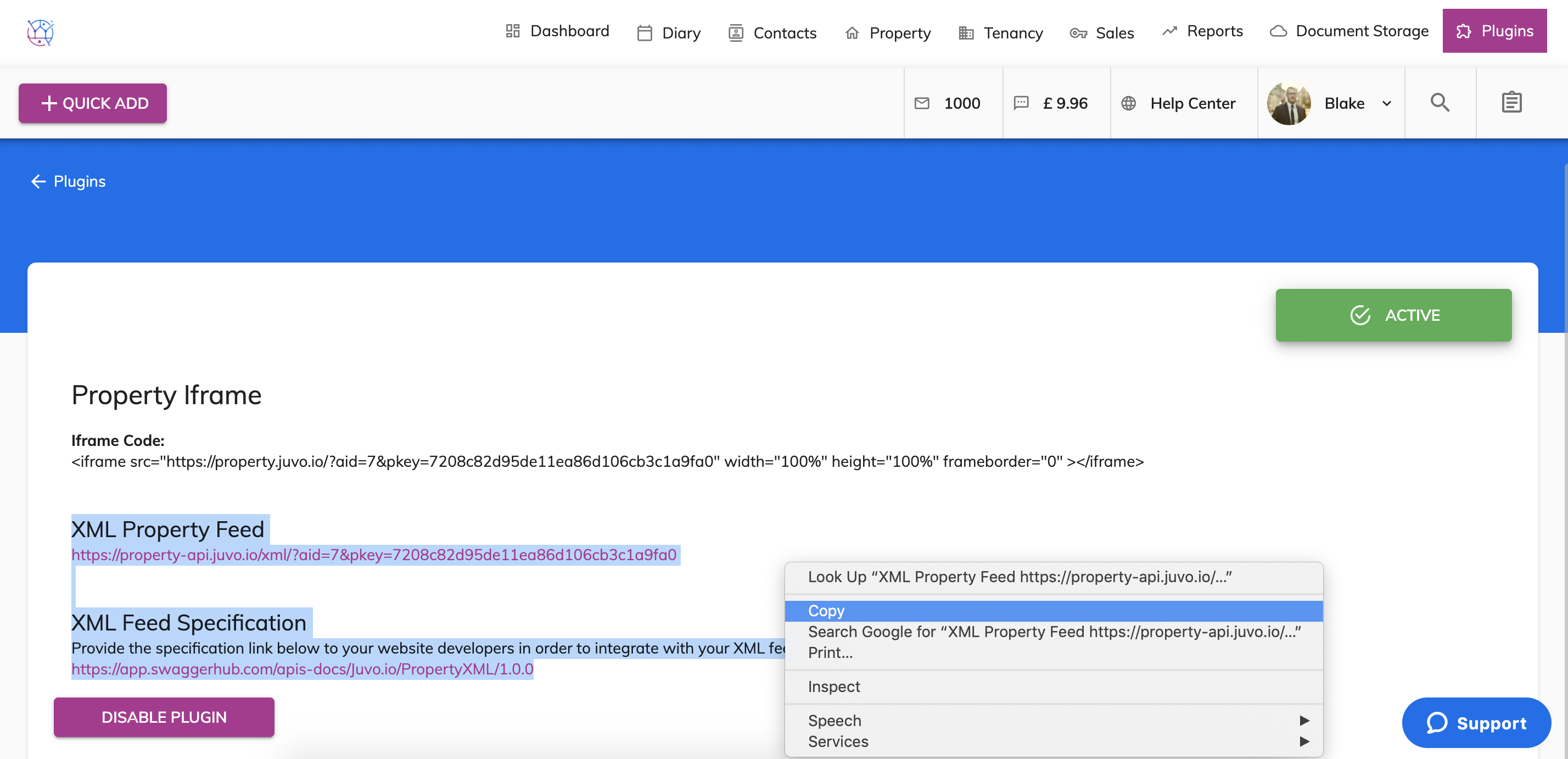
6) Paste this text in an email and then send this directly to the portal you would like to start sending your properties to.
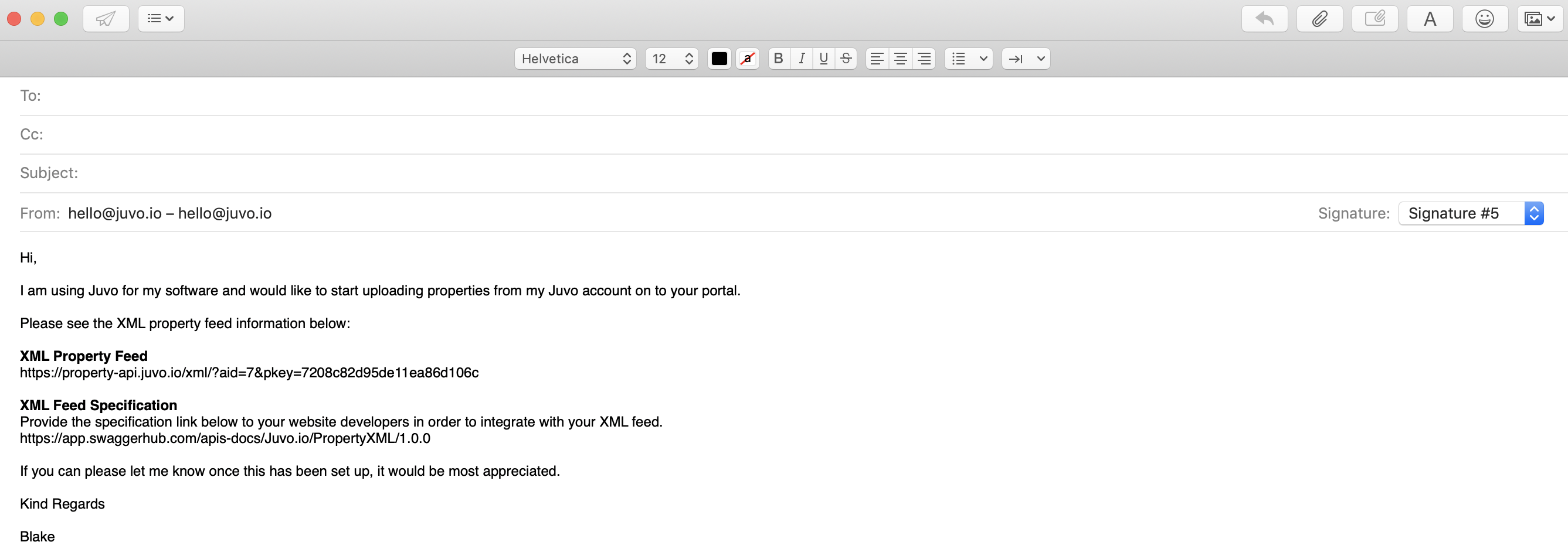
Once the portal have activated the feed from their end, your properties will be sent automatically to that portal on a nightly basis.
Any properties with one of the following Property Status's will automatically be sent:
- Available
- Under Offer
- Let Agreed