
If you need any further help setting up your Portals please contact us through the Support button on your Juvo account.
To send property to the ftp portals and your own website, follow the steps below:
1) Go to the Plugins section and locate the Property Search and Iframe box. Click on the More Info button.
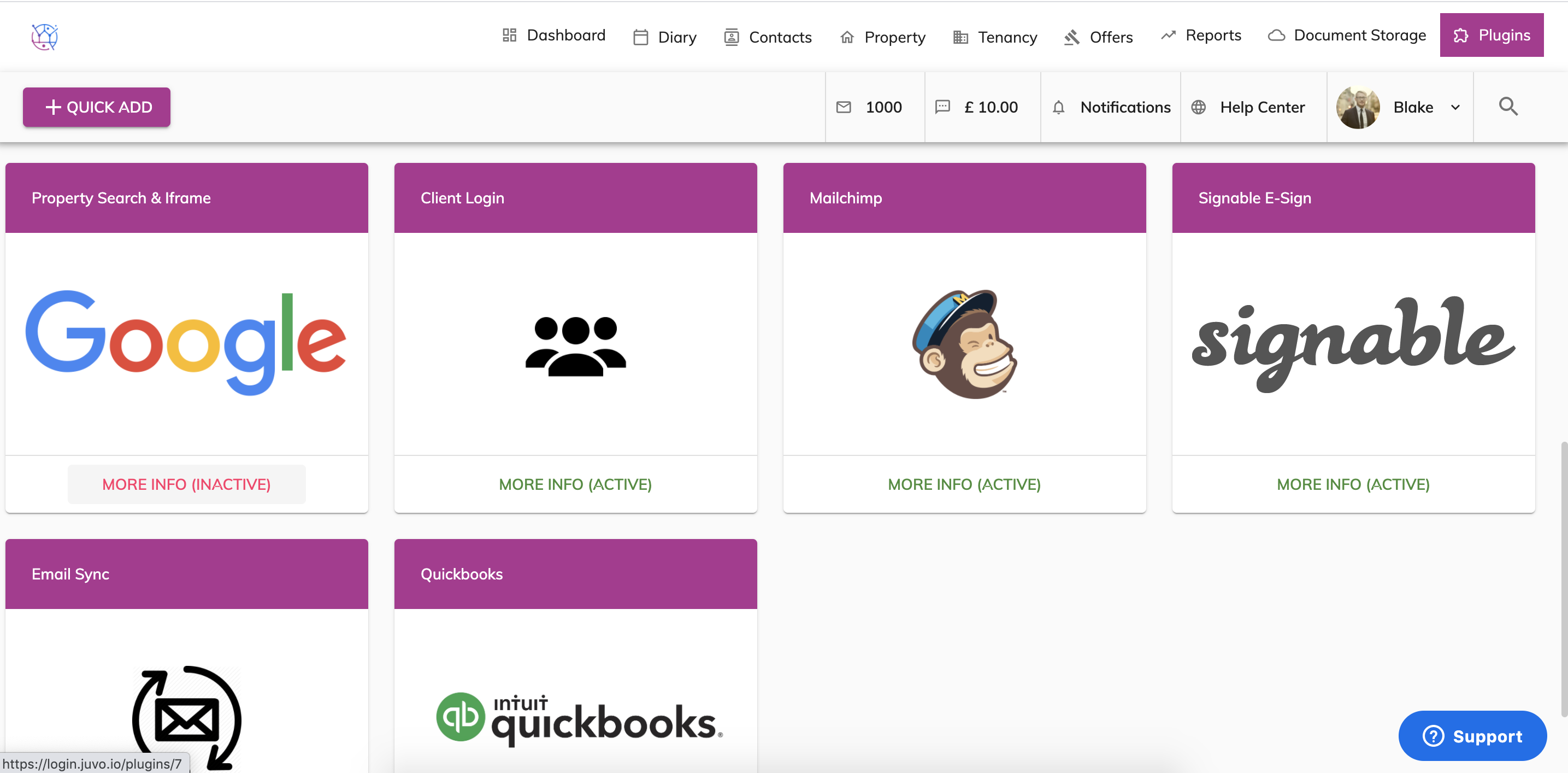
2) If the plugin is showing as Inactive, press the Activate Plugin button.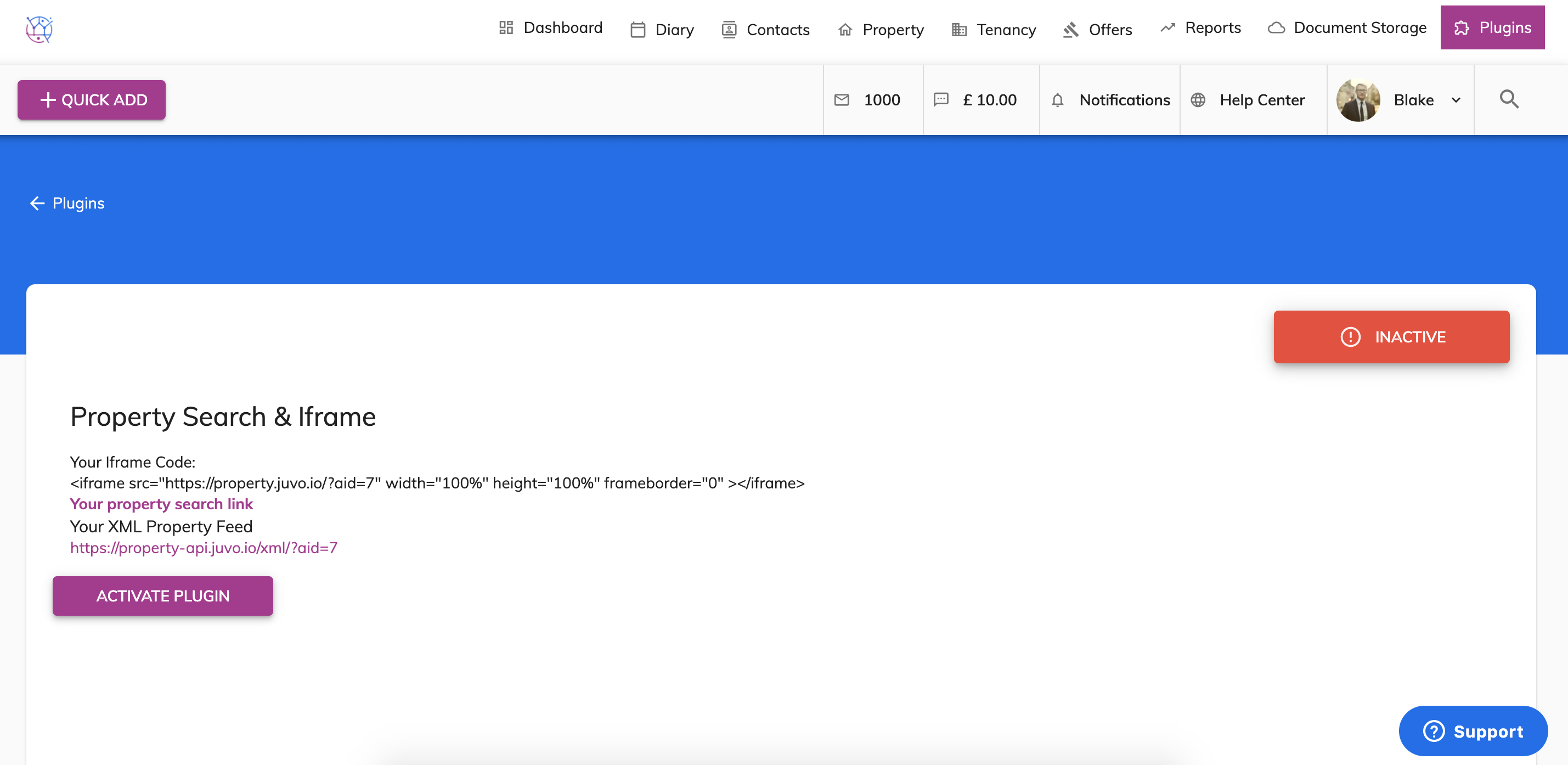
3) The plugin is now active and ready for you to connect your Juvo account with your website.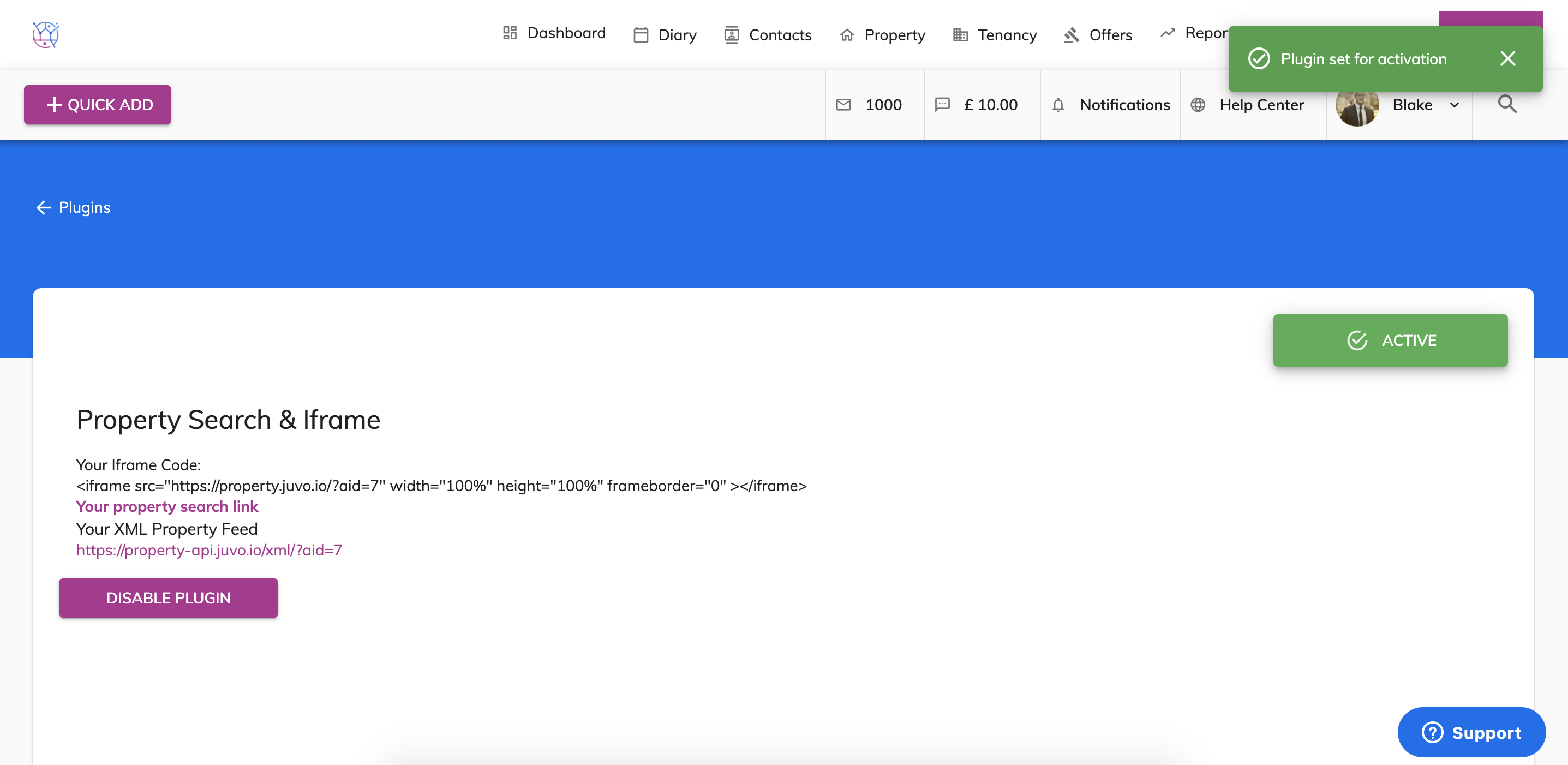
4) Copy and paste the information in this plugin and send this to your website developer. They will then be able to use this information to make the connection to your website.
5) Your properties will be sent automatically in the background to your portal. When the property has one of the following status's
Available
Let Agreed
Sold STC
Under Offer
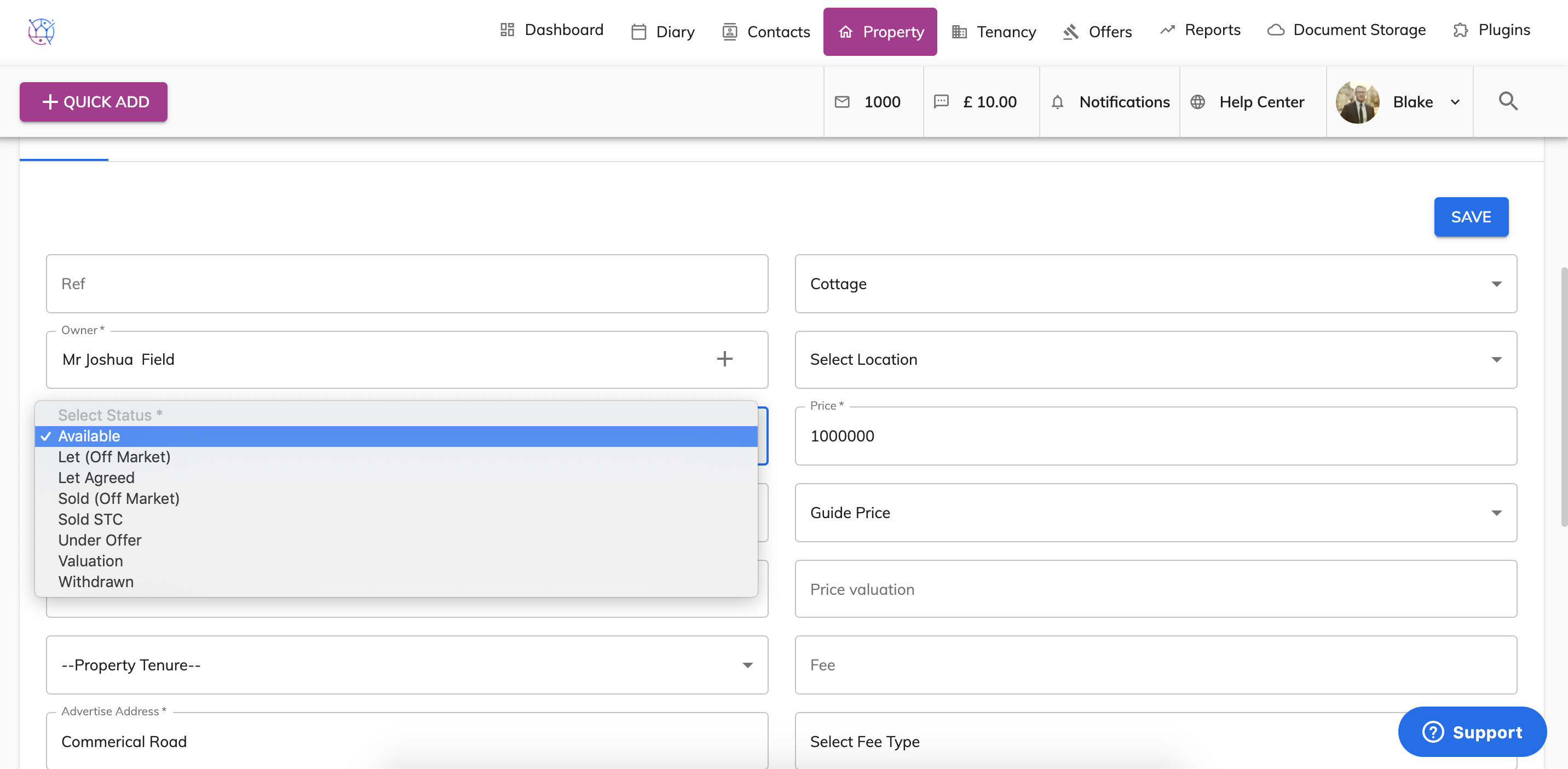
Any other property status will not send the property to the ftp portals or will remove it from the portals.