
To activate email sync within your Juvo account, follow the steps below:
1) Within your Juvo account go into your Plugins area.
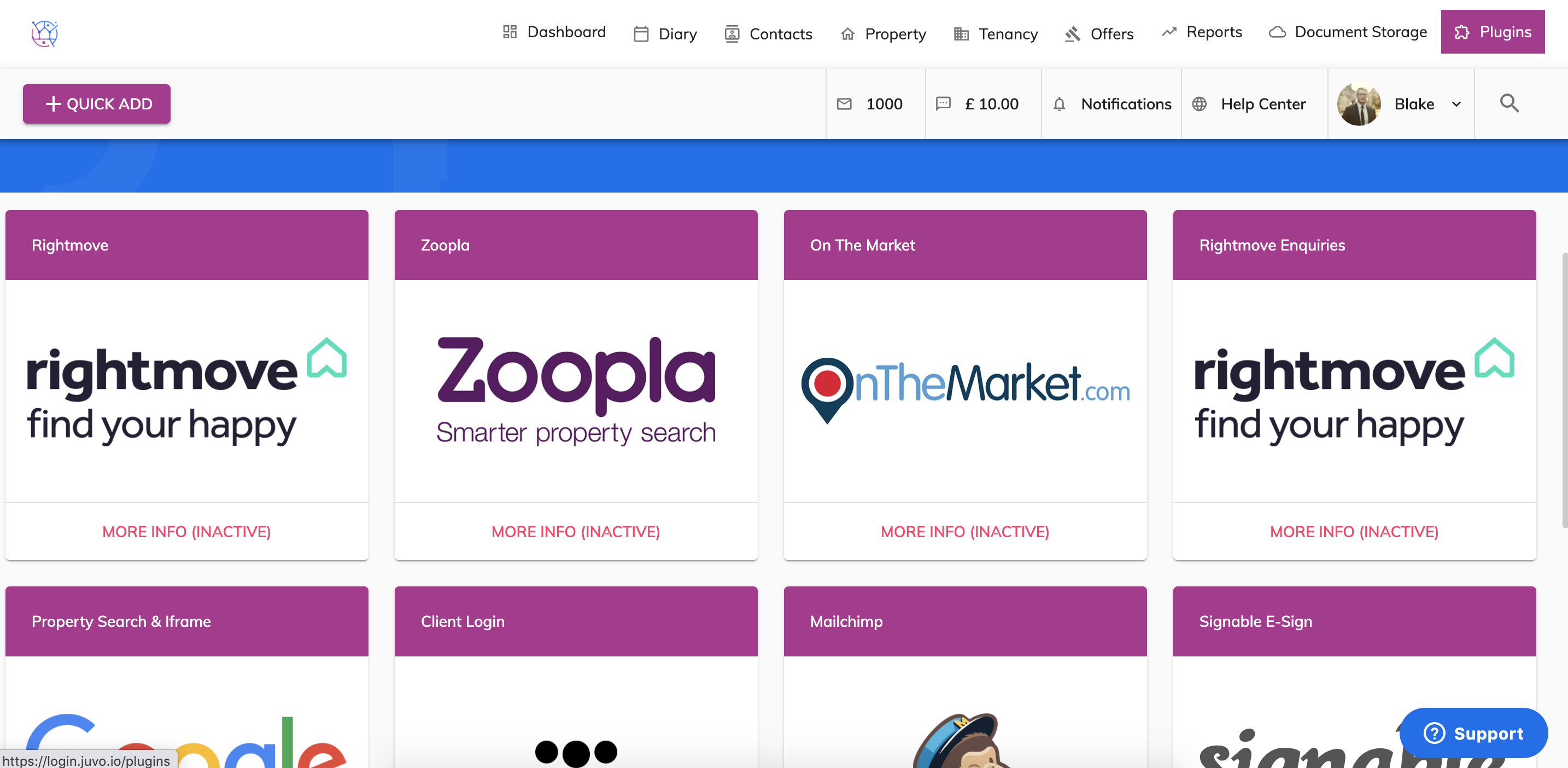
2) Locate the Email Sync box and press the More Info button.
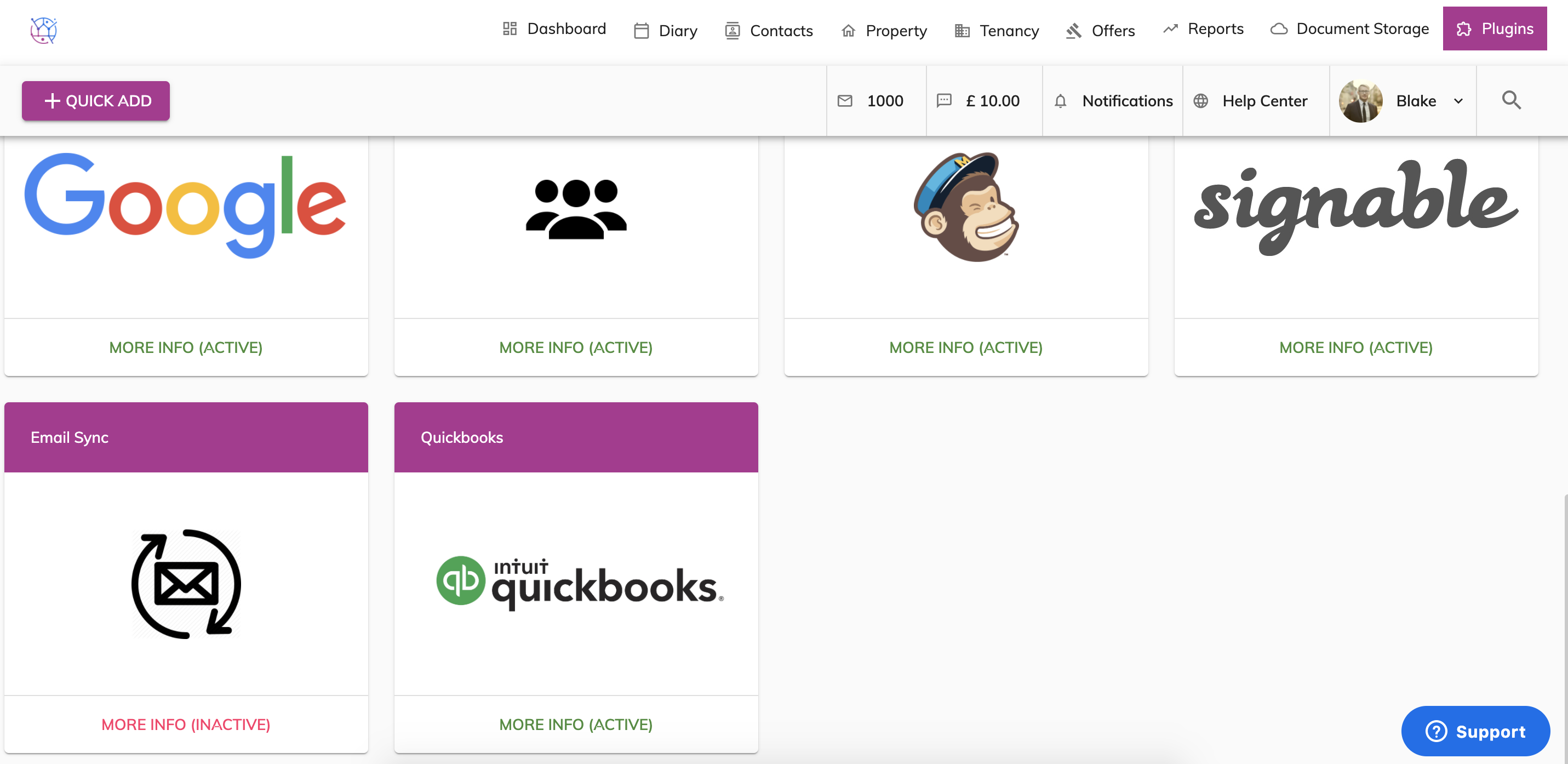
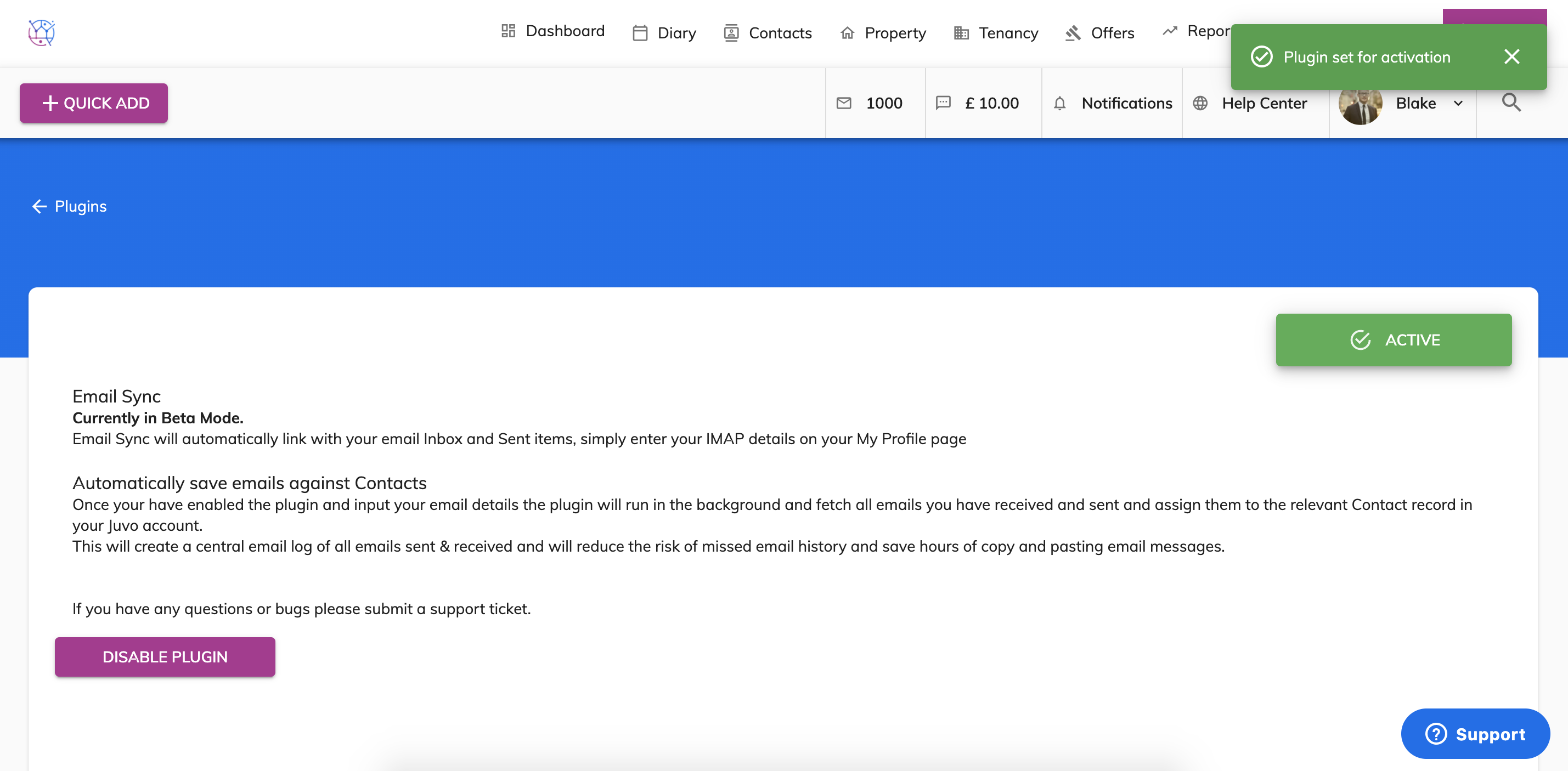
3) Click Active Plugin.
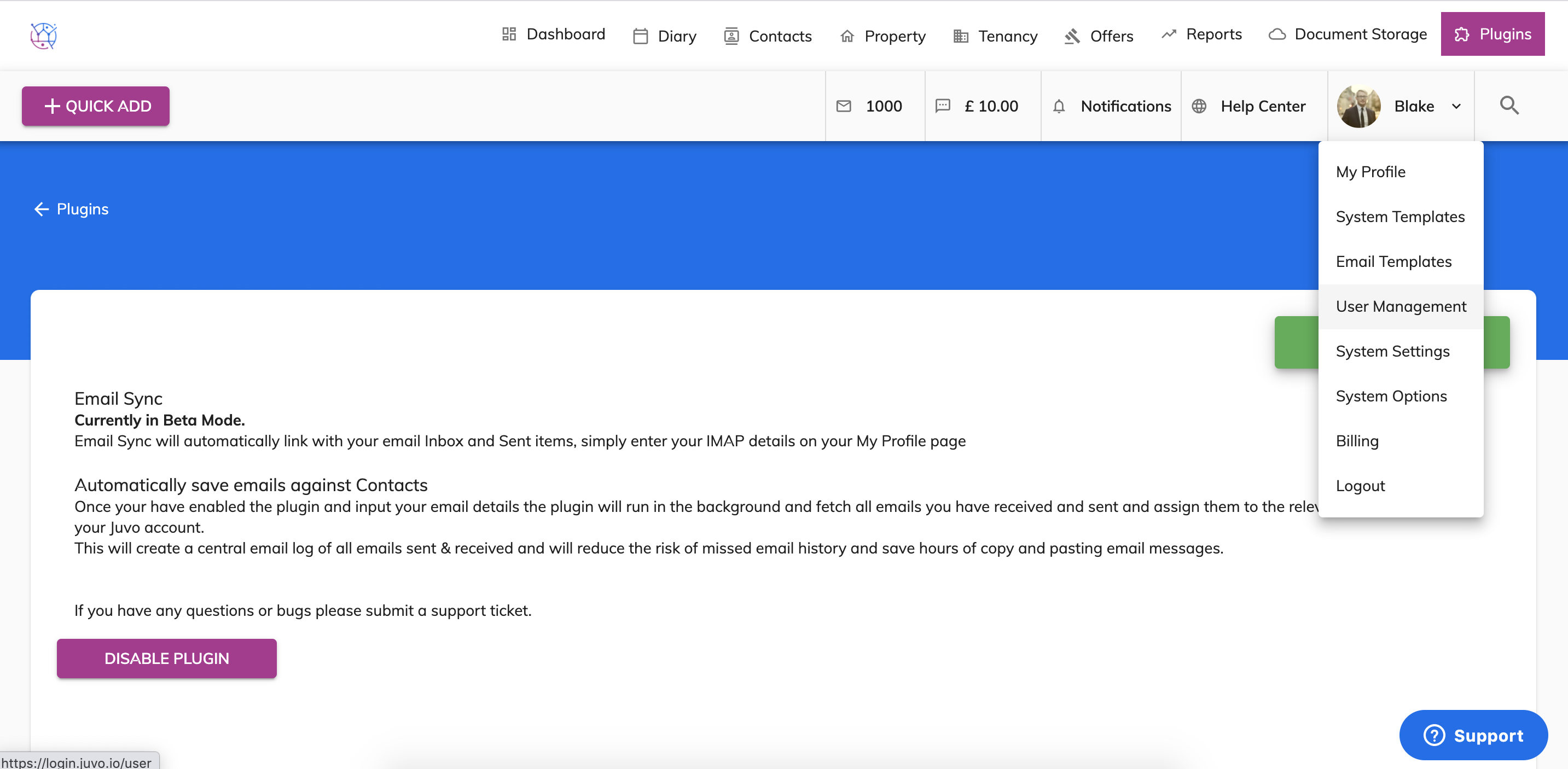
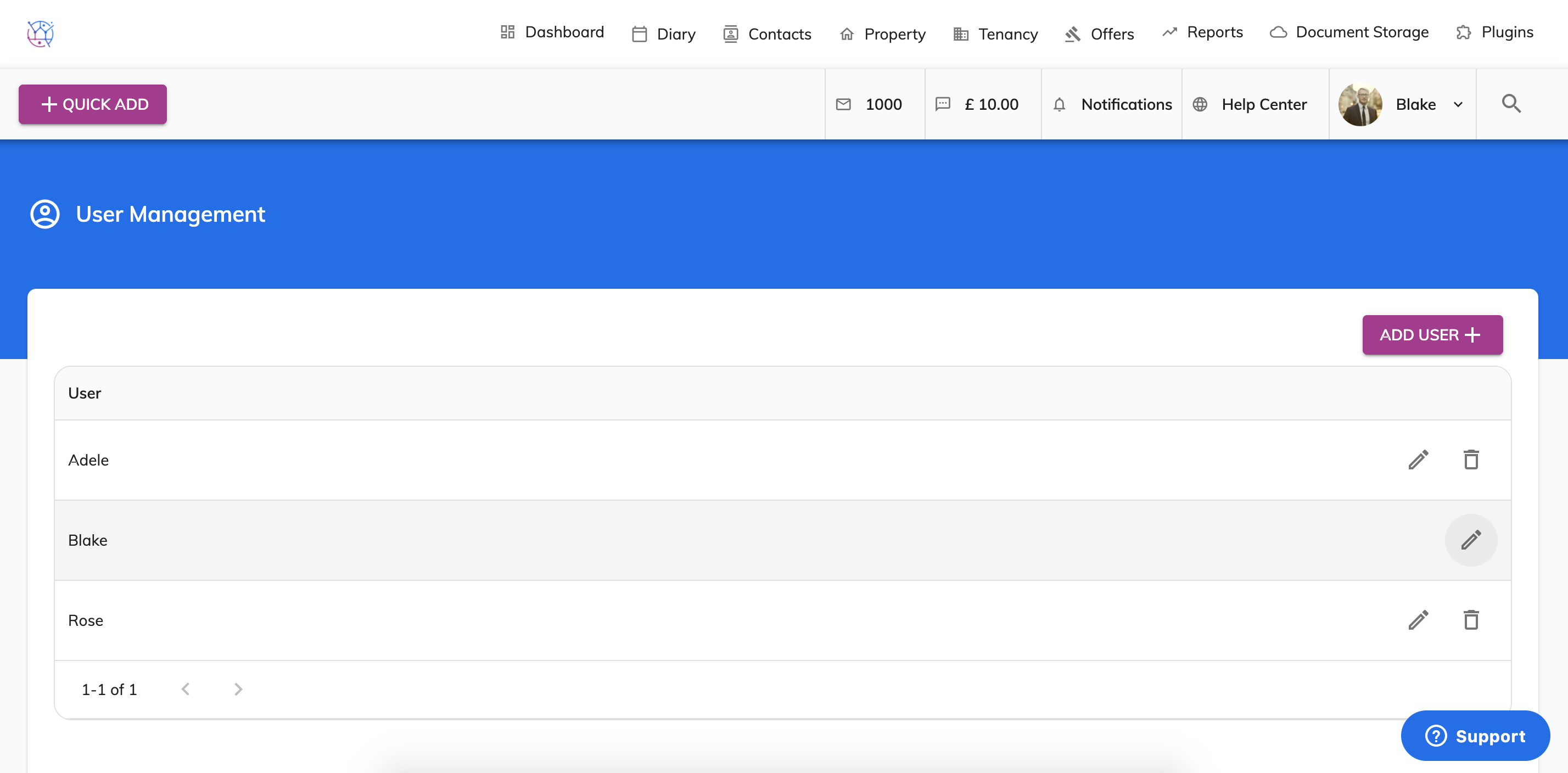
4) Next step is to go to Admin by clicking on your user profile picture and selecting User Management.
5) Edit the users by clicking on the Pencil Icon.
6) Add the email settings for the Email sync plugin. Including IMAP email, IMAP password and IMAP host and press Save. If you are unsure what these are please contact your email provider for this information.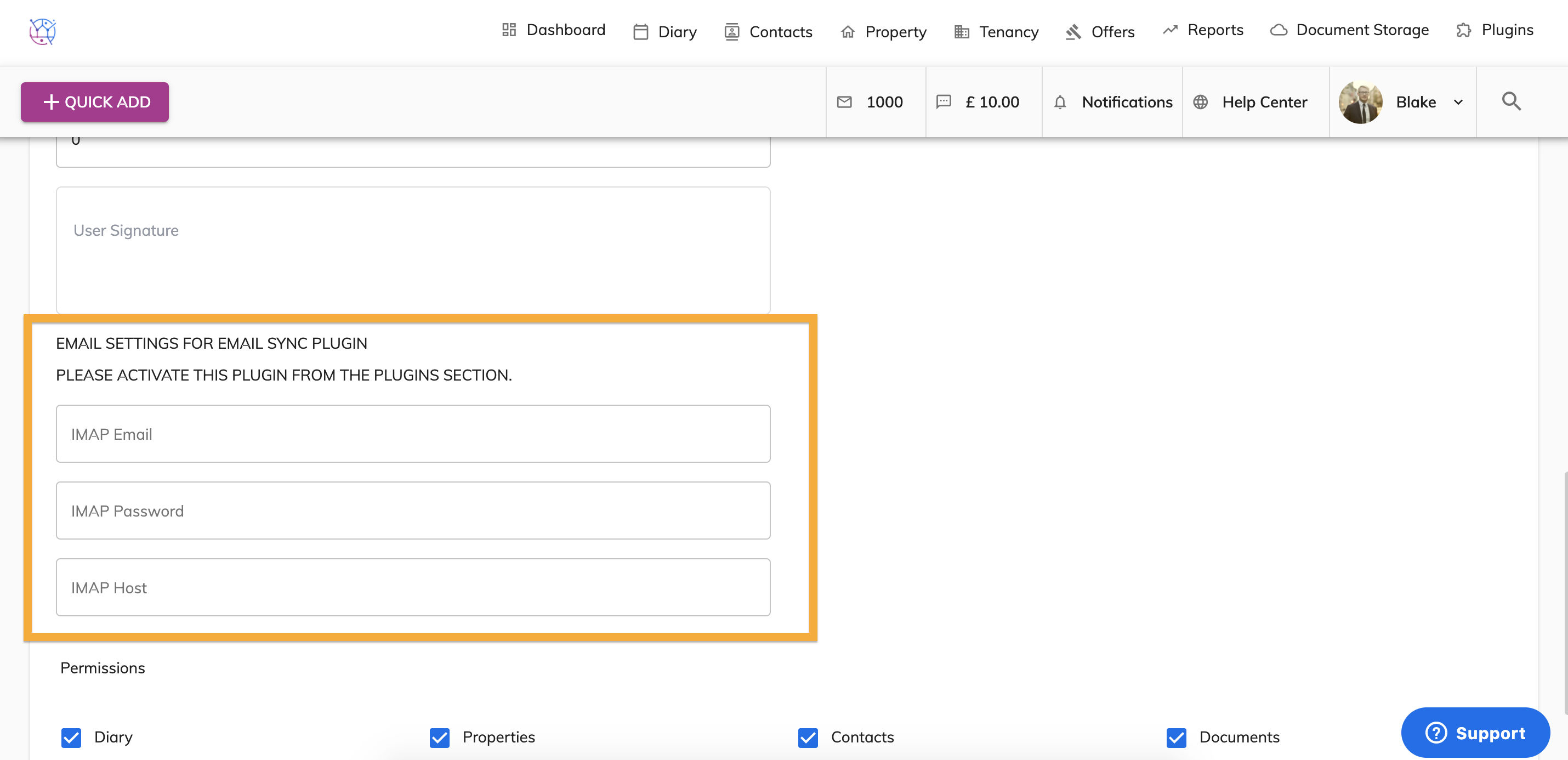
What next?
Your Email Sync will now be active, next time a client sends you an email – you will be able to see a record of the email in the client emails records.