
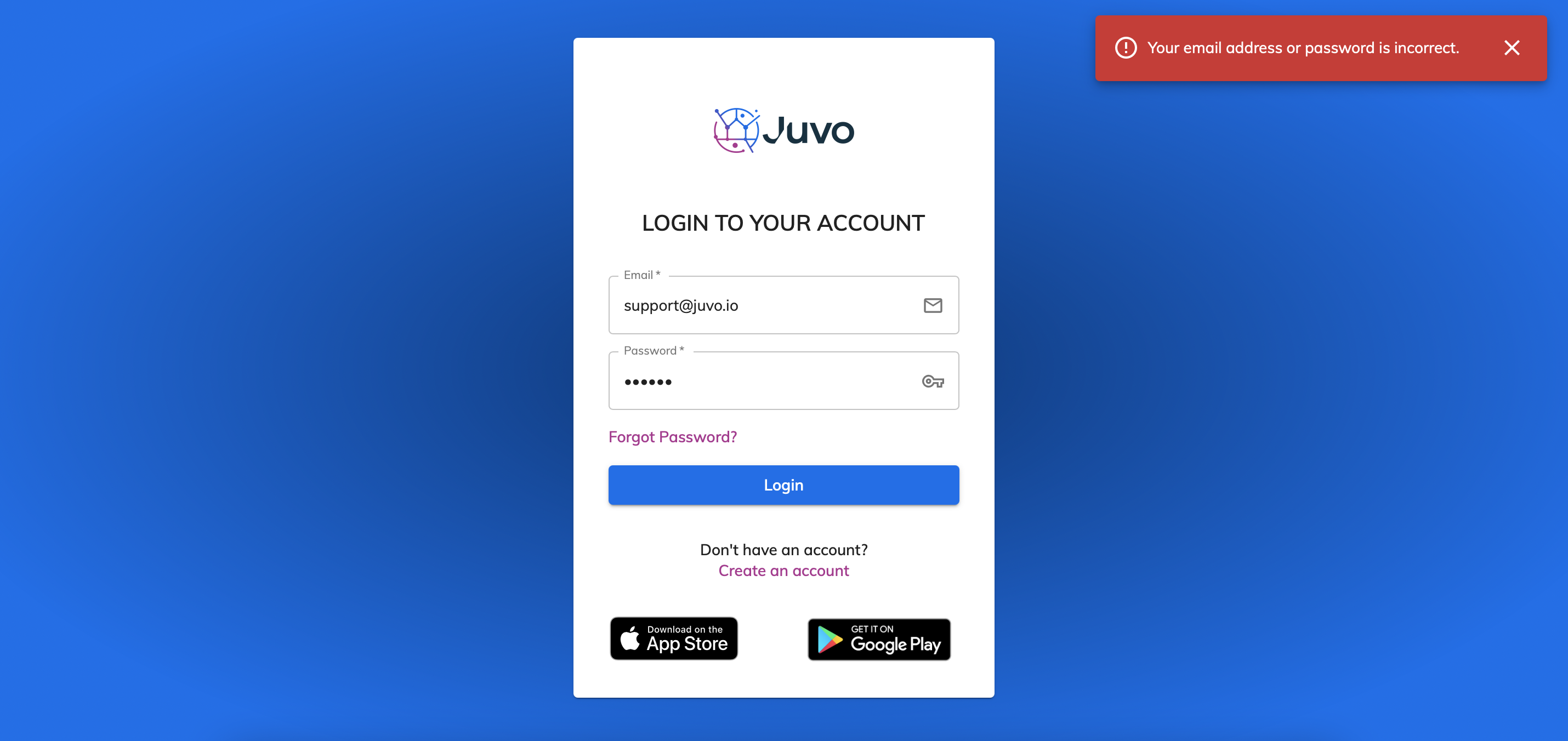
If you are having difficulty logging into Juvo and receive this error - please check the email and password entered. If you cannot remember your password - press the Forgot Password button to receive an email to reset password.
If you are receiving no error message but still unable to login to your account, please read the following advice below:
The issue you are experiencing with logging in to Juvo is likely to be due to the age of your Mac.
The Global certificate we use on Juvo has expired on older Mac’s 2009/2010 prior. This certificate will also be used on other websites, and you will encounter this same issue on other websites also.
Some Mac models are able to upgrade/update which solves the issue. Those Mac that are unable to upgrade/update - will need to manually update their certificates which can be done by your IT support.
Alternatively you can use the Firefox browser - which seems to work fine on older Mac's.
You can read more information about this here https://macresearch.org/dst-root-ca-x3-expired-mac/