When adding a client, there is a Search tab which will allow you to record their property criteria's. This criteria is then used in the sophisticated matching tool on both the contact and property under 'Marketing' tab.
1) When editing/adding a contact be sure to complete the Search tab.
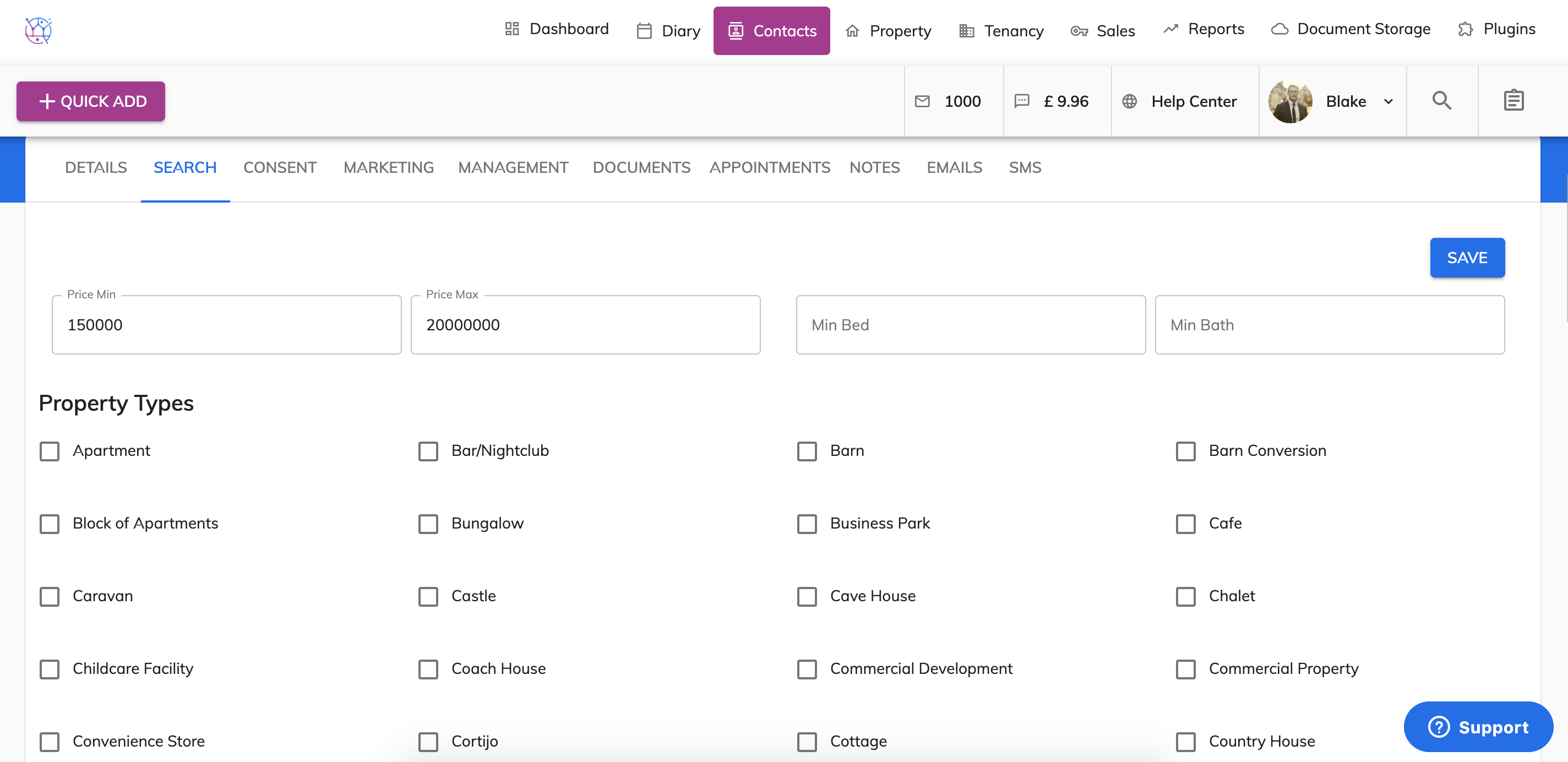
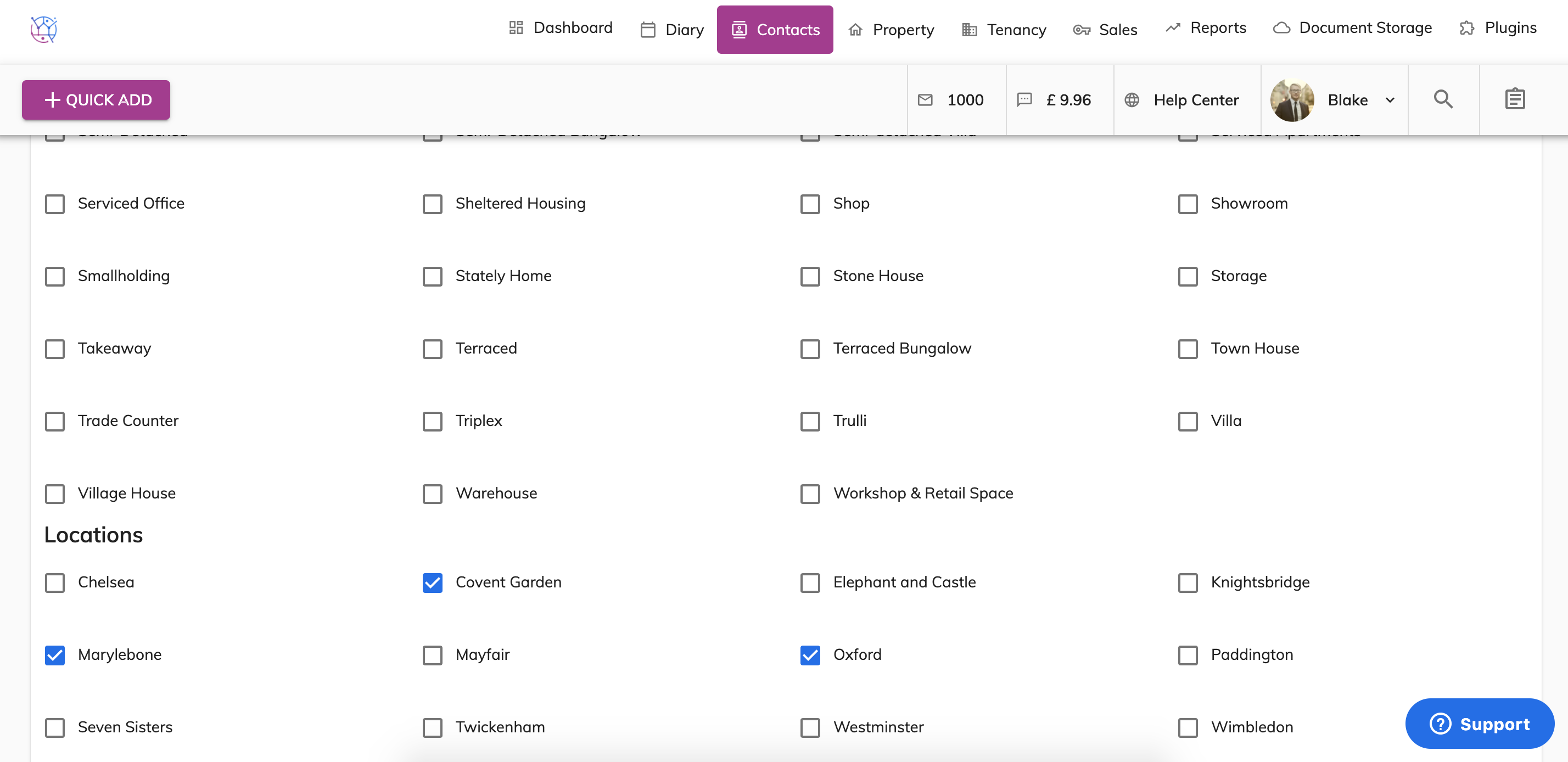
This includes the price range, minimum bedrooms/bathrooms, property types and locations.
2) Once this has been completed - click on the Marketing tab.
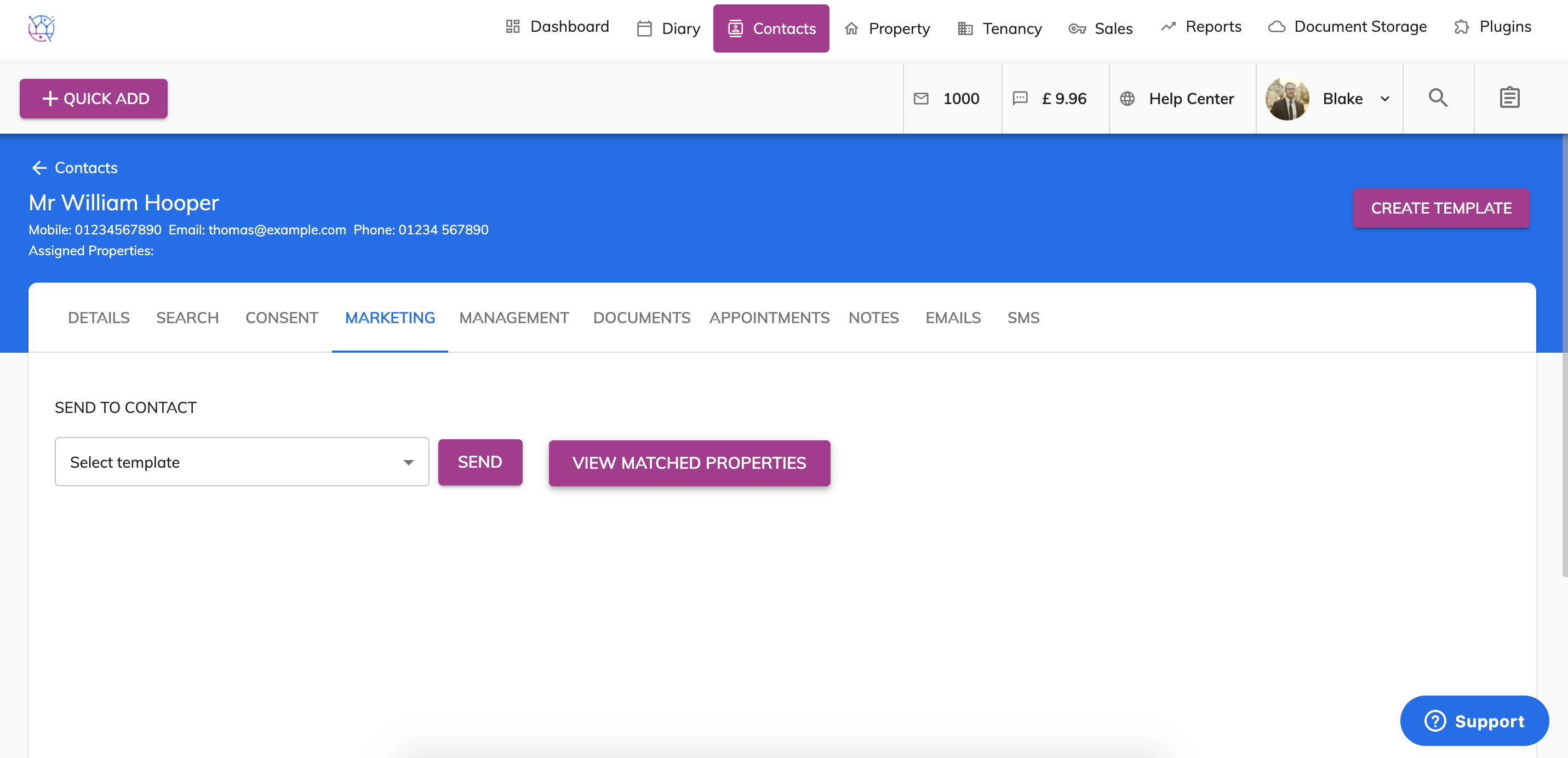
Press the View Matched Properties button. This will show all properties that are in the contacts property criteria. Then when ready select the Marketing Email Template & press Send. This will then send all suitable properties to that one applicant.
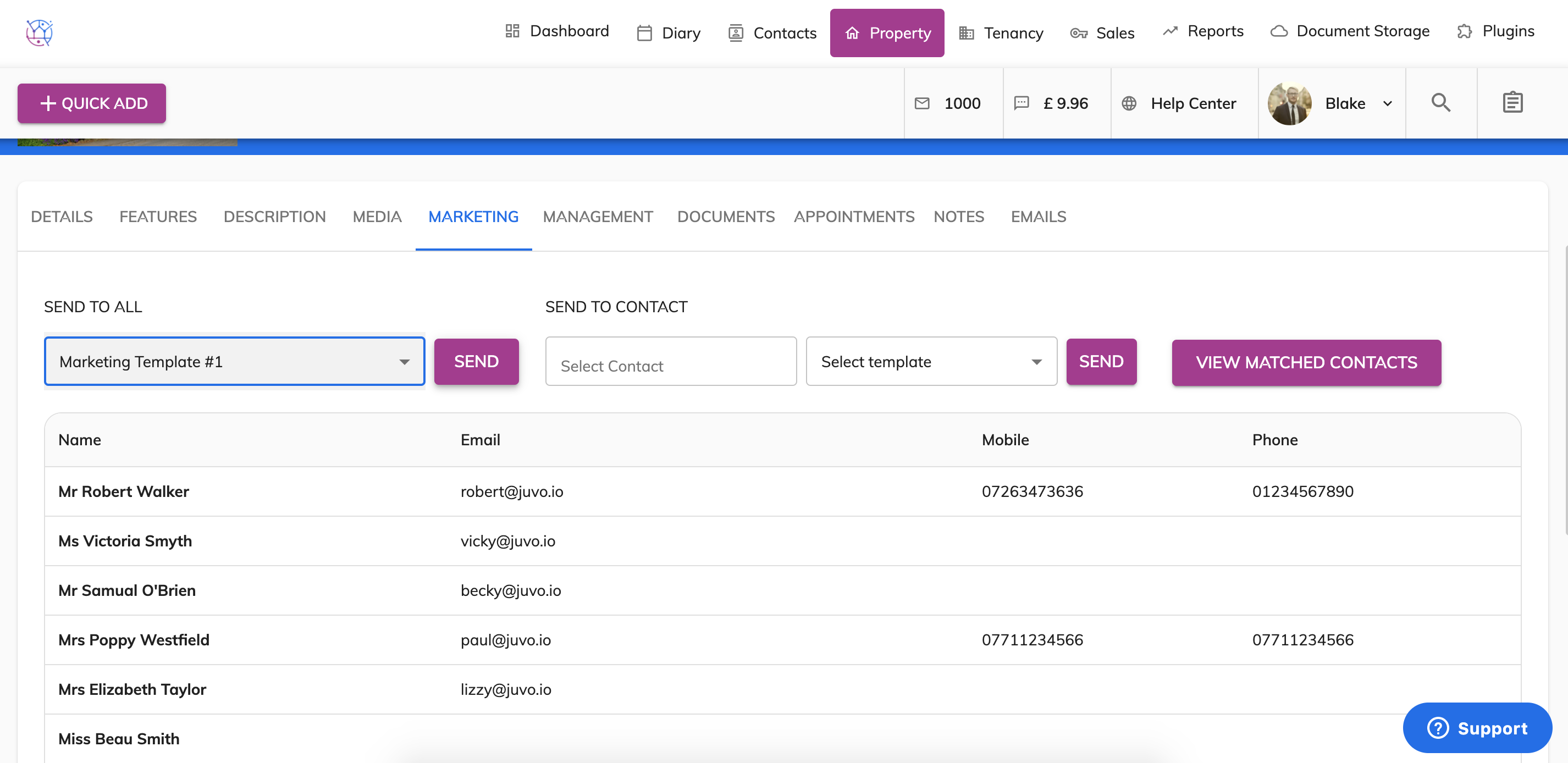
3) If you want to send one specific property to all suitable applicants. Edit the property and click on the marketing tab.
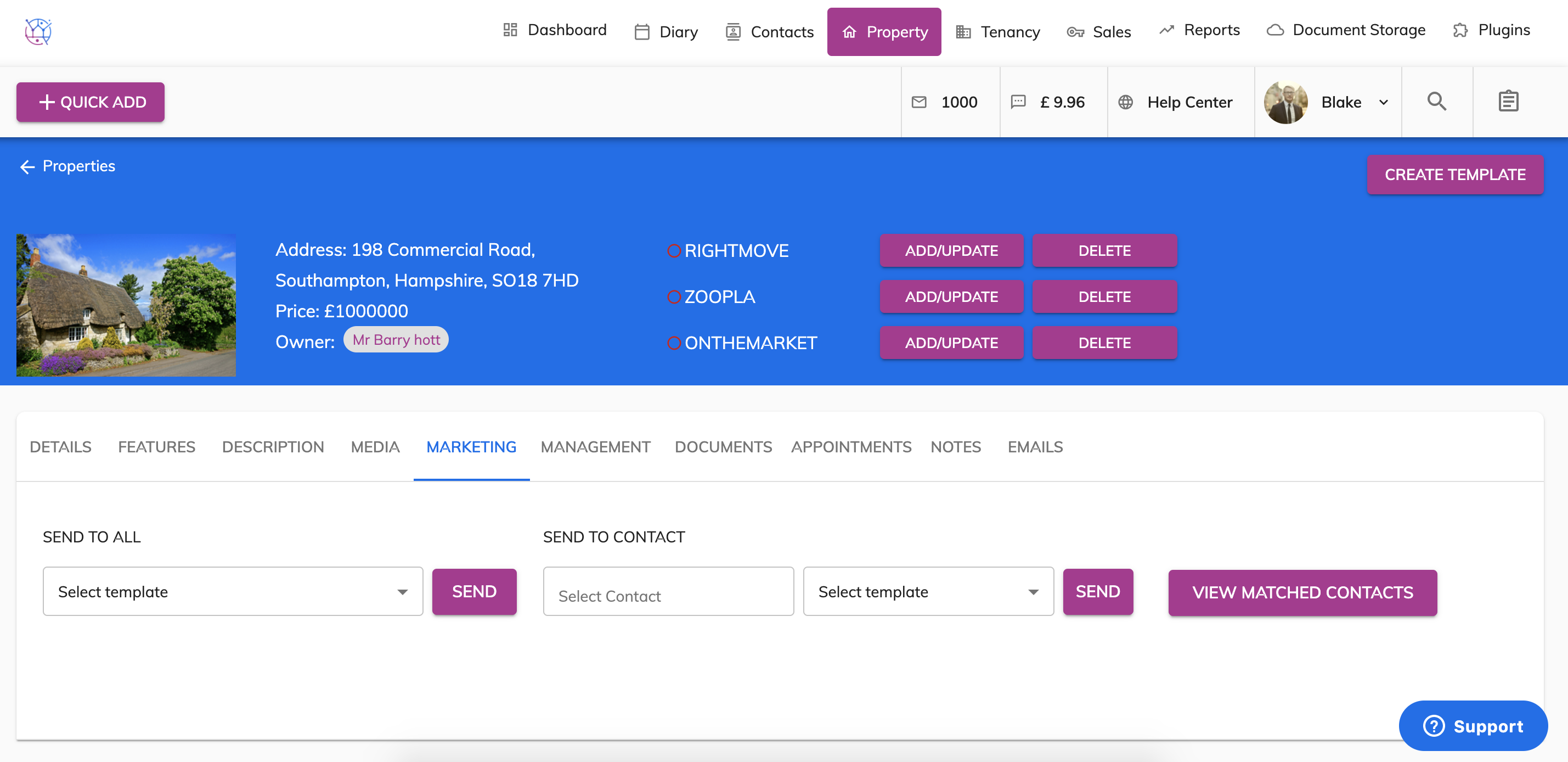
Press the View Matched Contacts - a list of all suitable applicants will appear. This can then be called or you can send them a mailing list email by selecting Marketing Email Template and pressing Send.