
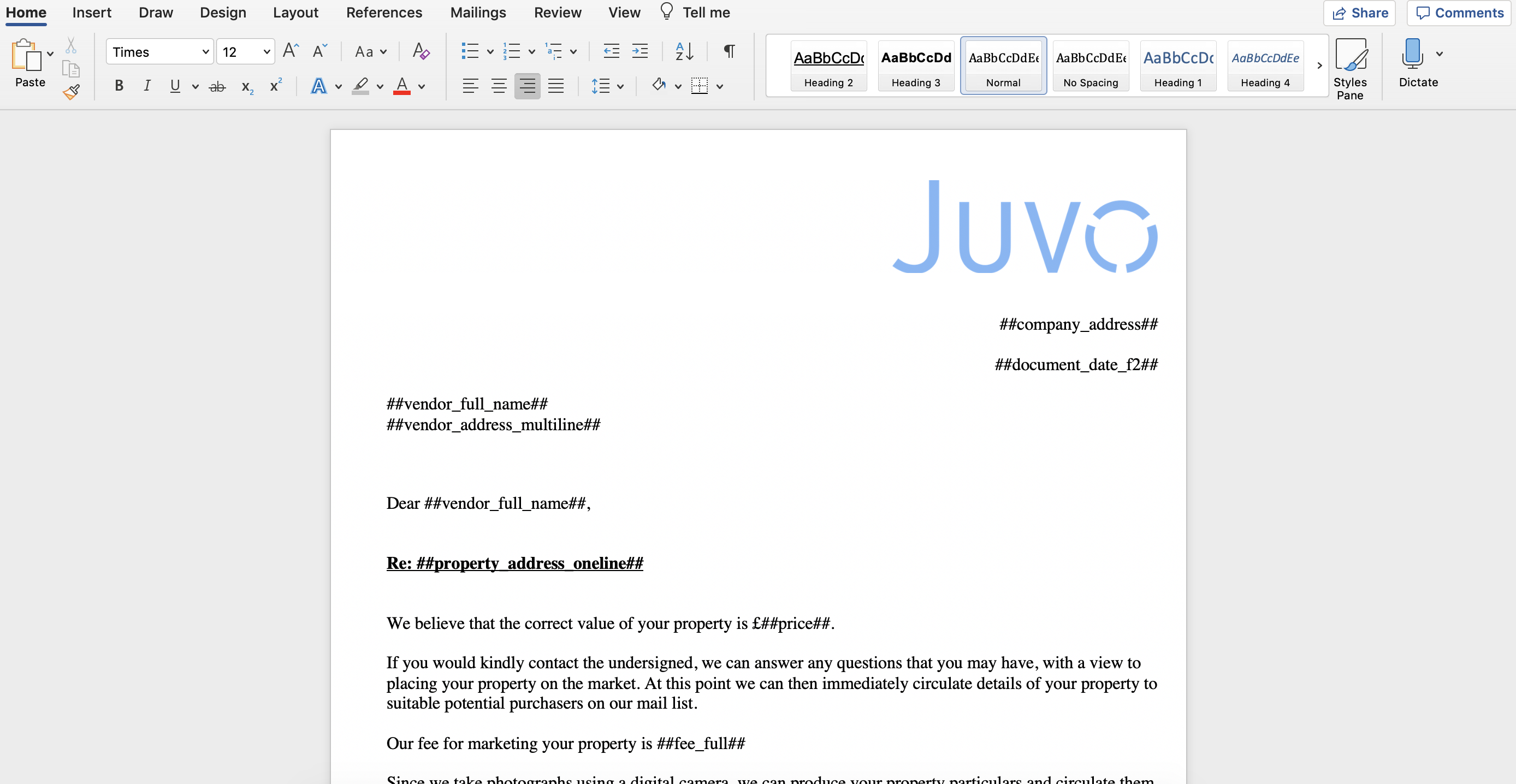
A template tag can be used to pre-populate information in both Document Templates and Email Templates. An example of a tag is ##price##.
Long gone are the days when you are required to manually create Brochures, Window Cards or Lettings each time.
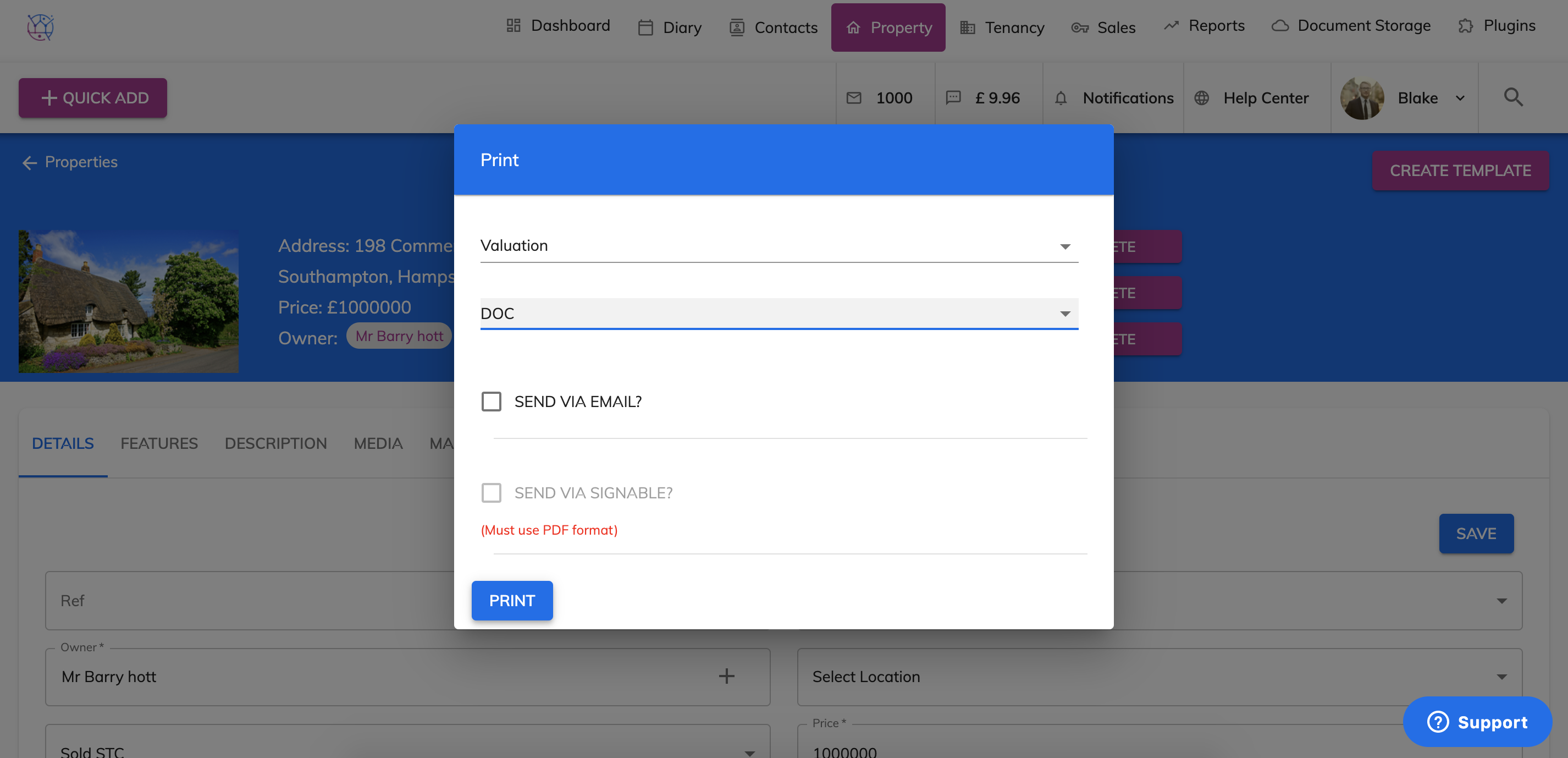
Simply select the template and press pdf/doc and Juvo will do all the hard work and complete the fields automatically.
For example the Valuation Template from the Admin section looks like this:
Then once created from within the property - at a click of a button it transforms to this:
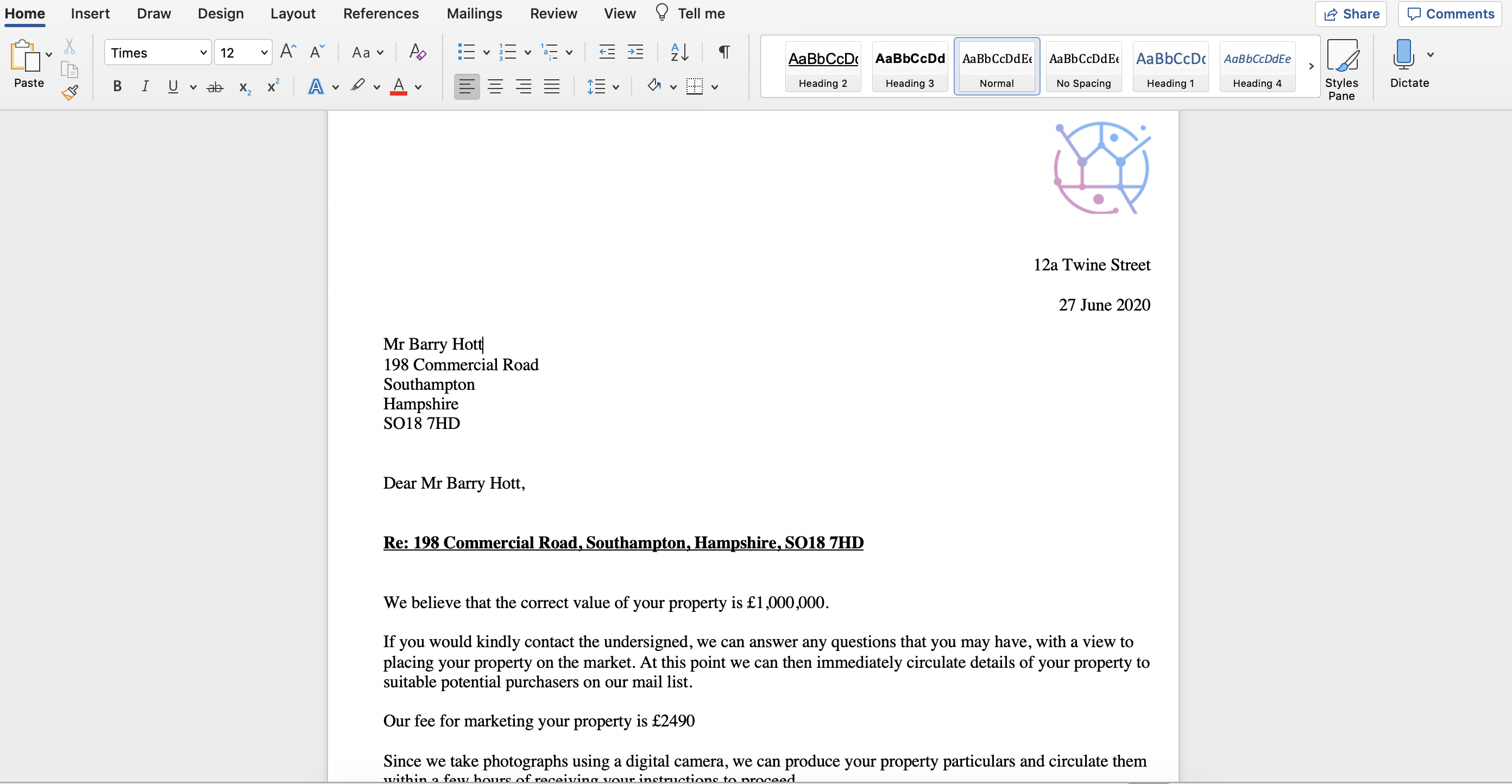
As you can see tags can be used for words, logos and images.