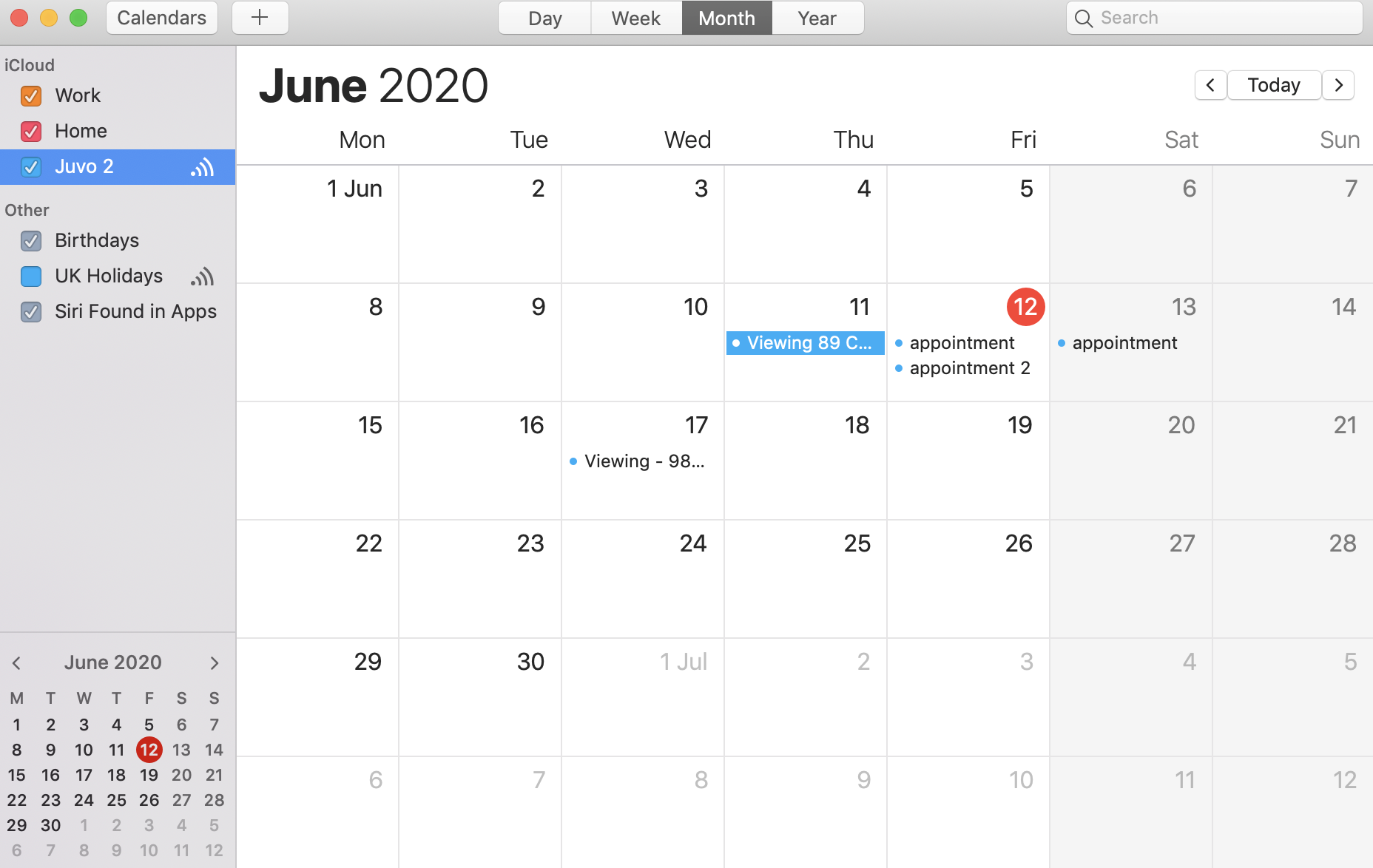
Once you have set up the calendar sync feature within your Juvo account and third party calendar, your appointments will automatically sync from Juvo to your third party calendar.
If you have realised that the calendar was syncing initially, but now doesn't seem to be this will be due to the frequency of auto refresh/sync that has been selected.
Follow the steps below to rectify this:
1) Open iCal
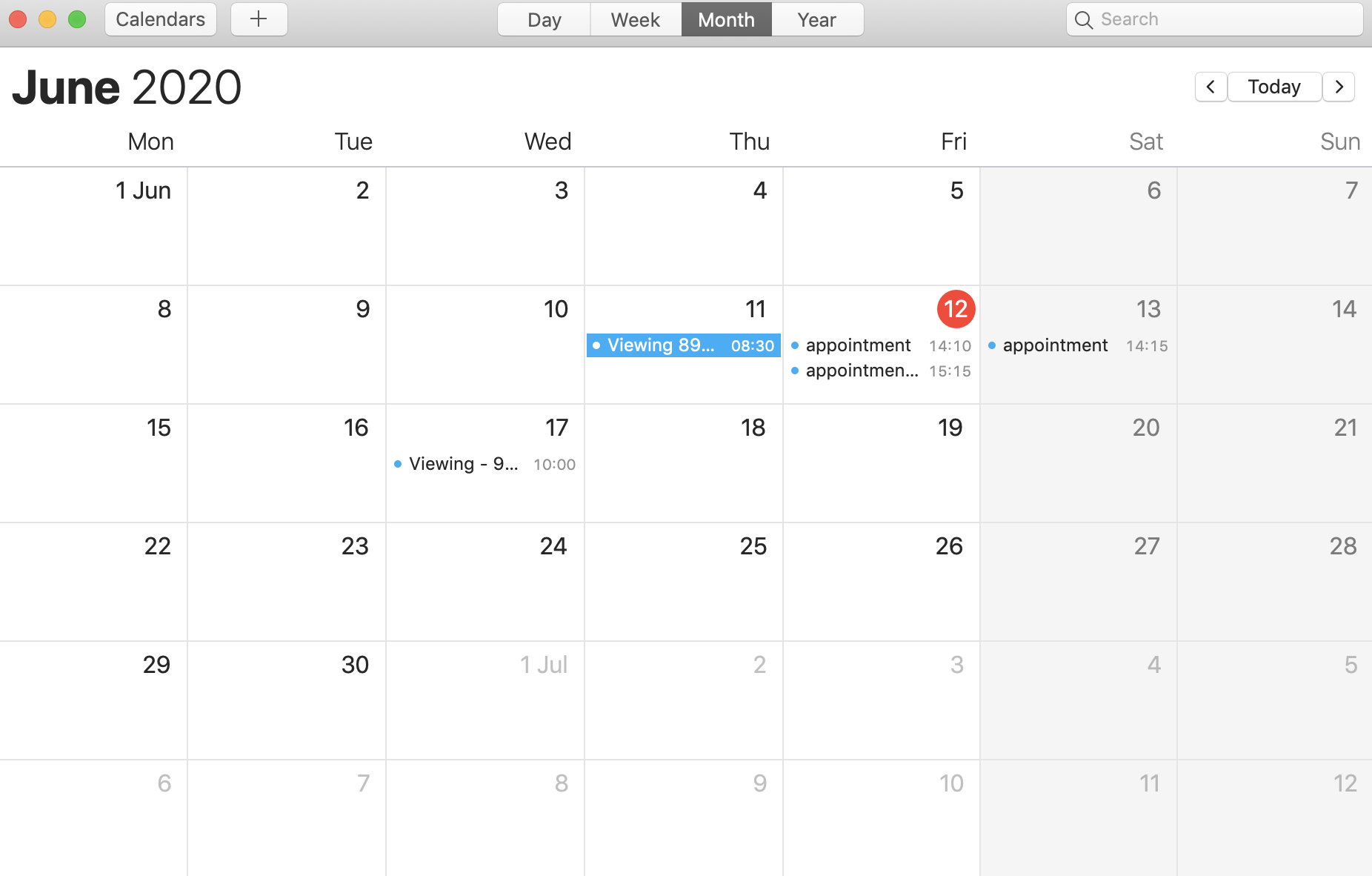
2) Click on Calendars.
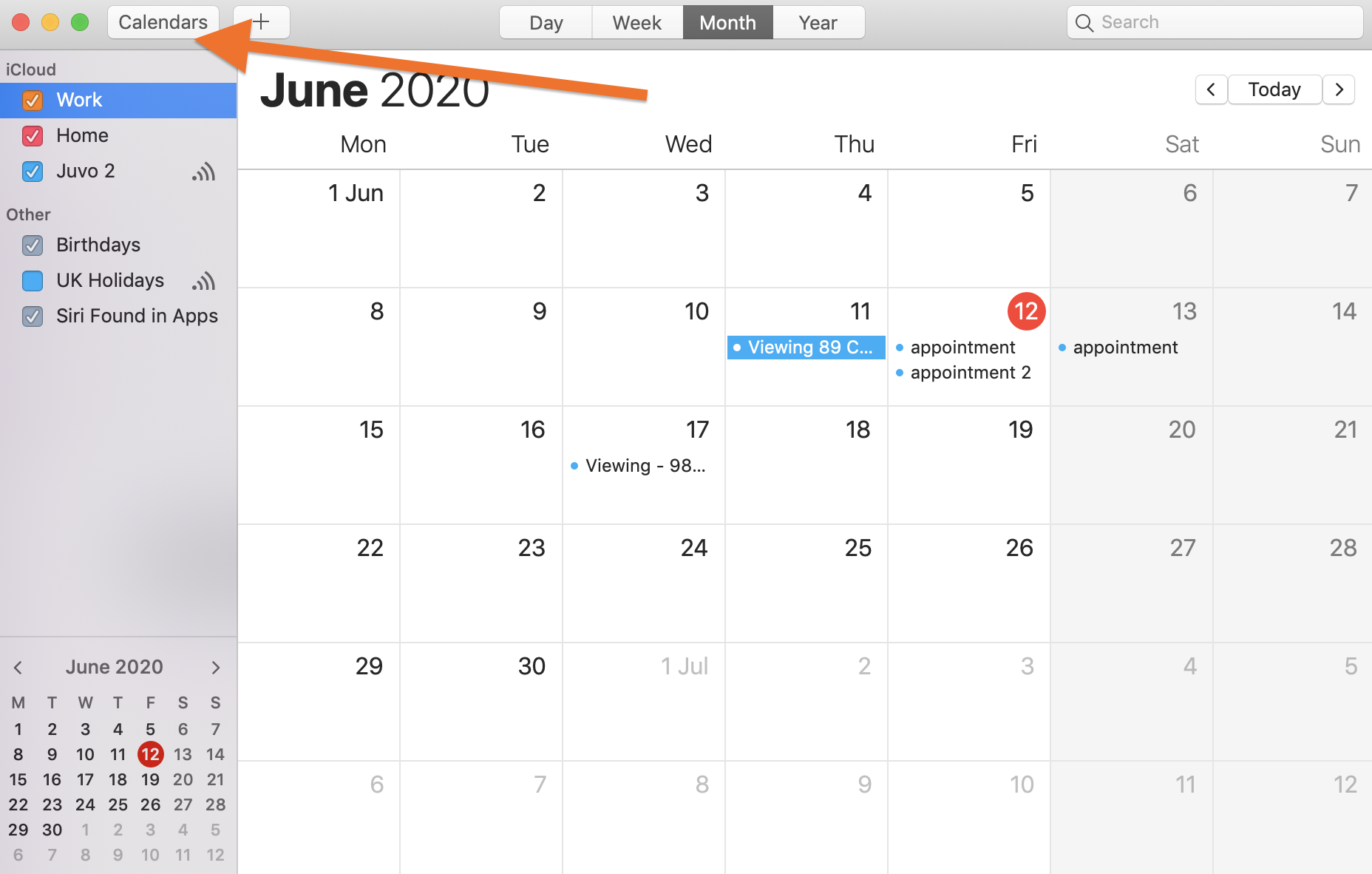
3) Right click on the Juvo calendar subscription.
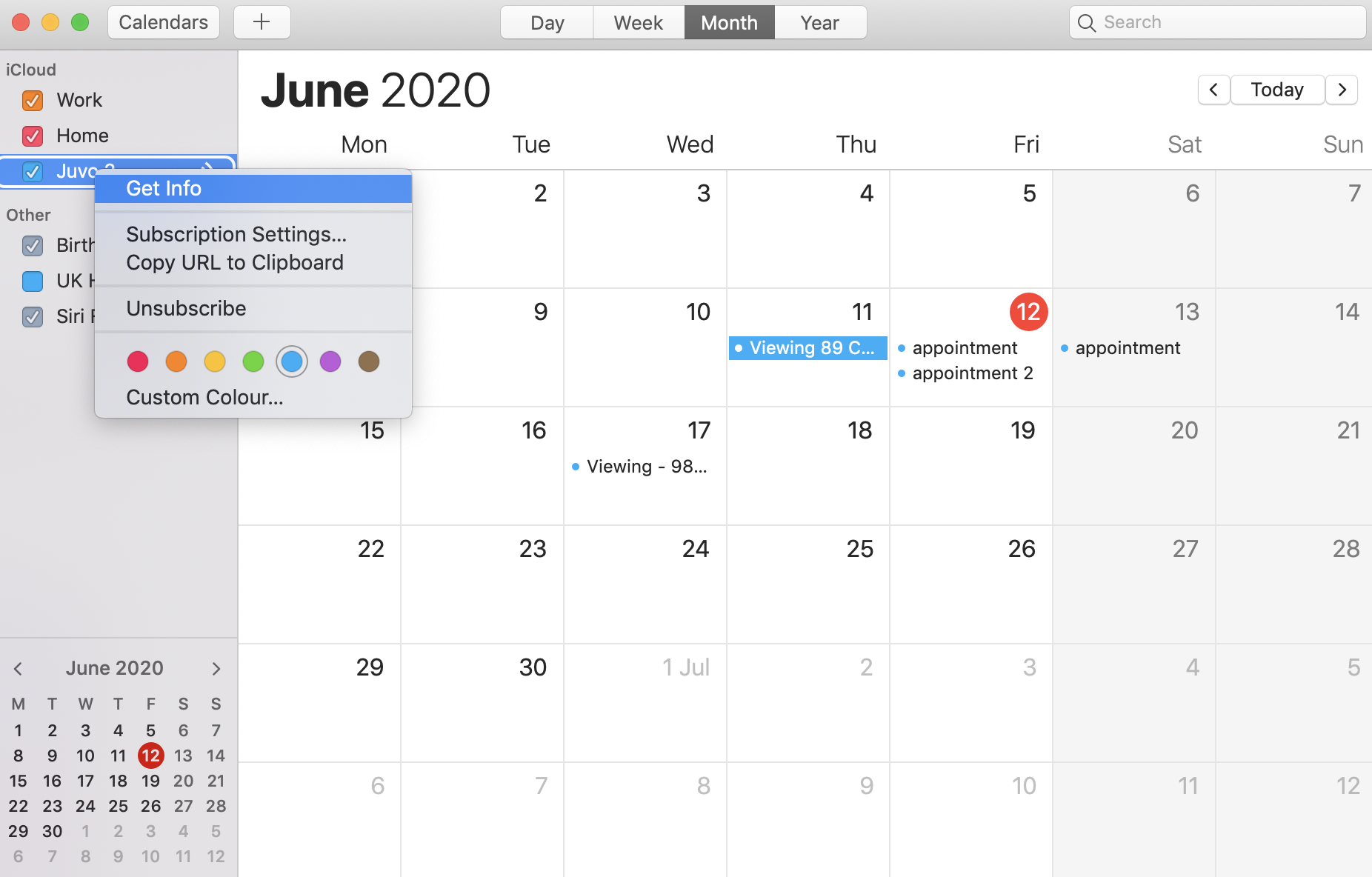
4) Select Get info.
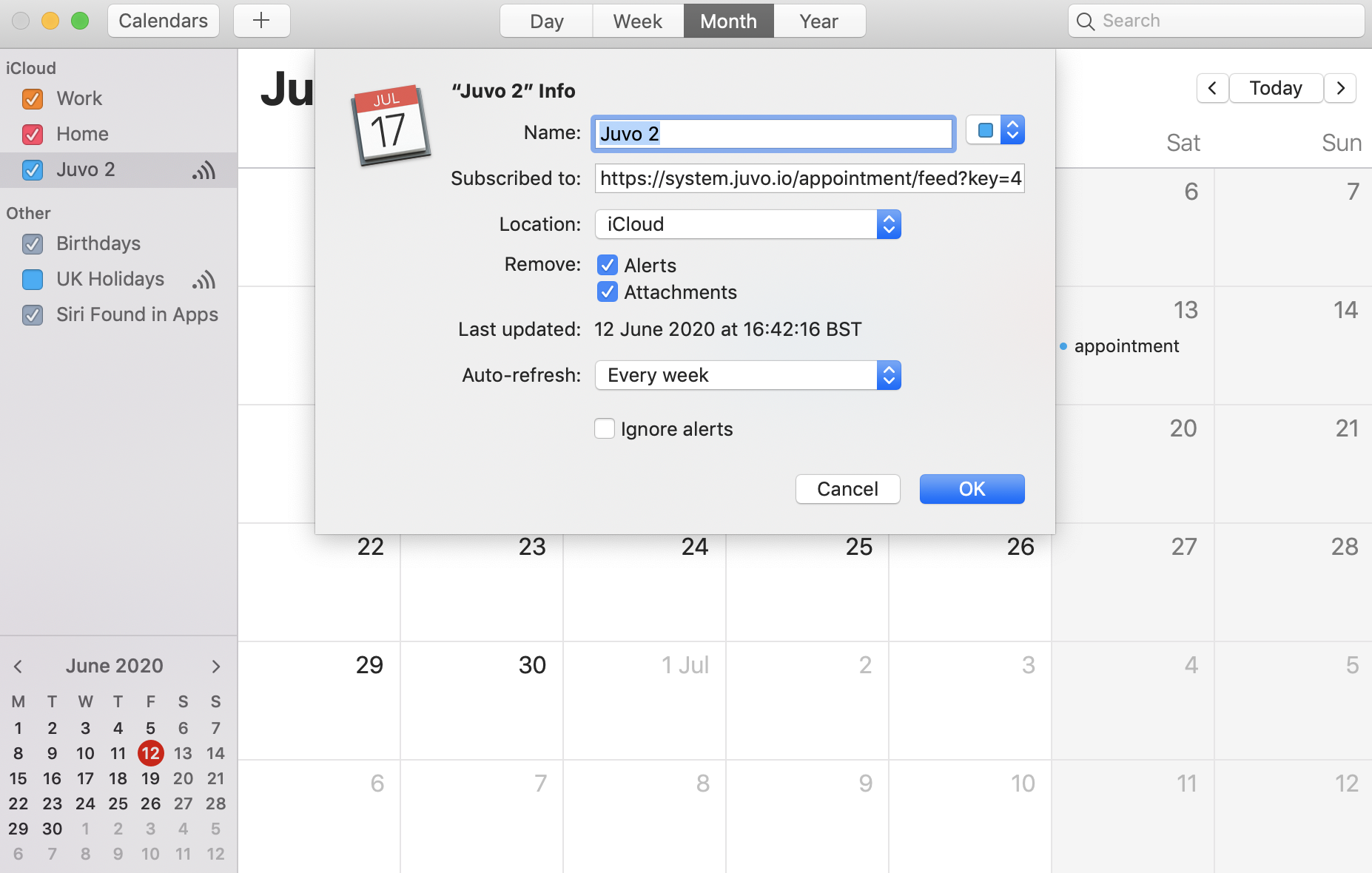
5) Change the Auto-Refresh from weekly to hourly.
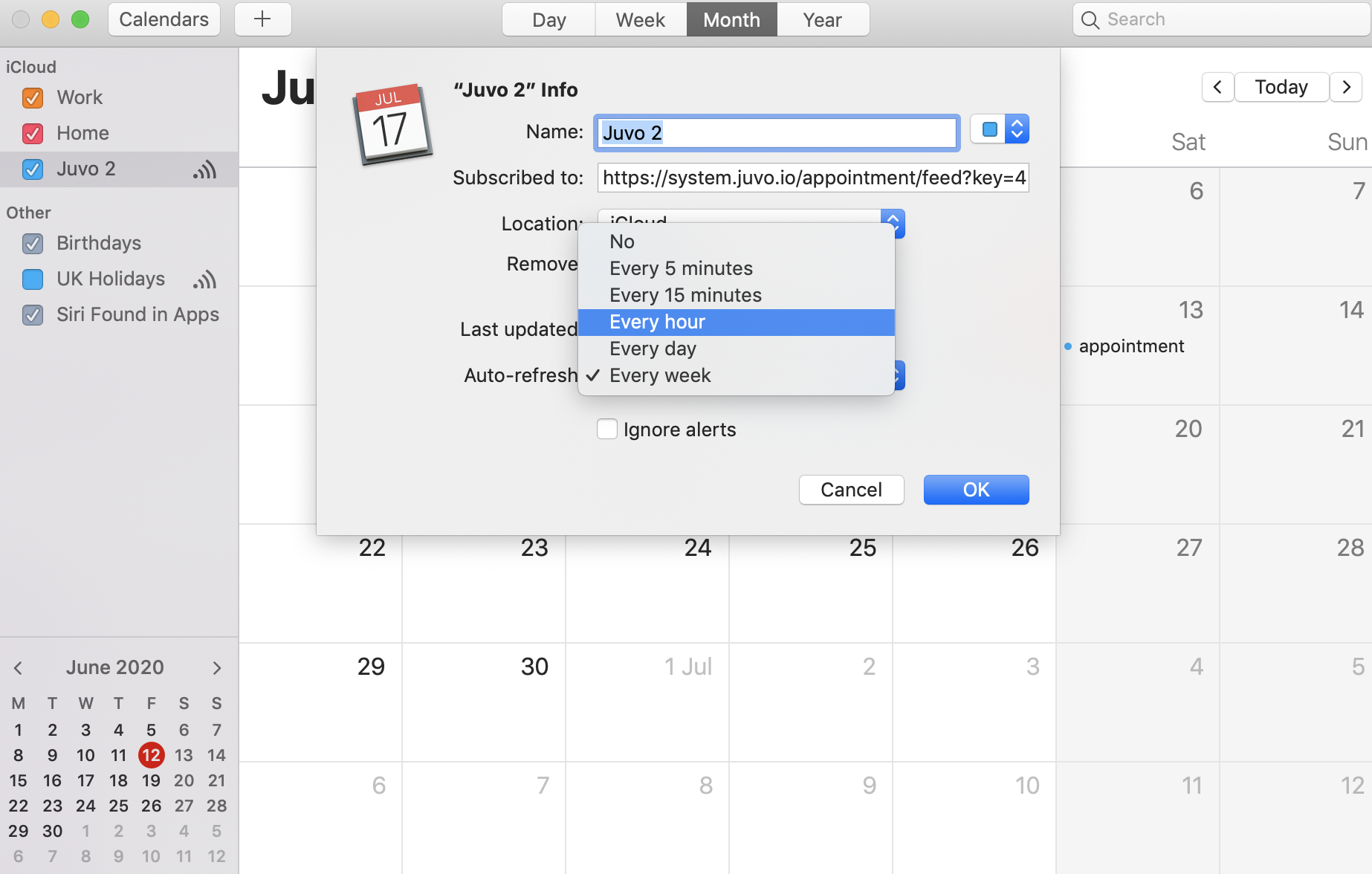
6) Press OK.