
The notifications button at the top of your Juvo account outlines what your users in your Juvo account have been doing. It records activities of appointments/properties/tenancies/offers added and documents created.
Click on the Bell icon to open the notifications dropdown.
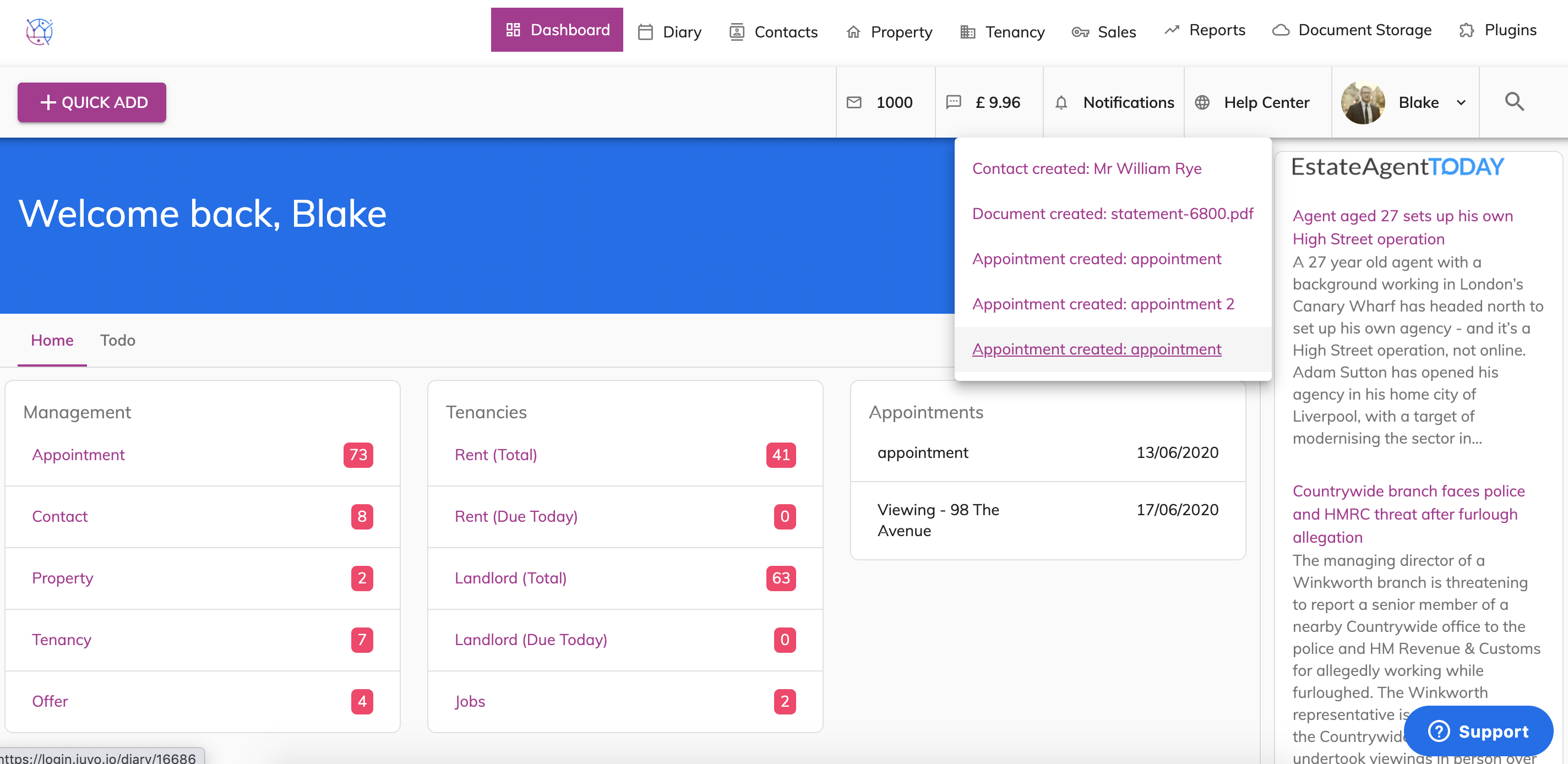
To go into the notification eg, contact created simply select from drop down.