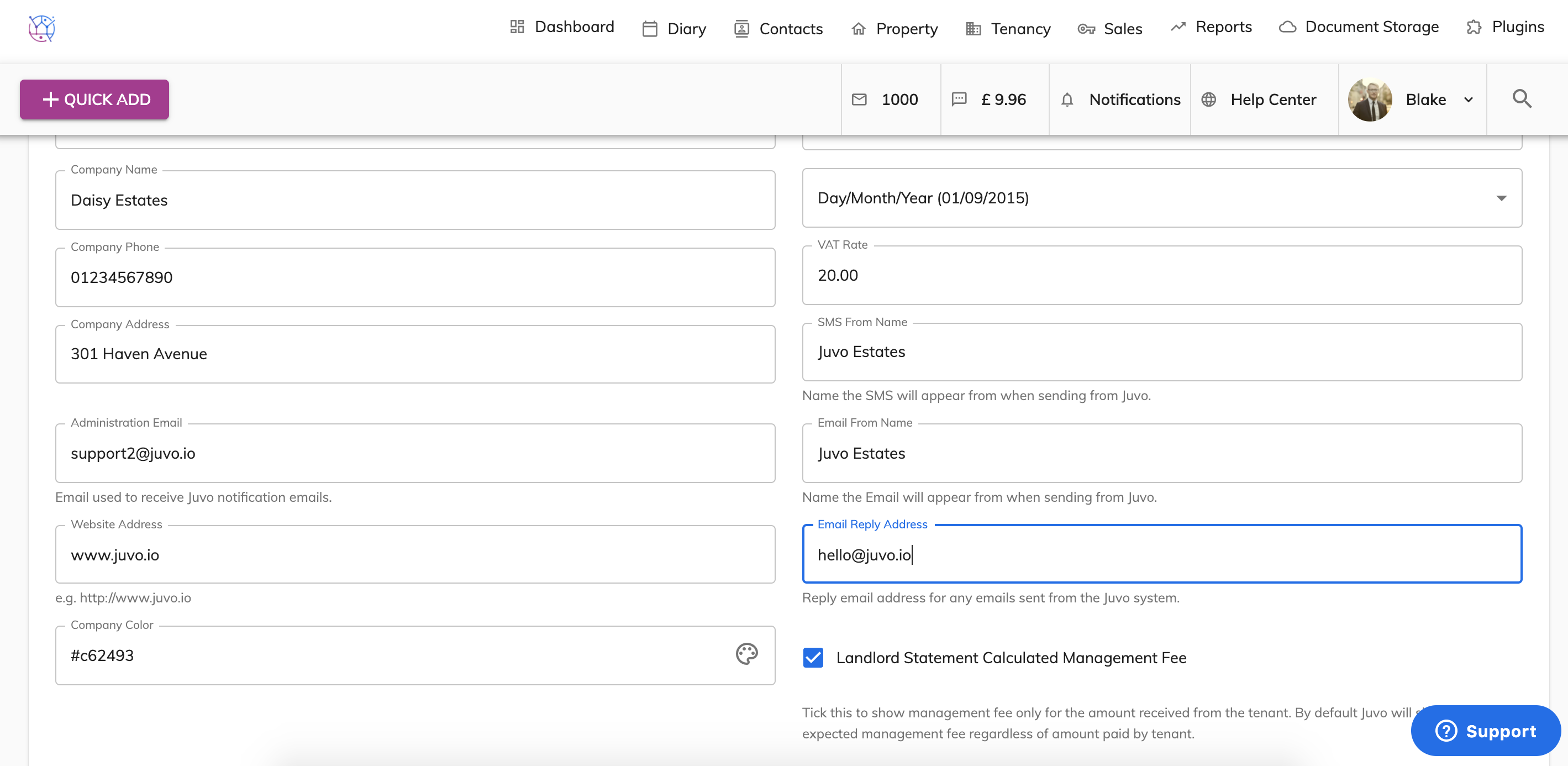
Any Emails or SMS message sent from Juvo to your clients will have the name you entered in the Admin > System Settings details.
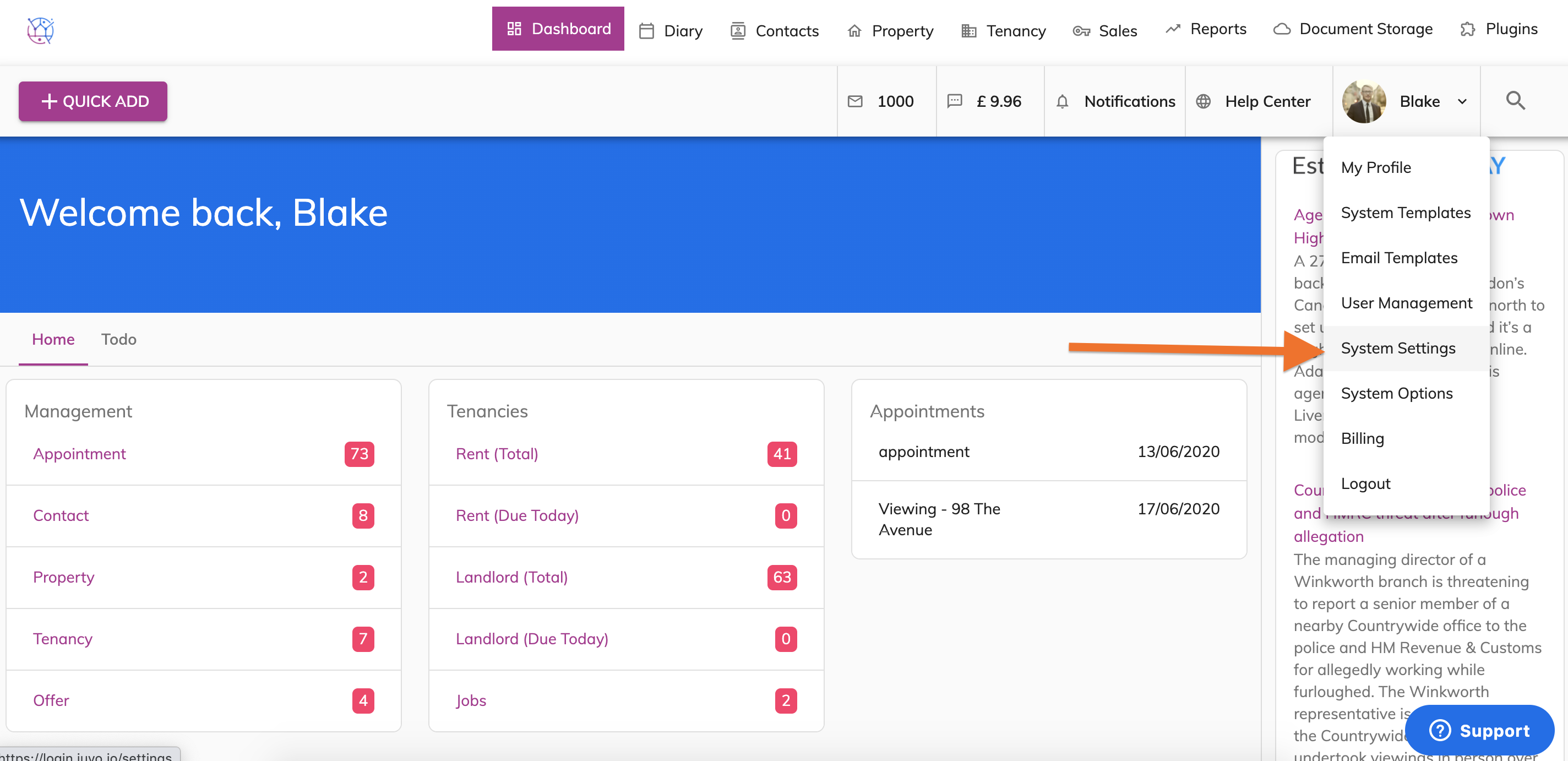
1) Click on your user image/name to access the Admin area from the top right hand corner of your account. Select System Settings from the dropdown.
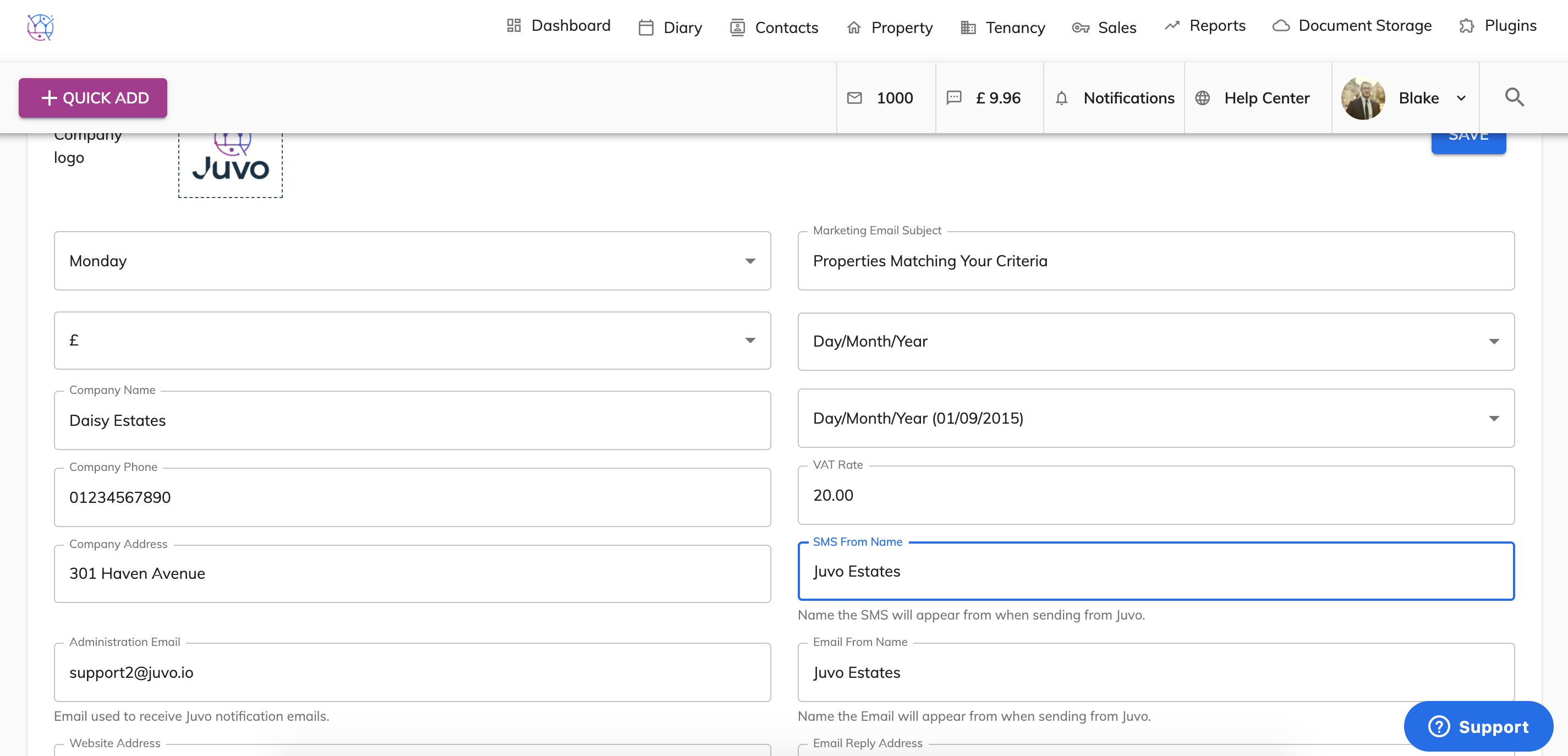
The SMS name your clients will see will be the name entered in the SMS FROM NAME.
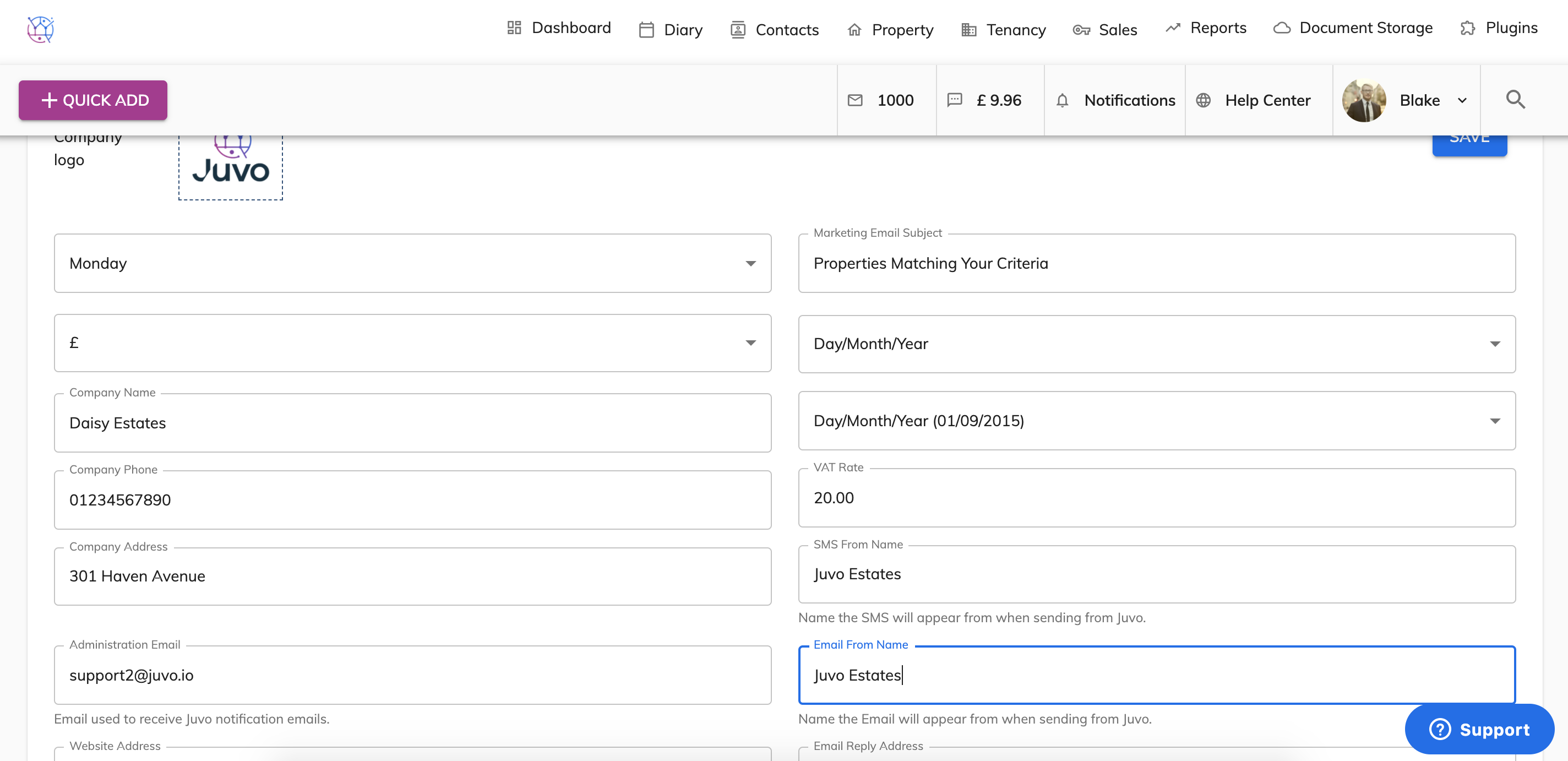
The Email name your clients will see will be the name entered in the EMAIL FROM NAME.
The EMAIL REPLY ADDRESS - this is the email address that the email replies will be sent to from the client.